jvn <3
Create a server, get 25% off your first month

Description
Leave a mark!



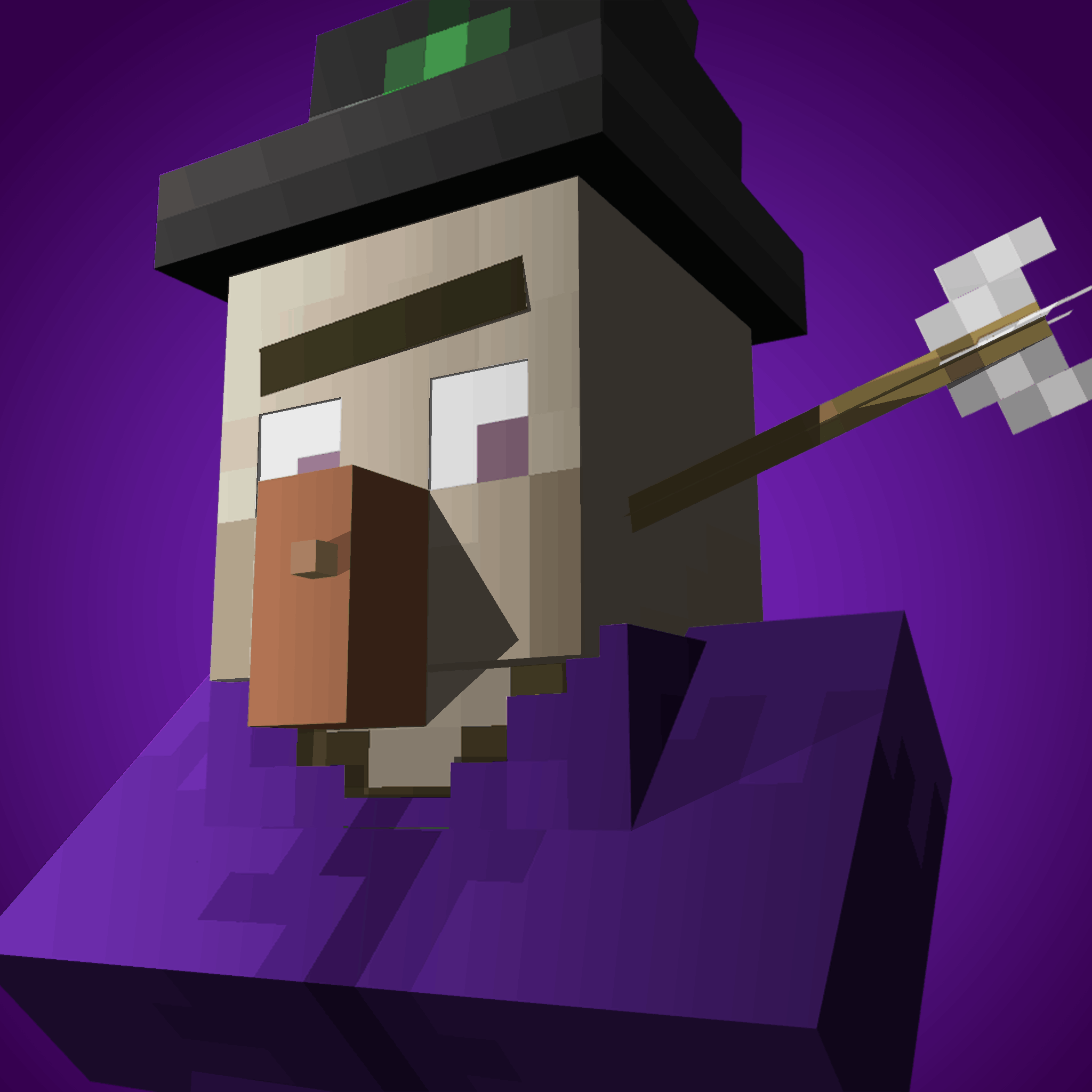
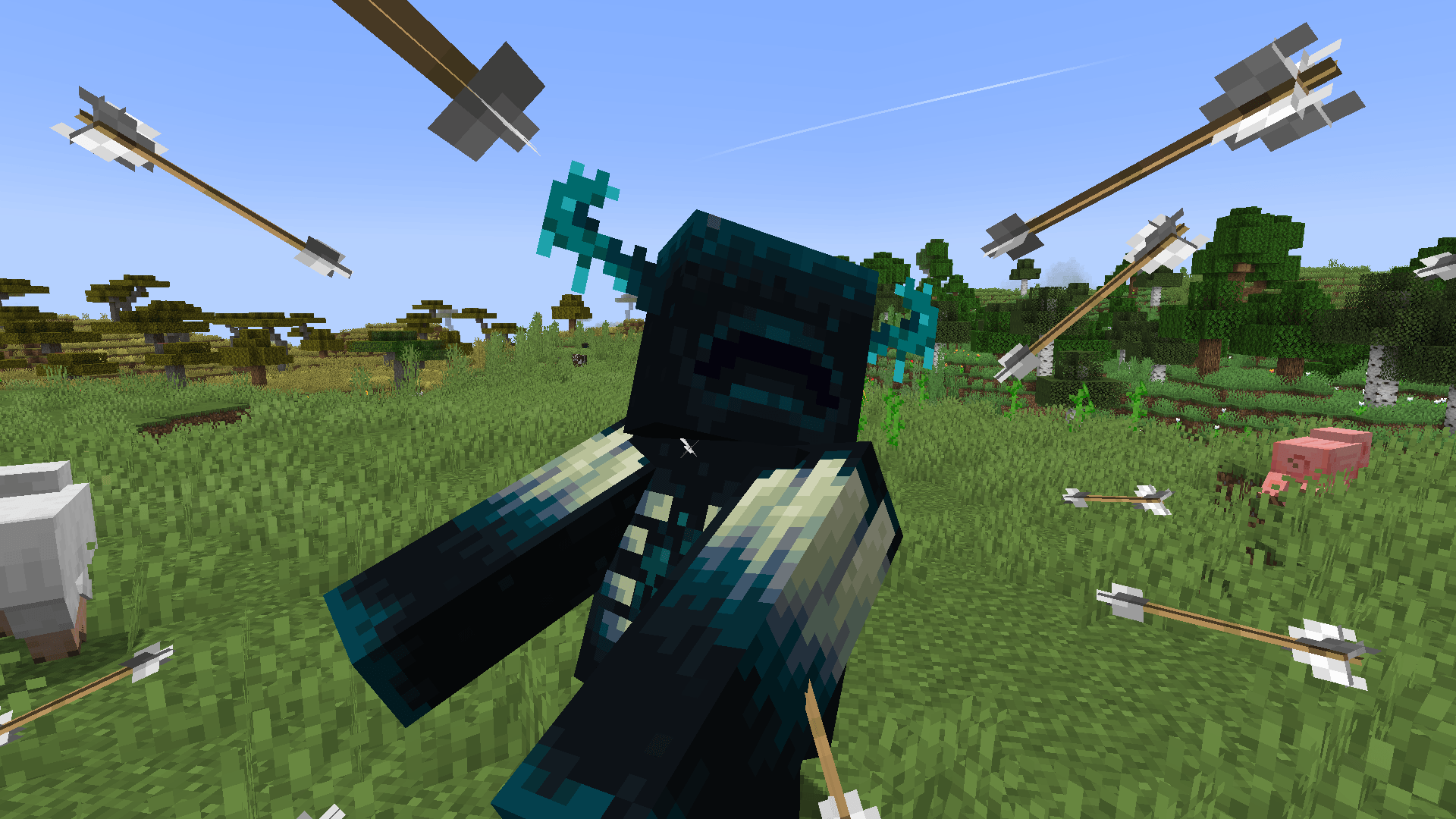
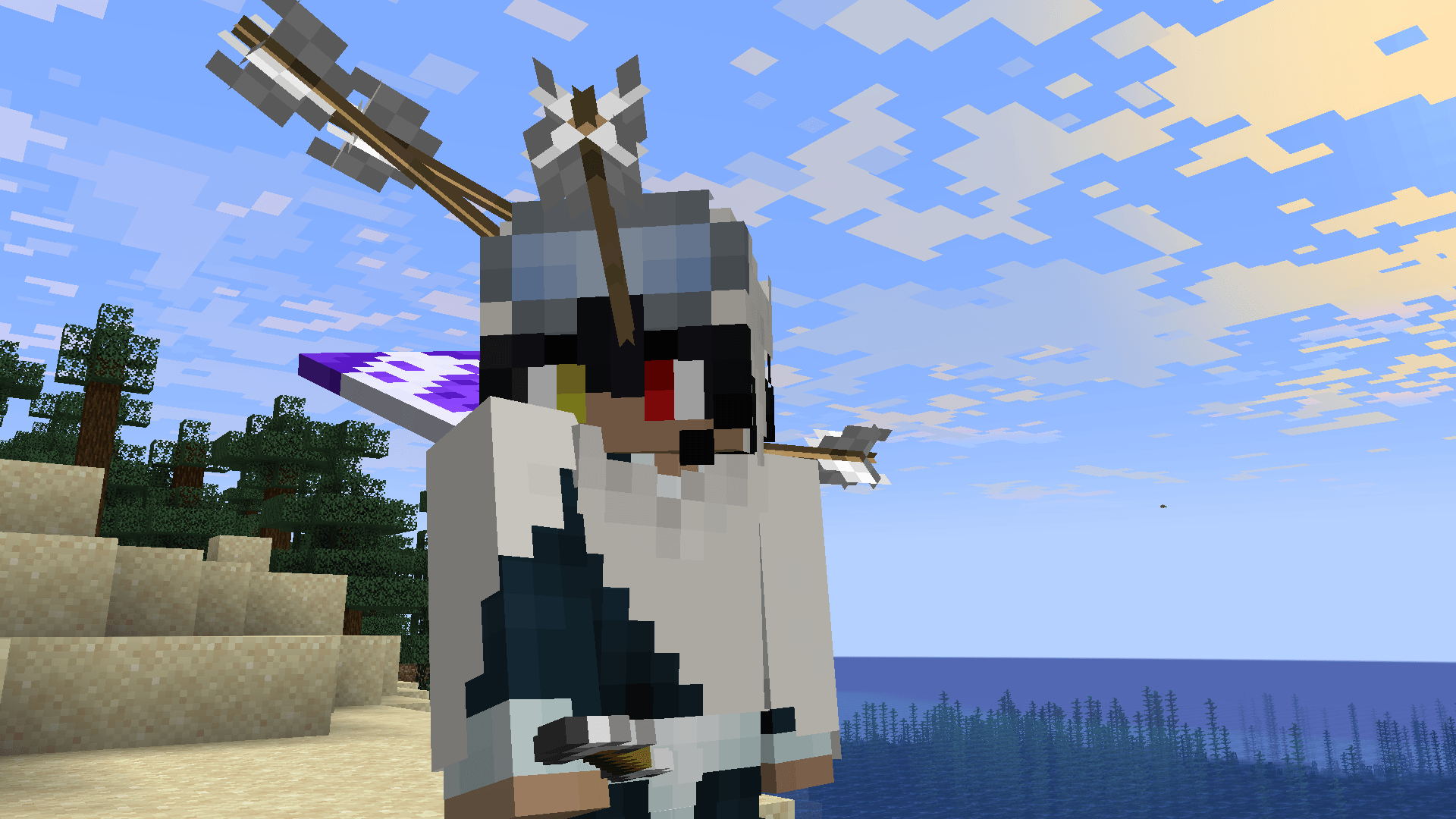
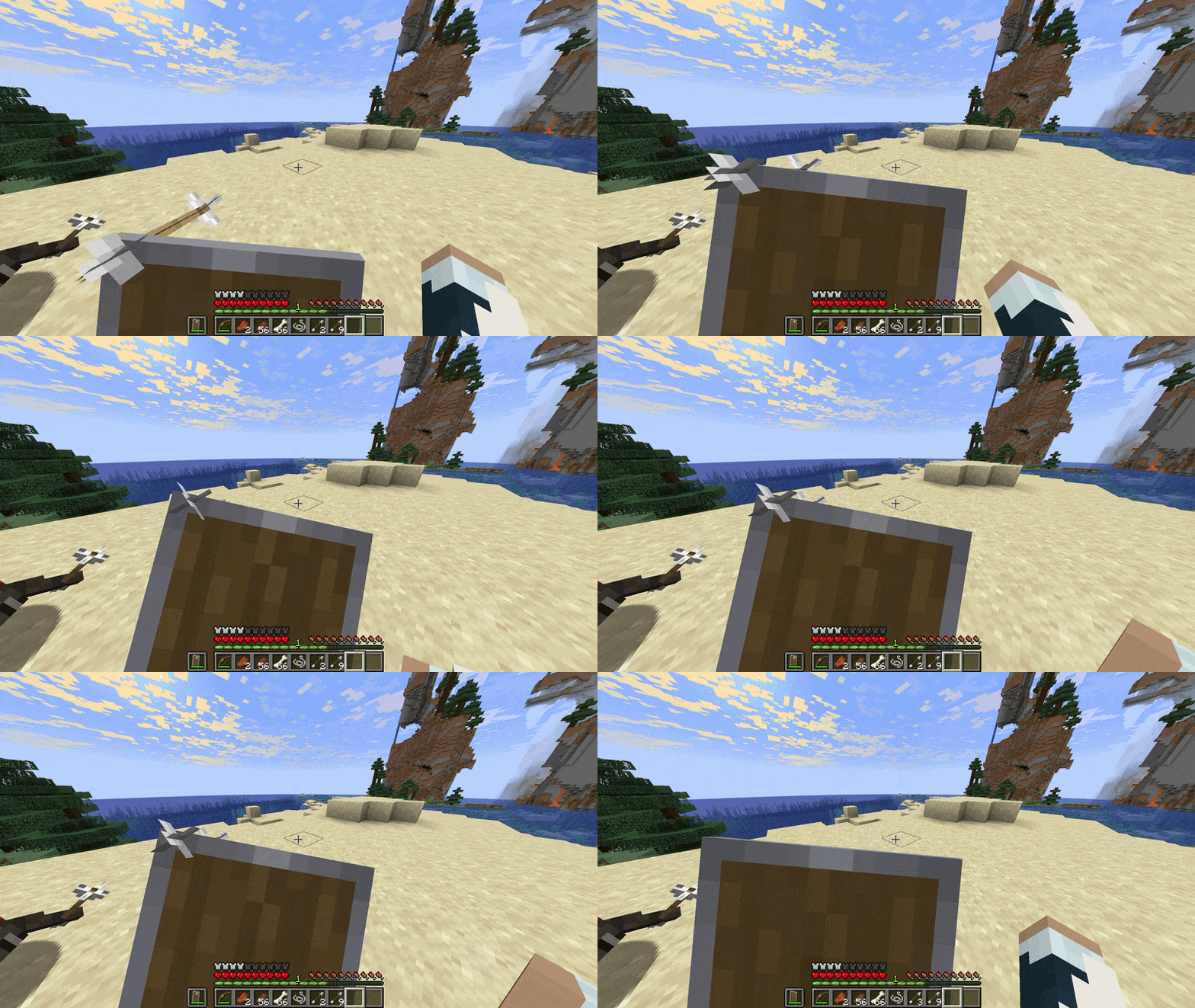
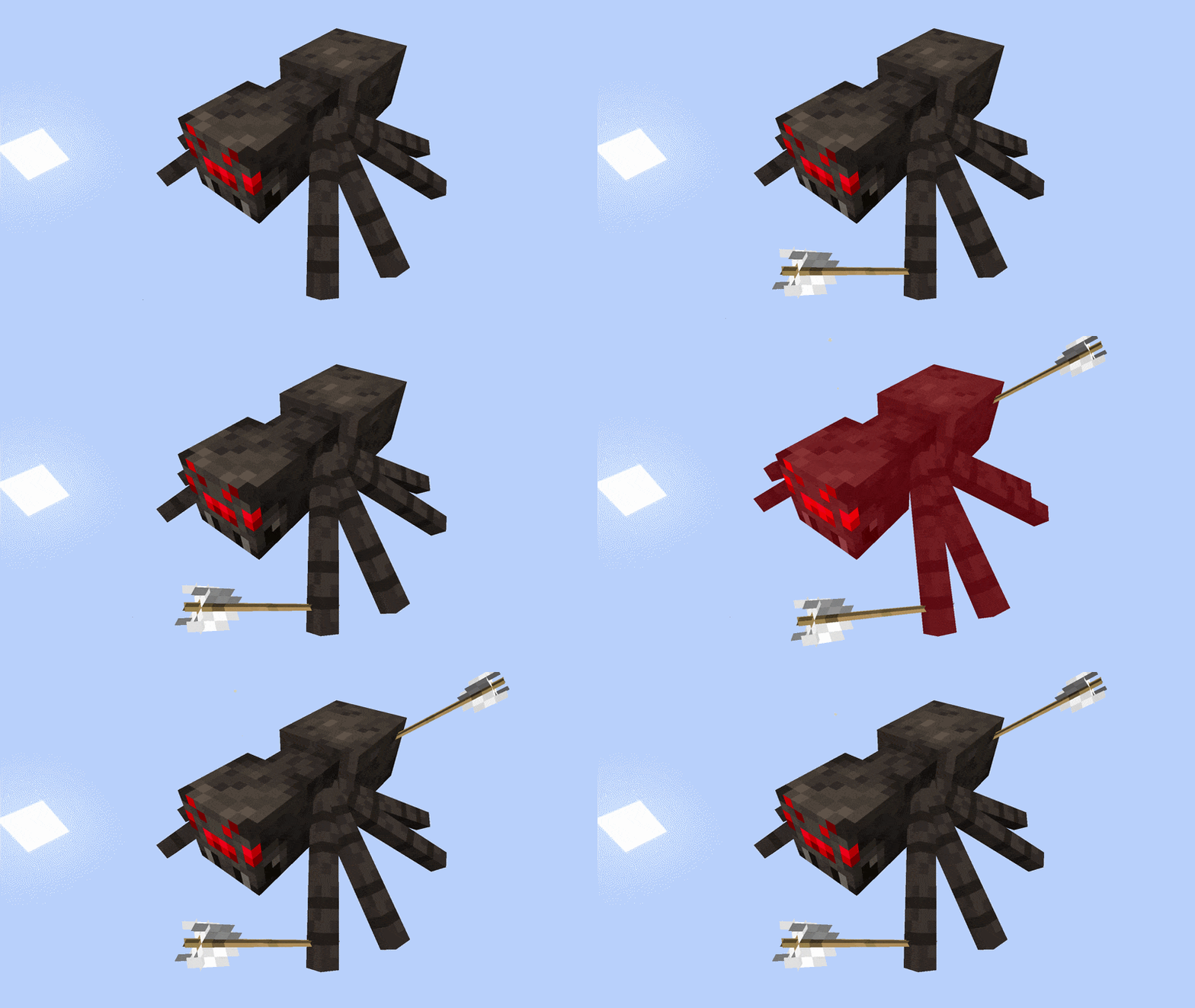
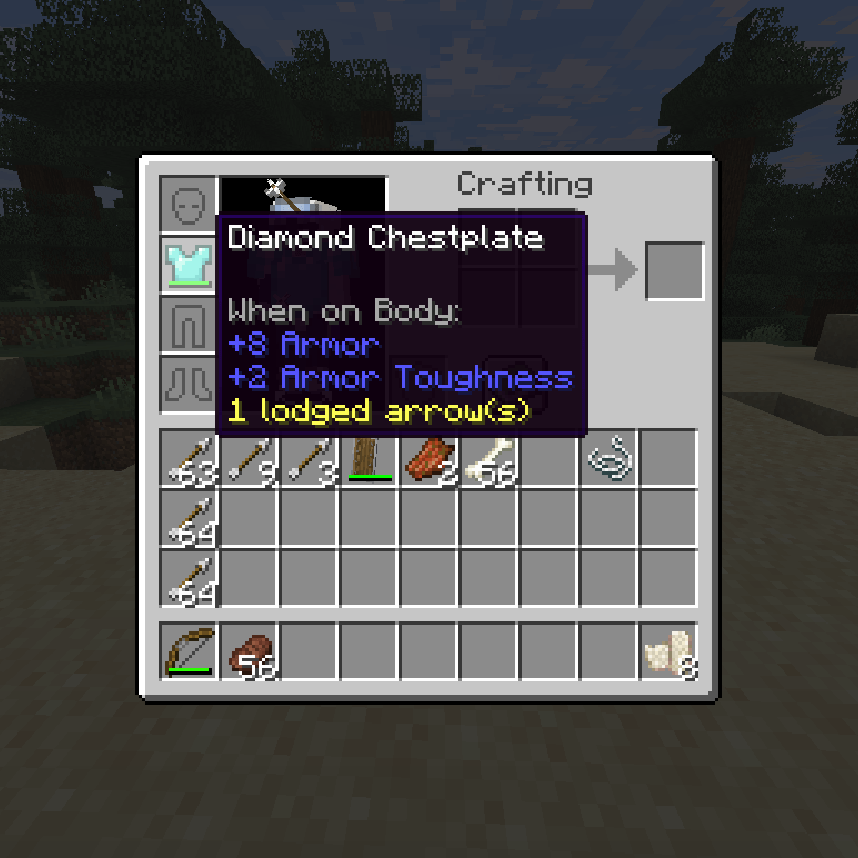
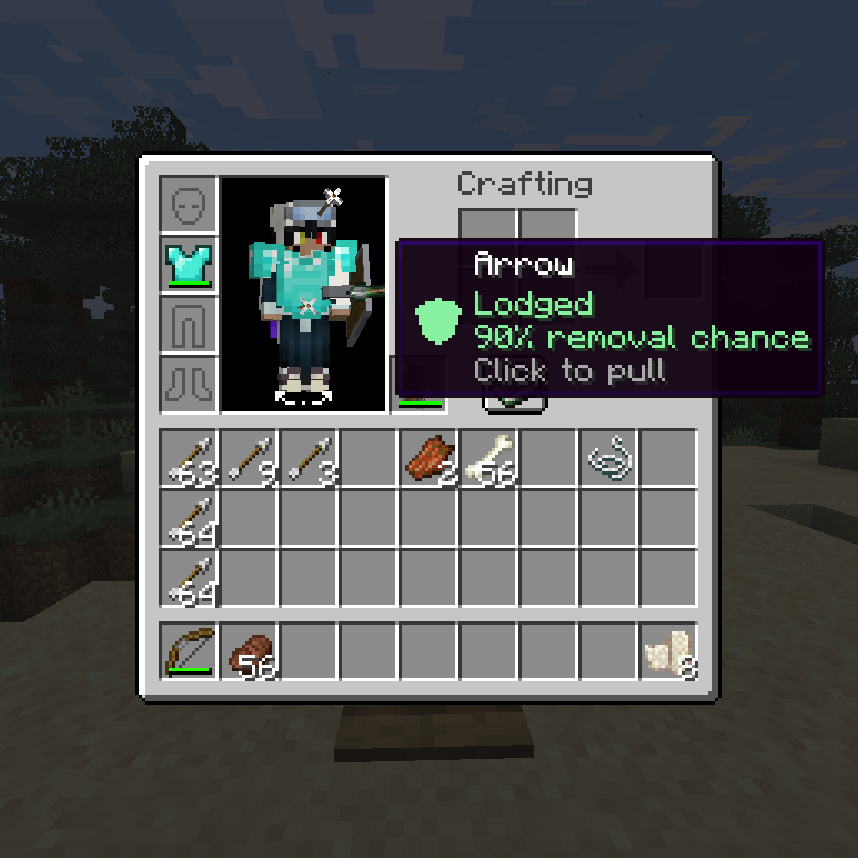
Lodged adds physicality to arrows! They remain visible in bodies, shields, player armor, and horse armor until they are recovered, removed, or broken. There's also configurable wound depth, bleeding, dizziness, and leg-shot Slowness.
Features
- Visible arrows that stay attached to animated body parts
- Recovery of regular, spectral, tipped, and supported modded arrows
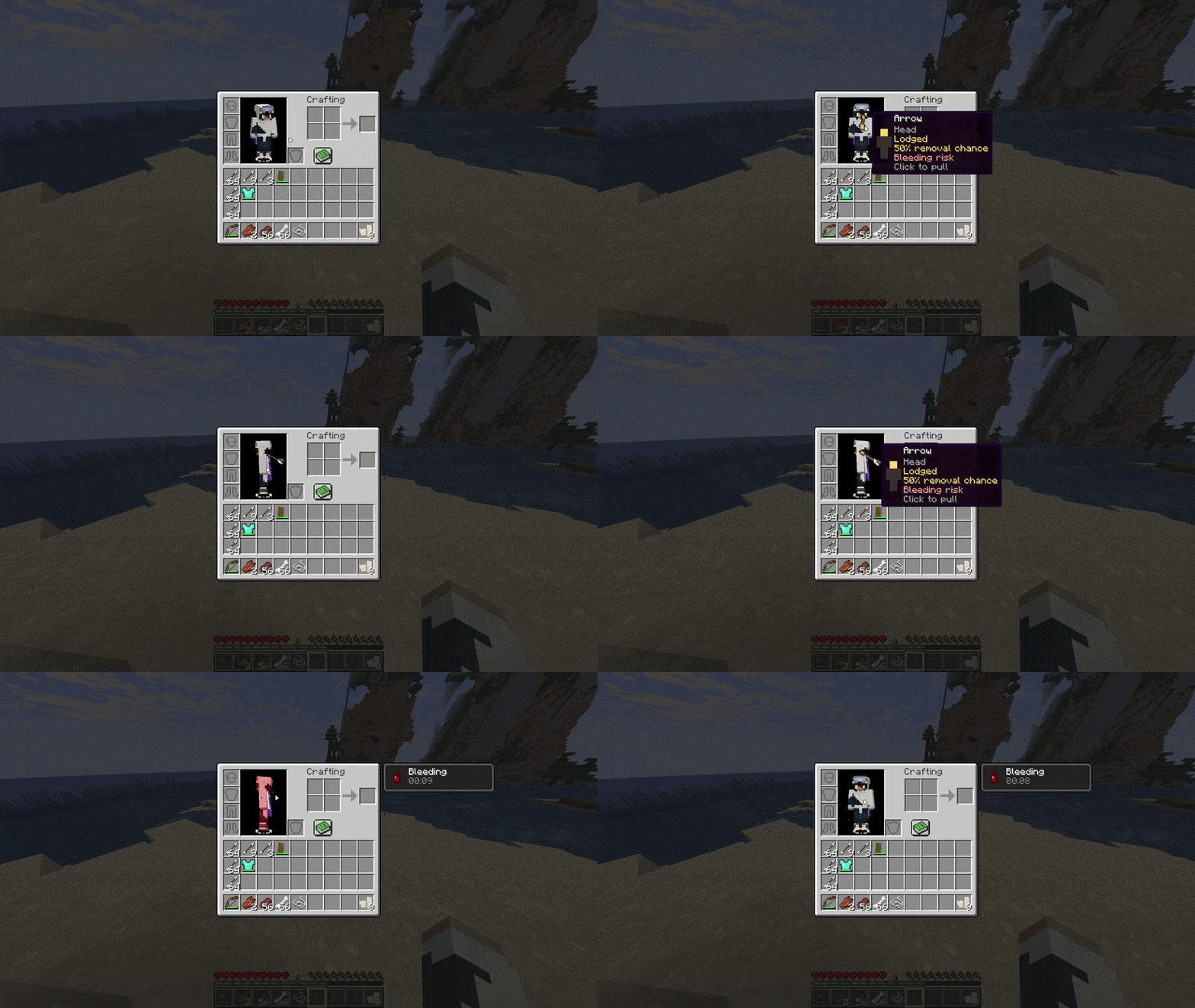
- Clickable removal from inventory previews and timed removal in the world
- Shield, player-armor, and horse-armor lodging with durability effects (horse armor support is extended through an unreleased horse mod in development)
- Shallow, lodged, and deep wounds with different removal risks
- Configurable bleeding, dizziness, leg-shot Slowness, and impact breakage
- Craftable bandages that patch individual bleeding wounds
- Separate controls for player, mob, infinity, and creative arrows
- Optional model-accurate projectile collision


In Game

Lodging and Recovery
When an arrow hits a living entity, Lodged records where it landed and the item it came from. Arrows remain synced to nearby players and can drop when the target dies. Original item data is preserved, so tipped, spectral, and supported modded arrows do not turn into regular arrows when recovered.
By default, Lodged tracks up to eight arrows per body part and gives each player-fired arrow a 50% recovery chance. Mob-fired arrows are recoverable; Infinity and creative arrows are not. All of these rules are configurable.

Removing Arrows
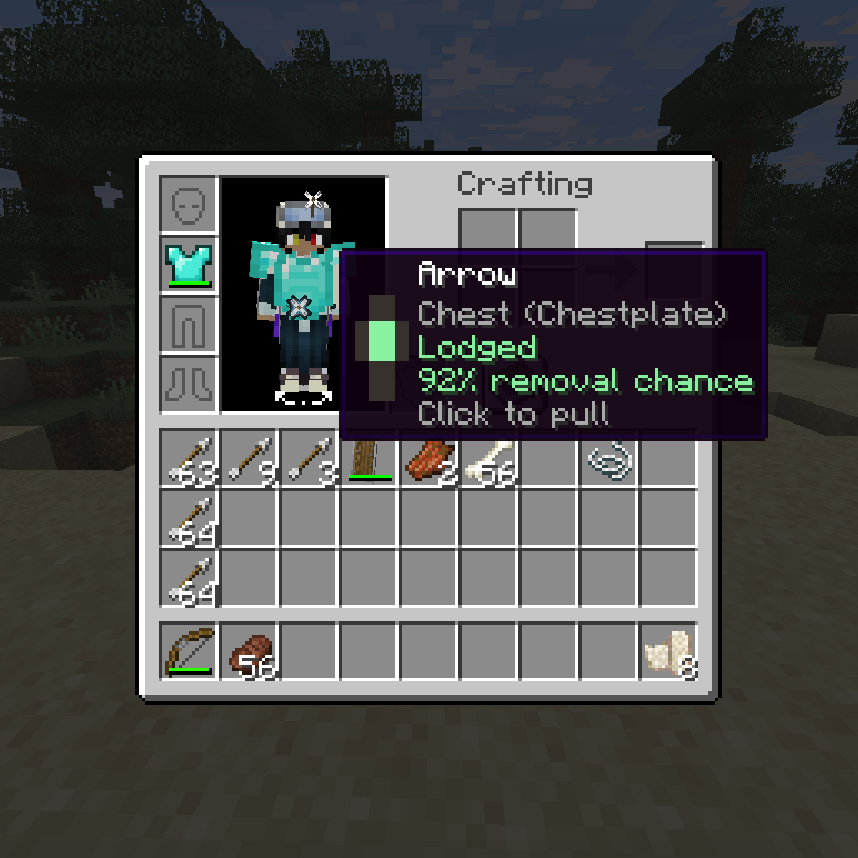
- From yourself: Open your inventory and click an arrow on the player preview.
- In the world: Hold Remove lodged arrow (default:
G). A raised shield takes priority, followed by equipped armor and body arrows. - From a tamed mob or mount: Look at a nearby owned mob, or ride your mount, then hold the removal key.
- From horse armor: Open the horse inventory and click the arrow on its preview.
Inventory previews can be rotated to reach arrows on the other side. Hover an arrow to see its body part or armor piece, depth, removal chance, and bleeding risk.
In-world removal takes time and stops if interrupted. A failed body removal can break the arrow, deal damage, and cause bleeding; armor and shield removals may damage the item. Successfully removed recoverable arrows are returned to you.

Depth, Shields, and Armor
Body hits can be shallow, lodged, or deep lodged. Shot force, critical hits, Power, crossbows, body part, and armor coverage influence the result. Deeper arrows take longer to remove, are less likely to come out safely, and carry a greater bleeding risk. Depth tiers can be disabled.
Blocked arrows may lodge in shields. Armor can catch arrows that fail to penetrate an armored body part, including horse armor. These arrows remain visible, can be removed later, and may cause extra durability loss while embedded.
Default body-removal chances are:
| Body part | Success chance |
|---|---|
| Head | 50% |
| Chest | 72% |
| Arm | 90% |
| Leg | 90% |

Bandages
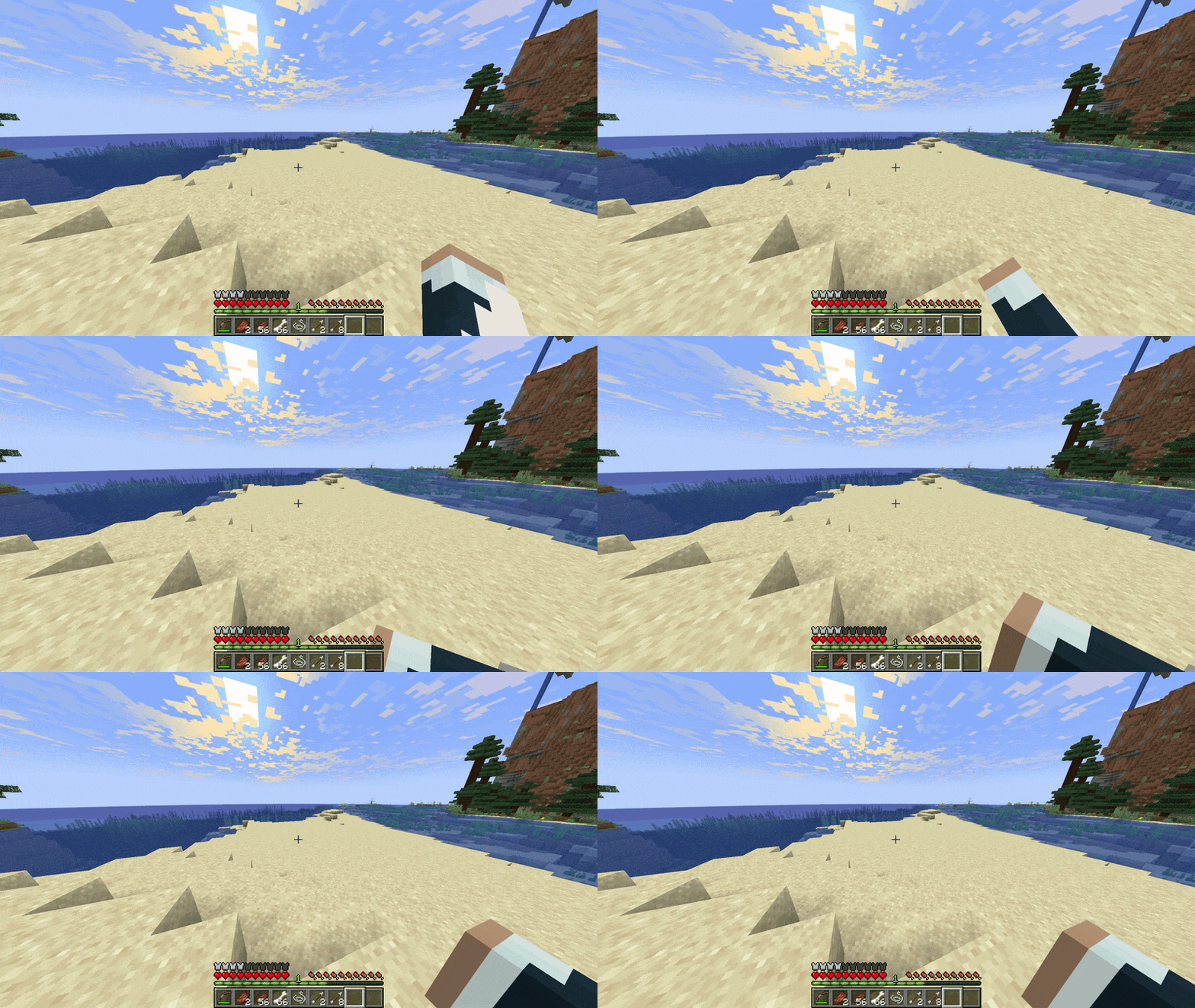
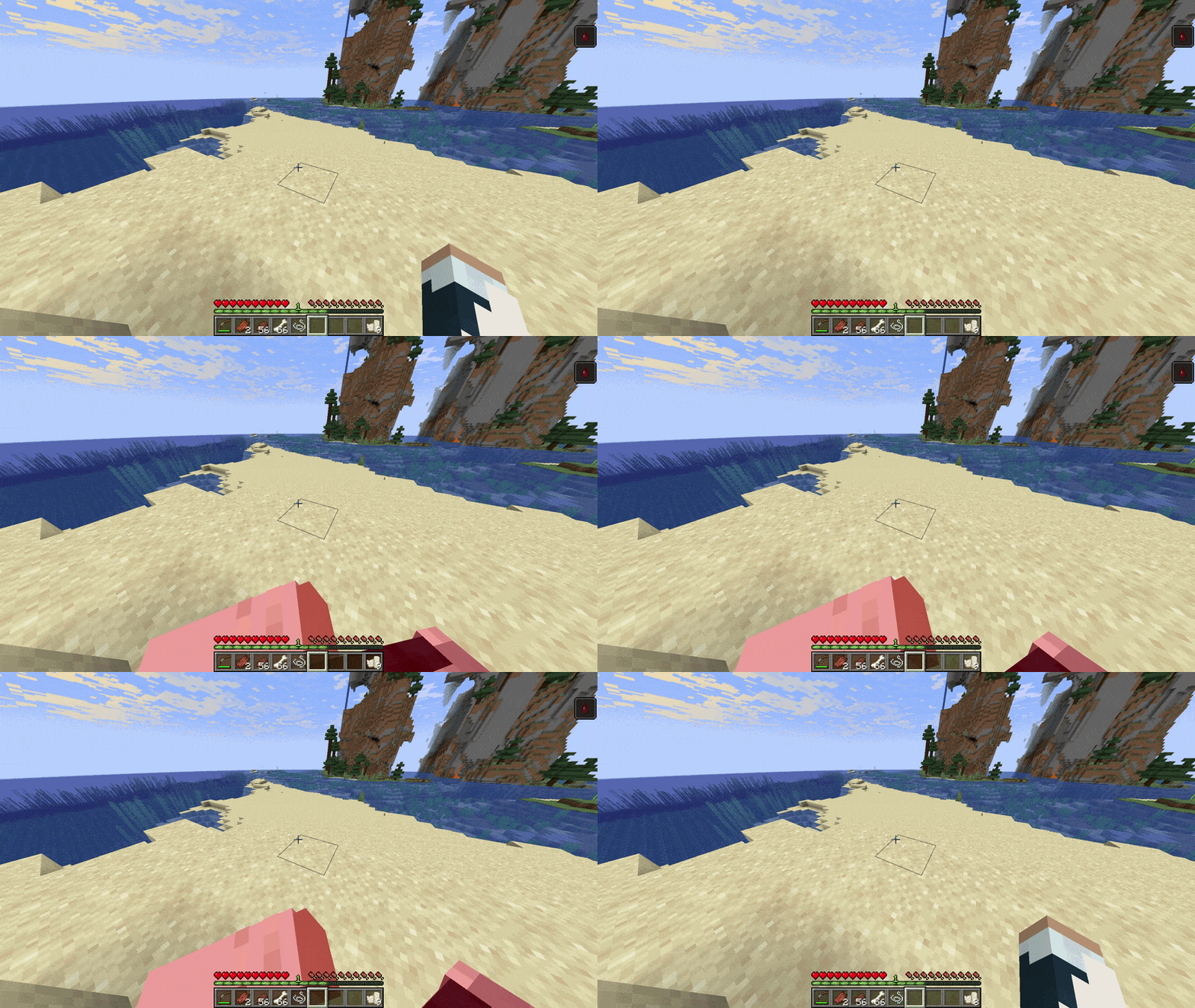
Craft two bandages from three string and one paper. Hold Use bandage (default: V) while bleeding to use one from anywhere in your inventory, or use a held bandage normally. The wrapping animation is visible in first and third person.
Bandaging takes two seconds and consumes one bandage to patch one bleeding wound. Stacked wounds may require multiple bandages, and releasing the key or interrupting the action cancels it.
Bleeding and Status Effects
Bleeding can result from arrow impacts, risky removal, or weapons selected by tags. Its duration scales with the wound's location and depth. Armor rules, immune entities, damage pulses, particles, and Simple Blood ground decals are configurable.
Players receive a subtle Dizziness effect after carrying four lodged arrows, or half of their configured capacity. Leg hits apply Slowness I for two seconds by default. Both systems can be tuned or disabled.

Arrow Breakage
Arrows can break on entity or block impact. The default break chance for regular player arrows is 2%; mob and Infinity arrows default to 0%. Entity and block breakage can be configured independently.

Configuration
An in-game config screen is available.
You can tune or disable each major system, including:
- Lodging, recovery, item preservation, and arrow limits
- Body, shield, player-armor, and horse-armor removal
- Recovery rules for player, mob, Infinity, and creative arrows
- Wound depth, removal timing and success, bleeding risk, and failure damage
- Armor penetration, embedded-arrow durability penalties, and rendering
- Dizziness, leg-shot Slowness, bleeding, blood particles, and Simple Blood integration
- Entity exclusions, arrow breakage, model collision, and debug model boxes
Model-Accurate Projectile Collision
Lodged tracks arrows against animated model parts instead of only the entity's vanilla bounding box. This keeps hits aligned with visible limbs and poses while leaving movement collision, shield interception, piercing, damage handling, and impact events in their normal paths.
The feature is enabled by default and falls back to vanilla collision for unsupported modded models or incompatible hooks.
Data-Driven Pack Support
For projectile and bleeding tags, custom blood colors, and integration details, see the data-driven pack support section in the GitHub README.
Compatibility
There is direct integration with Iron's Simple Blood!
Lodged supports vanilla arrows and spectral arrows out of the box. Modded AbstractArrow types can opt in through the datapack tags above. Simple Blood integration adds matching ground decals when that mod is installed, and optional Ride On compatibility handles horse-inventory load order.
Mods that replace projectile impacts, living-entity rendering, horse inventories, particles, or stuck-arrow behavior may require additional compatibility work.
Version and Loaders
- NeoForge 1.21.1 - active development
- Forge - not planned
- Fabric - not planned
- Older Minecraft versions - not planned

<details> <summary>Modpacks, credits & license</summary>
Modpacks
You may use this mod in modpacks, videos, servers, and other projects. A link back to the Modrinth page is appreciated.
Credits
Created by me :D
License
All Rights Reserved.
Feel free to use this mod in modpacks, videos, etc. Just provide a link back to this page if possible :)
Please don't port this mod without express permission from me.
For any general queries/unlisted questions, DM me on Twitter (@prodbyjvn) / Discord (ijvn).
Warning: this mod ONLY exists on Modrinth & CurseForge as of June 2026. Any sites hosting this mod outside of Modrinth/CurseForge are not official releases.
</details>
The Lodged Team


Owner