Locked Slots Improved
- By
Locked Slots adds a simple and intuitive way to protect specific inventory slots, preventing important items from being accidentally moved or dropped.

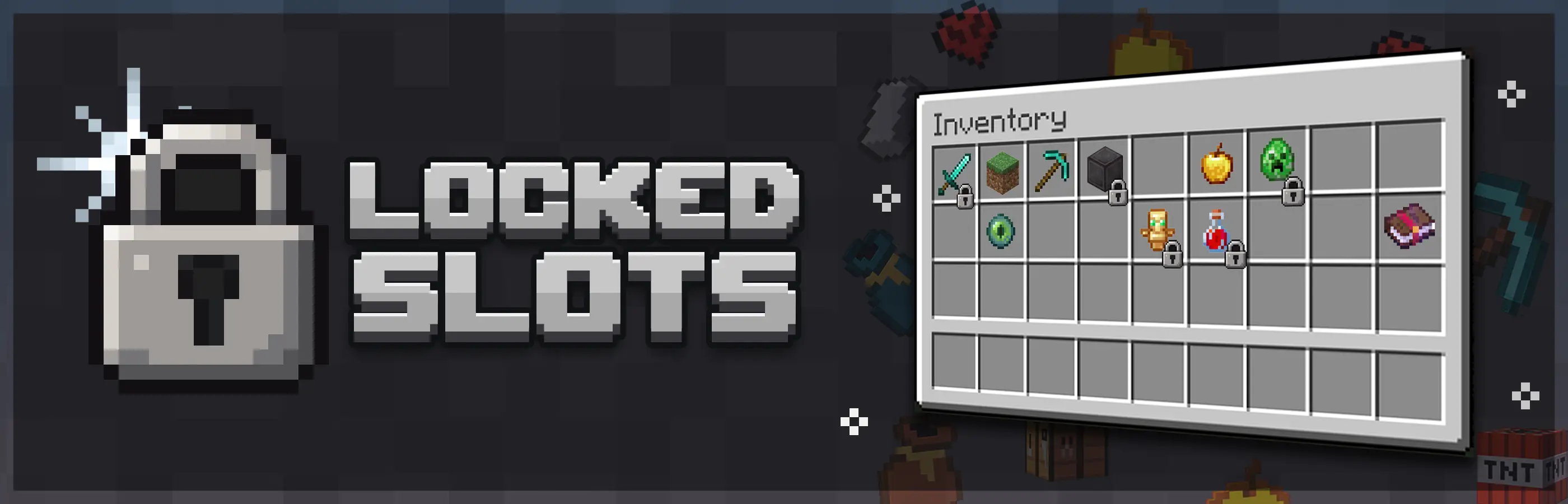
Locked Slots adds a simple and intuitive way to protect specific inventory slots, preventing important items from being accidentally moved or dropped.

Locked Slots gives you more control over your inventory by allowing you to lock any slot with the press of a key. Simply open your inventory, hover over a slot, and press L to lock it. A small lock icon will appear on the slot, making it easy to see which slots are currently protected.
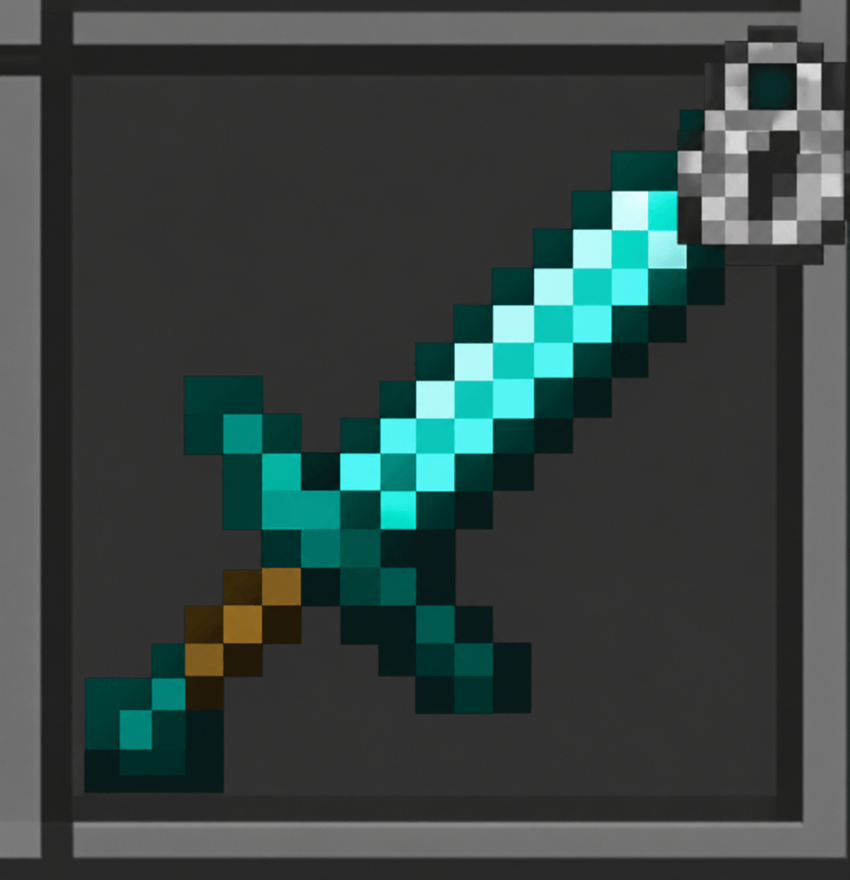
Items inside locked slots cannot be accidentally dropped or moved, but they can still be used normally. If you pick up more of the same item, it can continue stacking into its locked slot, making the system useful without interfering with normal gameplay.
You can also lock empty slots to reserve inventory space. Items picked up from the ground will not automatically fill these slots, allowing you to keep specific spaces available for the items you want.
To unlock a slot, simply hover over it and press L again. The default keybind can also be changed, allowing you to customize the controls to your preference.
Want to play with friends?

Get your own Minecraft server today and enjoy endless adventures with your friends! With top performance and reliable uptime, our servers guarantee a smooth and fun gaming experience for everyone. Use code THEWIZARD for a 25% discount!

The Locked Slots Improved Team

Owner


![Create Ultimate Selection – Create Quests | Create Addons [1.20.1] project image](https://media.forgecdn.net/avatars/thumbnails/1156/169/256/256/638723864734826252.jpg)