Local Skin Changer
- By
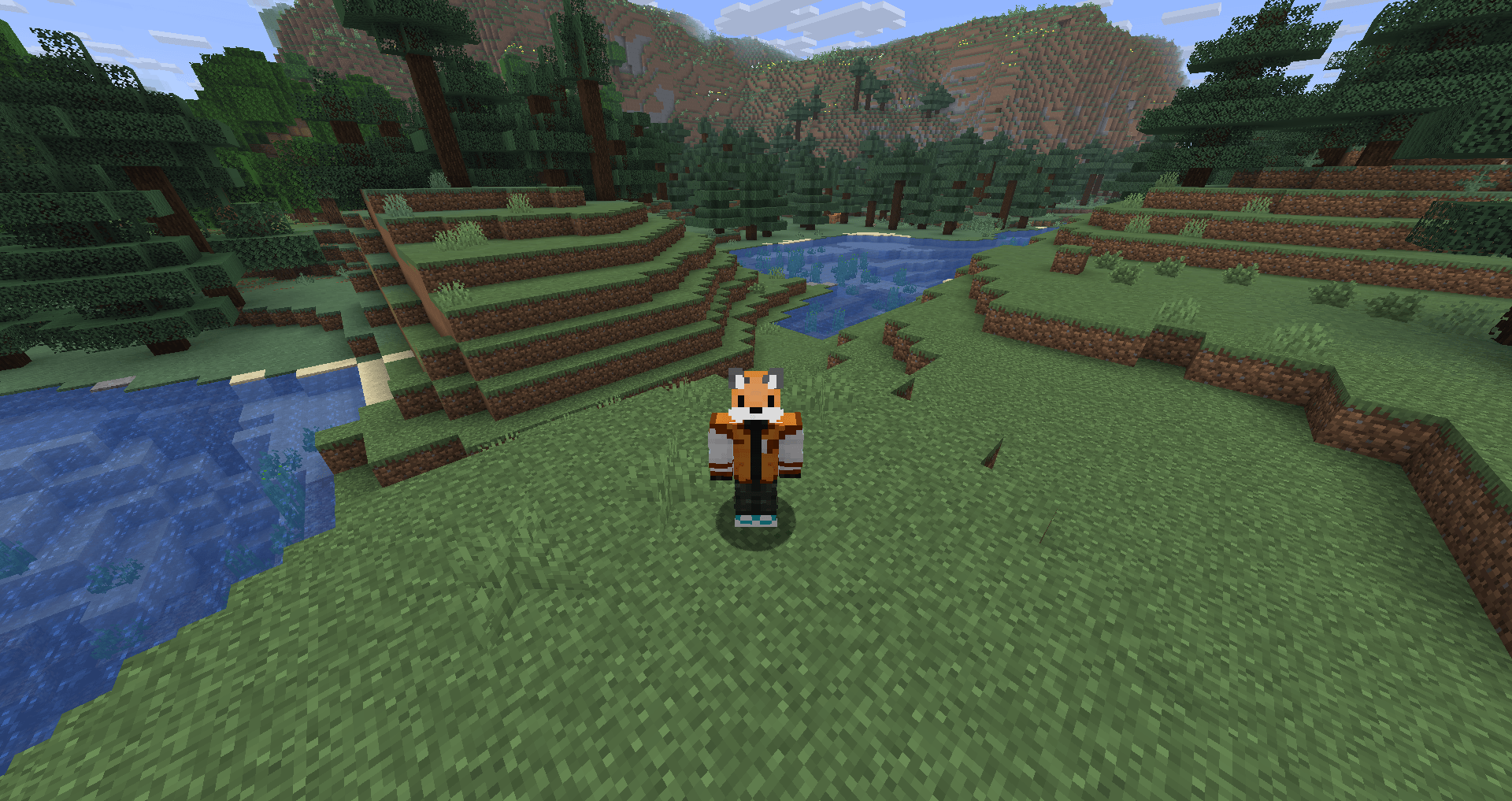
Bild_2026-02-23_174540833.png
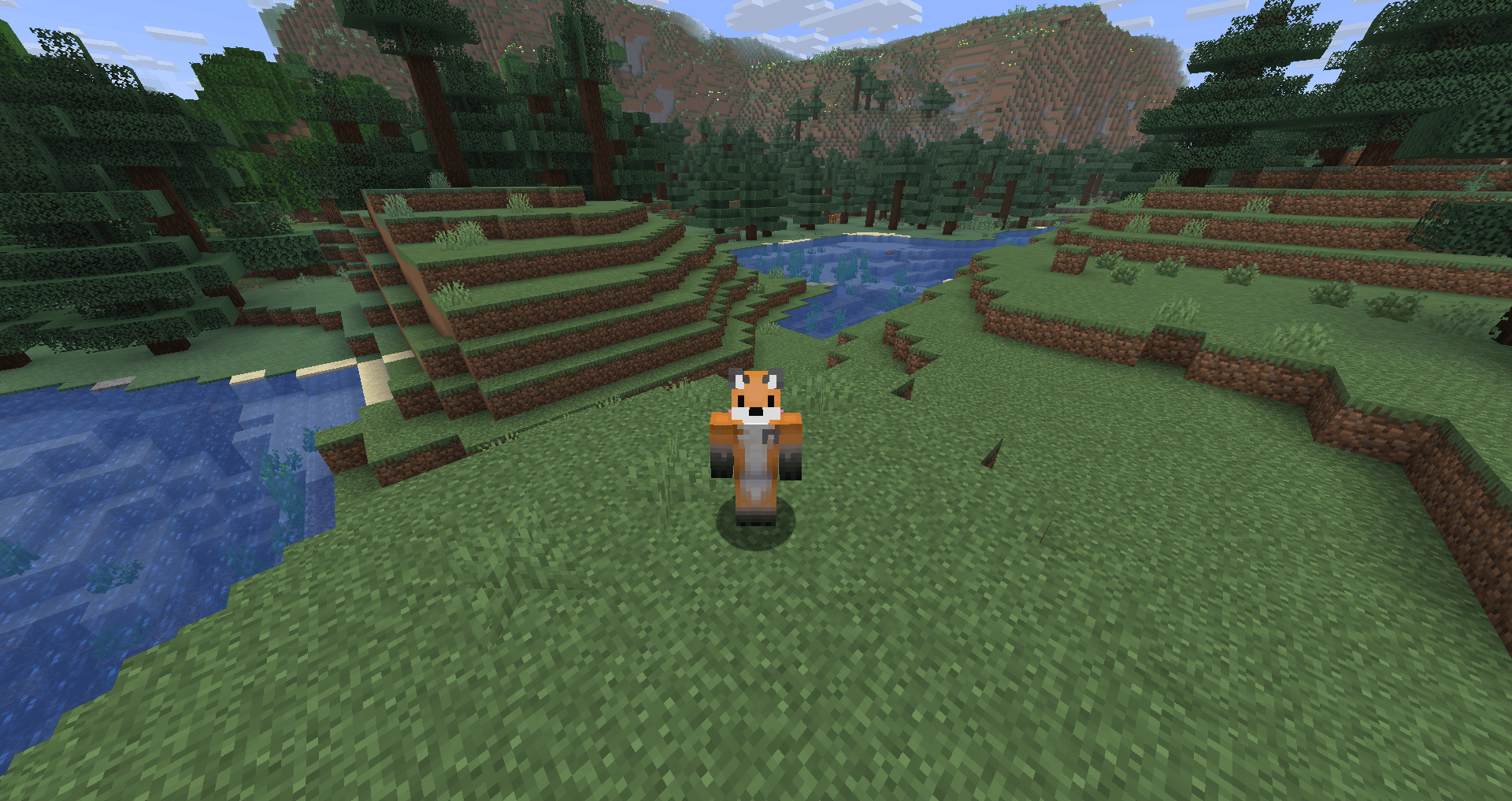
Bild_2026-02-23_174530829.png
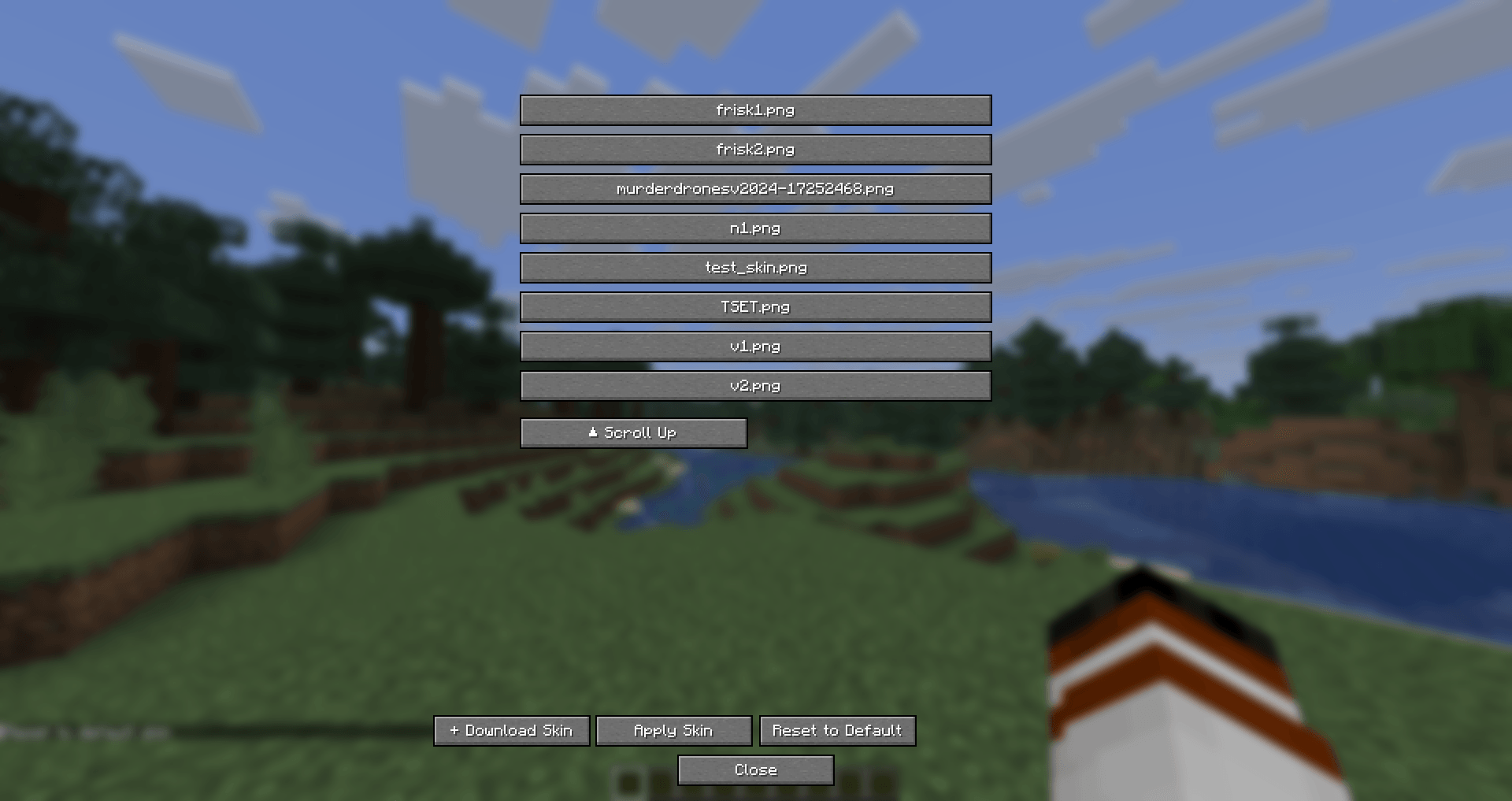
Bild_2026-02-23_174559296.png
Description
Local Skin Changer
Local Skin Changer is a lightweight utility mod designed for players who want complete control over their in-game appearance without affecting how others see them. Whether you want to test a new skin or simply stay anonymous while still seeing your favorite character, this mod provides a simple local solution.
Features:
Local-Only Visibility: Your chosen skin is only visible to you. This is perfect for players who want to "hide" their official skin from others while playing.
Custom PNG Support: On the first launch, the mod creates a dedicated folder. Simply drop any .png skin file into this folder to use it instantly.
Direct URL Downloading: Don't want to deal with files? Use the in-game option to fetch skins directly from a URL (e.g., NameMC, Imgur, or skin databases) Note: The URL download feature only works with direct URLs.
Privacy Focused: No one else on the server will see your local skin; they will continue to see your official Minecraft skin.
How to Use:
-
Run the mod once to generate the necessary configuration and skin folders.
-
Add your skins: Place your .png files into the newly created "skins" folder in your Minecraft directory.
-
In-Game UI: Use the in-game menu with right CTRL to select your local file or paste a direct URL to a skin.
Important Notes:
This mod is client-side only. It does not need to be installed on the server.
Because this is a local change, other players will not see your custom skin. It is intended for personal customization and privacy.
The Local Skin Changer Team