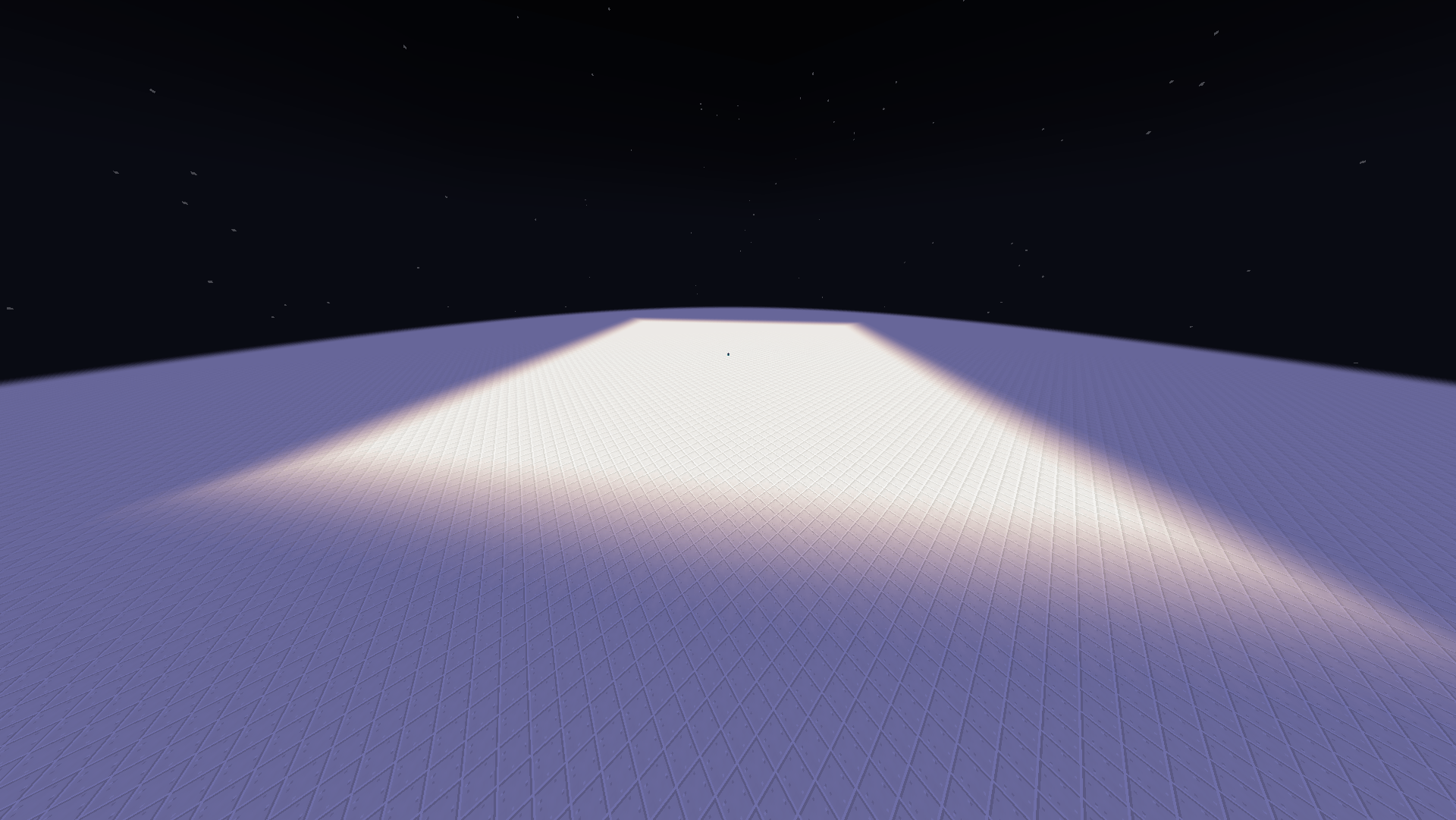
Light Engine lets you set the light radius of any block up to 255 and give it a custom color. The colored light spreads smoothly across the world and blends with other light sources. It all works in survival, on servers and with Sodium.
Radius
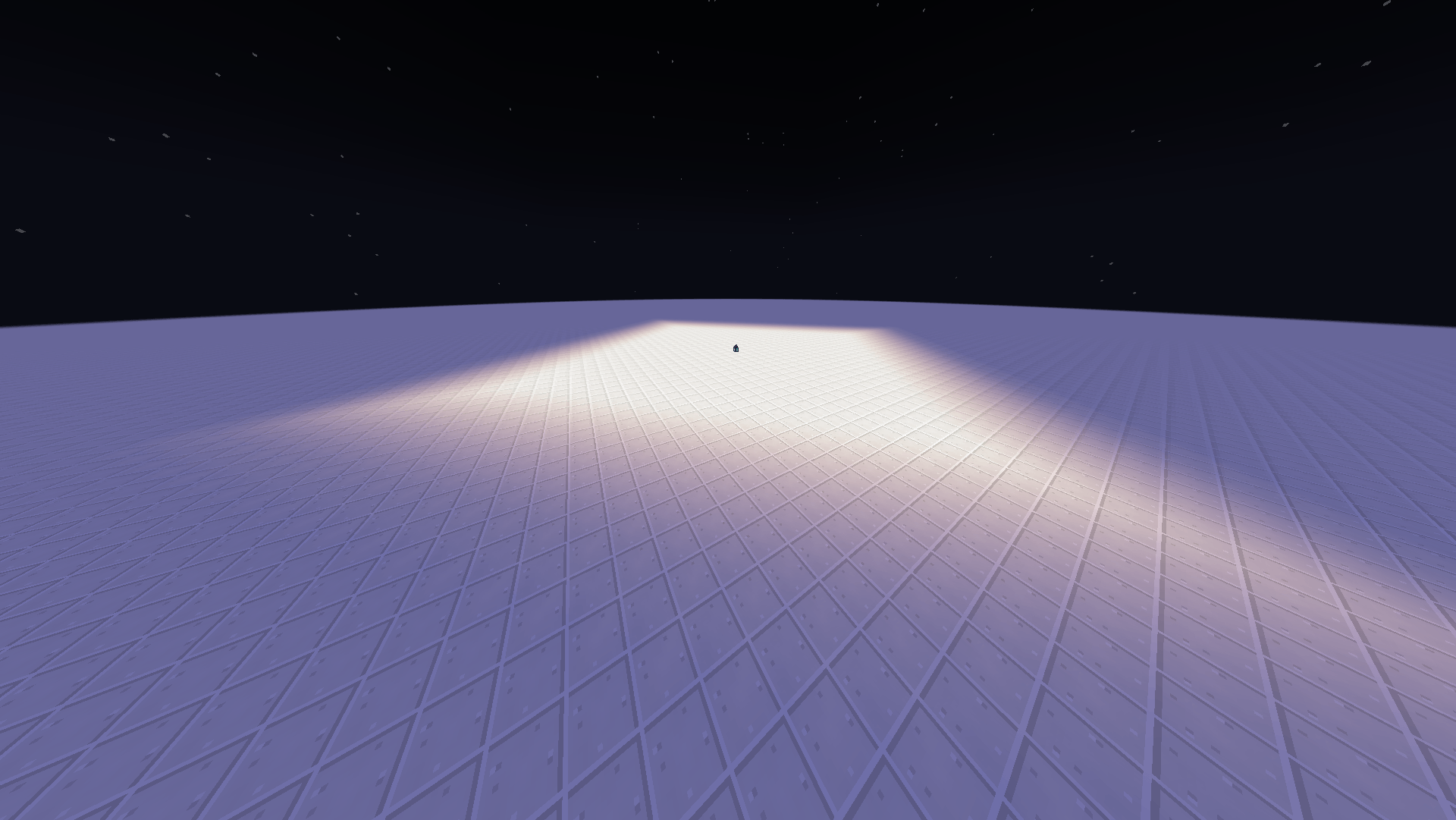
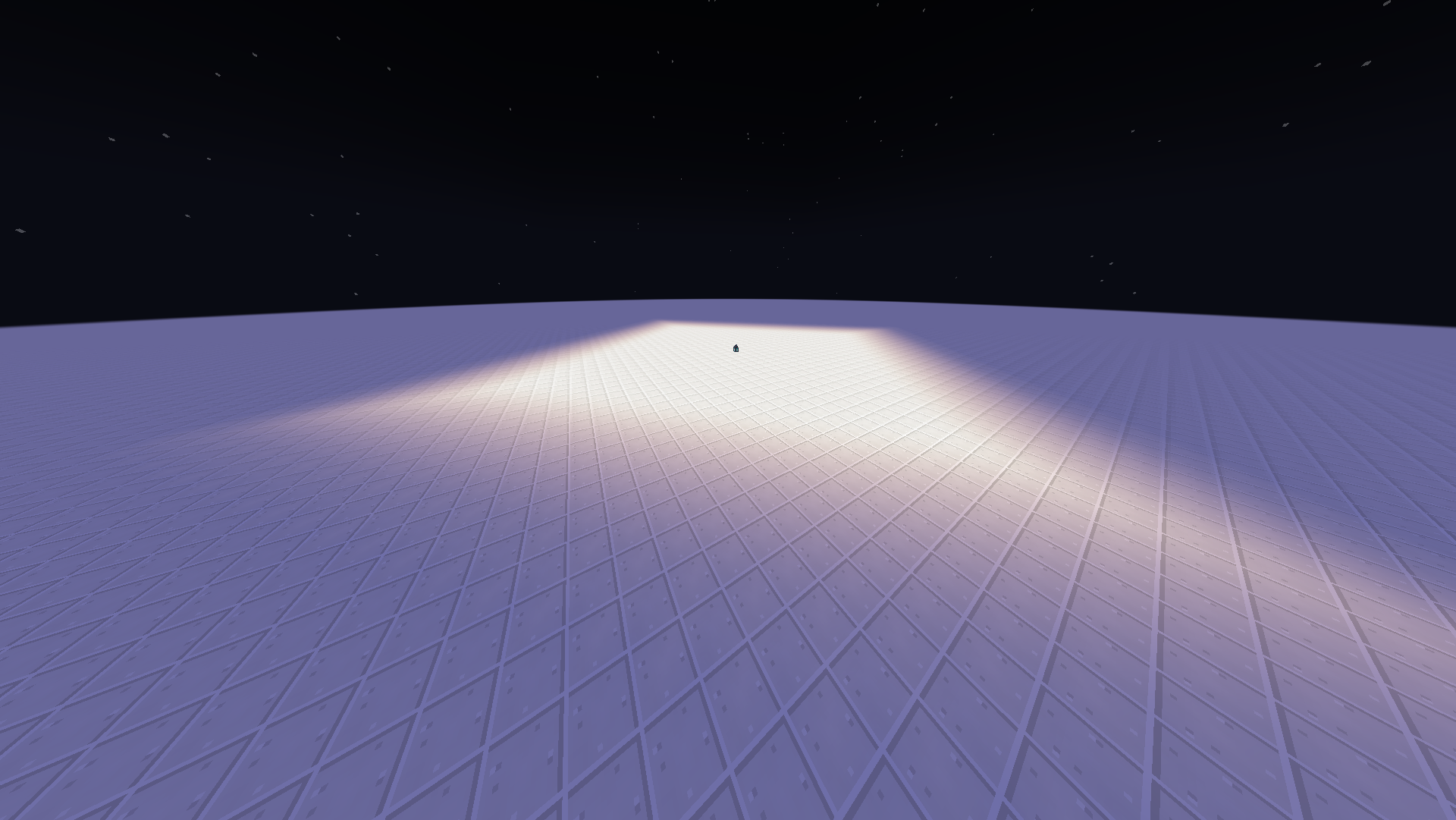
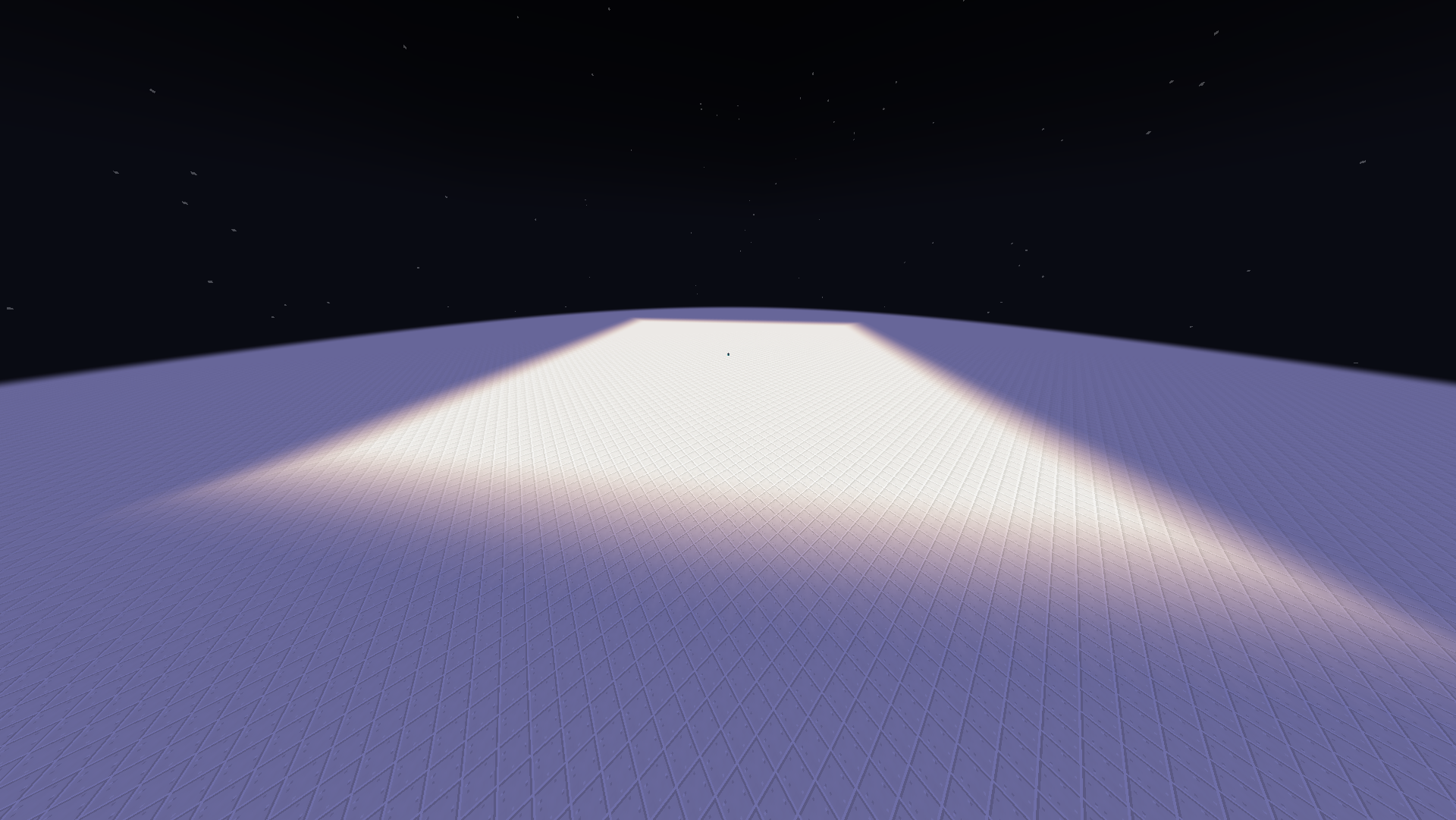
Vanilla light stops at 15 blocks. With Light Engine, a single lantern can light up a whole cave, a village square or a castle courtyard.
<figure class="md-table-fig table-figure">
| Radius 30 |
Radius 60 |
 |
 |
</figure>
Color
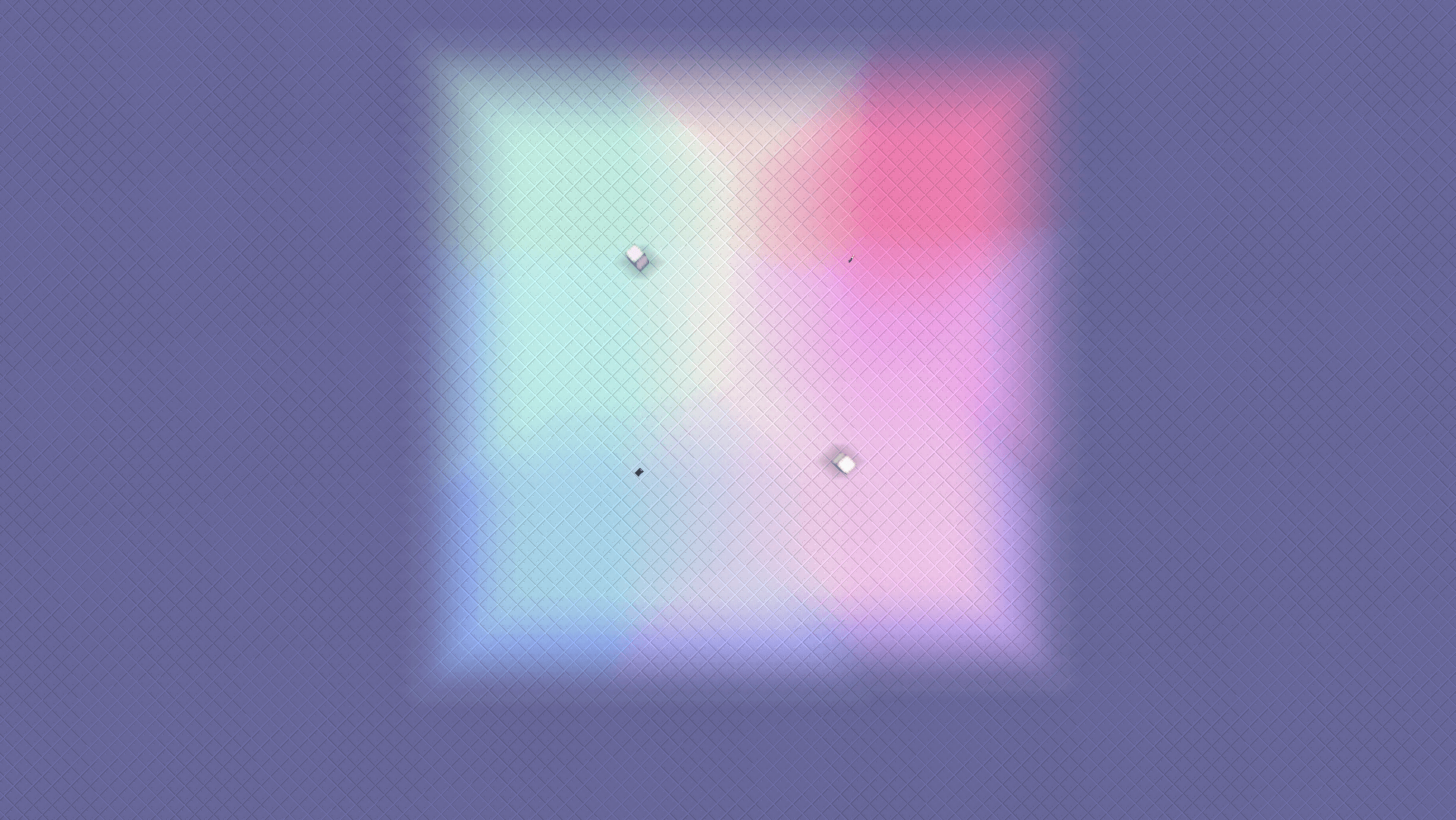
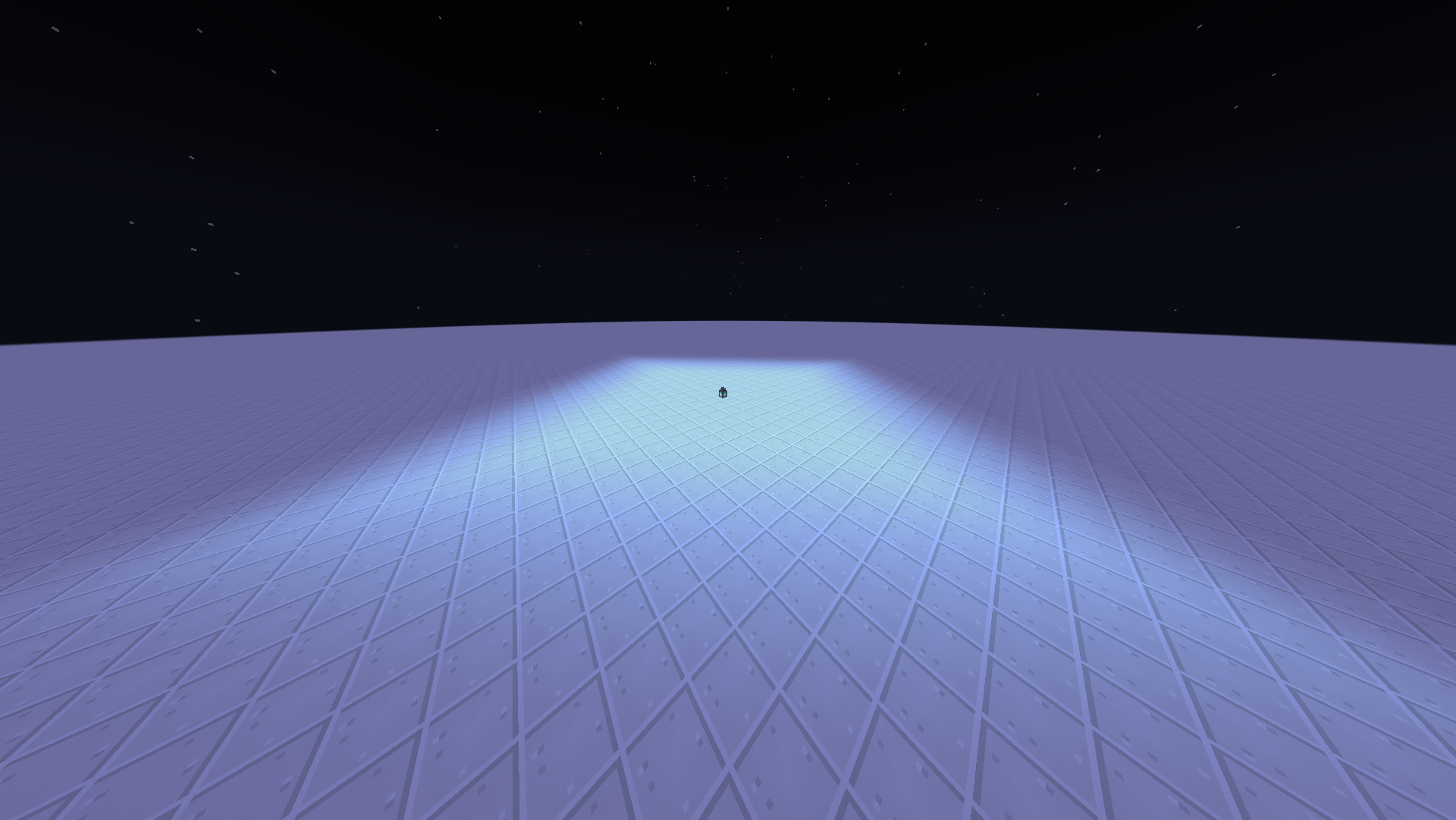
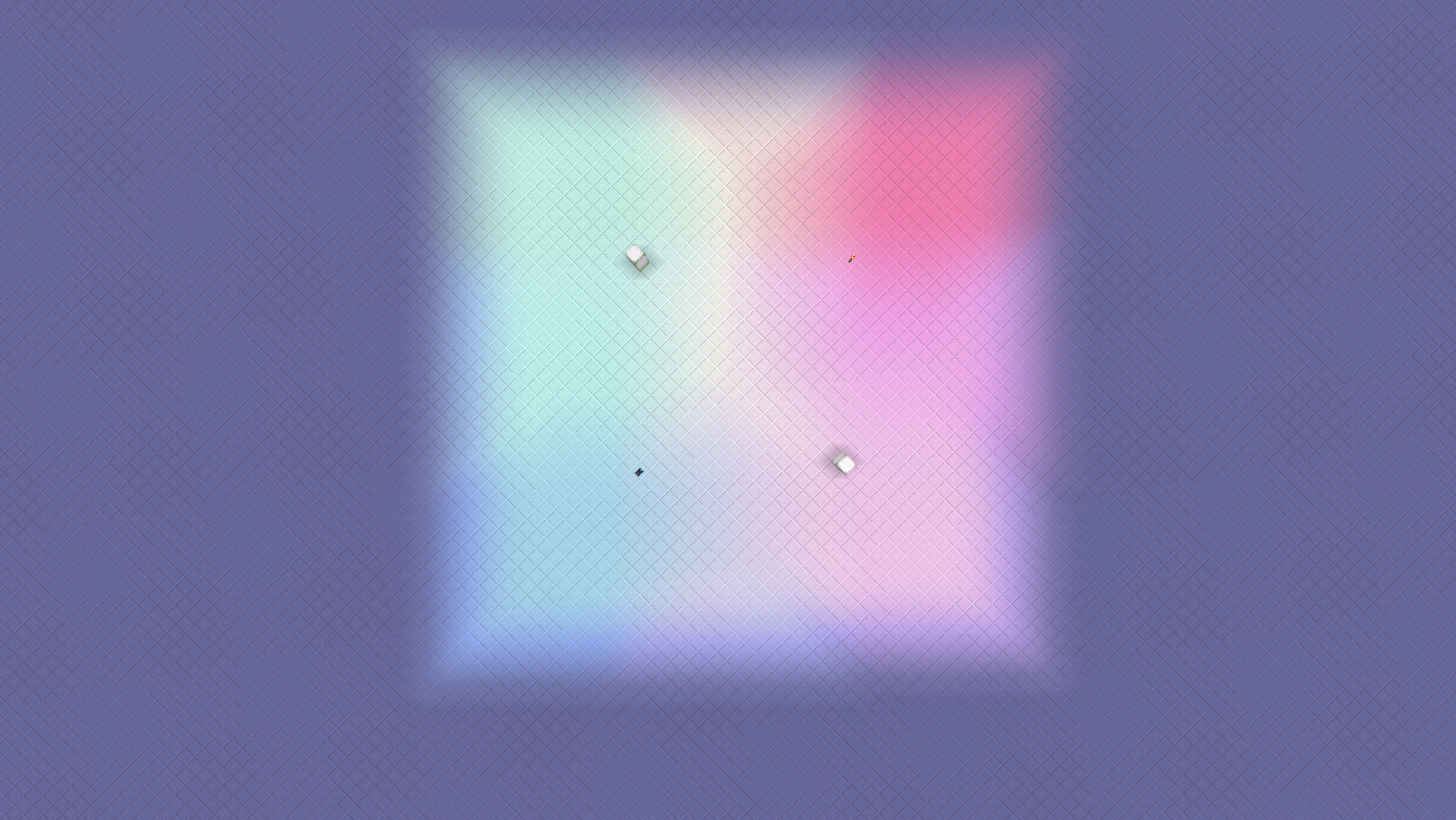
Give soul lanterns a blue glow, make torches warm and turn amethyst purple. Where two colored lights meet, their colors mix the way you would expect. Sky light is never tinted, so daytime looks the same as in vanilla.
<figure class="md-table-fig table-figure">
| Colored light |
Mixing sources |
 |
 |
</figure>
Features
-
Radius from 0 to 255 for any light-emitting block. Blocks from other mods are partially supported.
-
Colored light for every block, picked with a built-in color picker.
-
Works out of the box. On first launch, about 40 vanilla light sources get a fitting radius and color: torches, lanterns, campfires, copper lanterns, candles, sea lanterns, glowstone, lava and more.
-
Presets: radius and color, radius only, or color only.
-
In-game editor. Open it with the lantern button in the pause menu. Find a block in the palette or by search, set its radius and color, and see the result right away in the preview scene. No config editing by hand.
-
Respects vanilla conditions. Furnaces, redstone lamps and similar blocks only shine while lit, unless you turn on "ignore conditions" for that block.
-
Candles scale: the more candles in a block, the larger the radius.
-
Multiplayer. Settings are shared across the whole server, and only the owner (operator level 4) can change them. In singleplayer and on LAN, the world host can change them.
-
Survives restarts and updates. Extended light is saved with the world and loads back correctly when you rejoin or update the world to a new Minecraft version.
How to use
-
Open the pause menu and click the lantern button next to "Open to LAN".
-
Pick a block from the list or search for it.
-
Set the radius and color, then click Apply.
Commands
<figure class="md-table-fig table-figure">
| Command |
What it does |
/le light_level |
Shows a light level overlay |
/le update_check |
Checks for a new version of the mod |
/le repair |
Repairs light data if something looks wrong |
</figure>
/light_engine works as an alias.
Compatibility
-
Sodium: supported.
-
Iris / shader packs: the radius works, but how the color looks depends on the shader pack.
-
Server: install the mod on both the server and the client.
For mod developers
Set the default radius and color for your own blocks from code with LightEngineApi, through IMC on NeoForge/Forge or the lightengine entrypoint on Fabric.
Versions
Links