Lensbridge
- By
Place cameras anywhere, fly a camera drone, record video in one keypress, and let an AI assistant shoot screenshots and video for you.
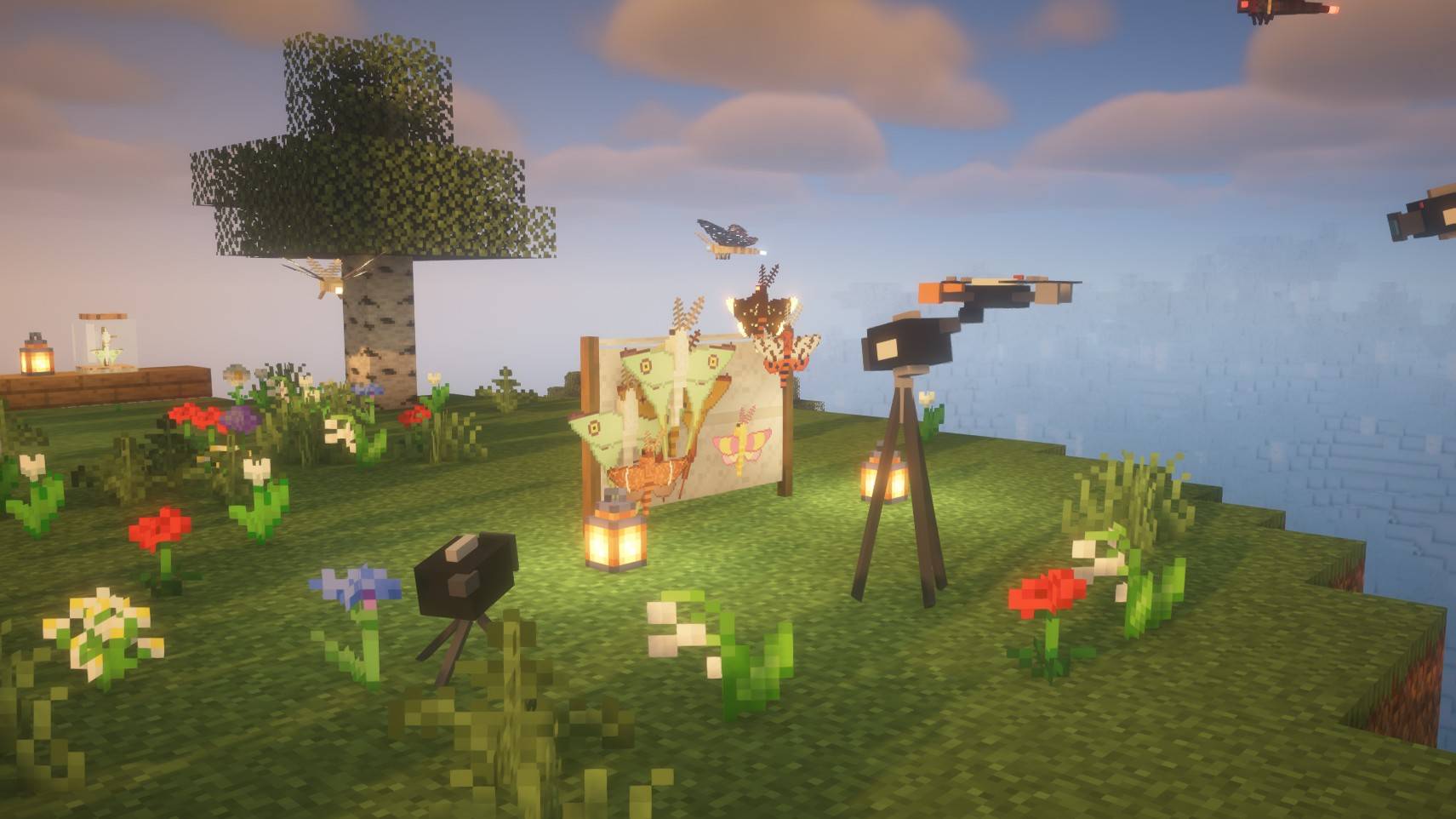
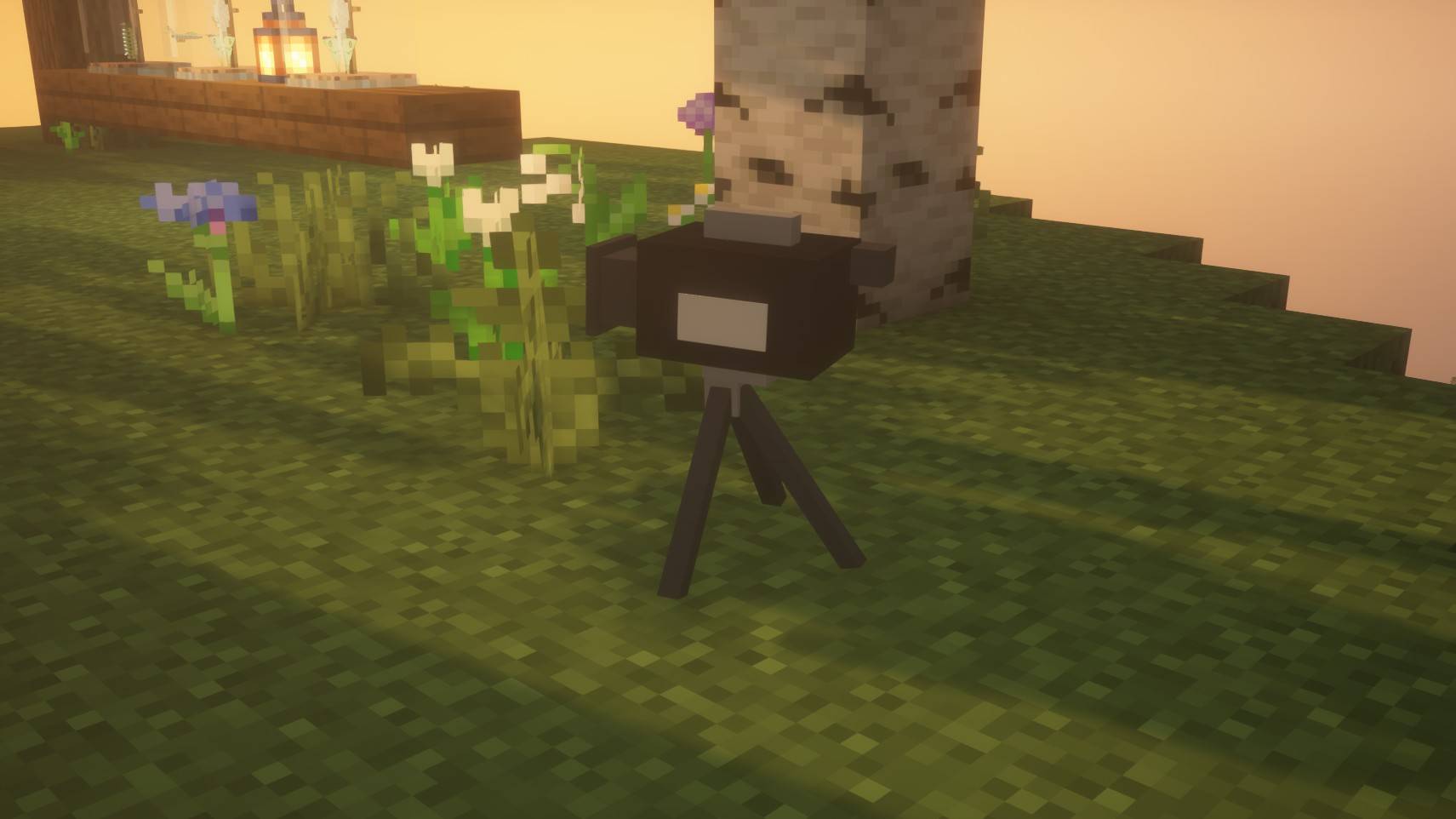
01-tripod-camera.jpg
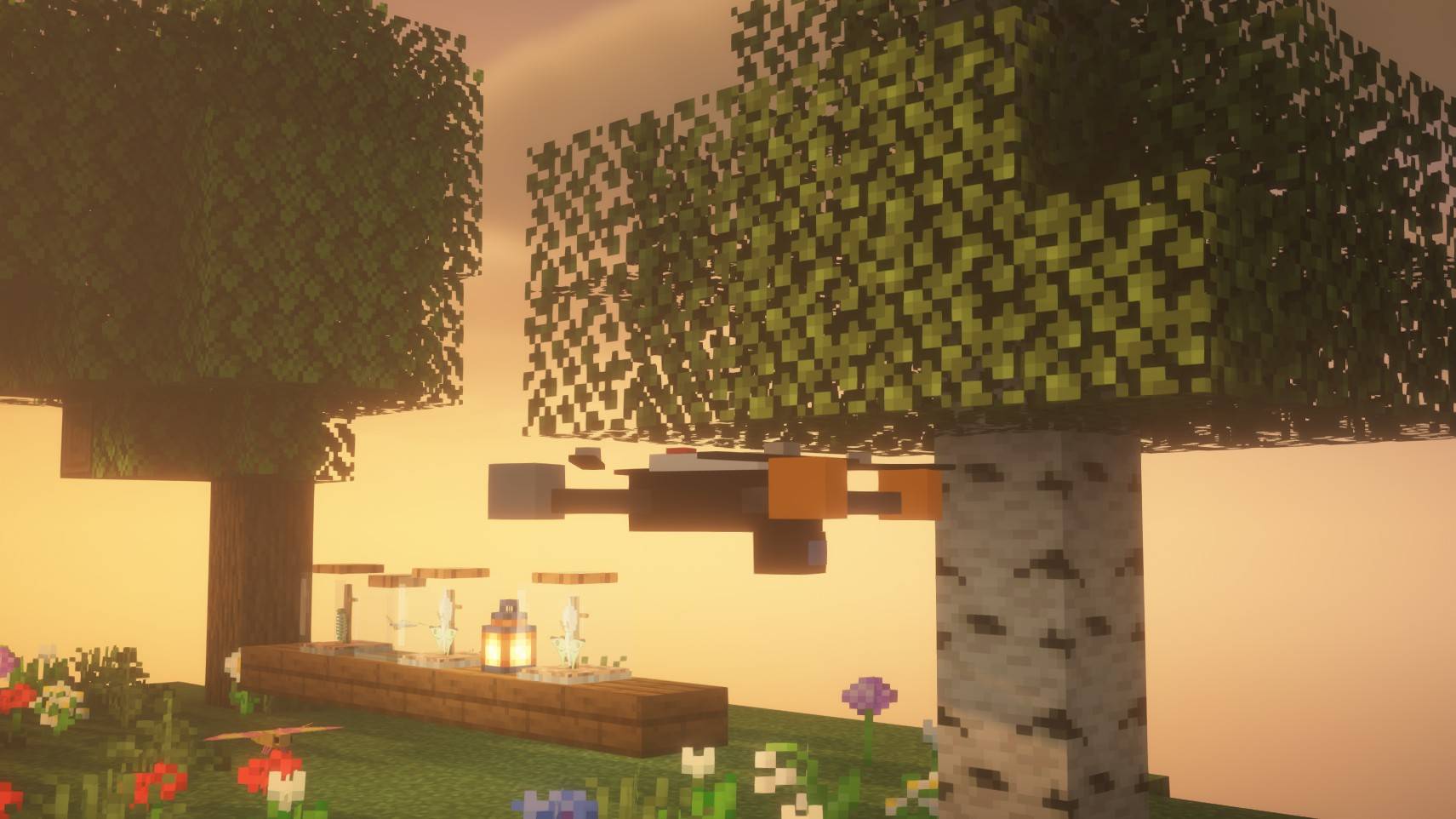
02-drone.jpg
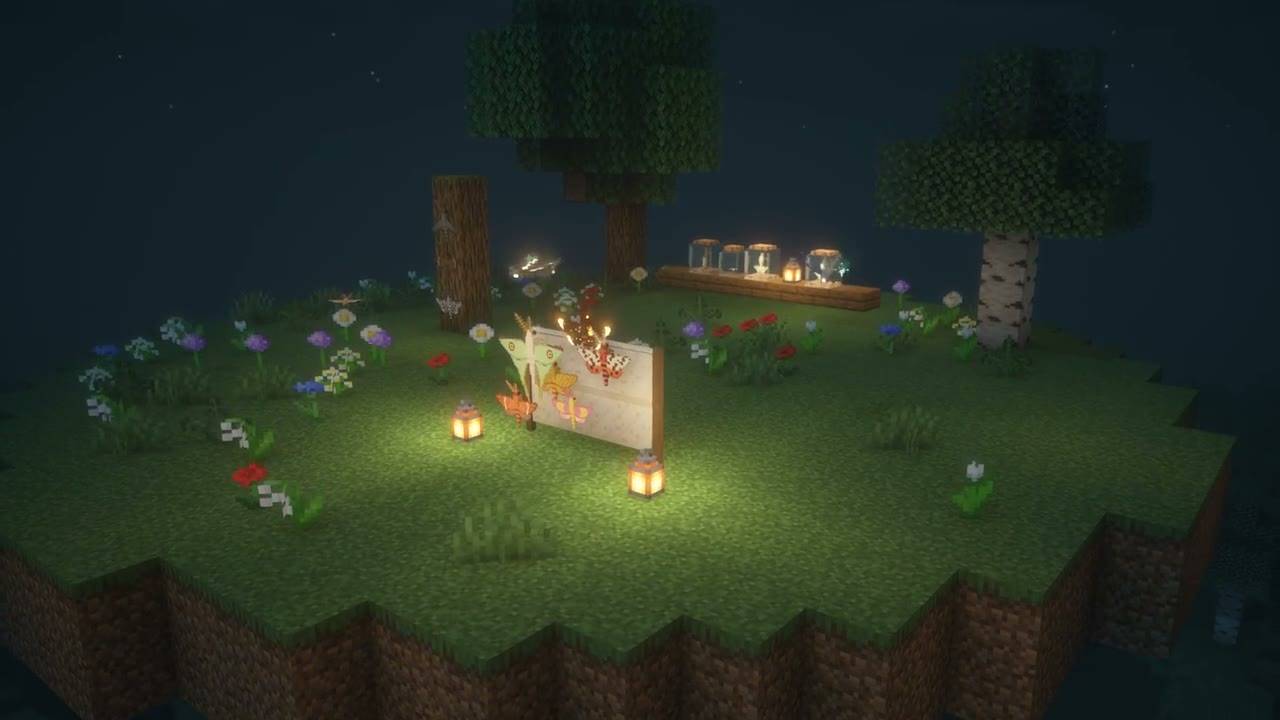
03-drone-shot.jpg
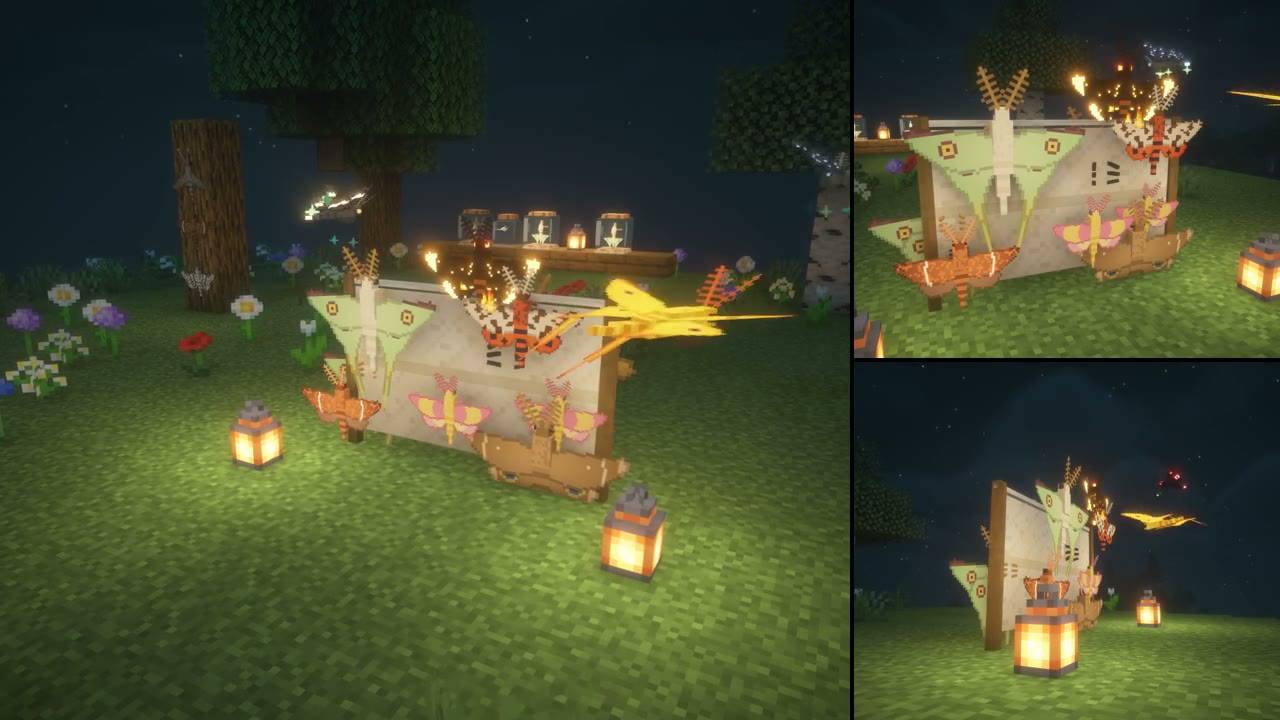
04-multicam.jpg
Description
A film studio for Minecraft 1.21.11 (NeoForge): place cameras anywhere, fly a camera drone, record smooth video in one keypress, and let an AI assistant such as Claude Code take screenshots and shoot video for you.
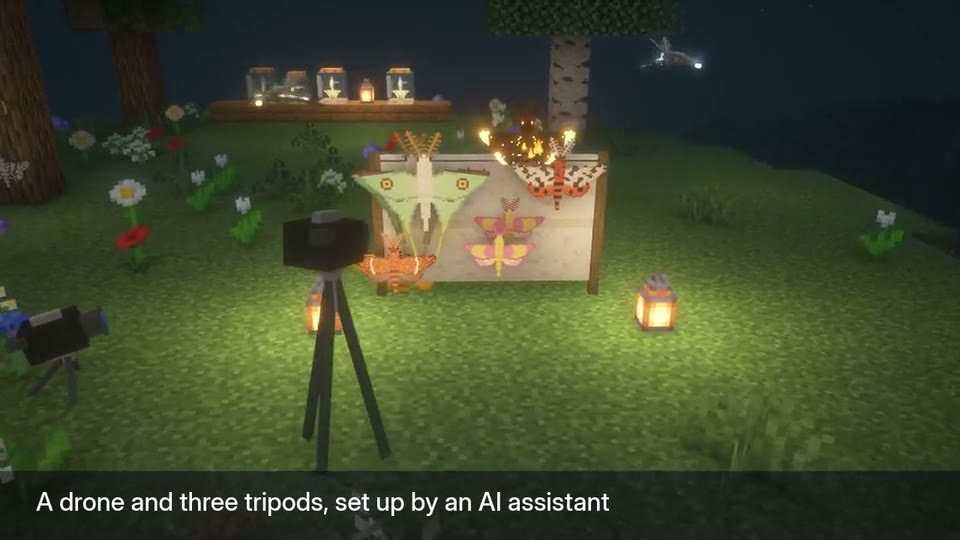
Cameras and drone
- Alt+T places a camera exactly where you're looking from; Alt+N looks through your cameras one by one.
- Alt+D flies a camera drone with smooth, cinematic controls.
- Alt+R records video of what you see (the HUD hides itself). Video needs ffmpeg, which you install yourself; screenshots work without it.
- Camera, tripod and drone props can show in the world for behind-the-scenes shots, and only the cameras you choose can see them.
Camera Manager
- Alt+C opens a page in your browser with a thumbnail of every camera, number fields to fine-tune each one, nudge buttons, and multi-angle shots.
AI assistants (optional)
- Lensbridge runs a small bridge on your own computer (127.0.0.1 only, protected by a secret key) that AI tools can connect to. Your assistant can take screenshots of the game (never your desktop), set up camera moves, and record orbits, camera paths and video.
- Nothing is sent anywhere: screenshots and videos are saved in your game folder, and nothing is downloaded while the game runs.
- For modmakers: Showcase Stages photograph every mob, block and item in your mod in one go.
Fair on servers
- In singleplayer everything works. On a server, free cameras (they can see through walls) need operator status or spectator mode, and letting an AI act for you needs operator status.
- Server owners can install the same jar to set their own rules (ops, everyone or nobody), with LuckPerms permission nodes. Players without Lensbridge can still join.
Full guide and tool reference: Lensbridge wiki
Designed, directed and tested by DreadedZombie. Code written with AI assistance (Claude), and the mod is built to work with AI assistants. All pictures are real in-game captures.
Lensbridge Team