





Inventory is now bigger. More slots, with a new customisable weight system.
Legendary Inventory changes the slot system for a weight-based system. Slot space is no longer the limit.
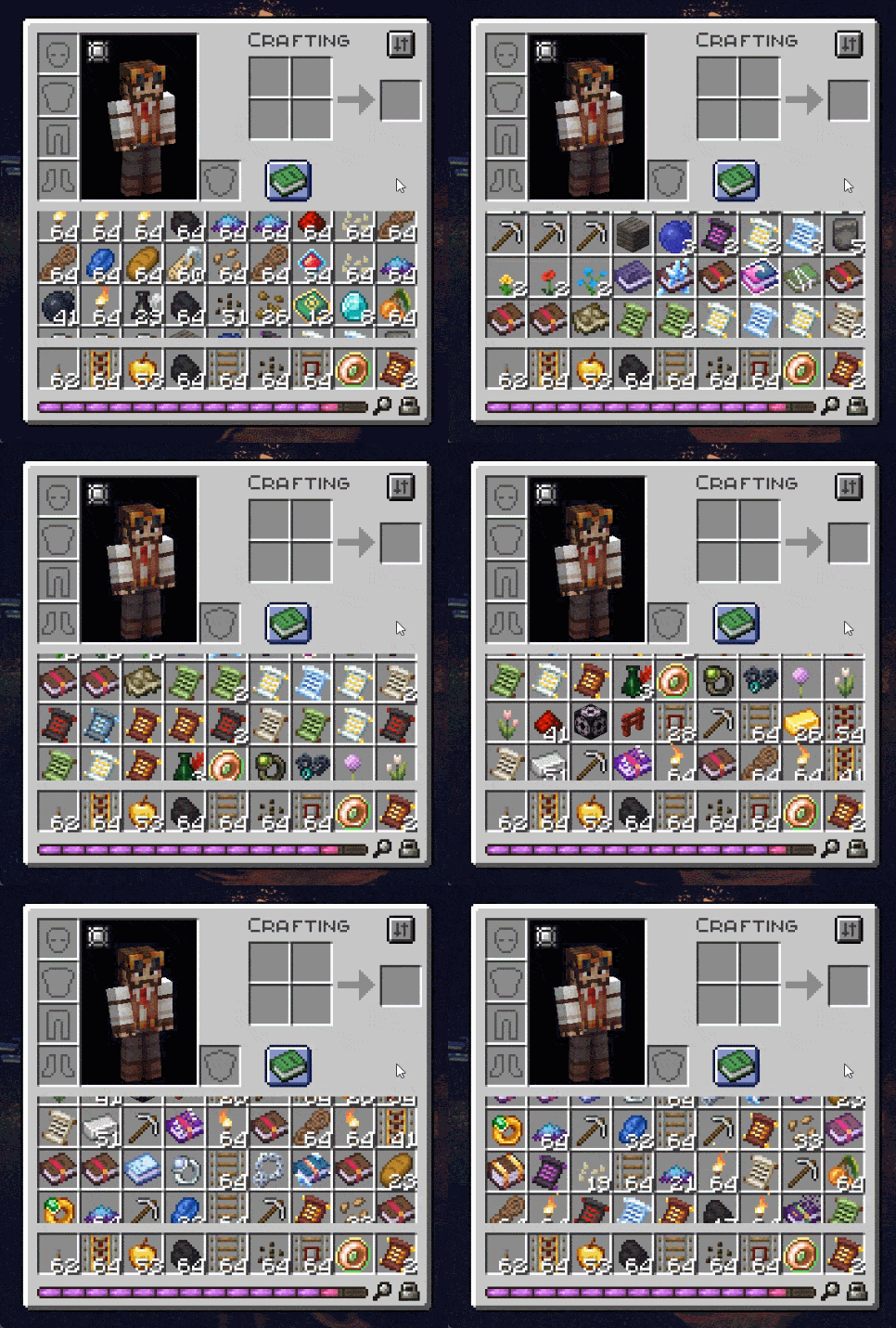
Before, players had to manage their inventory through 36 fixed slots (41 with armor).
A number that does not align with modern playstyle. Minecraft has added many new items throughout the years, and mods made it tedious to manage the inventory in an efficient and quick way. Hence why the backpack and storage mods are so popular.
Legendary Inventory shifts the inventory usage.
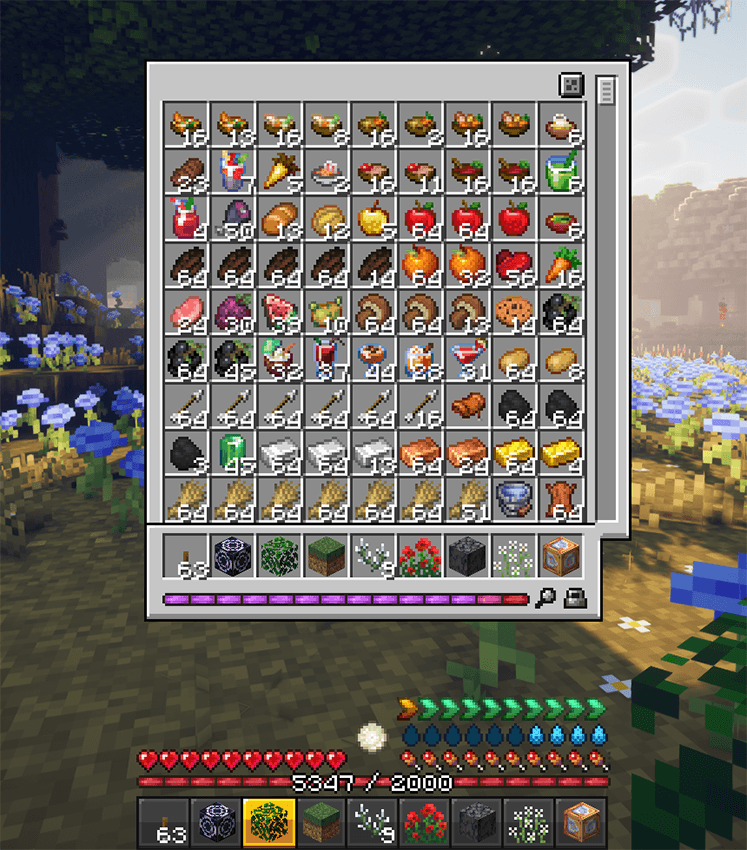
With its new dynamic extended slot system, allowing you to collect more than 36 stacks, you now rely on the weight of your resources rather than the place they fill.
Scroll or toggle your inventory to its big size with TAB
How does it work?
Usually, when working on the inventory, mod creators have to swap a GUI for a copied version of it, breaking all connections between the menu and its potential addons (buttons from other mods, keybinds, etc...)
Legendary Inventory is different. It hooks itself on existing menus, detects the inventory rows and applies its dynamic system on top of it. This method allows the mod to work with any inventory by default (vanilla and modded). It also cuts out the texture of slots to match the visuals at all time, which makes resource packs work by default too.
The number of rows is not infinite, as any entry in the inventory means more data to read, but its default extended inventory adds +50 lines, going from 3 rows (27 slots) to 53 (477 slots). Everything is configurable.
Is this mod a buff or a nerf?
Neither. The mod balances itself automatically through the weight system integrated to your UI. An infinite number of rows is a direct buff to your inventory, limited by the weight bar, which serves as a nerf. Introducing "pods", the measurement unit for each item in your game.
By default, the player has 1000 pods available. Each item has a weight in pods. Lightest ones are 1 pod, and heavier ones (anvils, iron blocks, etc...) can take a fair amount of your weight bar on their own. Why 1000 pods? Here is how it's designed:
- Vanilla minecraft = 36 slots* 64 items = 2304 items.
This means you can have up to 2304 items in vanilla minecraft.
- Legendary Inventory = 1000 pods.
This means you can have 1000 feathers, or 25 iron blocks, or 5 anvils, or 40 chestplates.
Why is it not a nerf?
- In standard gameplay, players rarely carry 36 full stacks of items unless they are gathering building materials. Because everyday adventuring involves variety rather than maximum stack counts, a weight-based system offers far more practical utility than traditional slot limits.
- The weight number is now an attribute. Which means it can be increased through the weight tablets we spread across minecraft dungeon chests. (and its API is open for modders and modpack authors to add their own way of increasing the max weight value)
-
You can go past 100% of your capacity, but every step above it costs you:
- 100%: you start slowing down, and every item you pick up slows you further.
- 120%: the weight bar turns to its heavy color and your jumps get shorter.
- 150%: you can no longer sprint.
- 200%: you are immobilized, cannot jump, and cannot pick anything up from the ground.
All four thresholds are configurable.
The weight bar is king!

Check out your weight bar at all time in your inventory, or through your player UI by pressing TAB (will momentarily replace your XP bar)
Check your status at all time by hovering your weight bar. Your capacity will tell you everything you need to know.

How does this act on death? Are gravestone mods compatible?
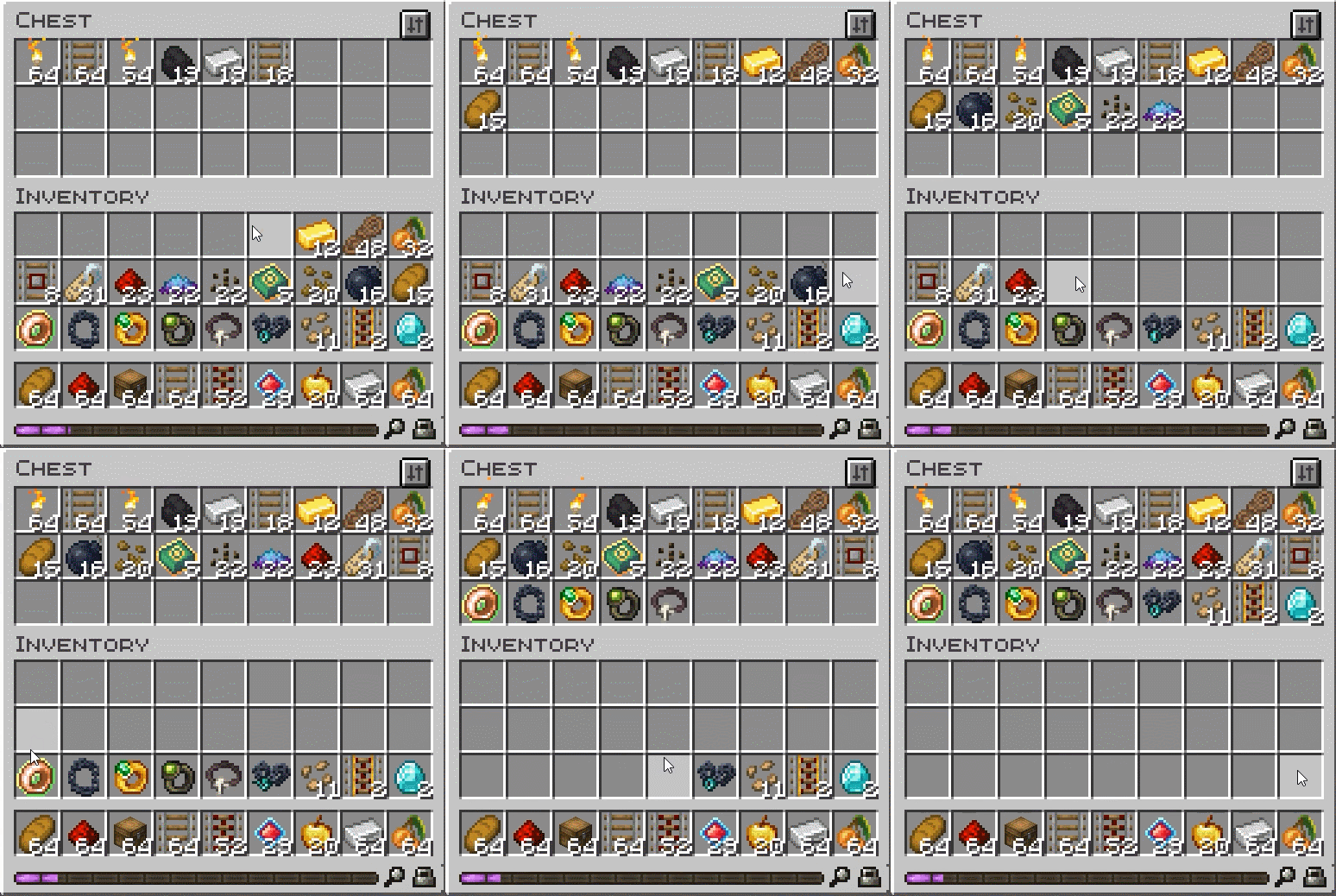
It depends. For vanilla death, you will drop your vanilla rows items on the ground, and all the items in your extended rows will be put inside the "sack", a new item that will give you back the rest of your items when gathered. The sack is a measure made for optimization. The whole mod has been created with performances in mind, so the inventory doesn't tick for no reason, and the server doesn't ask for your whole inventory each second. The key relies in changing datas when it's relevant only.
For death with a gravestone mod, everything works with the gravestone mod conditions. Items go back in their slots for armor, weapons, hotbar, and the inventory merges the dynamic rows together, nothing is lost. It behaves as it should.
What about backpack mods? Are they useless now?
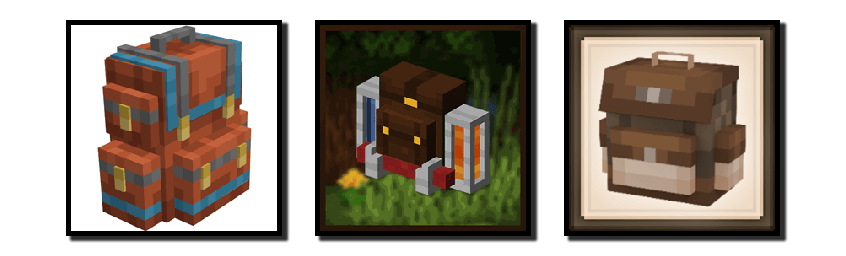
No. For that matter, they are actually even more powerful with Legendary Inventory. The mod has a special feature for backpack inventories. All the items put inside a backpack do not have a weight, they use a slot like in regular Minecraft. This will incite players to use backpacks to transport heavy items in it, collect blocks for buildings, etc...The counterpart is that the backpacks, shulker box and containers items in general have a heavier weight by default (400 for shulker boxes)
what happens to my existing world when I add the mod, and when I remove it?
Adding the mod does nothing but giving you the new inventory system. Your old inventory will just blend with it.
No danger.
Removing the mod will remove all the items present in your extended rows. Put your inventory in chests before doing so.
Miscellaneous
- The inventory has a search bar to quickly find your item.
- A scrollbar can be toggled to see your inventory
- Sort button to merge items together + sort by Weight
- Being overloaded prevents you from using mounts (vehicles still work)
- Waystones cannot be used when full
- Additional compat with Trash slot, JEI, Mouse Tweaks
- Weights are data-driven. Use weights.json in config (command ingame available /inventory set...)
For modders and pack authors
The API is a single static entry point, com.krampus.legendaryinventory.api.LegendaryInventoryApi, plus two interfaces in the same package. Add the mod as a compileOnly dependency; nothing else is required.
- Read the numbers:
getItemWeight(stack),getStackWeight(stack),getCarriedWeight(player),getCapacity(player). - Change capacity: carry capacity is a vanilla-style player attribute (
legendaryinventory:carry_capacity, exposed bygetCapacityAttribute()), so gear, potions and enchantments can apply attribute modifiers to it like any other stat. For permanent increases the way the Weight Tablets do it, useaddCapacityBonus(player, amount)/setCapacityBonus(player, bonus); the bonus is stored with the player. - Change weights: implement
IWeightProviderand register it withregisterWeightProvider(...)to weigh items dynamically (by NBT, contents, whatever you need), or callsetDefaultWeight(itemId, pods)to override a single item. Without code, pack authors can edit the per-item weights in the generatedweights.jsonand the tag-based tiers. - Access the extended rows:
getExtendedInventory(player)returns anIExtendedInventory, a standardIItemHandlerModifiable, so anything that already speaks item handlers works with it. - Menu control:
excludeMenuFromAugment(menuClass)keeps a menu out of the system,allowAugmentedSlotClass(slotClass)lets custom slot types be detected as inventory rows, andisAugmented(menu)tells you whether a menu got the rows.
Disclaimer:
Legendary Inventory is an early access mod. Please report any bug you can find. Make sure to create backups when handling the mod.
Legendary Inventory Team

Owner