
Imagem do ChatGPT 10 de nov. de 2026, 12_47_26.png
Description
LED Timer — LED Timer Challenge
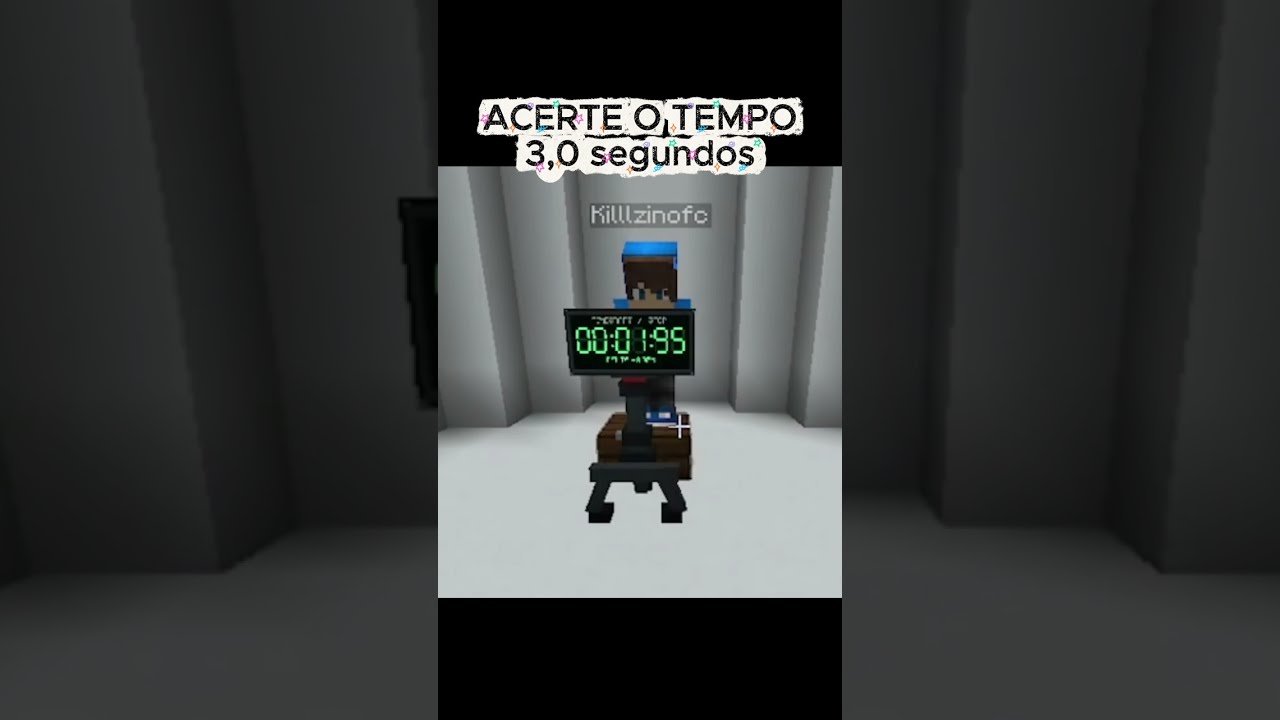
Can you stop the clock at exactly 10.00 seconds?
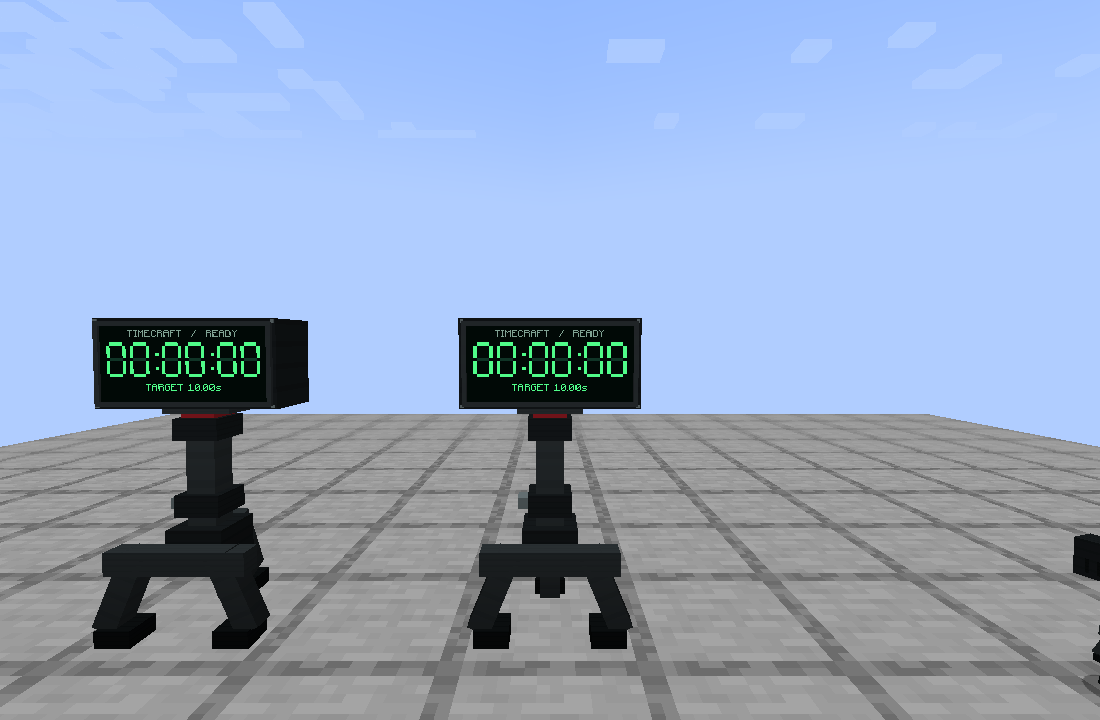
TimeCraft adds a placeable 3D digital timer to Minecraft, featuring a black enclosure, bright green seven-segment digits, and a three-legged stand.
Features
-
Physical timer: place it in your world on a solid surface with two blocks of vertical space.
-
Simple controls: right-click to start, right-click again to stop, and once more to reset.
-
Configurable target: sneak + right-click to open the settings screen. Choose a target between 1.00 and 600.00 seconds.
-
Results on the display: see your time and the difference from your target directly on the timer or in its interface.
-
No chat commands or result messages: everything is controlled through interactions and the graphical interface.
-
Original sounds: distinct start, stop, and perfect-time sounds for nearby players.
-
Multiplayer support: the server controls the official result, and only the player who started an attempt can stop it.
-
Saved settings: each timer remembers its target and saved result.
-
Creative and survival: find TimeCraft in the Redstone creative tab or craft it using green stained glass, iron ingots, and redstone.
How to Play
-
Place the timer on a solid block.
-
Sneak + right-click to set your target, or keep the default 10.00 seconds.
-
Right-click to start counting.
-
Right-click when you think you have reached the target.
-
Check your result, then right-click to reset!
The timer counts upward. Reaching the target does not automatically stop it—you must stop it yourself.
Requirements
-
Minecraft Java Edition 1.21.1
-
Fabric Loader 0.16.14 or newer
-
Fabric API 0.116.7+1.21.1 or a compatible newer release for Minecraft 1.21.1
-
Java 21
For multiplayer, install TimeCraft and Fabric API on both the server and every player's client.
This release is for Fabric, not Forge or NeoForge.
Timing and Saved Attempts
The display shows minutes, seconds, and hundredths. The server measures elapsed time using a monotonic clock, but server ticks, network latency, and server load can affect when your clicks are processed. Displaying hundredths does not guarantee hundredth-of-a-second input accuracy.
An attempt that was running when its chunk unloaded or the server restarted is restored as stopped at its saved elapsed time.
The green digits remain bright without additional shaders. They do not cast light onto nearby blocks.
Development Transparency
TimeCraft was developed with substantial generative AI assistance, including code, procedural models, textures, sounds, and documentation. The release was compiled and checked with automated tests, a real Minecraft client connected to a local dedicated server, and a separate Fabric server installation loading the release JAR.
TimeCraft is an unofficial Minecraft mod and is not affiliated with or endorsed by Mojang or Microsoft.
Led Timer Team
