KubeJS Recipe Editor
- By
Recipe builder with visual editing, tagging, and instant KubeJS export.
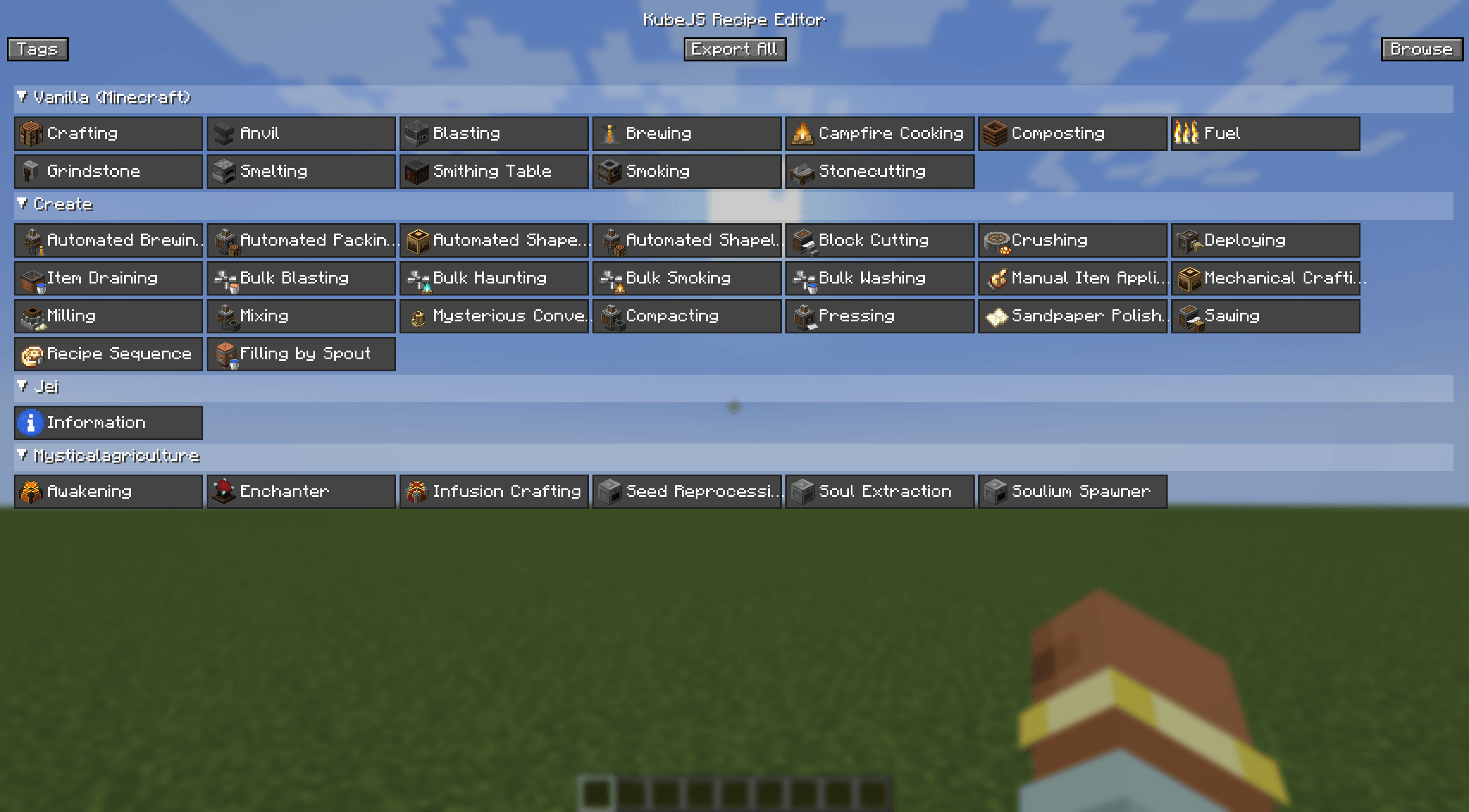
Home
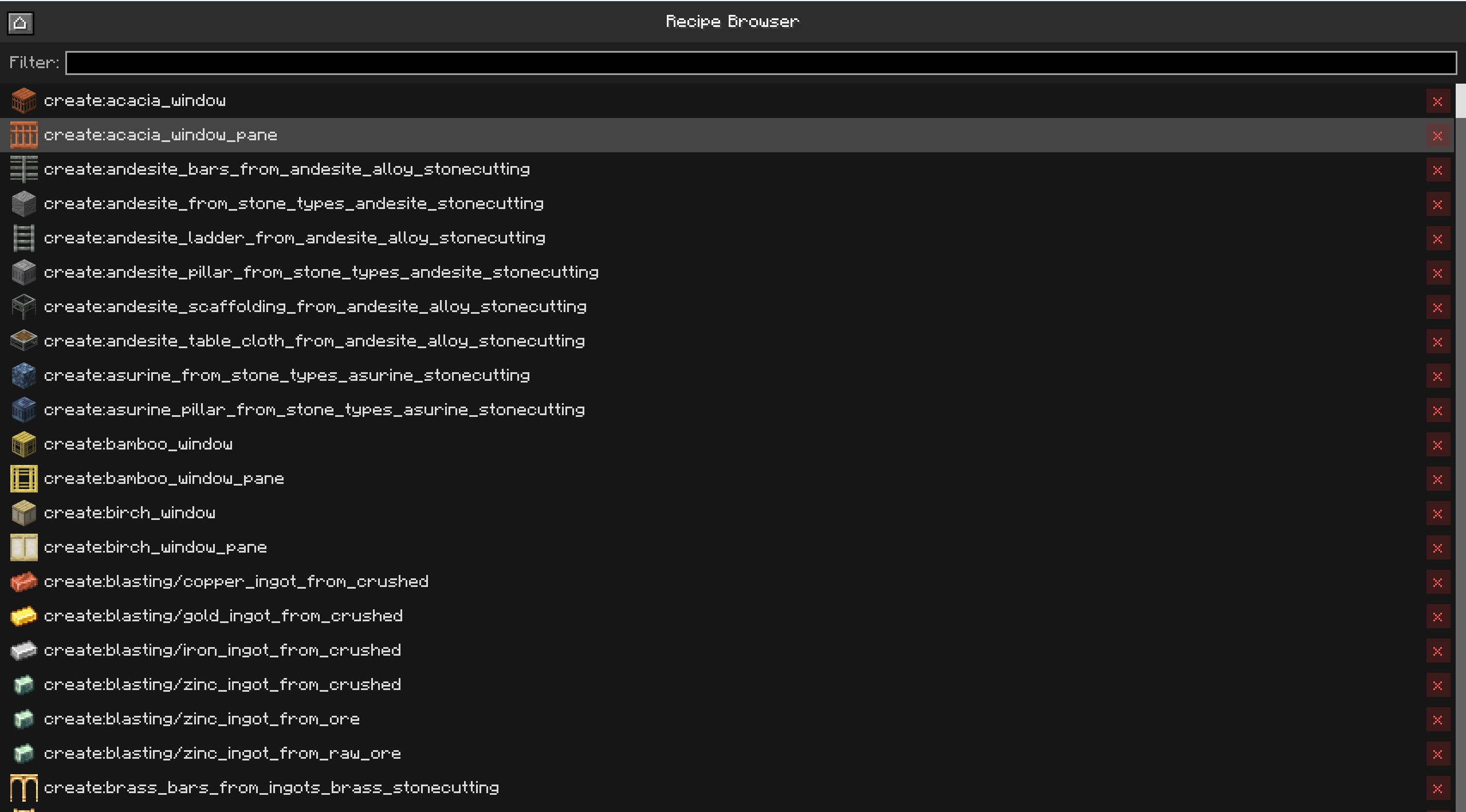
Recipe browser
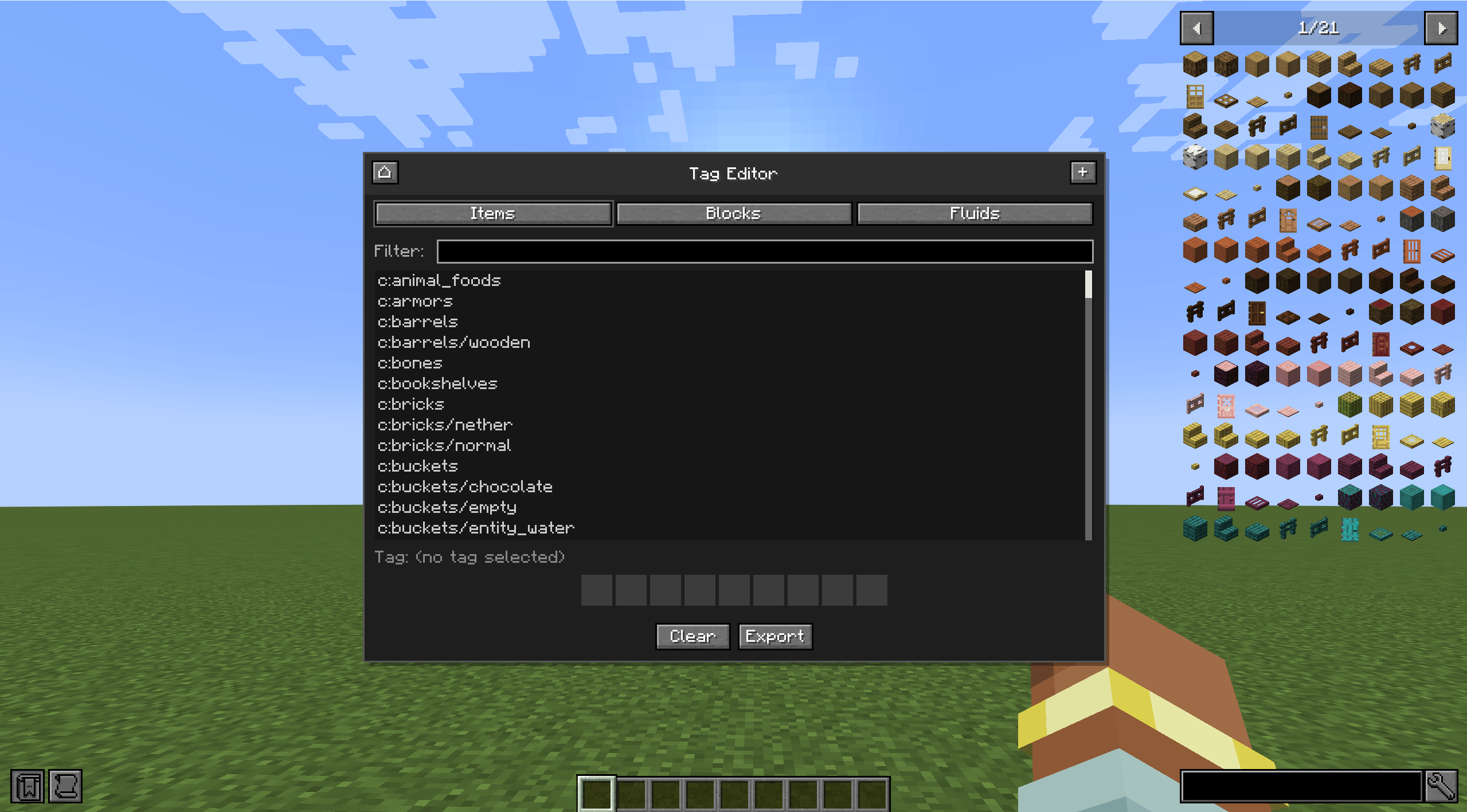
Tag browser and editor
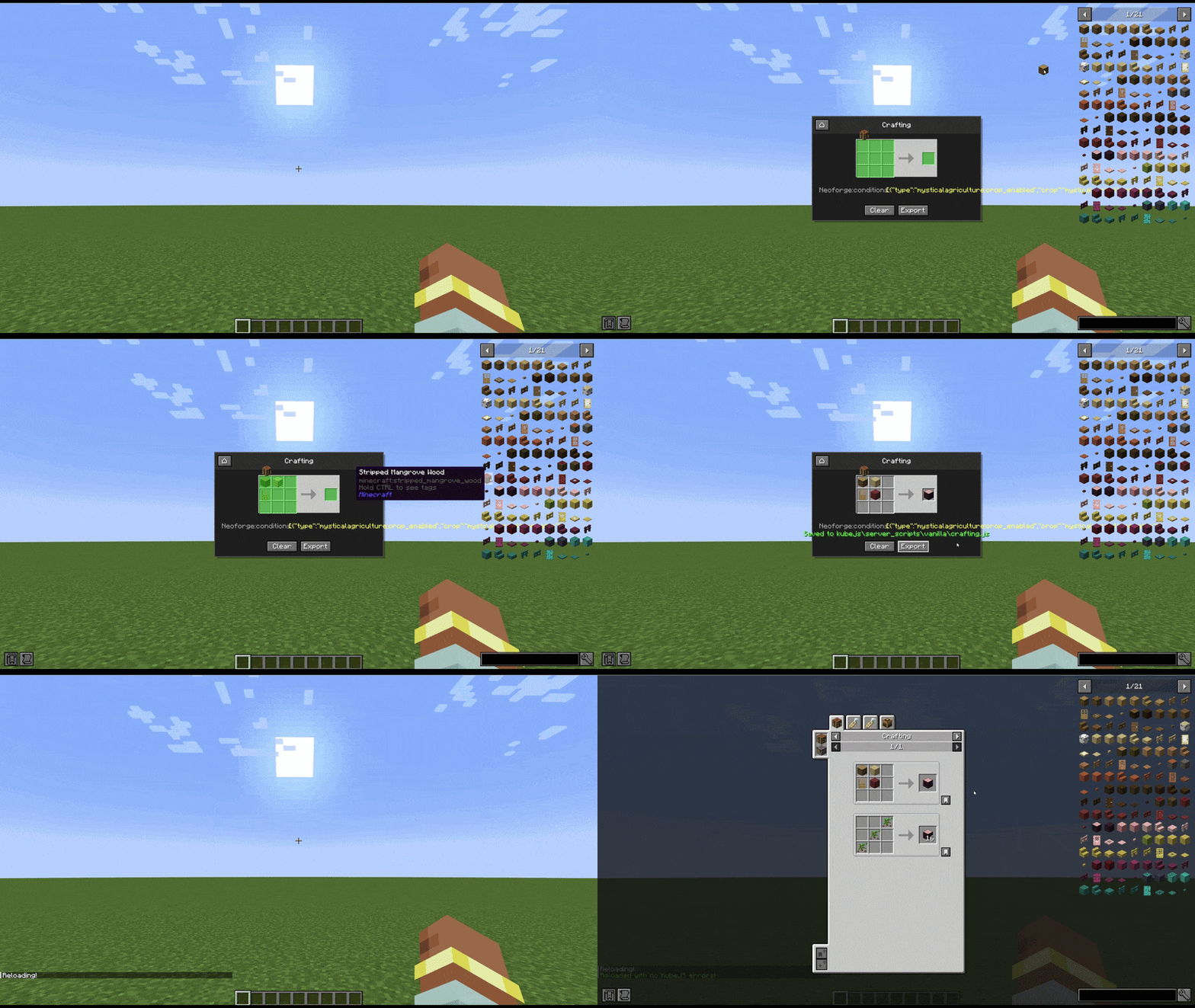
Vanilla crafting
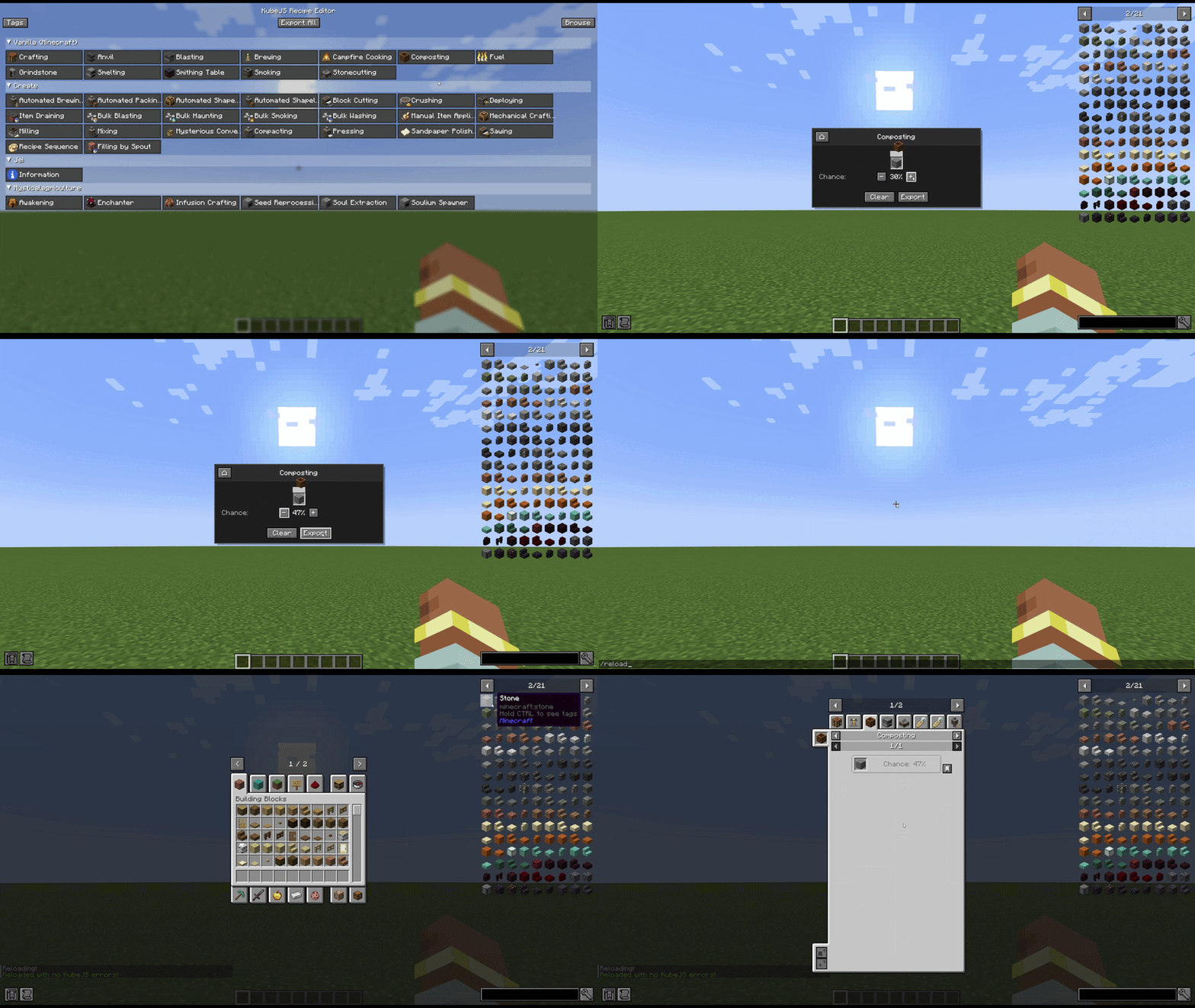
Vanilla composting
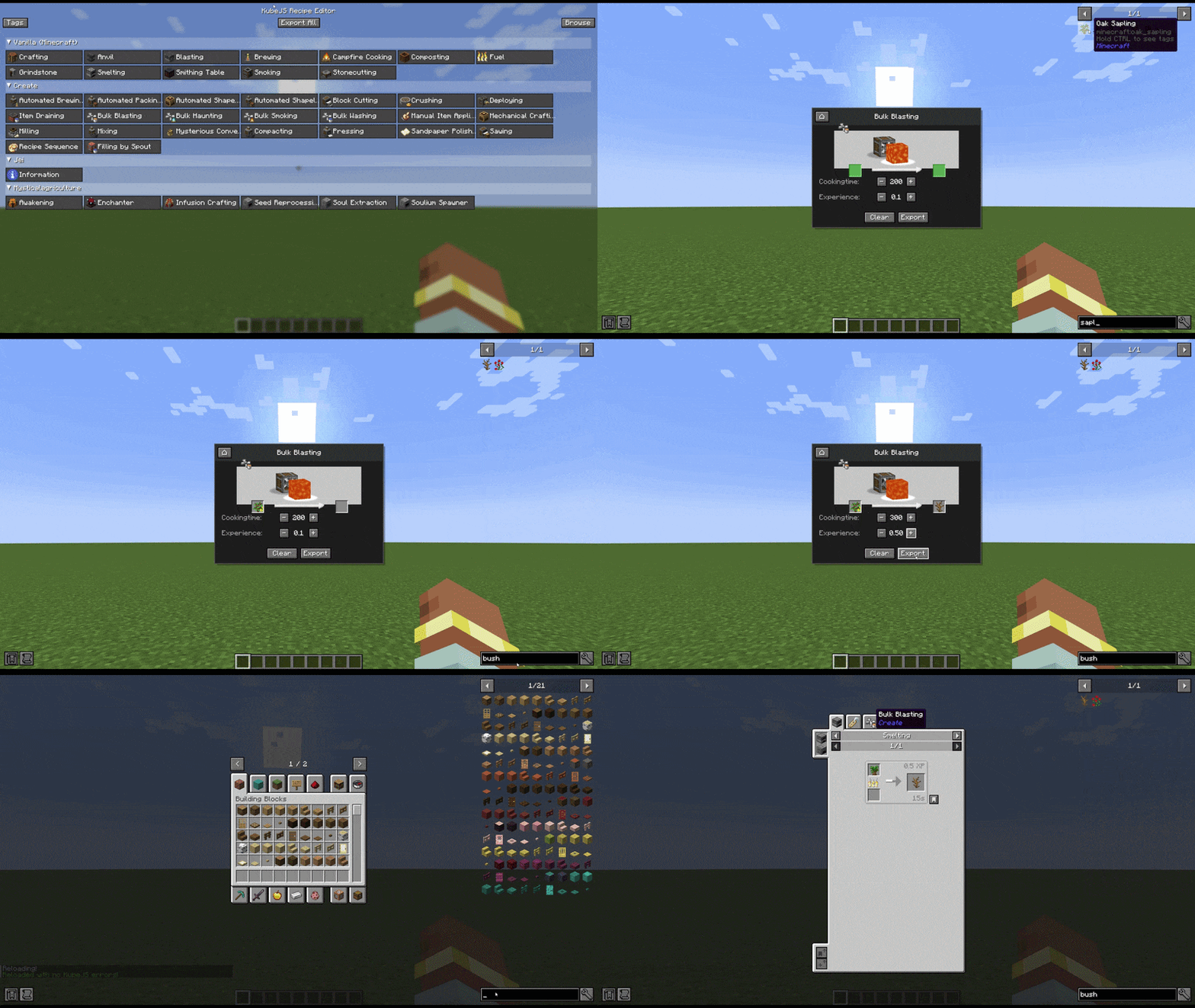
Modded smelting
astronomy2_0 | KubeJS Recipe Editor
Create a server, get 25% off your first month

Description
Early Alpha - This mod is still in active development. Bugs and missing features are expected. If you encounter any issue, please report them via the Issues tab on GitHub. Your feedback helps a lot!
KubeJS Recipe Editor
Streamline your recipe creation workflow with visual editing and instant KubeJS export.
KubeJS Recipe Editor is a NeoForge mod that transforms how you create custom recipes in Minecraft 1.21.1. Instead of manually writing KubeJS scripts, simply open the in-game recipe builder, drag items from JEI into your recipe slots, and export finished recipes as JavaScript with a single click.
Whether you're building a modpack, running a multiplayer server, or experimenting with custom content, this mod eliminates the tedious scripting process and lets you focus on game balance and design.
Key Features
Visual Recipe Builder - Press a configurable key to open an intuitive recipe editor. Select any mod's recipe type and build recipes by dragging items directly from JEI.
Support for All Mods - No addon mods required. Automatically detects and supports recipe categories from any installed mod, whether it's vanilla or modded content.
Fluid Handling - Create recipes with modded fluids by dragging fluid buckets into compatible slots. Adjust fluid amounts in millibuckets with simple right-click controls.
Tag System - Right-click any ingredient slot to select from available item, block, or fluid tags. A visual indicator shows when tags are in use.
Batch Export - Export individual recipes on-the-fly or use "Export All" to generate scripts for every loaded recipe at once. Recipes are automatically organized by type and mod namespace.
Configurable Parameters - Adjust recipe-specific settings like heat requirements, processing time, XP rewards, and more using simple +/- controls.
Tag Editor - Manage item, block, and fluid tags directly in-game. Create new tags or modify existing ones without leaving Minecraft.
Recipe Browser - View and manage all previously exported recipes in one place.
Requirements
- KubeJS
- JEI
How It Works
- Press J to open the recipe editor
- Select a mod namespace and recipe category
- Drag items into ingredient and output slots
- Configure parameters using +/- buttons
- Click Export to save your recipe as a KubeJS script
Recipes are automatically saved to organized directories:
- Vanilla recipes →
kubejs/server_scripts/vanilla/(except for fuel that goes intokubejs/startup_scripts/) - Modded recipes →
kubejs/server_scripts/<namespace>/ - Custom tags →
kubejs/data/<pack>/tags/
KubeJS Recipe Editor Team