
konru-it-drone-tracking-killer
- By
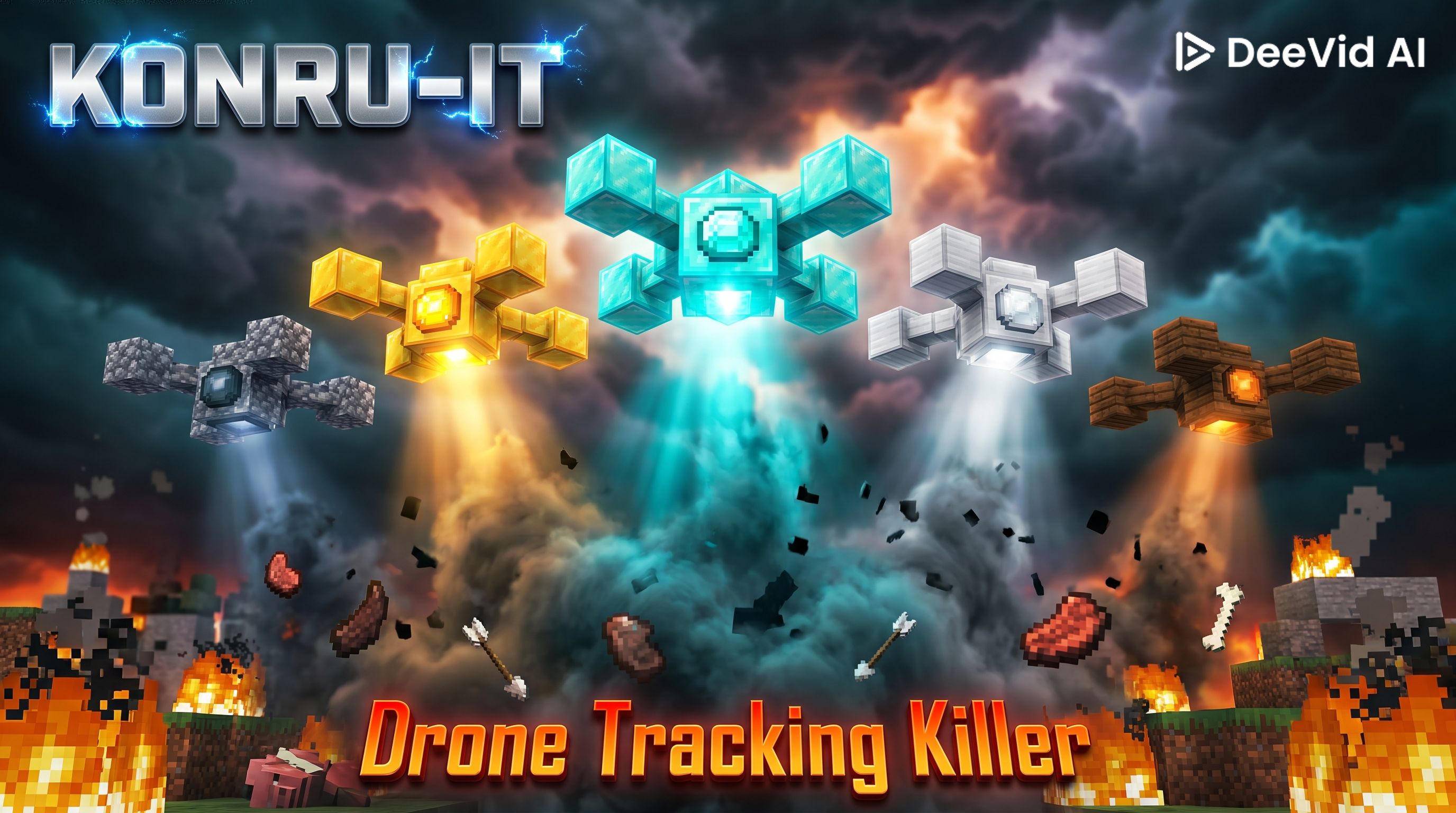
Deploy tier-based combat drones that follow you, hover overhead, and automatically attack nearby hostile mobs.
drone-tracking-killer.jpg
Description
# Konru-IT Drone Tracking Killer
A Minecraft Fabric mod that lets you deploy autonomous combat drones. Drones follow their owner, hover overhead, and automatically hunt down nearby hostile mobs. Five material tiers — from wood to diamond — each with unique attack styles, stats, and textures.
**Mod ID:** `konru_it_drone_tracking_killer`
**Minecraft:** 1.21.11 · **Fabric Loader:** 0.18.2+ · **Fabric API:** 0.139.4+1.21.11
---
## Requirements
- Minecraft 1.21.11
- Fabric Loader 0.18.0+
- Fabric API
---
## Installation
3. Drop `konru-it-material-*.jar`, `konru-it-drone-tracking-killer-*.jar`, and Fabric API into `.minecraft/mods/`
4. Launch Minecraft with the Fabric 1.21.11 profile
---
## Features
- 5 drone tiers with distinct stats, textures, and attack behavior
- Autonomous AI — drones follow their owner and hover 3 blocks above
- Auto-targeting — automatically detects and attacks nearby hostile mobs
- Tier-based ranged attacks — each tier fights differently
- Right-click to deploy, consuming the item
- Right-click a deployed drone to deactivate or reactivate it
- Modular crafting system using Konru-IT Material components
---
## Drone Tiers
| Tier | Attack Style | Damage | HP | Range | Speed |
|---------|-------------------------|--------|----|-----------|-------|
| Wooden | Hitscan + poof particle | 2 | 20 | 8 blocks | 0.25 |
| Stone | Hitscan + crit particle | 4 | 30 | 10 blocks | 0.28 |
| Iron | Arrow projectile | 6 | 40 | 12 blocks | 0.32 |
| Gold | Critical arrow | 8 | 35 | 15 blocks | 0.40 |
| Diamond | Fire beam + ignite | 12 | 60 | 18 blocks | 0.35 |
---
## Crafting
### 1 — Silicon Wafer *(Konru-IT Material)*
```
· Q ·
Q S Q Q = Nether Quartz S = Sand
· Q ·
→ 2× Silicon Wafer
```
### 2 — Copper Wire *(Konru-IT Material)*
```
C C C C = Copper Ingot
→ 4× Copper Wire
```
### 3 — Circuit *(Konru-IT Material)*
```
· W ·
W S W W = Copper Wire S = Silicon Wafer
· W ·
```
### 4 — Board *(Konru-IT Material)*
```
G I G
I C I G = Gold Ingot I = Iron Ingot C = Circuit
G I G
```
### 5 — Microcontroller *(Konru-IT Material)*
```
C R C
R B R C = Circuit R = Redstone B = Board
C R C
```
### 6 — Computer Chip *(Konru-IT Material)*
```
M D M
D M D M = Microcontroller D = Diamond
M D M
```
### 7 — Motor Coil *(Konru-IT Material)*
```
· W ·
W I W W = Copper Wire I = Iron Ingot
· W ·
```
### 8 — Sensor Chip *(Konru-IT Material)*
```
· Q ·
Q C Q Q = Nether Quartz C = Circuit
· Q ·
```
### 9 — Servo *(Konru-IT Material)*
```
· M ·
M C M M = Motor Coil C = Microcontroller
· M ·
```
### 10 — Flight Controller *(Konru-IT Material)*
```
· S ·
B C B S = Sensor Chip B = Board C = Computer Chip
· S ·
```
### 11 — Navigation Module *(Konru-IT Material)*
```
· G ·
S C S G = Gold Ingot S = Sensor Chip C = Computer Chip
· G ·
```
### 12 — Autopilot Unit *(Konru-IT Material)*
```
· F ·
N C N F = Flight Controller N = Navigation Module C = Computer Chip
· F ·
```
### 13 — Drone Assembly Kit *(Konru-IT Material)*
```
S F S
F A F S = Servo F = Flight Controller A = Autopilot Unit
S F S
```
### 14 — Drone Frame *(pick your tier)*
```
M · M
· · · M = Oak Planks / Smooth Stone / Iron Ingot / Gold Ingot / Diamond
M · M
```
### 15 — Drone *(shapeless)*
```
Drone Frame + Drone Assembly Kit → [Tier] Drone
```
---
## Usage
1. Hold a drone item and **right-click** to deploy it above you
2. The drone hovers 3 blocks above your head and follows you
3. It automatically targets and attacks nearby hostile mobs
4. **Right-click** the deployed drone to **deactivate** it
5. **Right-click** again to **reactivate** it
---
The konru-it-drone-tracking-killer Team


