KJS Editor
- By
1.png
containers.png
move recipes panel.png
crafting table.png
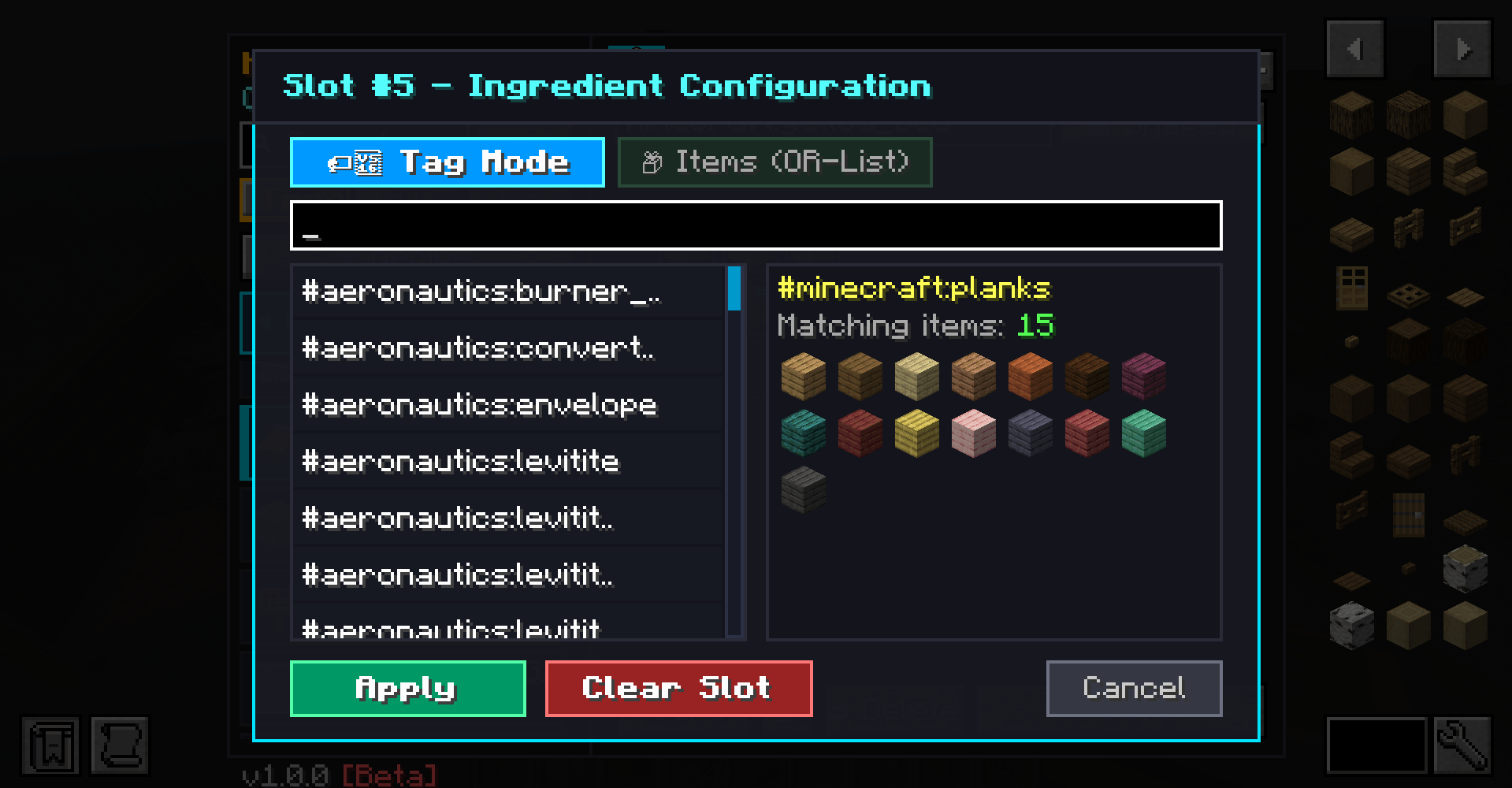
Alternative Ingredients panel.png
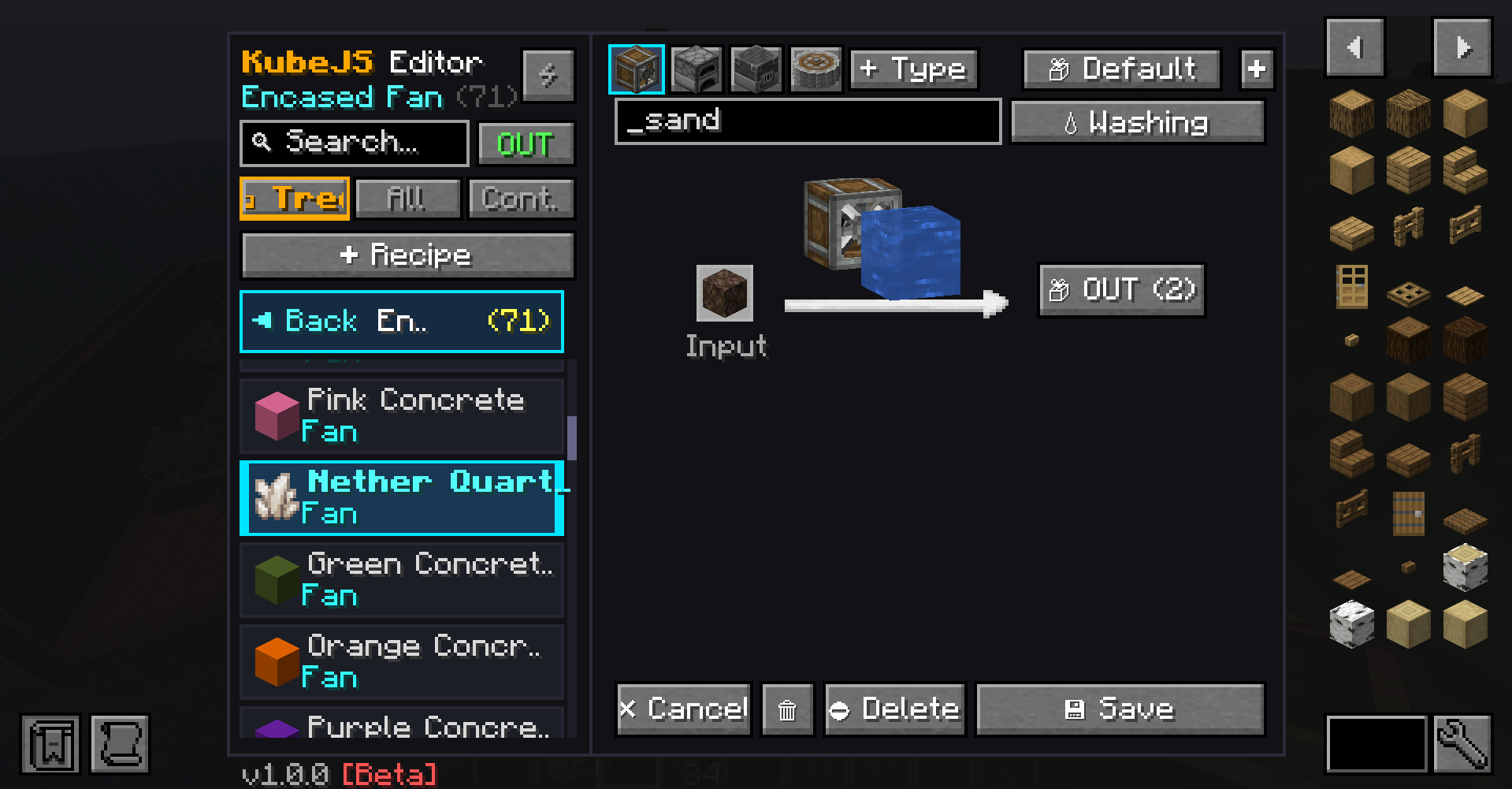
create fan.png
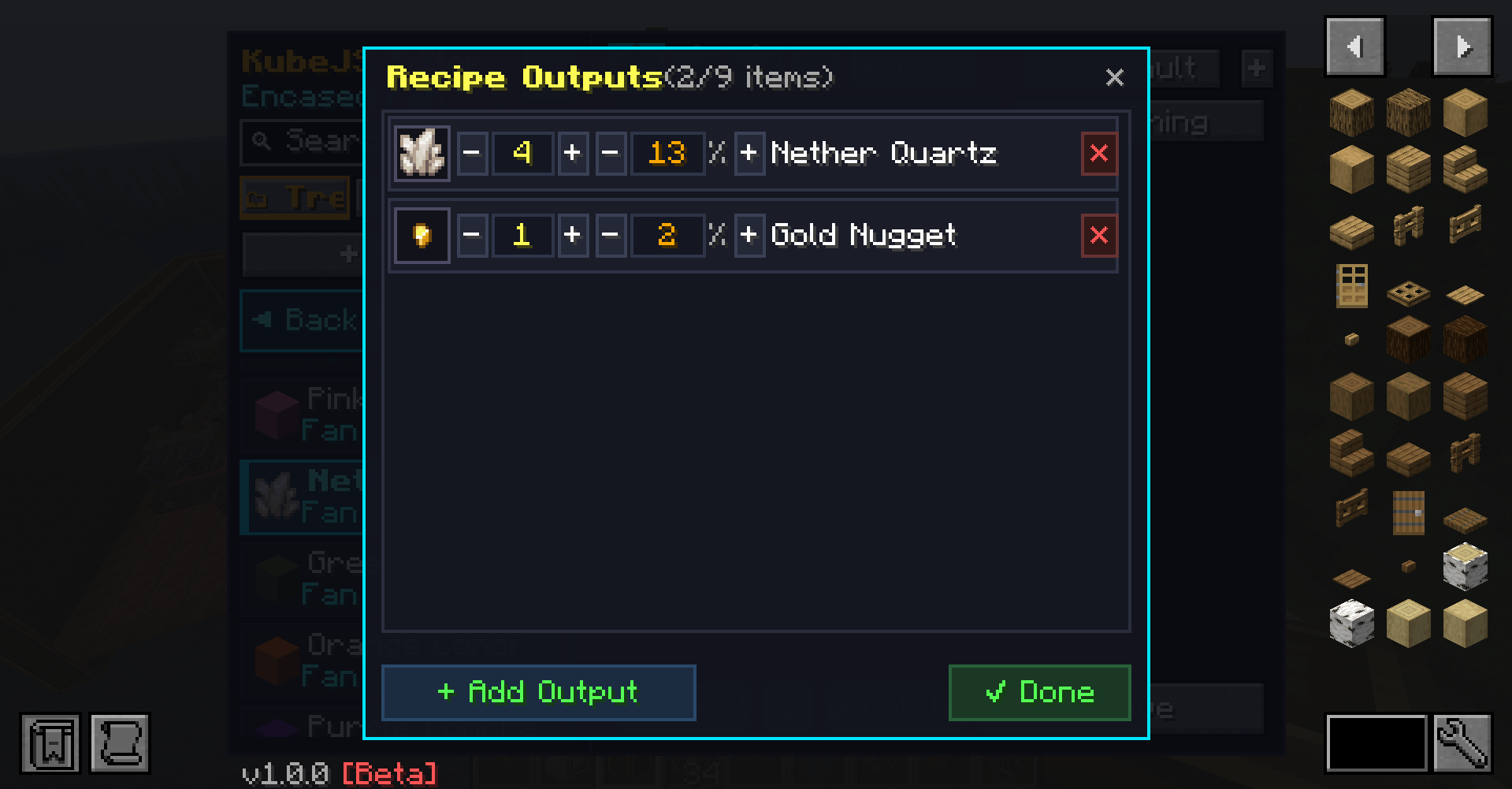
create multi out panel.png
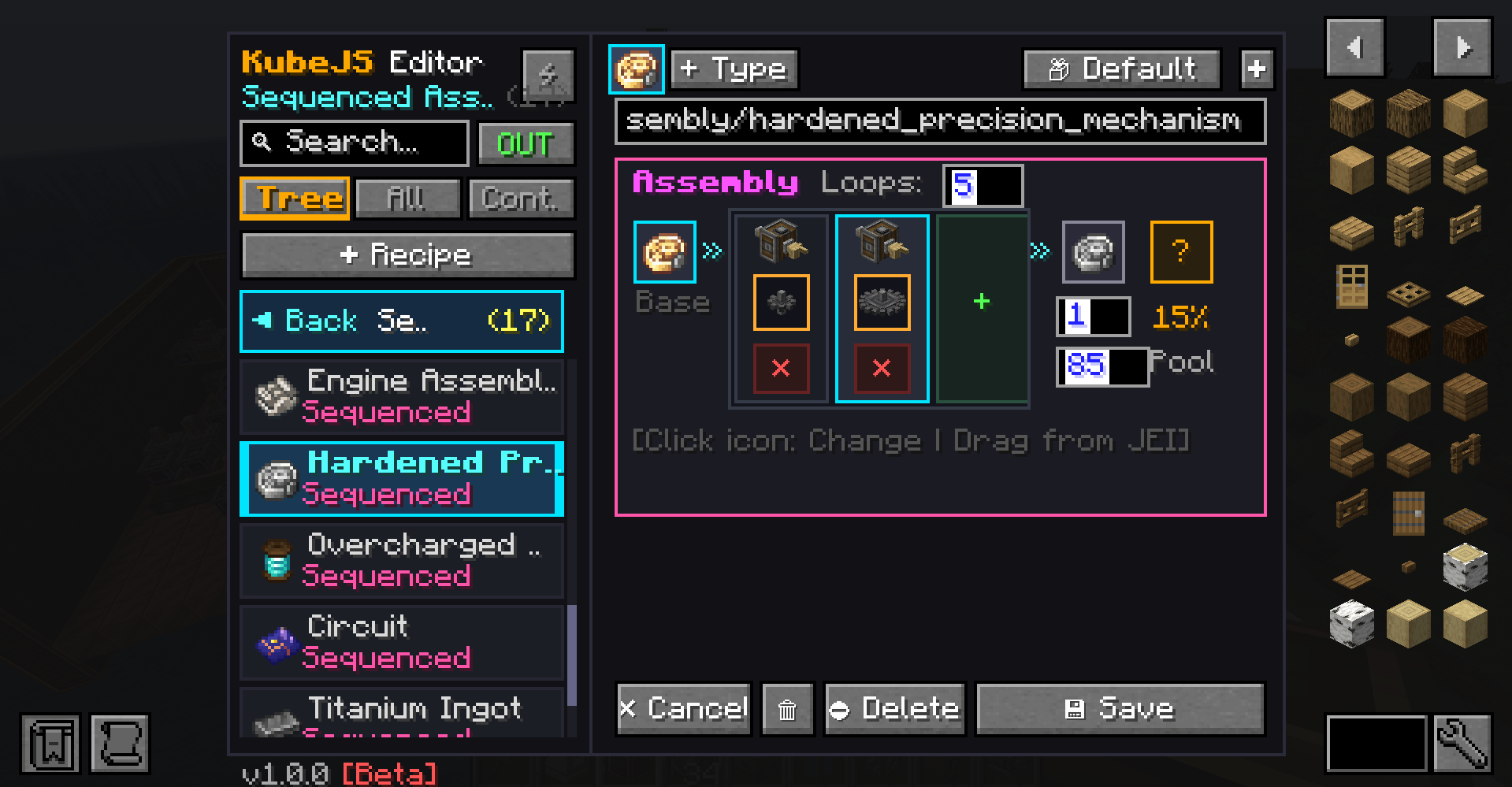
create sequenced assembly.png
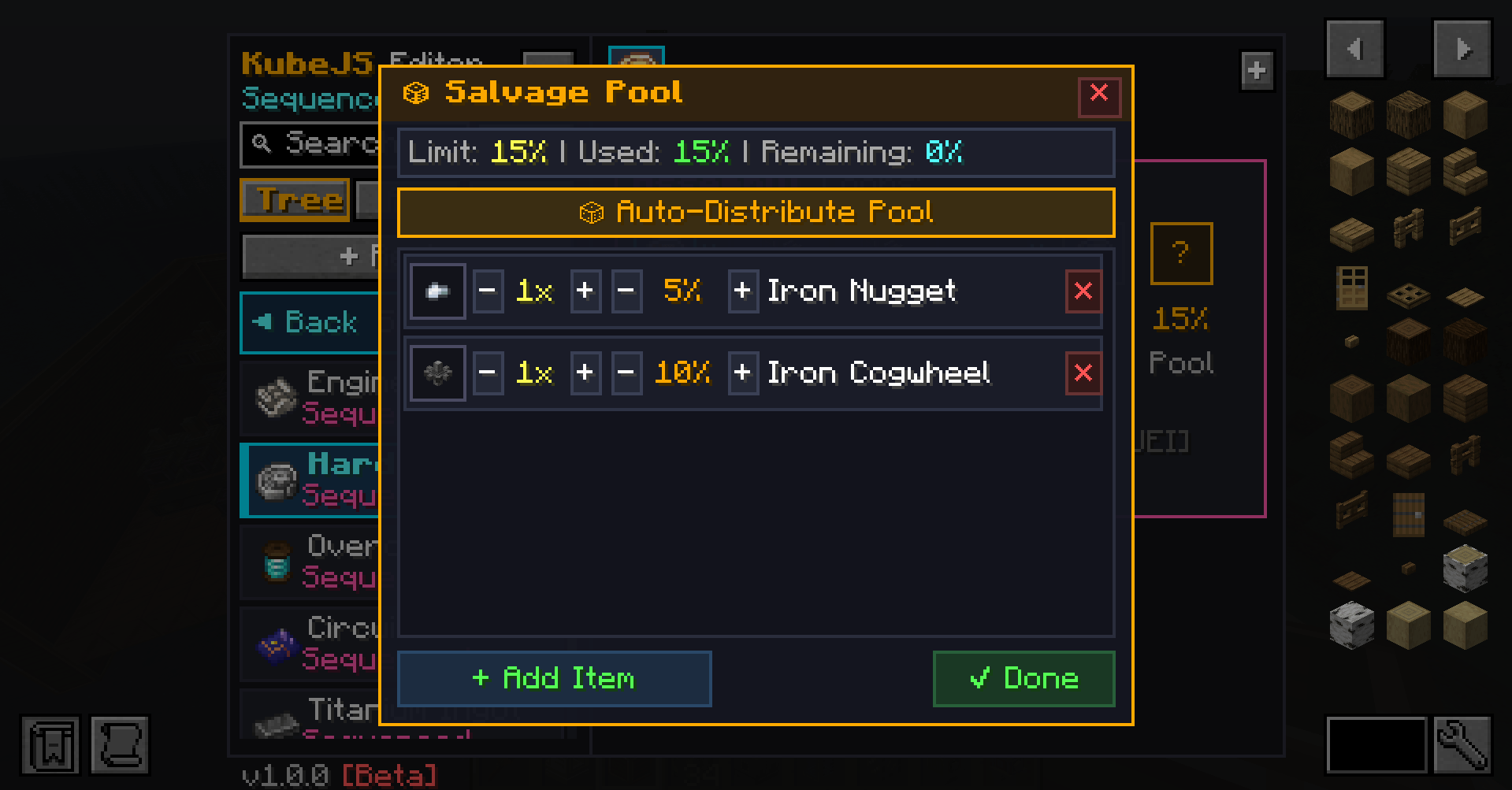
create salvage pool panel.png
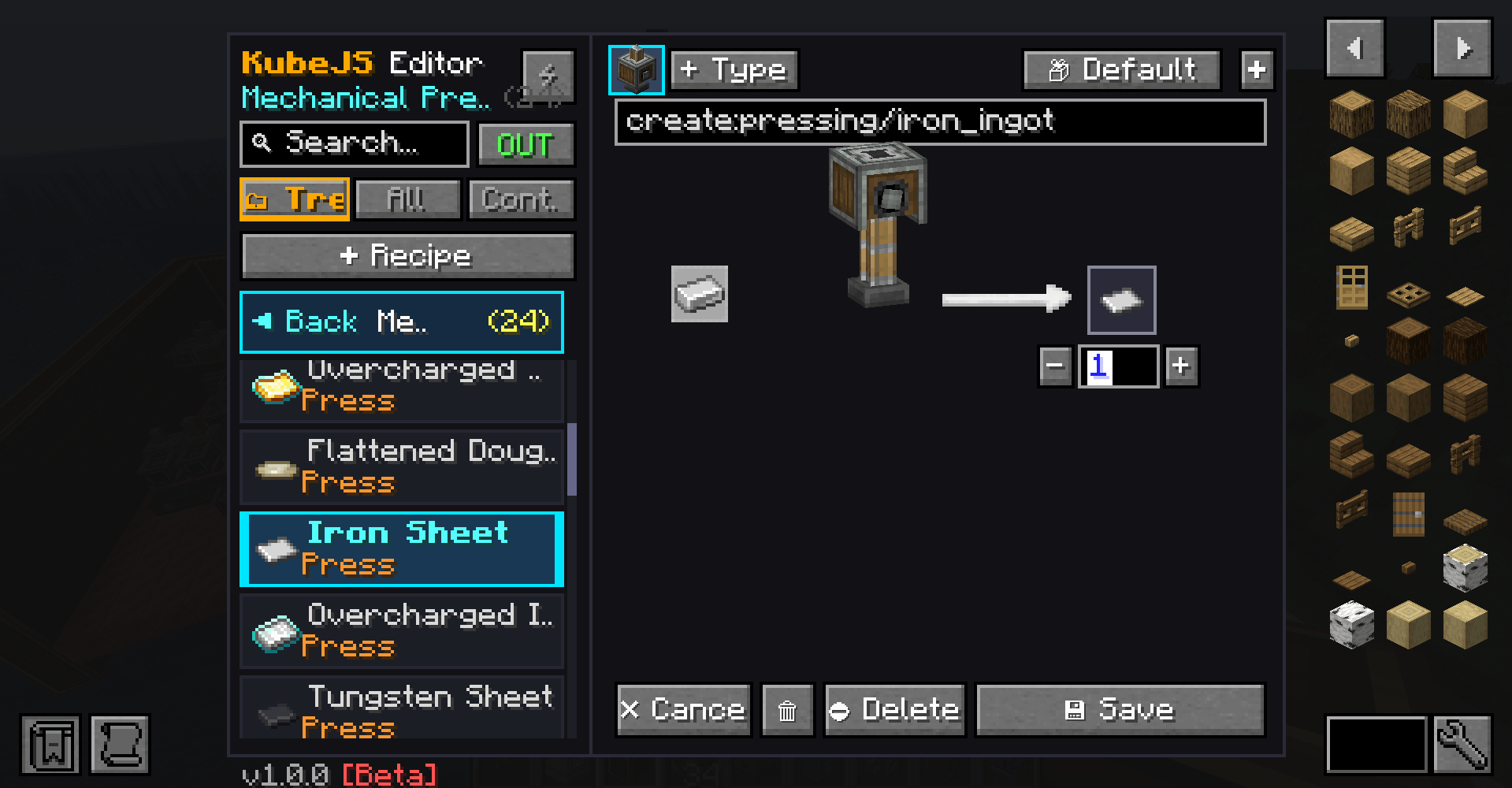
create press.png
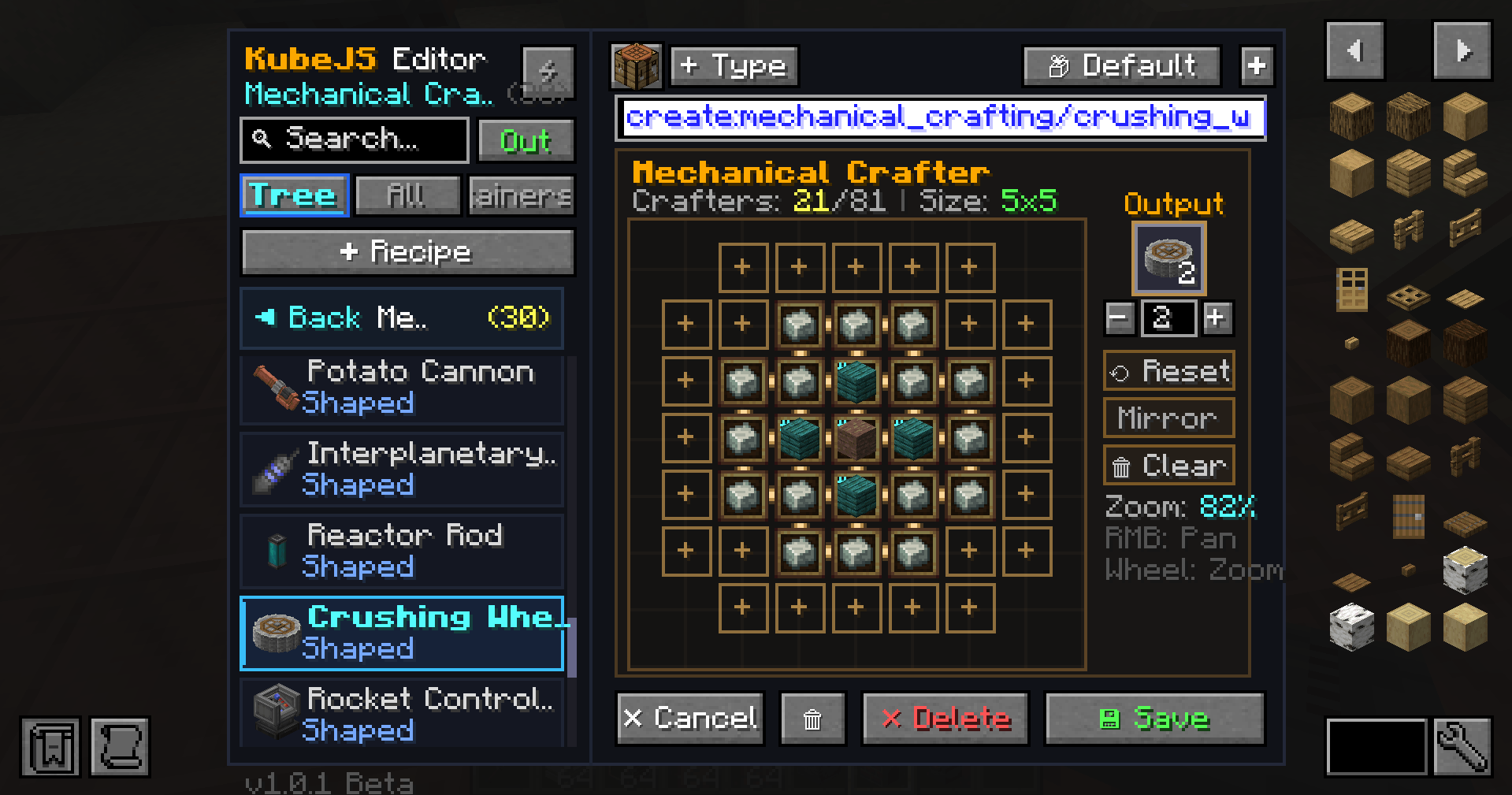
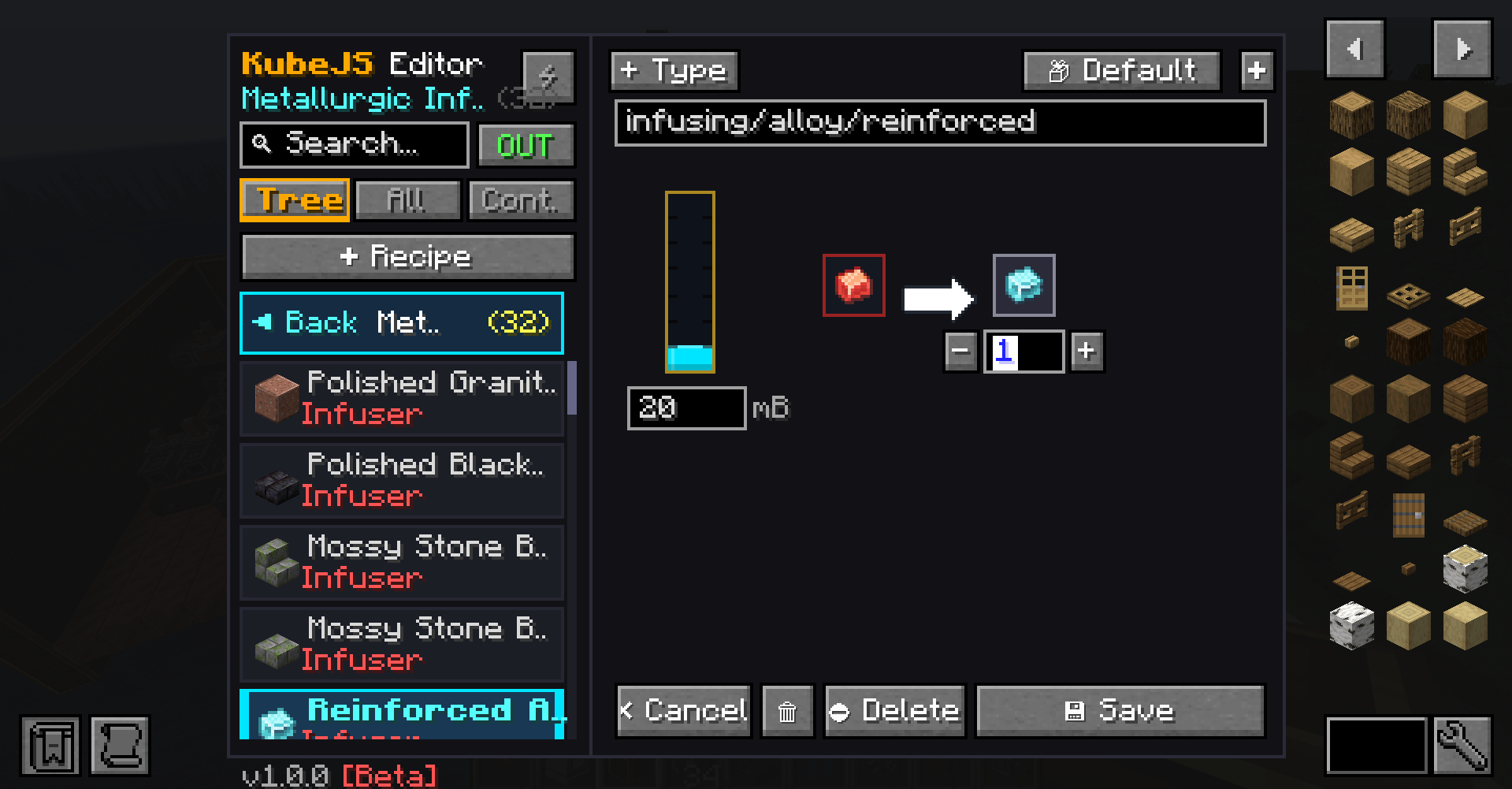
mekanism metallurgic infuser.png
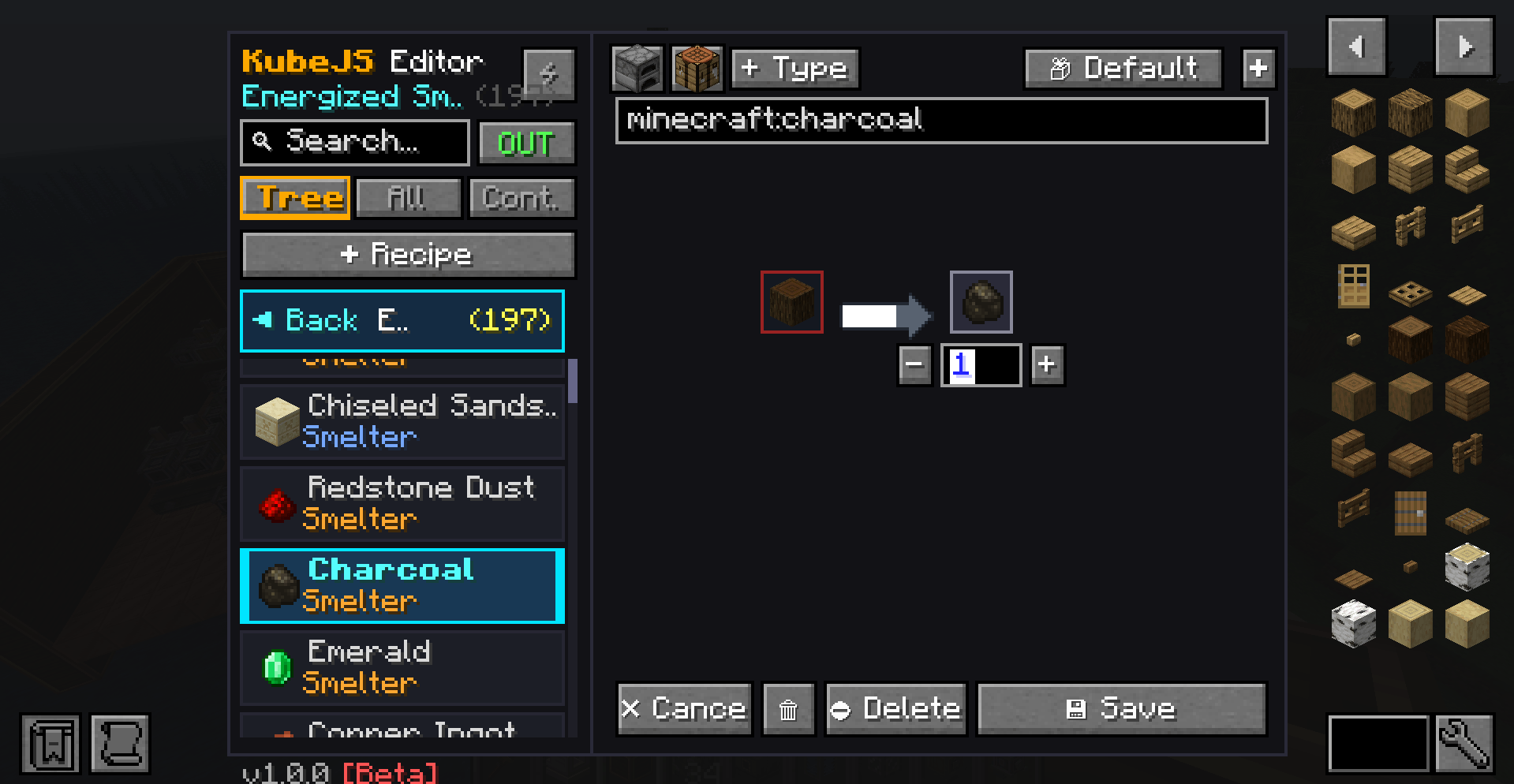
mekanism smelter.png
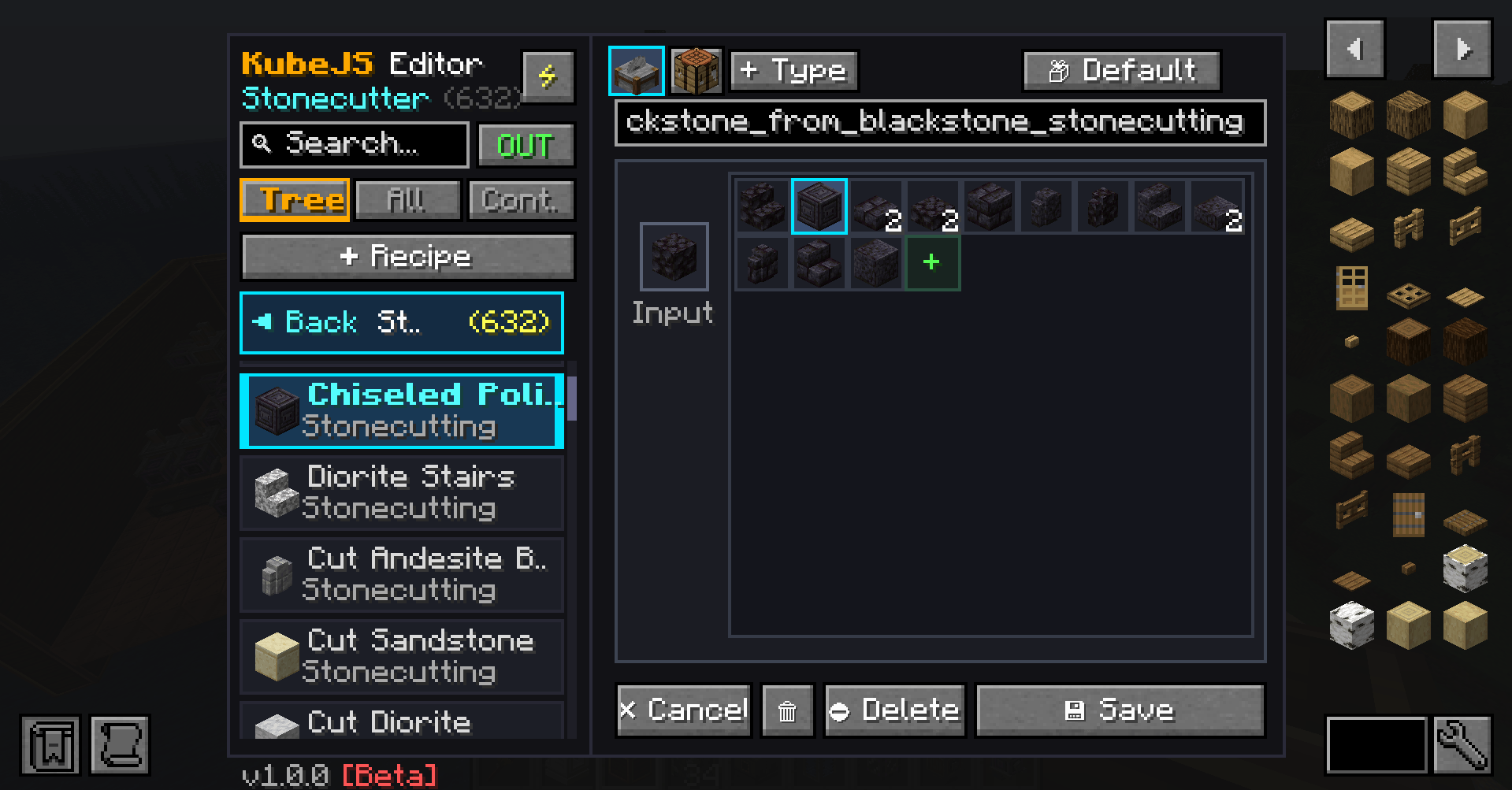
stonecutter.png
Description
KubeJS Editor [BETA]
⚠️ BETA RELEASE NOTICE: This mod is currently in Beta (
v1.0.1-beta). Please feel free to report any issues, suggestions, or feedback in the comments or issue tracker!
🌟 What is KubeJS Editor?
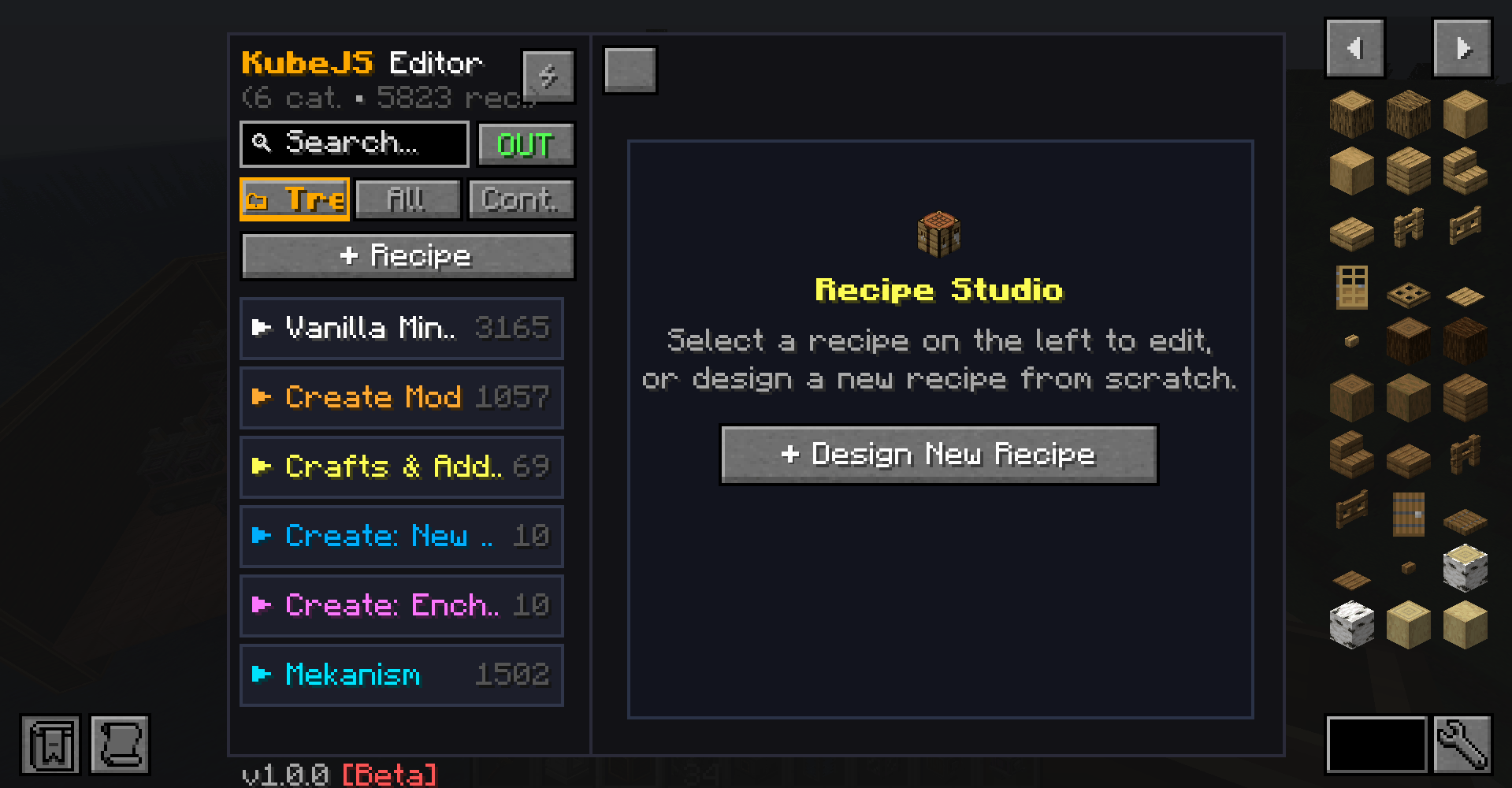
KubeJS Editor is an in-game visual editor for KubeJS. It allows you to create, modify, and manage recipes and content directly inside Minecraft without writing code. All changes are saved into KJE Container (.kje) files and applied immediately using the in-game reload button (⚡ Reload / F5 / Ctrl + R).
✨ Key Features
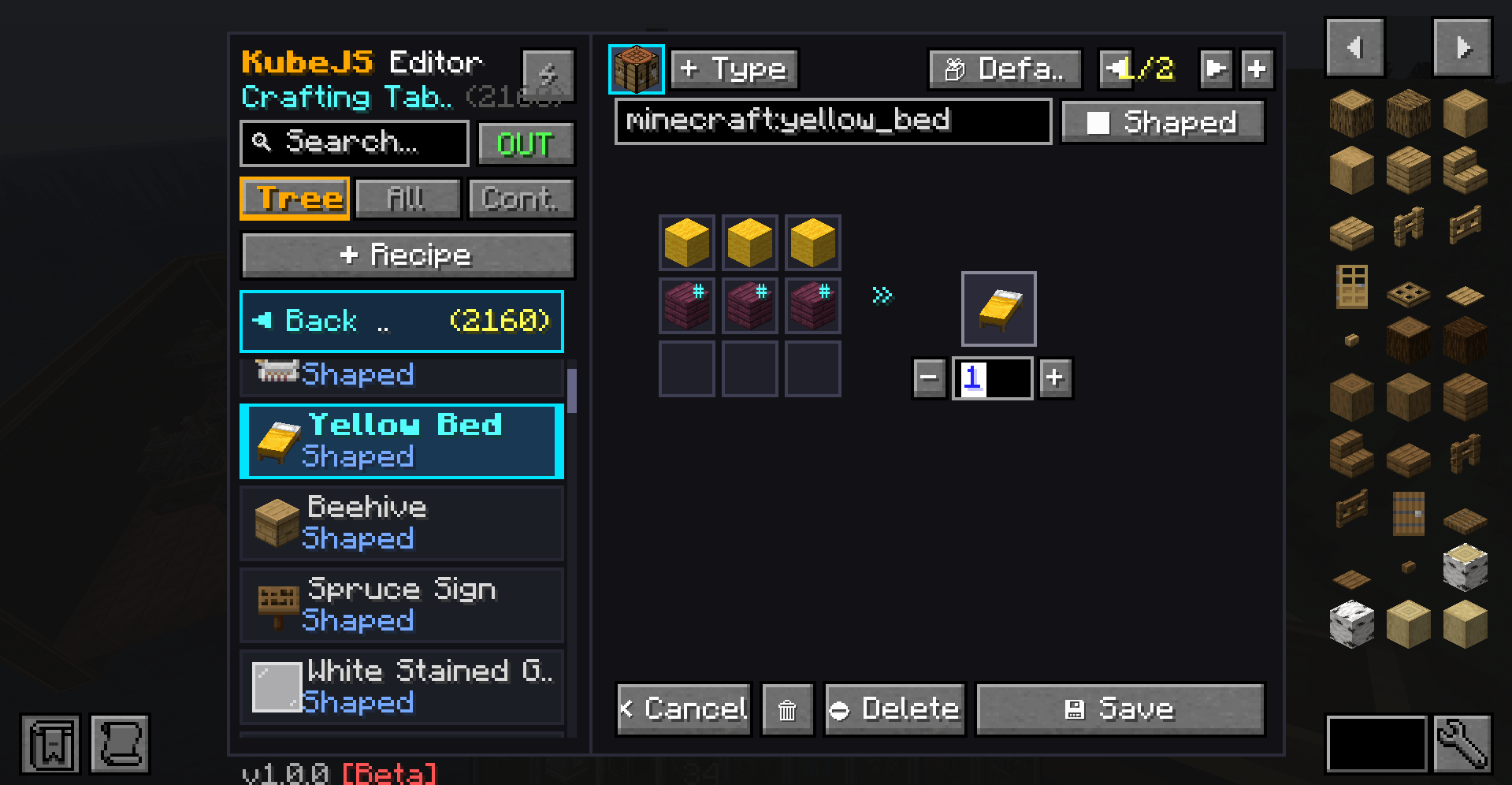
- Visual Drag & Drop: Drag items, fluid buckets, chemicals, and tags (
#tag) directly from JEI into crafting grids and tanks. - 📦
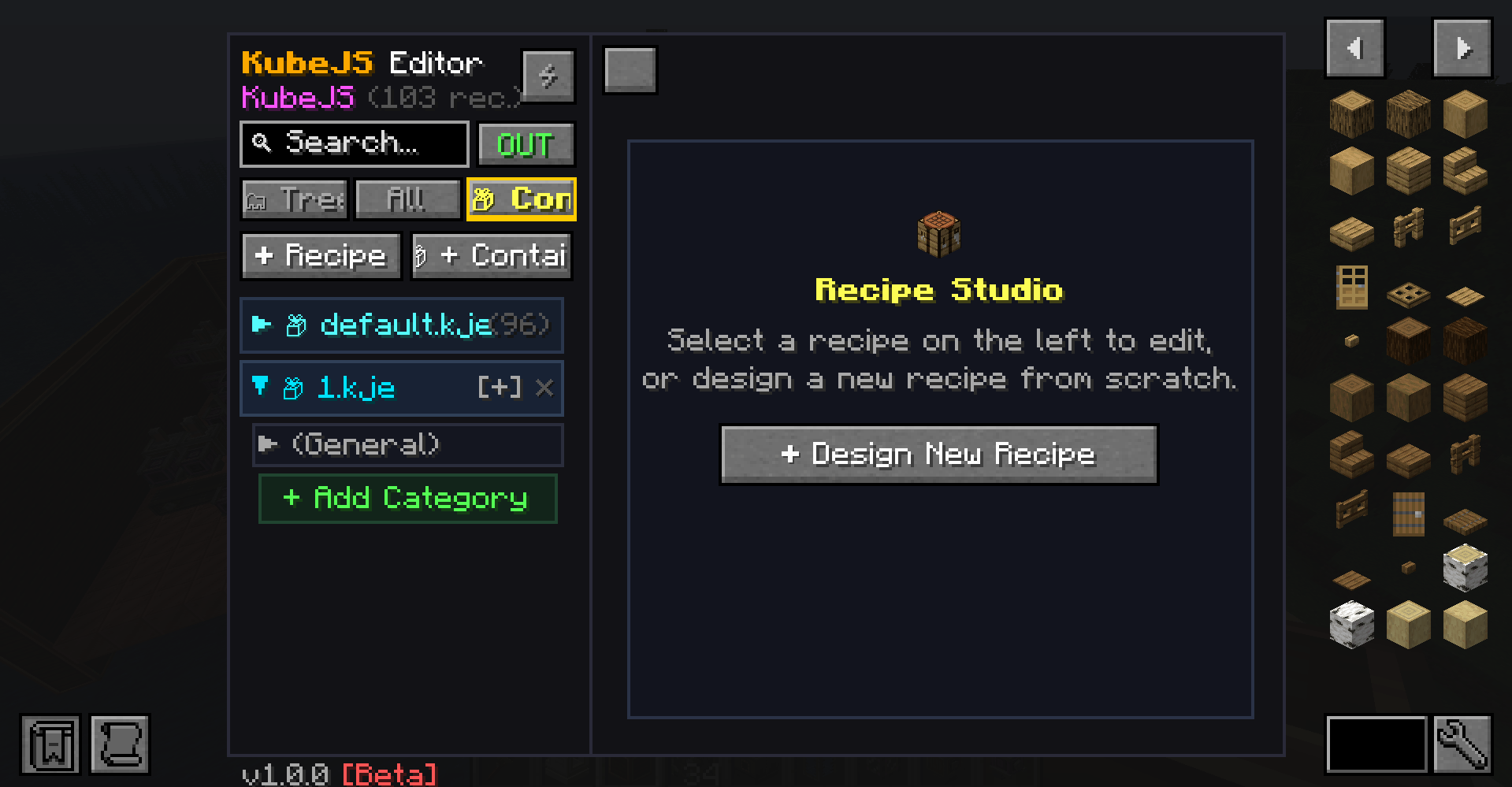
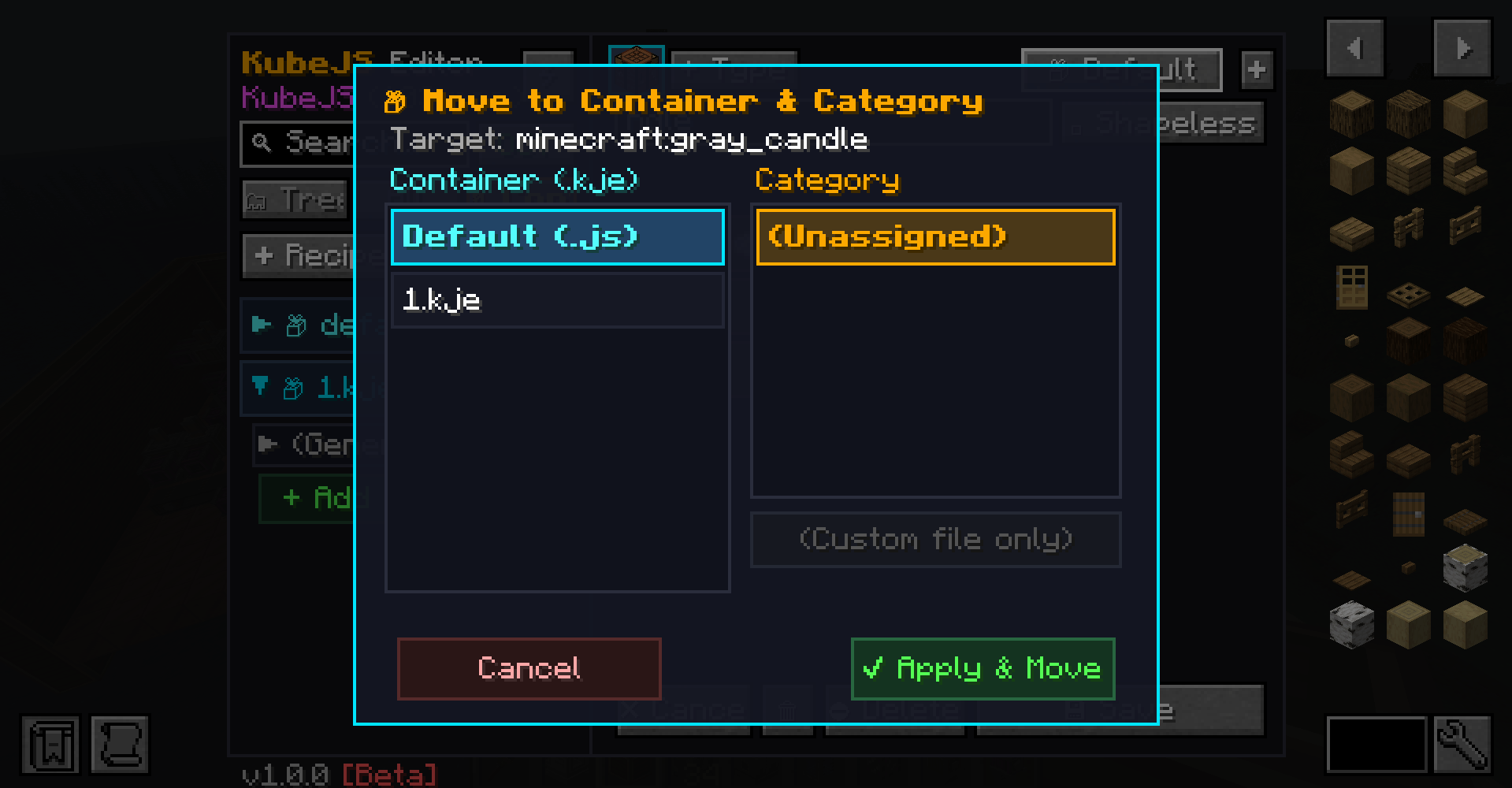
.kjeContainers & Category Organization: Keep configurations organized in modular.kjecontainers with custom sub-folders instead of a single large script. Export, share, or reorganize with ease. - Smart Search (
OUT⟷IN): Instantly toggle search between output products and input ingredients with a single click. Full support for multi-word queries, display names, and mod IDs. - Dynamic Ingredient Drawer (
^/v): Inspect, add, or remove multi-item ingredient alternatives (item1|item2|item3) with animated slot cycling,+/#badges, and expandable drawers. - Instant Hot-Reload (
⚡/F5/Ctrl + R): Apply your changes to the running server without restarting Minecraft. - Smart Caching & Performance: First-time launch builds a memory cache in 4-5 seconds; all subsequent opens, searches, and filters are instantaneous. No recipe cache is built while the editor is closed.
🔧 Supported Recipe Types & Machines
KubeJS Editor dynamically scans installed mods and activates only relevant tabs:
Vanilla Minecraft:
- Shaped (3x3 grid) & Shapeless Crafting
- Furnaces (Smelting, Blasting, Smoking, Campfire with duration & XP controls)
- Stonecutter & Smithing Table (Template + Base + Addition)
Create:
- Mixing & Compacting (Items, fluids, and heat requirements: None / Heated / Superheated)
- Milling & Crushing Wheel (Primary outputs and chance-based secondary outputs)
- Pressing, Cutting (Sawing), Deploying, Spout (Filling)
- Mechanical Crafter: Dynamic node-based placement on an interactive 9x9 canvas, Pan & Zoom, animated rotating cogwheels, topological graph connectivity validation (BFS), and optional mirrored crafting (
acceptMirrored). - Sequenced Assembly: Transitional item setup, loops, up to 10 sequential steps (Deployer, Press, Saw, Spout, Energiser), primary chance, and Salvage Pool with dice auto-distribution (🎲).
Create Addons:
- Create Crafts & Additions: Rolling Mill & Tesla Coil Charging.
- Create: New Age: Energiser (Supports up to 2,000,000,000 FE with shorthand parsing:
10k,1m,2b). - Create: Enchantment Industry: Grinding & Printing.
Mekanism (20+ Machines Supported):
- Core processing: Crushing, Enriching, Smelting, Compressing, Combining, Purifying, Injecting, Metallurgic Infusing.
- Item to Chemical (Conversion) & Chemical Oxidizer.
- Precision Sawing (Main lumber output + byproduct chance).
- Electrolytic Separator (Fluid to dual chemical outputs).
- Chemical Washer (Fluid + slurry/chemical to clean output).
- Pressurized Reaction Chamber / PRC (Item + Fluid + Chemical -> Item + Chemical with processing duration).
- Chemical Infuser & Pigment Mixer (Dual chemical inputs -> single chemical output).
- Chemical Dissolution Chamber & Chemical Crystallizer.
- Isotopic Centrifuge & Rotary Condensentrater (Bidirectional Fluid ⟷ Gas condensing and decondensing).
- Painting Machine & Pigment Extracting.
💻 In-Game Commands
| Command | Permission | Description |
|---|---|---|
/kjseditor or /kjseditor open |
OP (Lv. 2) | Opens the KubeJS Editor interface. |
/kjseditor recache |
OP (Lv. 2) | Clears and rebuilds the cache from scratch, reporting total loaded count. |
/kjseditor clearcache |
OP (Lv. 2) | Frees the cache from memory (rebuilds automatically on next editor open). |
📦 Dependencies & Versions
🔴 Required:
- Minecraft:
1.21.1 - NeoForge:
21.1.248or higher - LDLib2:
2.2.0or higher - KubeJS:
2101.7.2-build.368or higher - JEI (Just Enough Items):
19.43.0.392or higher
🟢 Optional (Auto-detected):
- Create:
6.0.10+(with KubeJS Create2101.3.1-build.18+) - Create Crafts & Additions:
1.6.0+ - Create: New Age:
1.2.0+ - Create: Enchantment Industry:
2.4.2+ - Mekanism:
10.7.19+(with KubeJS Mekanism2101.1.7-build.18+) - Farmer's Delight:
1.3.4+
🗺️ Planned for Next Version (v1.0.2)
- Tag Editor: Create and edit KubeJS item/block tags directly in-game.
KJS Editor Team