
d18593bf641ecebb51941c09983d17cd.png
b6f1278058fdb65c017bffb5902bde0e.png
d477779717b3b0c81947c55146172912.png
Description
说明 Docs
你可以轻松的将背包物品保存为工具包(礼包),并可以给予/获取/删除/设置为全局(世界)初始工具包,还可以使用多种的给予方式。
You can easily save your backpack items as a toolkit (gift package), and you can give, obtain, delete, or set it as the global (world) initial toolkit. You can also use various giving methods.
指令 Command
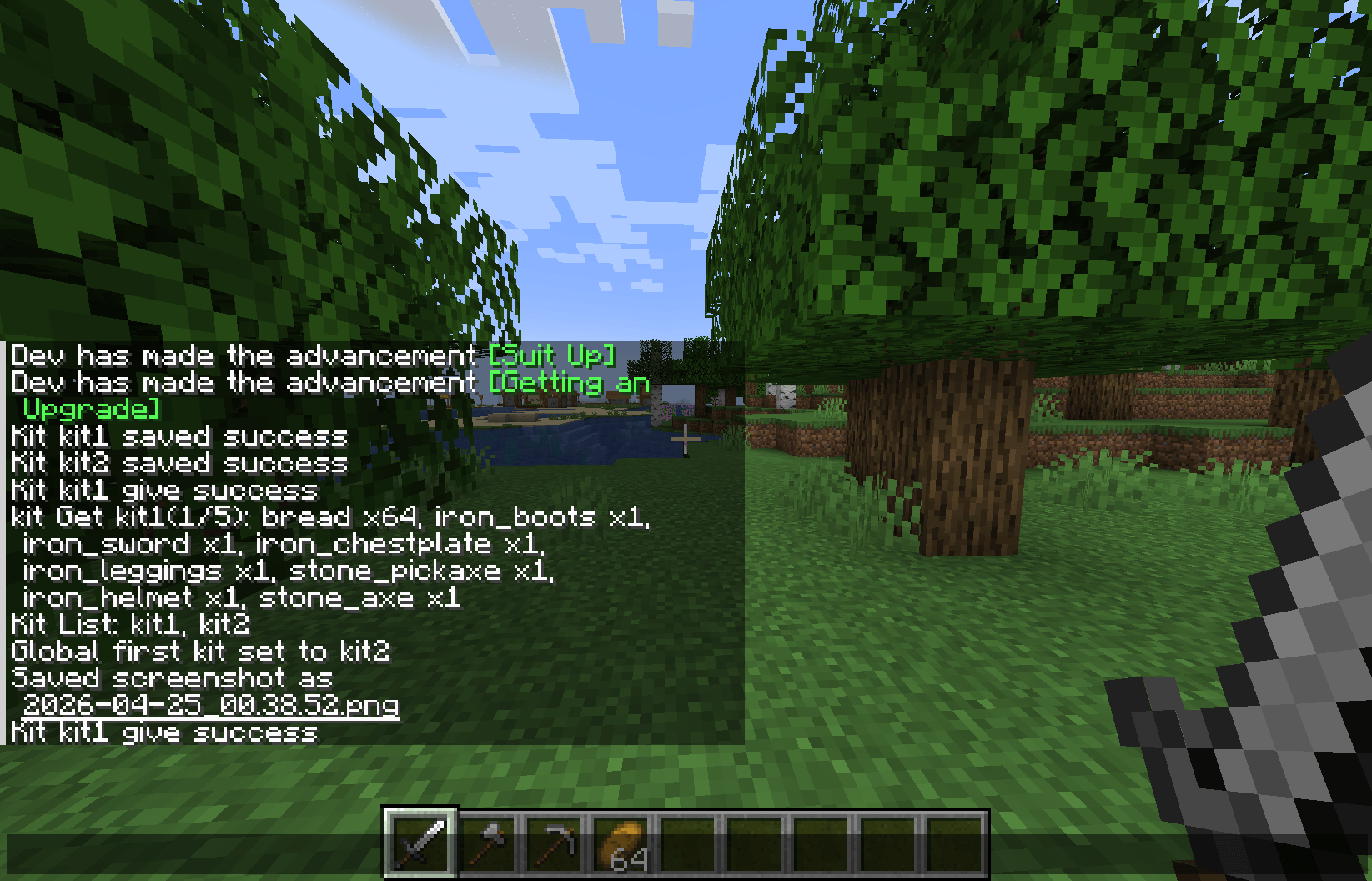
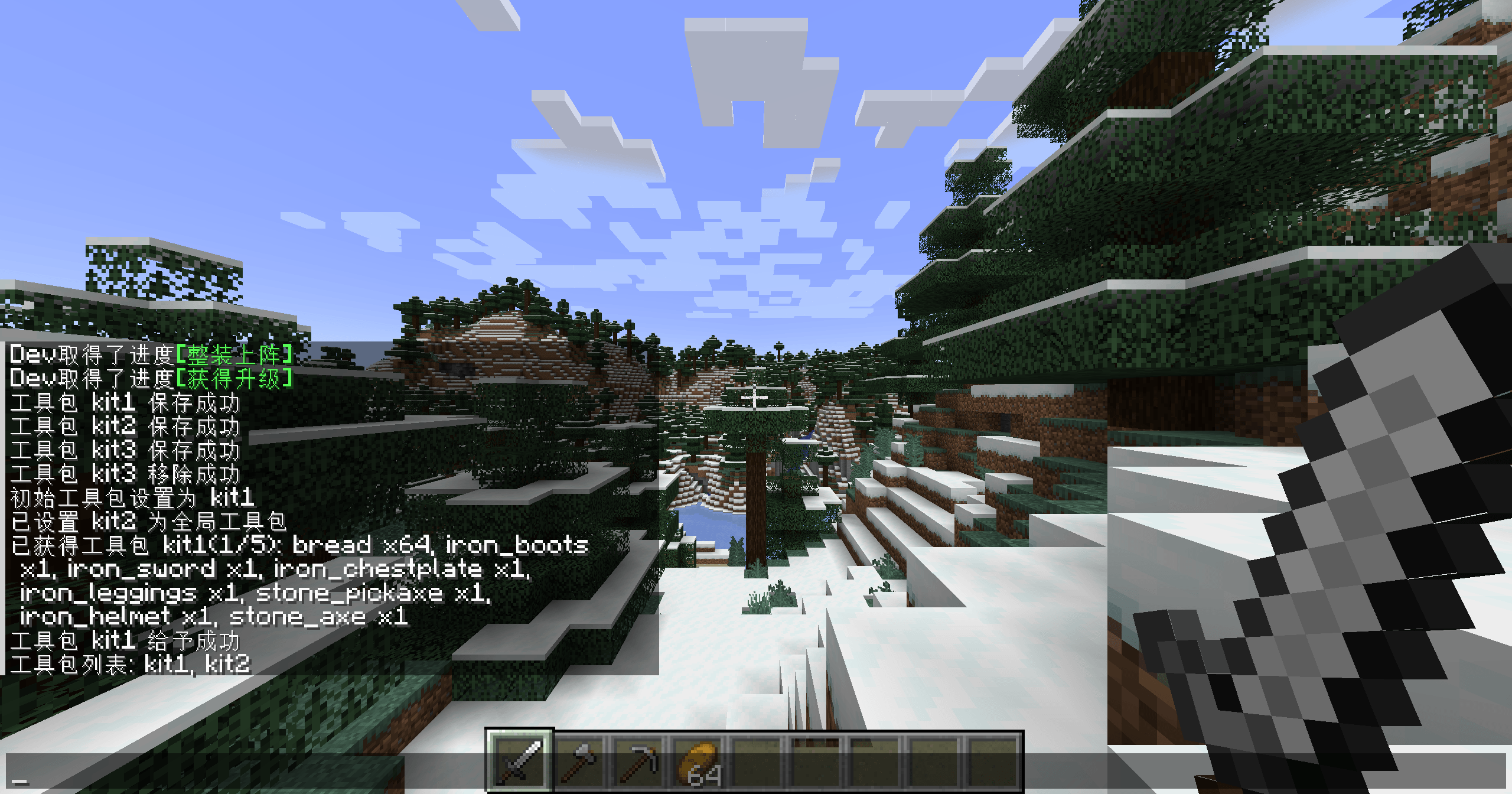
保存(创建/覆盖)工具包 Save(create/overwrite) as an kit
/lkm save <kitID> <isGet> <getCount>该参数为可选的(非必填,默认不允许)
- <isGet> - 是否允许使用get获取
- <getCount> - 允许每位玩家get获取的次数
This parameter is optional(Default FALSE)
- <isGet> - Is it allowed to use get
- <getCount> - The number of times get
给予工具包 Give the kit
/lkm give [playerTarget] <kitID> <giveMode>给予方式 <giveMode>
- add - 添加模式 (按保存的物品和对应的数量给予)
- cover - 覆盖模式 (完全按照保存时的槽位进行给予[包括空位])
- random_add <count> - 随机添加模式 (与add相似,但随机给予[几率均等])
- random_cover <count> - 随机覆盖模式 (与cover相似,但随机覆盖[几率均等])
随机数量 <count>
- 随机的数量,如填2则是随机给予2个槽位的物品和数量
设置当前存档/全局初始工具包 Set the current world/global first kit
/lkm setting first_kit/global_first_kit <kitID>设置玩家的get次数 Set the count of get
/lkm setting player_get_count <kitID> [playerTarget] <getCount>获取/列出/移除工具包 Get/List/Remove Kit
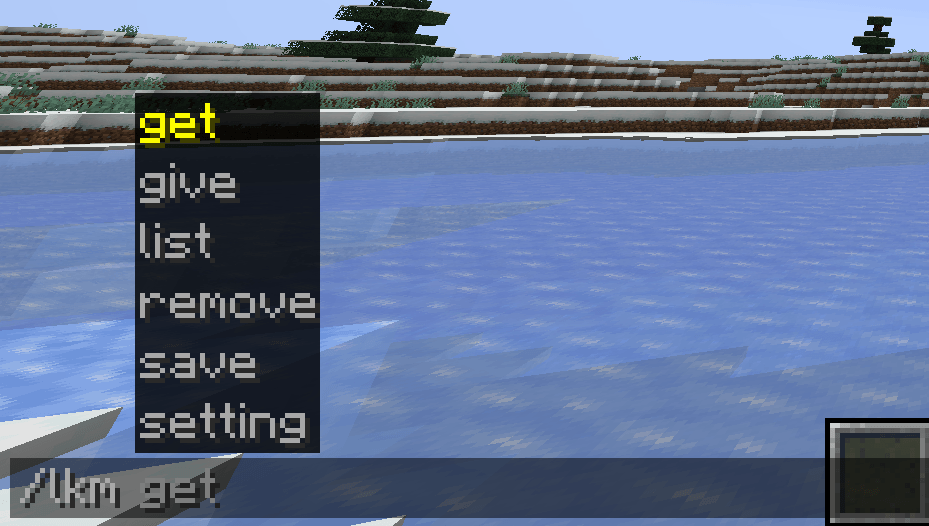
/lkm get/list/remove <kitID>获取指令无需任何的权限 The "get" command does not require any permissions
文件与配置 Flie and config
配置 Config
- config/LaryZsc/KitMaster/Setting.toml
kit文件 kit json
- config/LaryZsc/KitMaster/kit/<kitID>.json
玩家数据 Player Data
- saves/<savesName>/LaryZsc/KitMaster/PlayerGet.json
- saves/<savesName>/LaryZsc/KitMaster/PlayerFirstKit.json
关于 Credit
本模组由LaryZsc制作,开源于GitHub(GPLv3.0),你可以随意的在整合包中使用
如果你有建议和BUG可以向我进行反馈,非常感谢!
This mod is created by LaryZsc and is open source on GitHub(GPLv3.0). You can freely use it in modpacks.
If you have any suggestions or encounter any bugs, please feel free to give me feedback. Thank you very much!
Kit Master Team
