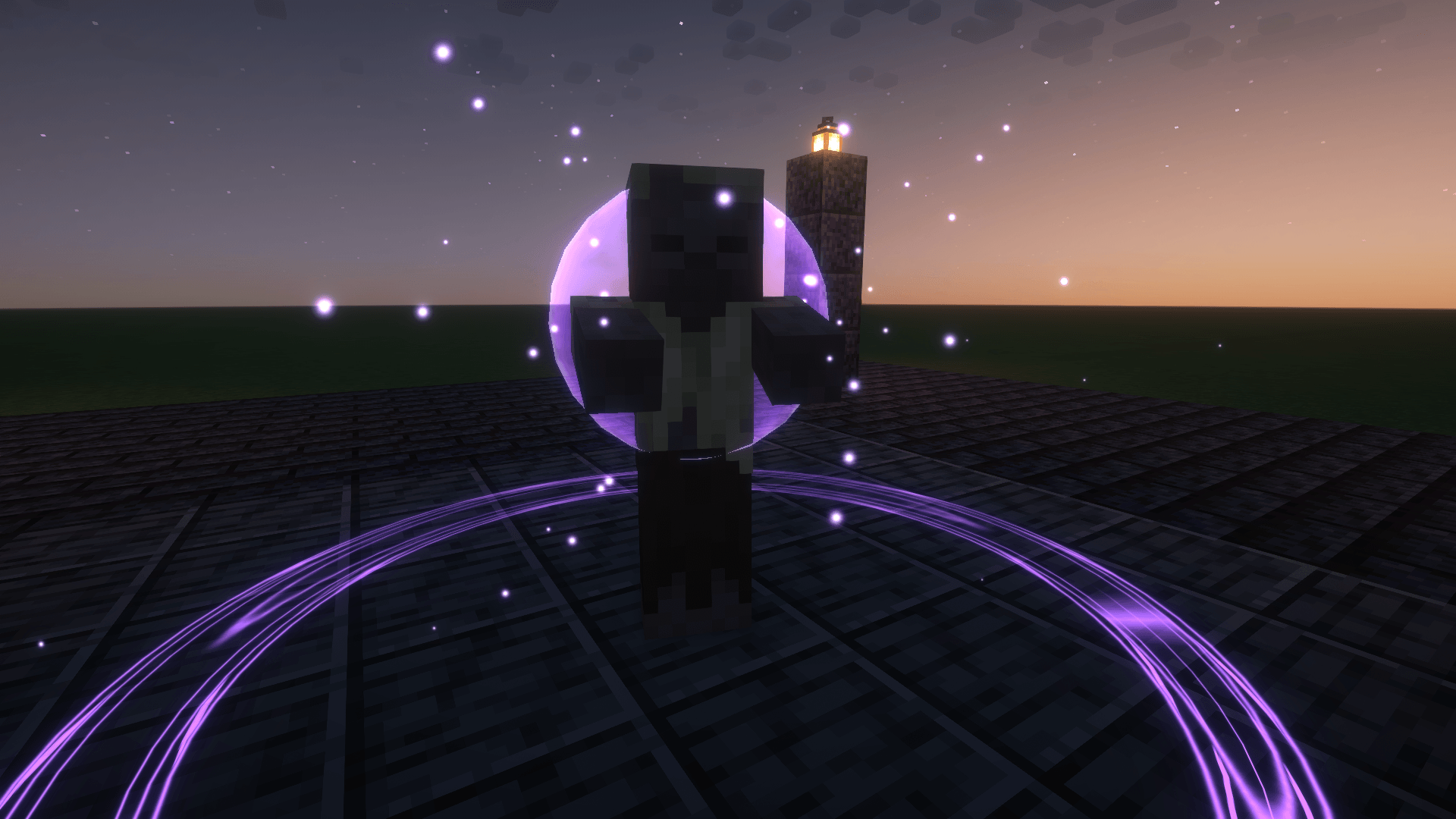
16-orb.png
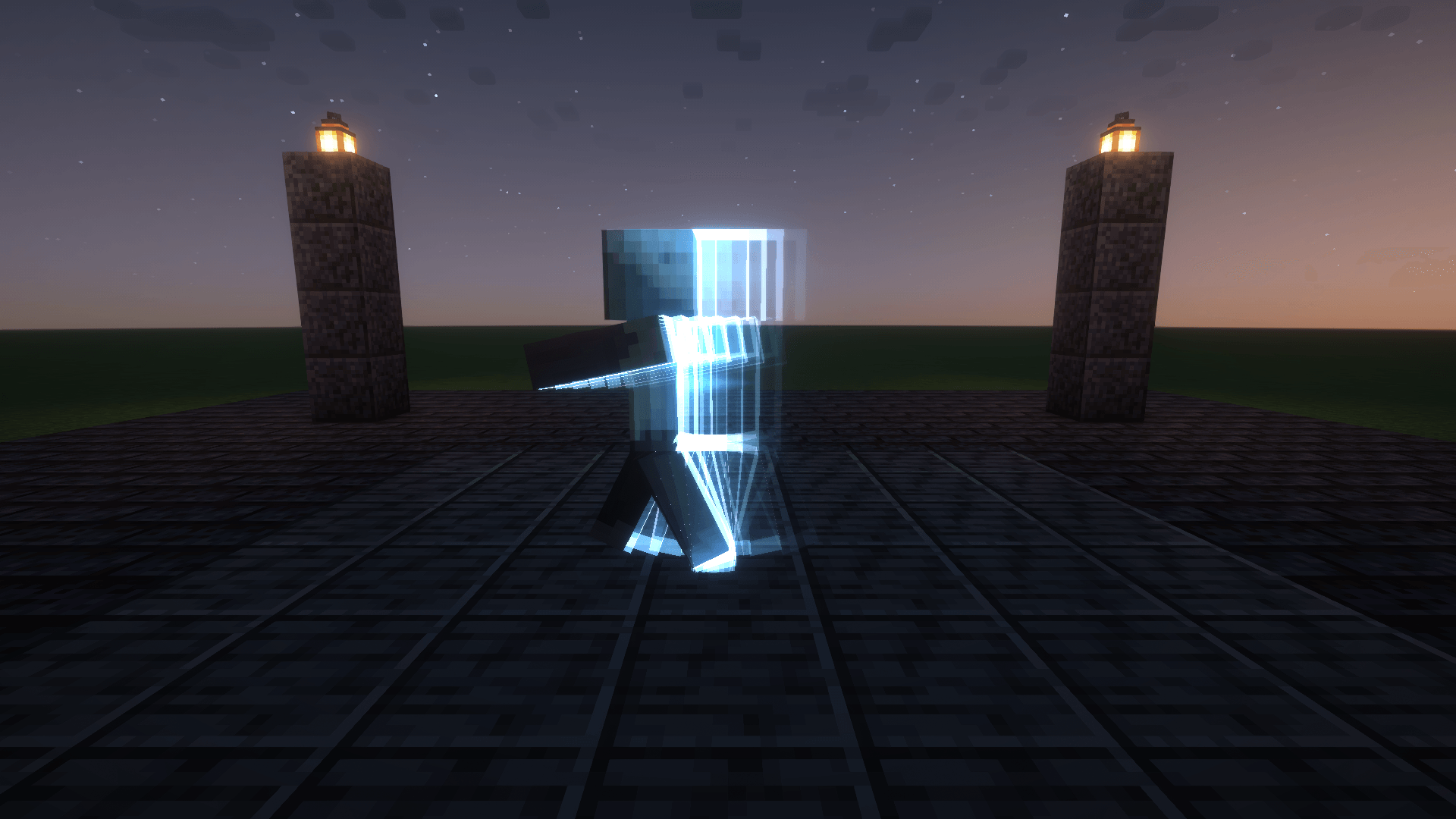
15-afterimage.png
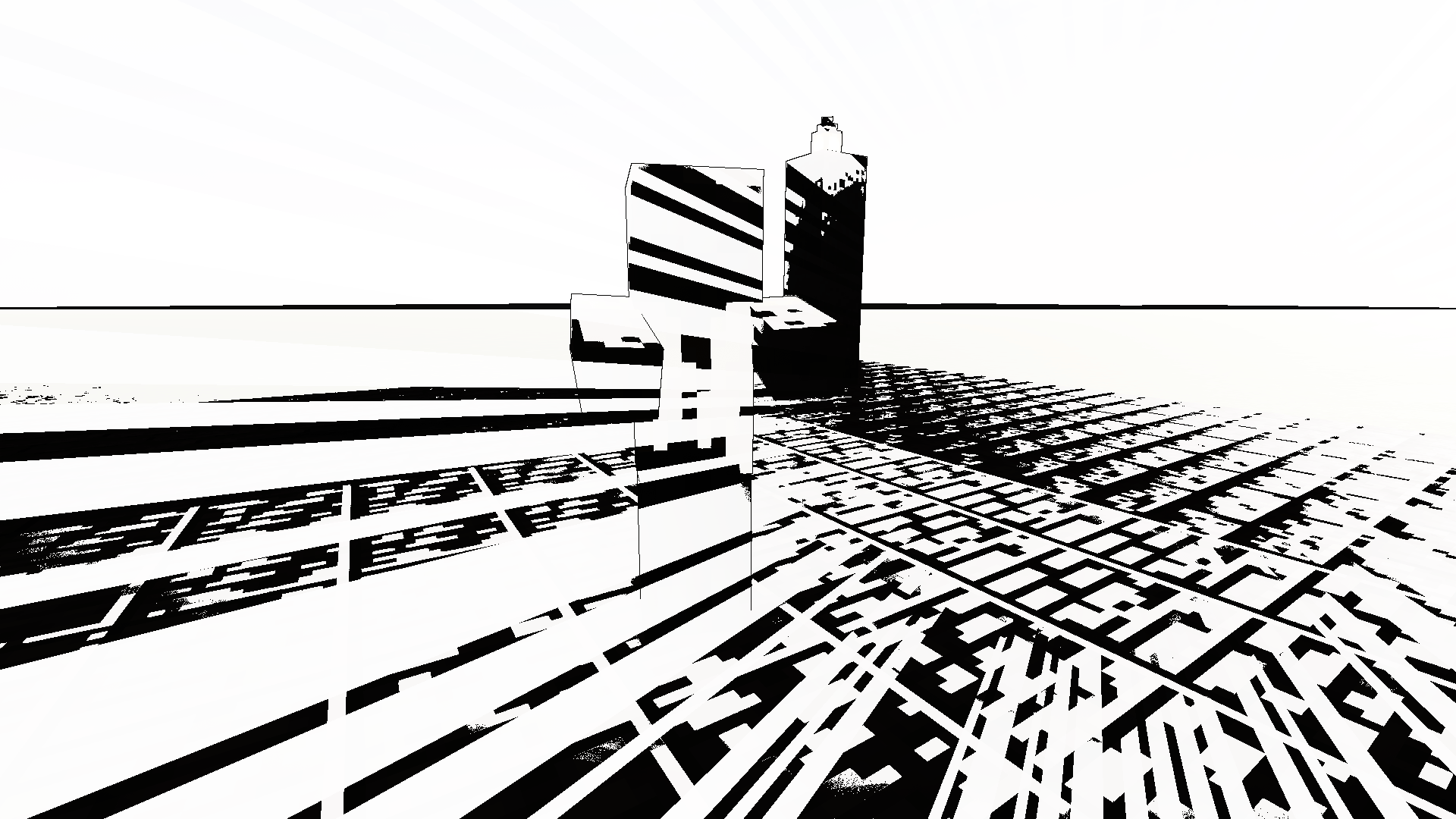
14-impact.png
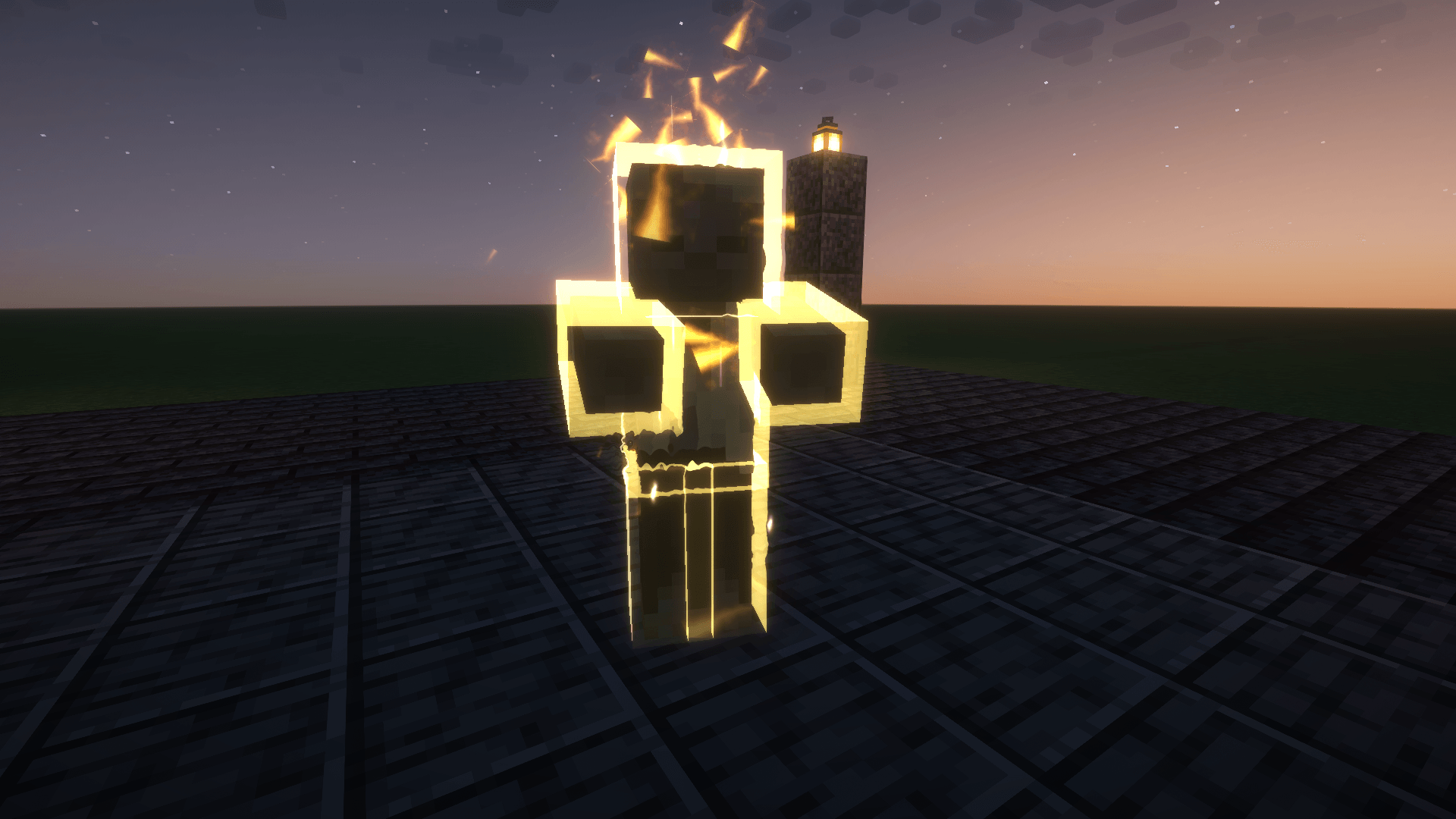
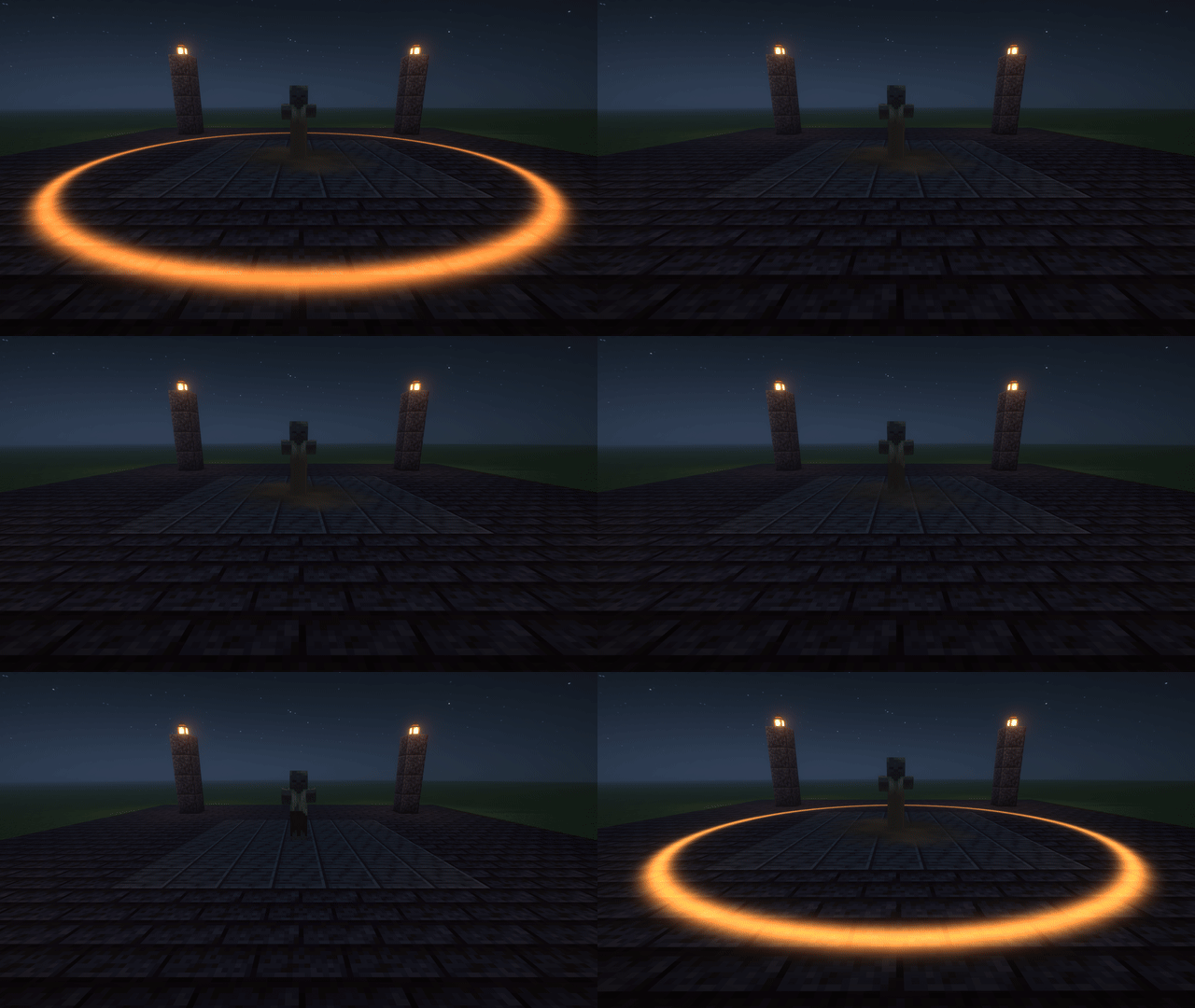
13-aura.png
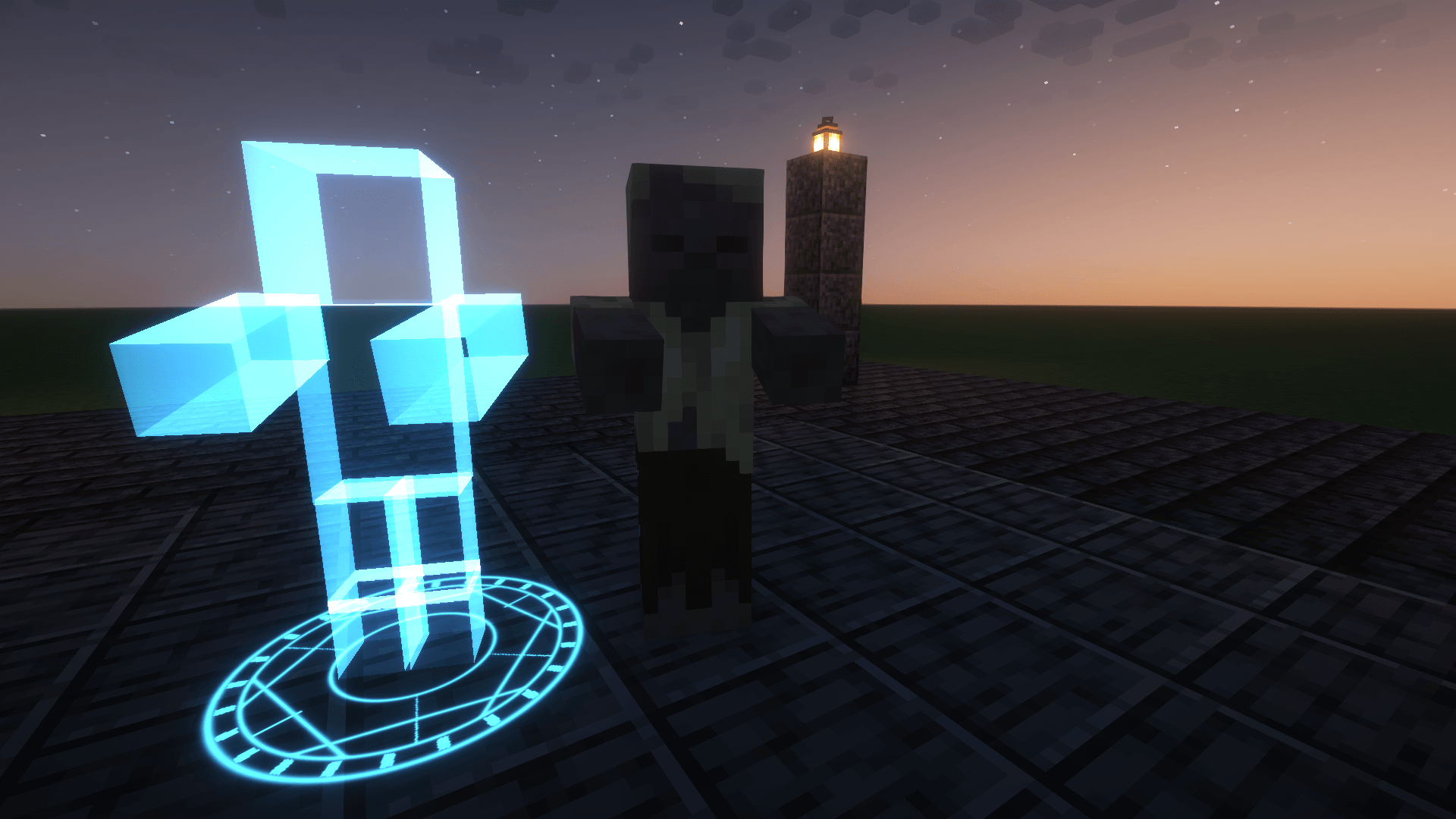
12-hologram.png
Description









Kinesis is a visual effects engine for Minecraft. Mods, modpacks and map makers use it to add effects to the game: a mob regrowing from a single cell, a body cut clean in half, a shockwave tearing across the ground, a hundred thousand particles swirling around a player.
Every effect is a JSON file in a resource pack. You describe the layers (a model material, a cloud of particles, a beam, a screen shake), when each one starts and stops, and how its values change over time. Kinesis does the rest, on the graphics card, at almost no cost per frame. Play effects from Java with one line, from a server with /kinesis play, or from a command block.
On its own, Kinesis adds no items, blocks or mobs. Install it if a mod or modpack you play needs it, or if you want to build effects yourself. It comes with 18 ready-made effects you can play straight away with
/kinesis play.
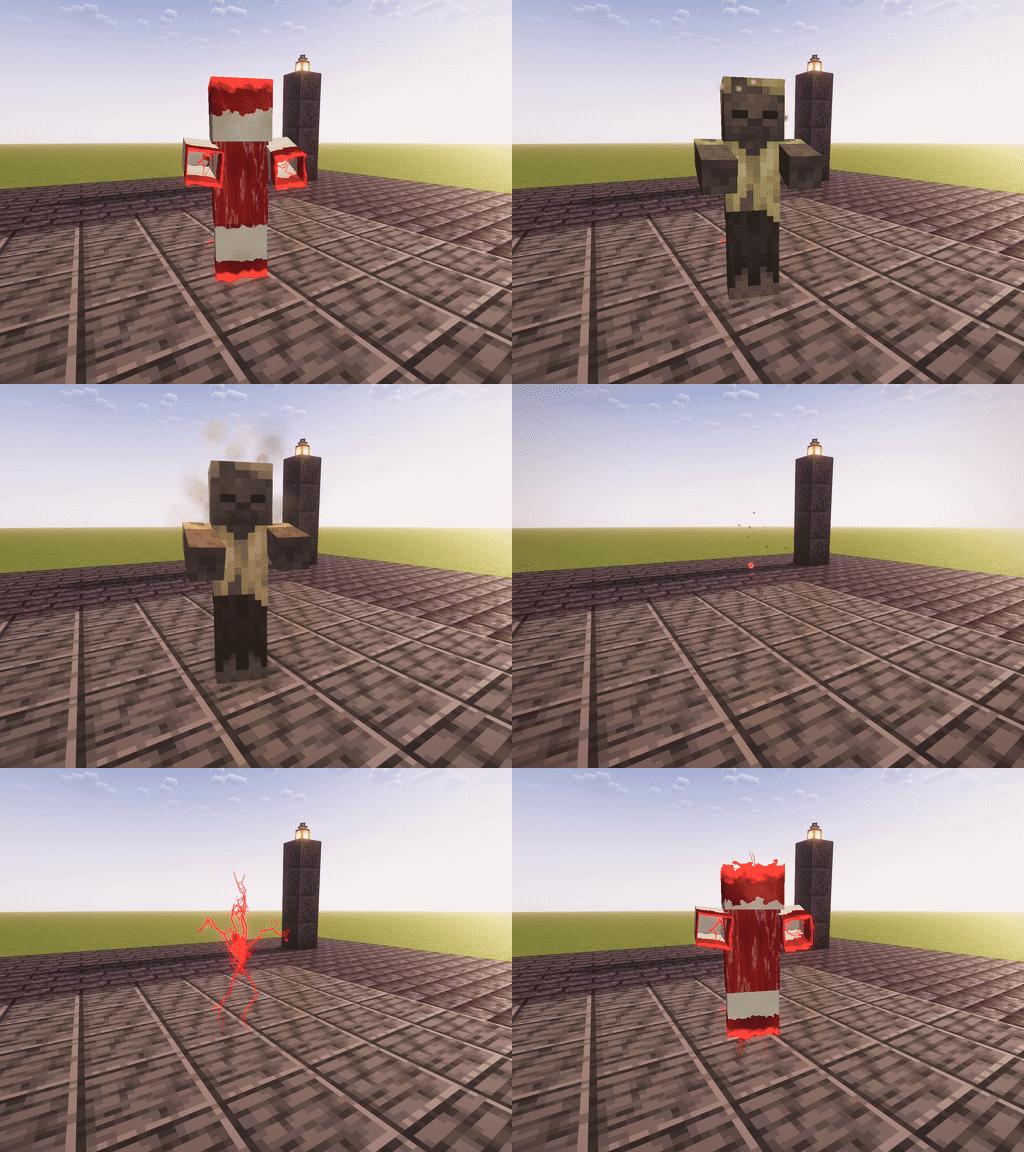
kinesis:regen: a single cell divides, veins grow along the skeleton, then bone, muscle and skin.

Kinesis re-renders any entity's own model (vanilla mobs, players, modded mobs, GeckoLib models), so it can do things to a body that a normal particle mod can't.
 |
 |
|---|---|
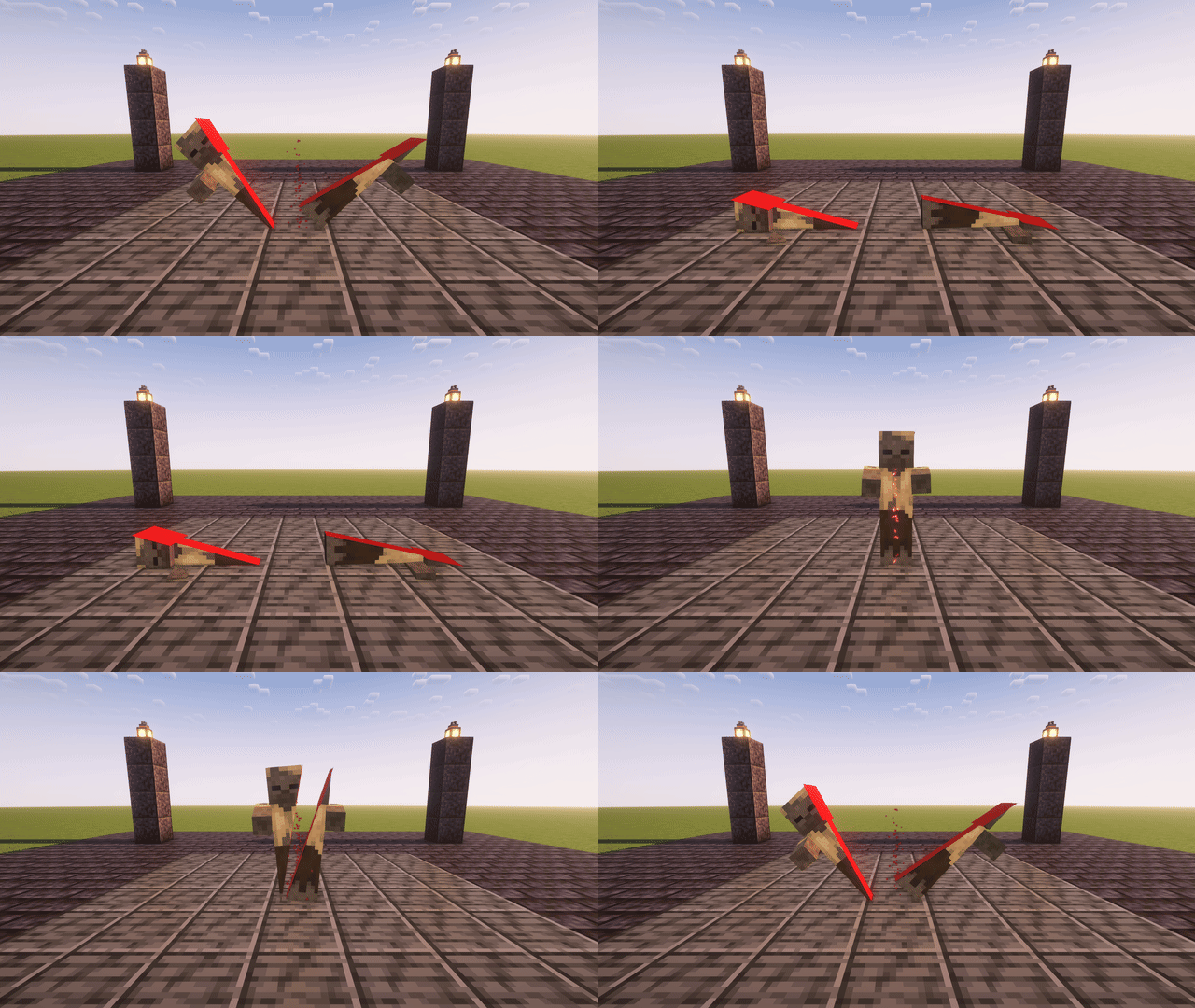
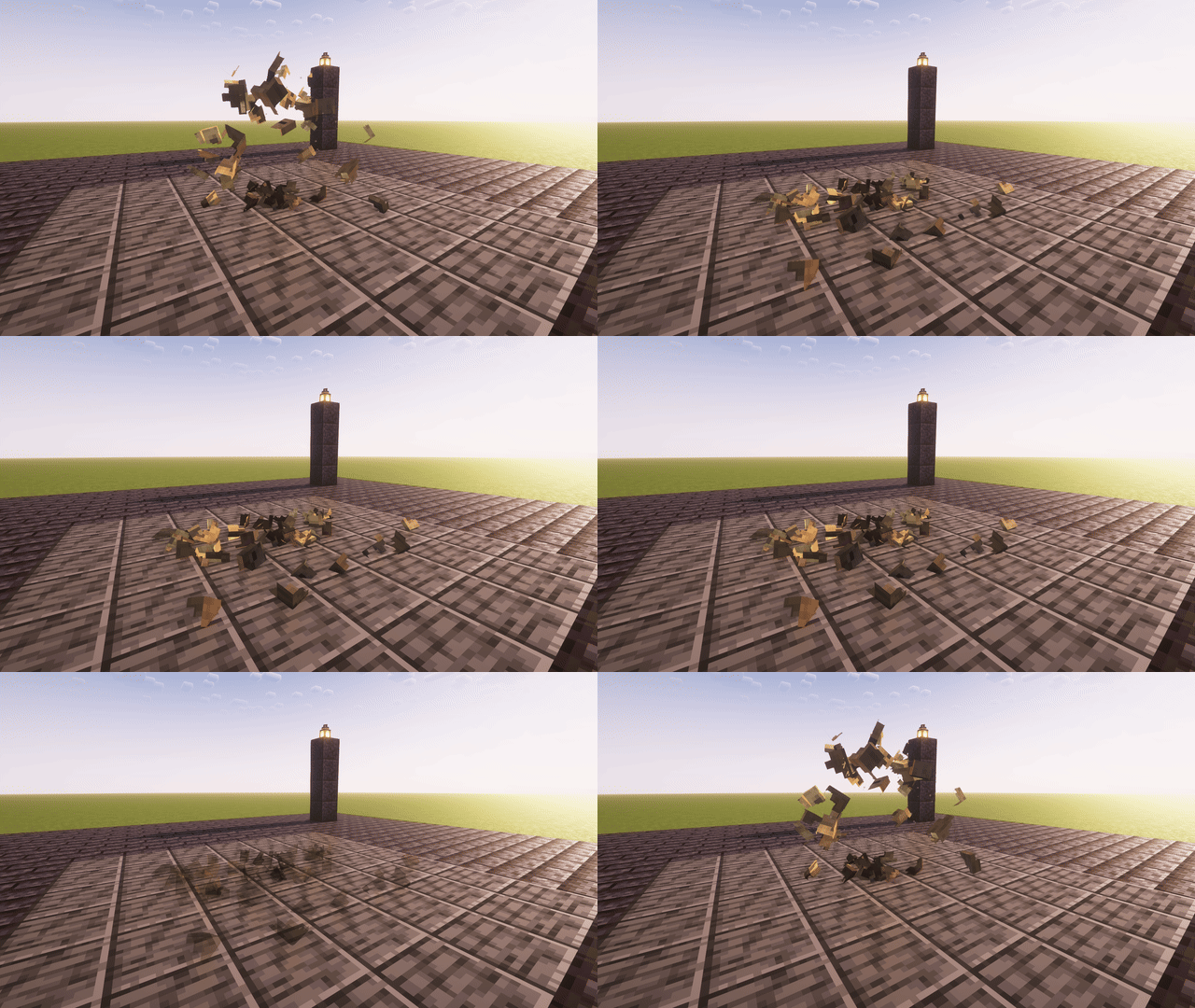
| Slice. Cut any entity along a plane. The halves part, tip over and fall, and the cut is filled. | Shatter. Freeze the model and break it into up to 64 chunks that burst out, tumble and land. |
 |
 |
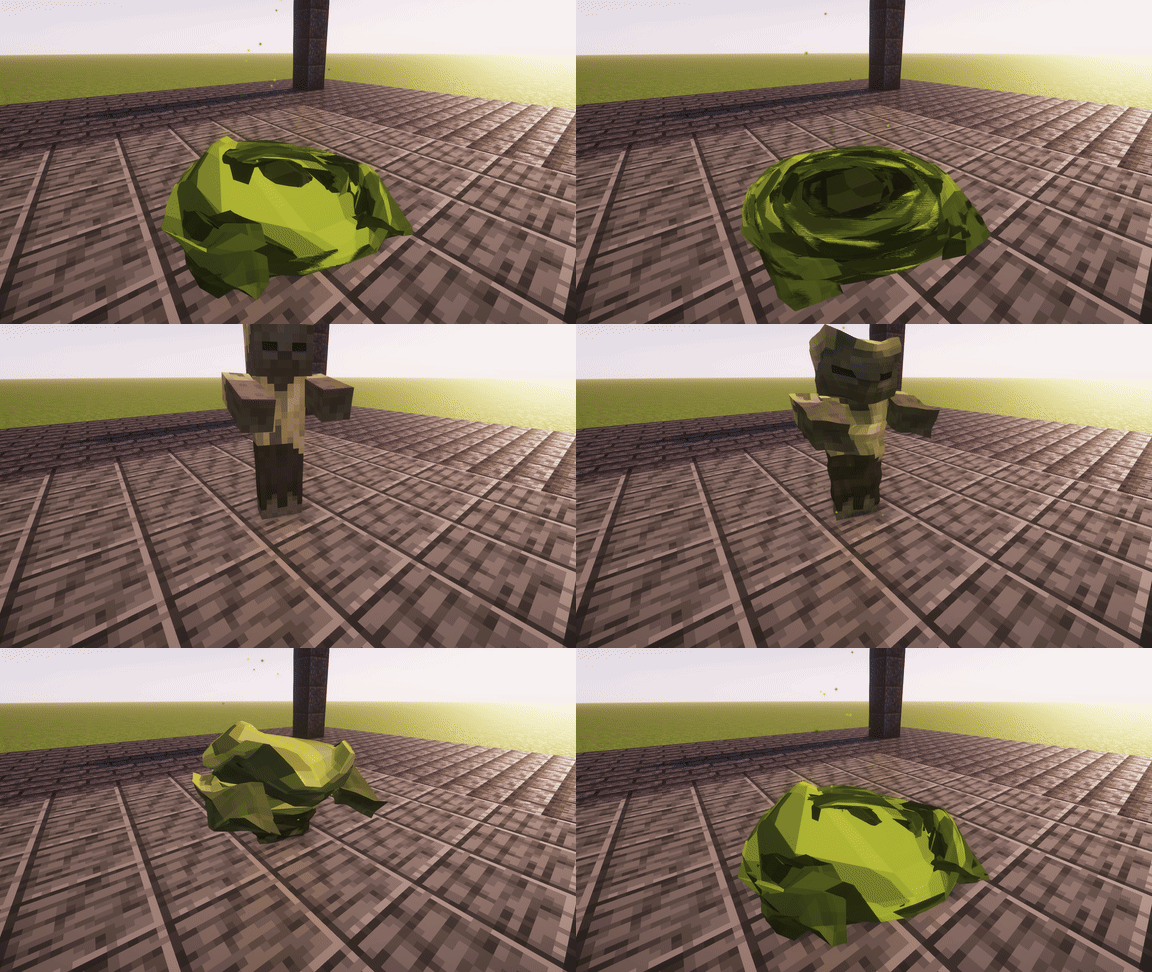
| Melt. The model slumps into an uneven, dripping puddle, while it keeps animating. | Bulge, swell and ripple. Flex a muscle around any bone, grow, or send waves over the skin. |
All of it runs in the vertex shader: breaking a model into 64 pieces costs the same per frame as breaking it into 4.

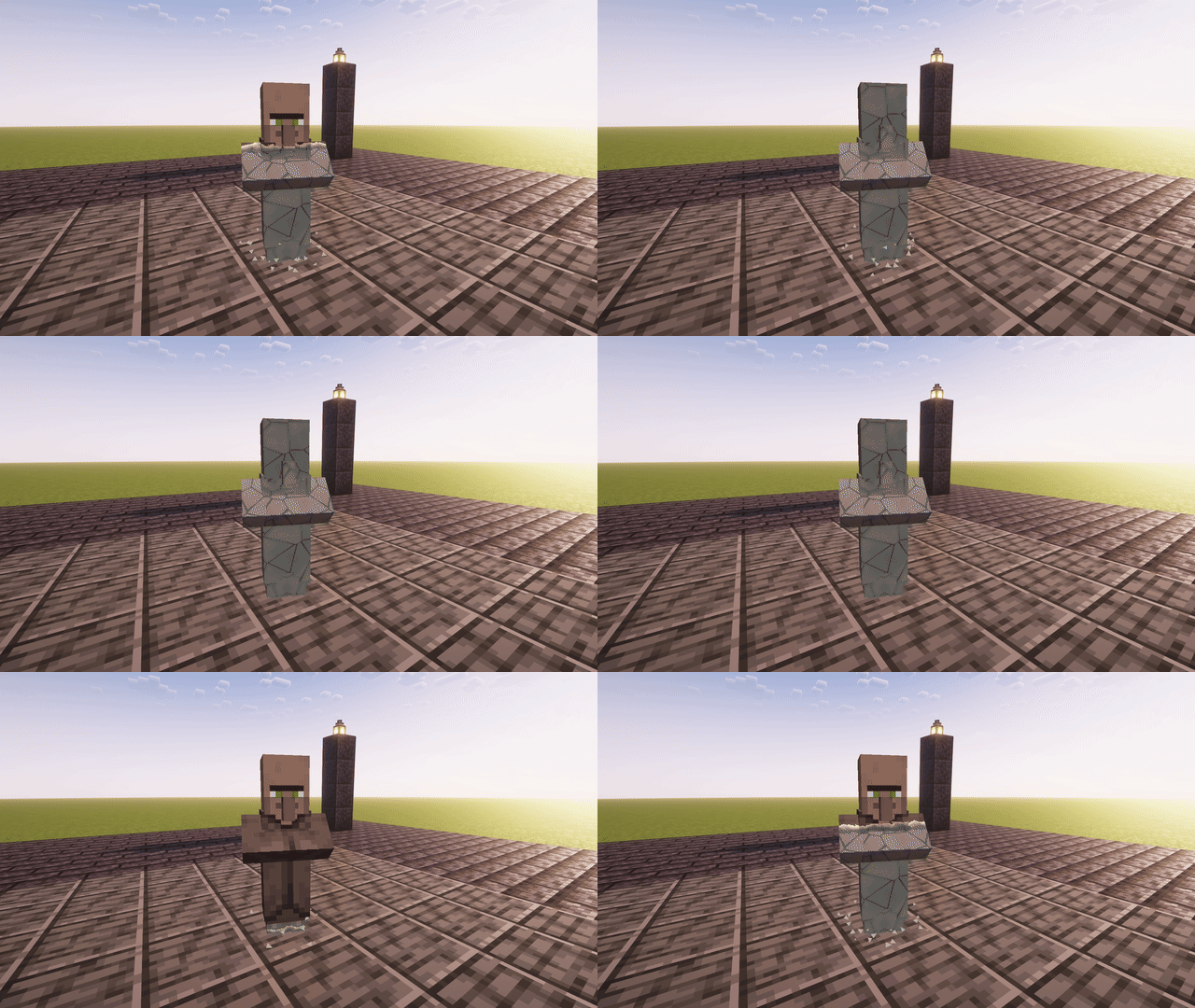
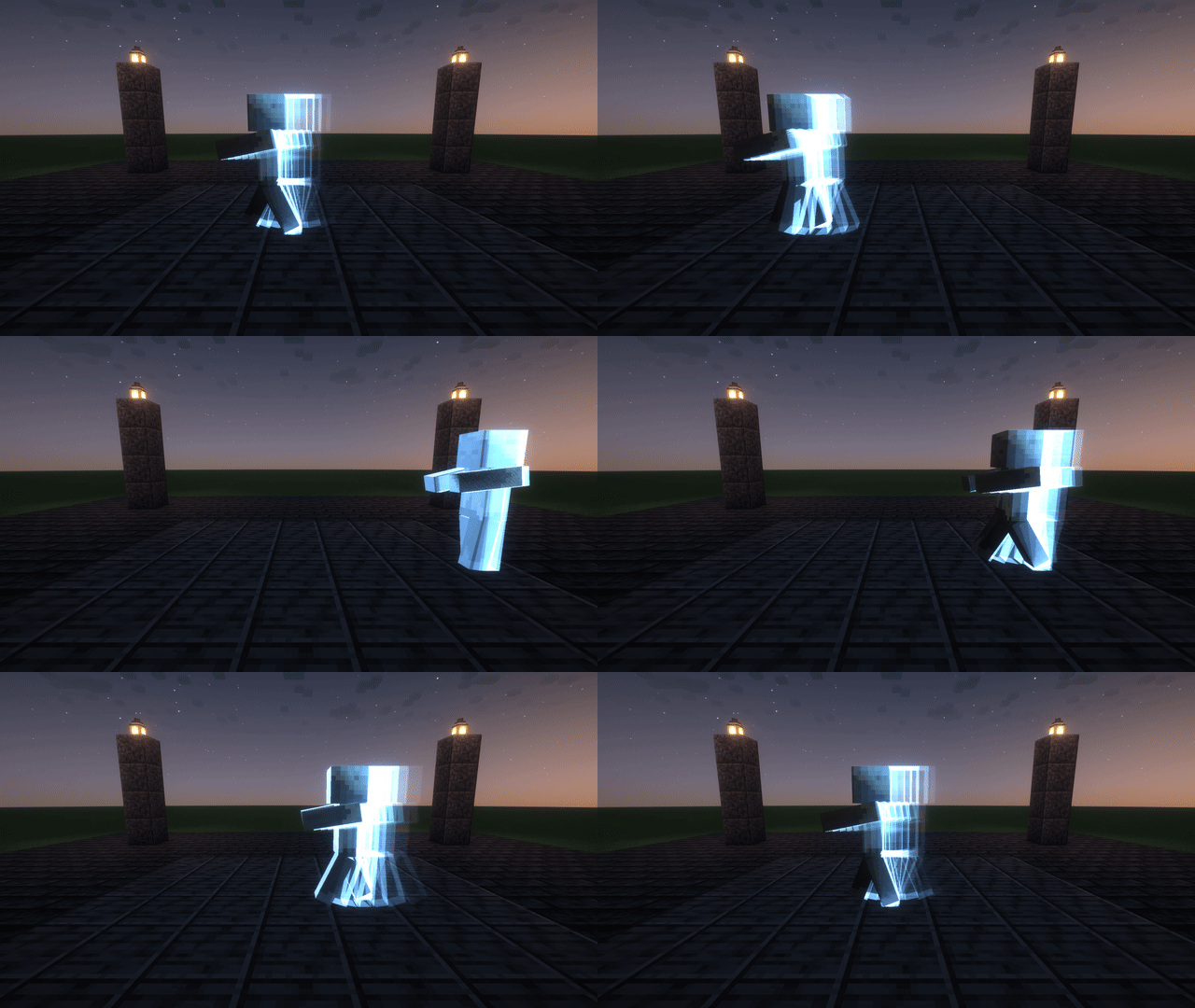
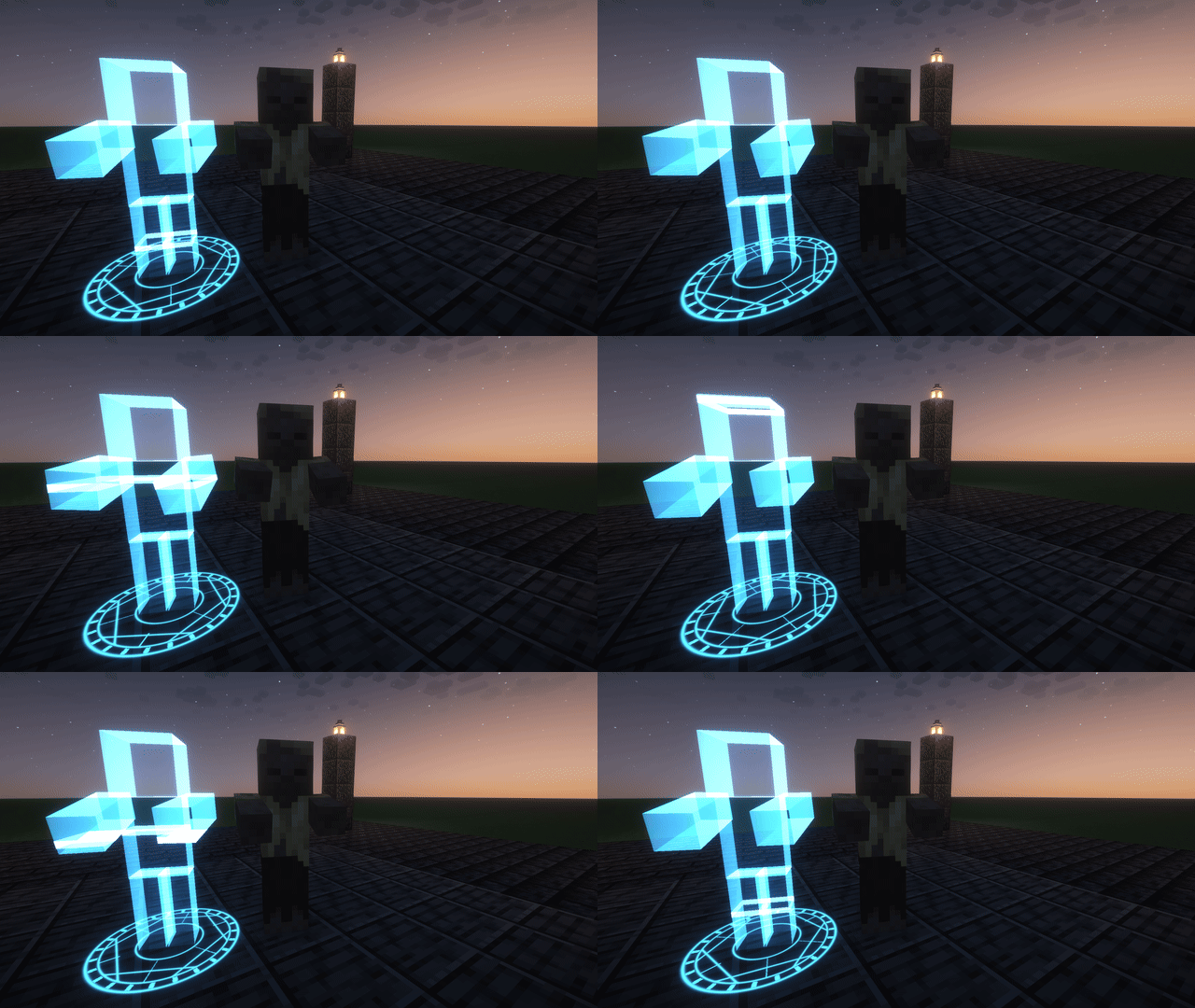
- Model materials. A front sweeps across the model from a point, along an axis or outward through the skeleton. Behind it, layered surfaces take over: blood, bone, muscle, stone, the entity's own skin. Run it backwards to dissolve something. Freeze a pose into a statue, leave afterimages behind, or project a hologram.
- Particles. Values over lifetime, gravity, drag, wind, vortices, attractors, orbits and curl noise. Spawn from points, spheres, boxes, rings, cones, lines, the surface of a model (taking its colour) or its bones. Particles can bounce, stick, leave trails and start other effects. Switch a track to the GPU for up to 262,144 particles.
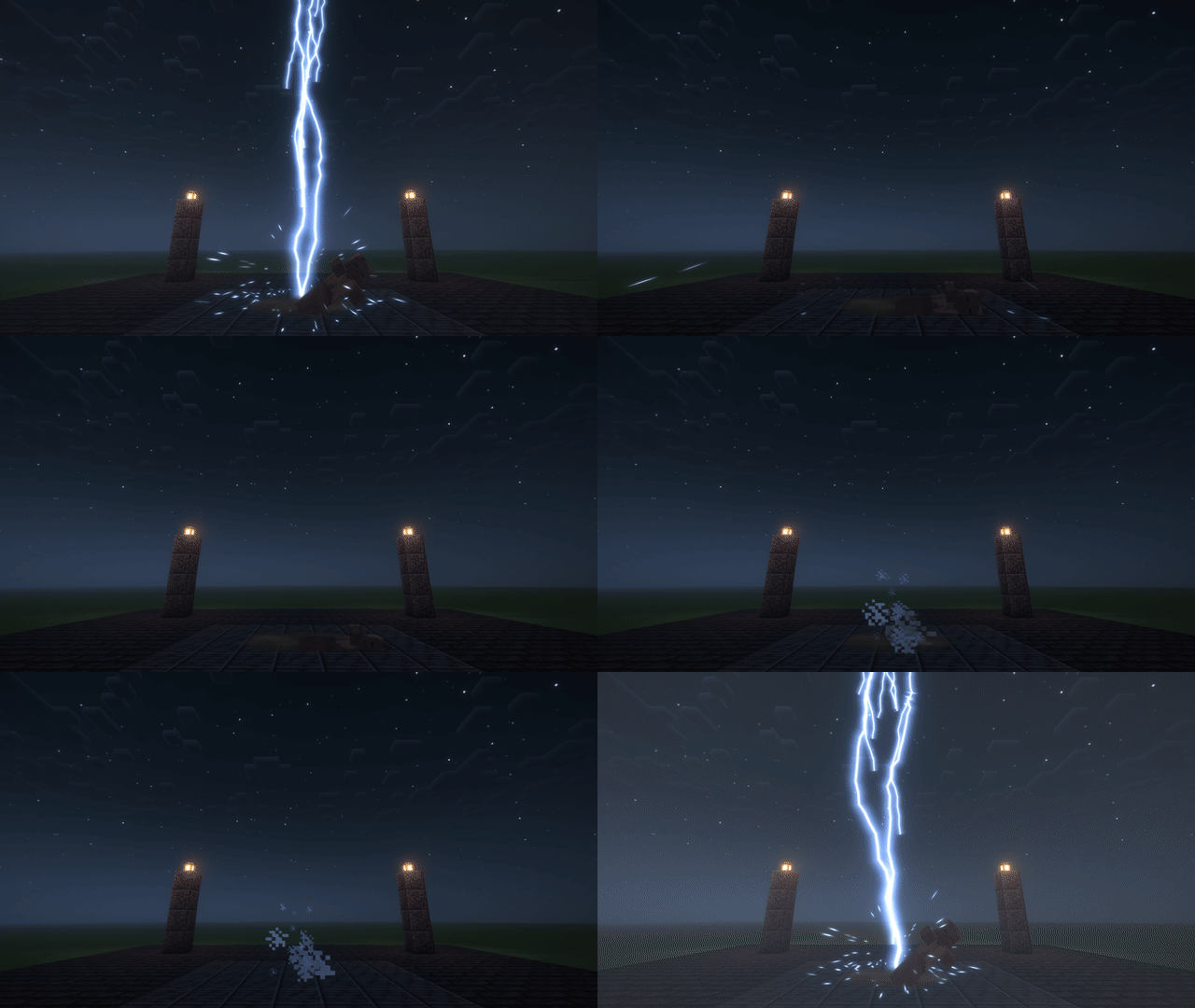
- Shapes. Trails and blade arcs, branching tendrils, beams, re-striking lightning, rings and shockwaves, meshes (spheres, tori or your own OBJ files) and decals projected onto the ground.
- Materials. Flipbook textures, gradient maps, scrolling, noise, dissolve, fresnel, soft edges, heat haze, bloom and studio lighting with subsurface scattering. Or plug in your own shader.
- Screen effects. Camera shake, flashes, chromatic split, vignette, black-and-white manga impact frames with speed lines, desaturation and lens warp, across the screen or inside a sphere in the world.
- Timelines. Tracks start and stop on cue, values follow keyframed curves with easing or any math expression, and effects can play sounds, start child effects and fire events your code listens to.
- Multiplayer. The server starts an effect, and every player who can see it gets the same thing, with the same randomness. Players who join late see effects that are already running.
 |
 |
|---|---|
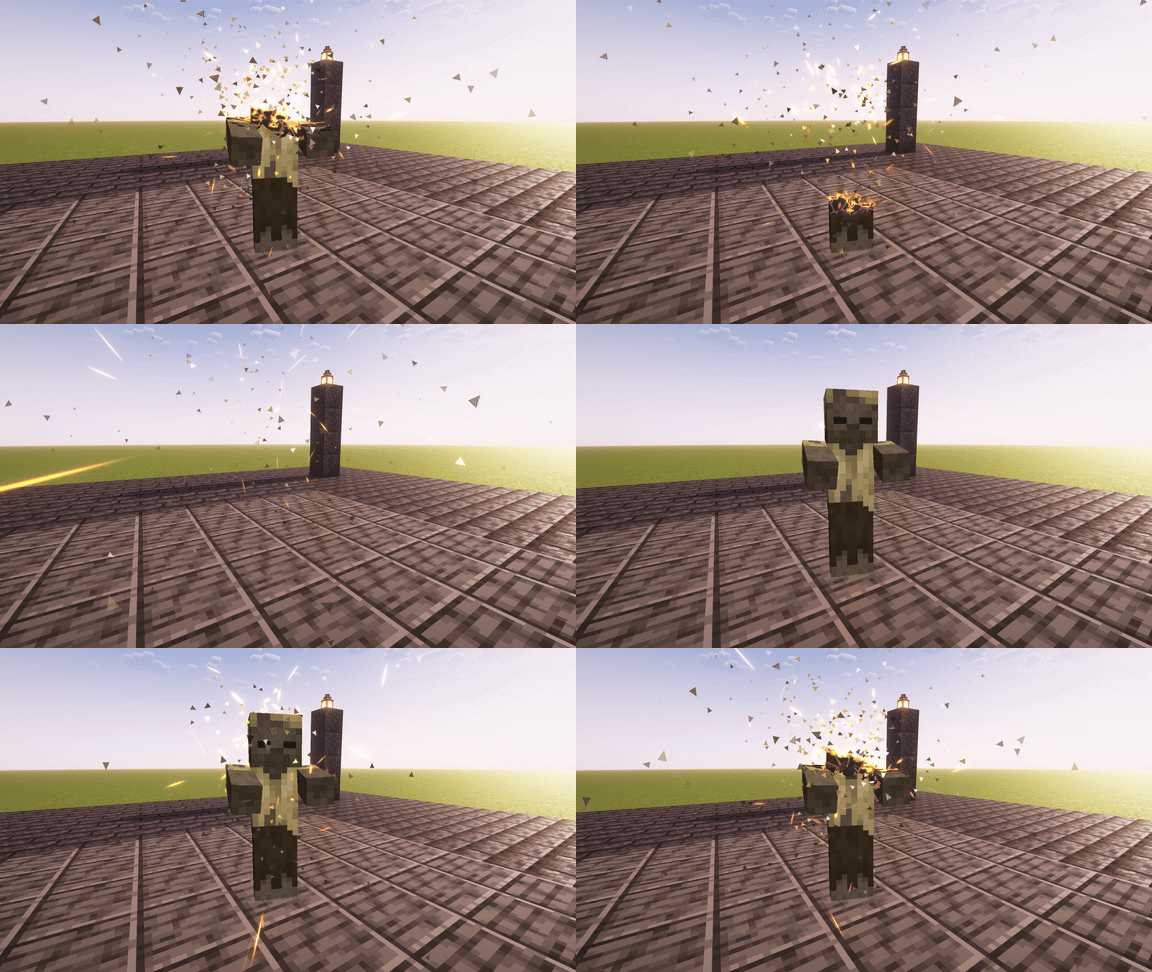
kinesis:disintegrate |
kinesis:petrify |
 |
 |
kinesis:shockwave |
kinesis:lightning |
 |
 |
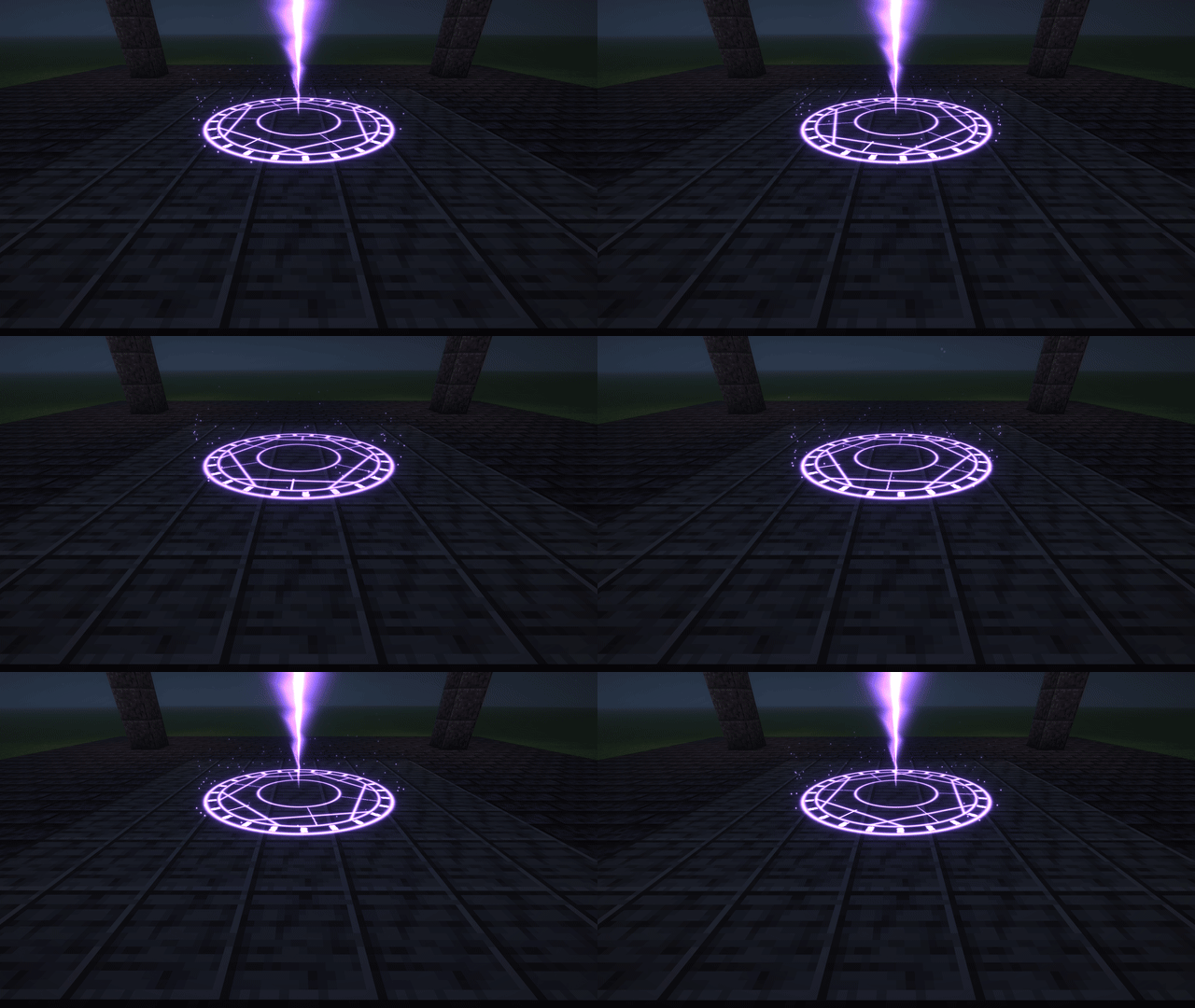
kinesis:summon_circle |
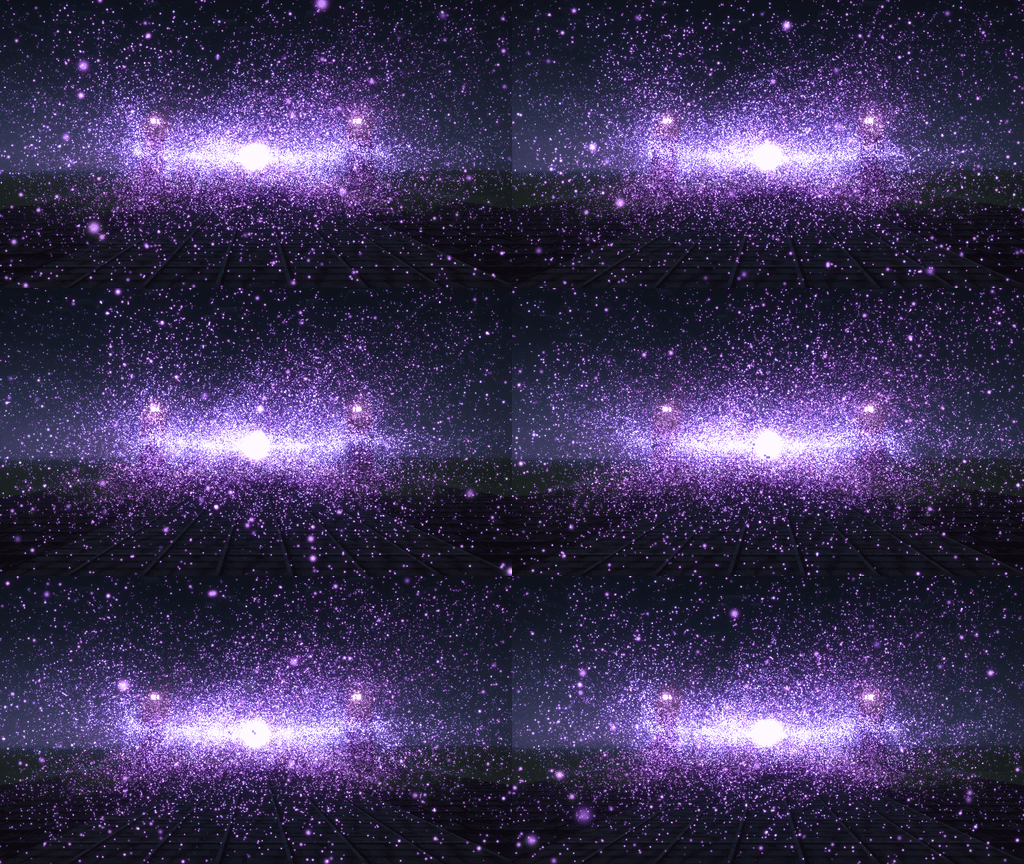
kinesis:nebula, 131,072 GPU particles |

Kinesis ships with effects you can play right away, and read to learn the format:
regen · disintegrate · petrify · hologram · afterimage · aura · orb · shockwave · lightning · beam · summon_circle · impact · time_stop · nebula · slice · shatter · melt · flex
/kinesis play kinesis:shatter @e[type=zombie,limit=1,sort=nearest]
/kinesis play kinesis:shockwave at ~ ~ ~ color=#4ab8ff radius=10

An effect is a file in assets/<namespace>/kinesis/effects/:
{
  "duration": 3.5,
  "tracks": [
    {
      "type": "model",
      "hide_original": true,
      "shatter": { "pieces": 40, "force": 2.4, "lift": 2.2, "spin": 420, "gravity": 16 }
    },
    {
      "type": "particles",
      "end": 0.6,
      "emitter": { "burst": 120, "shape": { "type": "sphere", "radius": 0.5 } },
      "particle": { "lifetime": [0.4, 0.9], "speed": [1, 4], "direction": "outward" }
    }
  ]
}
And playing it is one line, on either side:
Kinesis.play("mymod:shatter", entity);

Kinesis.effect("mymod:fire_beam")
        .at(player, "right_arm:tip")
        .to(target)
        .color(0xFF6A00)
        .play();
The format comes with a JSON schema, so your editor autocompletes and checks every field. Errors in an effect file are reported in chat with the file and the field, and pressing F3+T reloads everything.

Kinesis comes with the tools to make an effect look right, fast:
- Reload on save. In a development environment, saving an effect, texture, model or shader applies it instantly, with no build and no F3+T. A broken shader keeps the old one running and tells you the file and line.
- Freeze and seek.
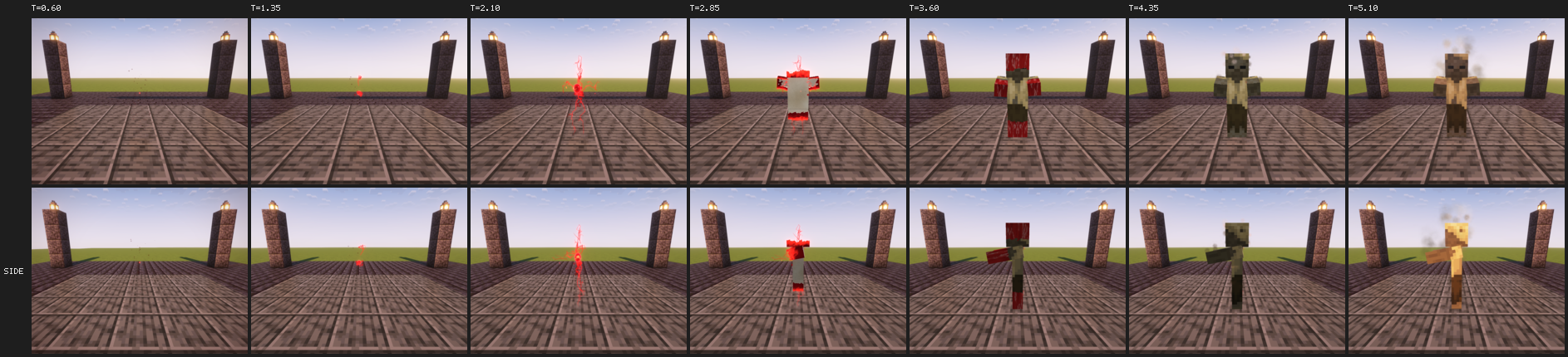
/kinesis seek 1.25jumps every effect to exactly that moment, the same way every time. - Filmstrips.
/kinesis filmstripfilms an effect at chosen times from several angles and saves a labelled contact sheet, with your concept art alongside if you want. - Parameter sweeps.
/kinesis sweepfilms one value across a range, one row per value, to pick the best one at a glance. - Profiling.
/kinesis profilemeasures CPU time, GPU time and particle counts for every track.

Kinesis is built so effects cost almost nothing, without any setup:
- Geometry streams straight to the graphics card, and static meshes are uploaded once.
- Anything off screen is skipped. Particle tracks simulate in parallel, and large ones move to the GPU on their own.
- Bloom runs only on frames where something glows.
- Cutting, breaking and bending a model happen in the vertex shader.
A typical effect costs a third of a millisecond per frame. A 131,072-particle GPU nebula costs 0.22 ms.

- Oculus and shaderpacks. Effects are drawn after the shaderpack has finished the frame, so they look the same with any pack. Model copies that replace an entity are lit and shadowed by the pack like the entity itself.
- GeckoLib. Bones and locators from GeckoLib models work as attachment points, so a trail can follow an animated blade.
- Any entity. Model effects use the entity's own renderer, armour, held items and layers from other mods included.
- Multiplayer. Install Kinesis on both the server and the clients.
 |
 |
|---|---|
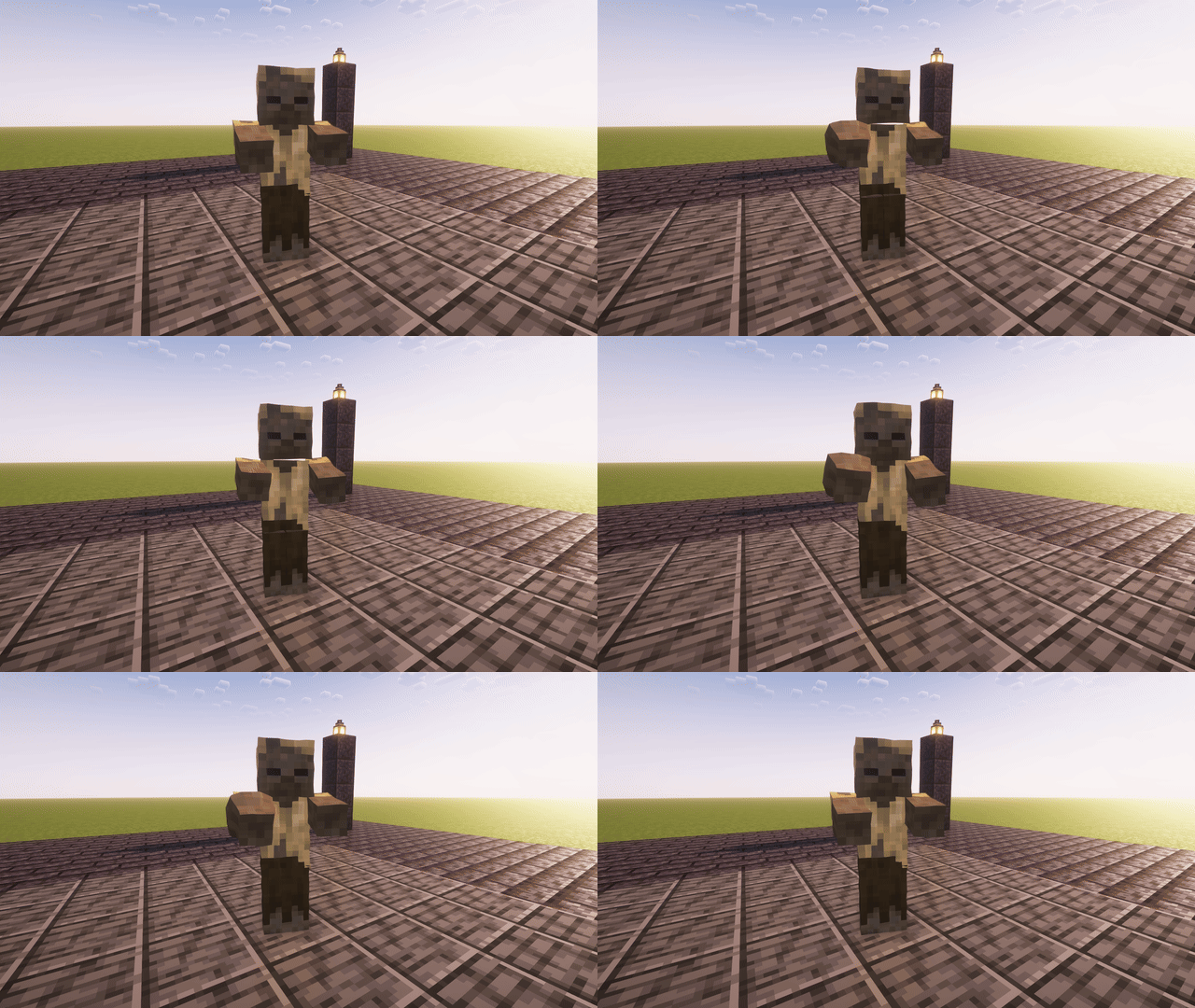
kinesis:afterimage |
kinesis:hologram |
Every clip on this page was recorded in game under the Complementary Reimagined shaderpack.

Kinesis is MIT licensed. Use it in any mod or modpack.
Kinesis Lib Team