promotional bannermobile promotional banner

Keybind Configs

Switch between different keybind configs seamlessly and easily.
2026-08-17_13.46.10.png

2026-08-17_13.46.10.png

2026-08-17_13.45.29.png

2026-08-17_13.45.29.png

2026-08-17_13.45.48.png

2026-08-17_13.45.48.png

2026-08-17_13.45.58.png

2026-08-17_13.45.58.png

2026-08-17_13.45.38.png

2026-08-17_13.45.38.png

Daily Wool | Keybind Configs
Create a server, get 25% off your first monthaffiliate logo
Create Server
affiliate banner image

Description

Keybind Configs

Also known as Keybind Profiles

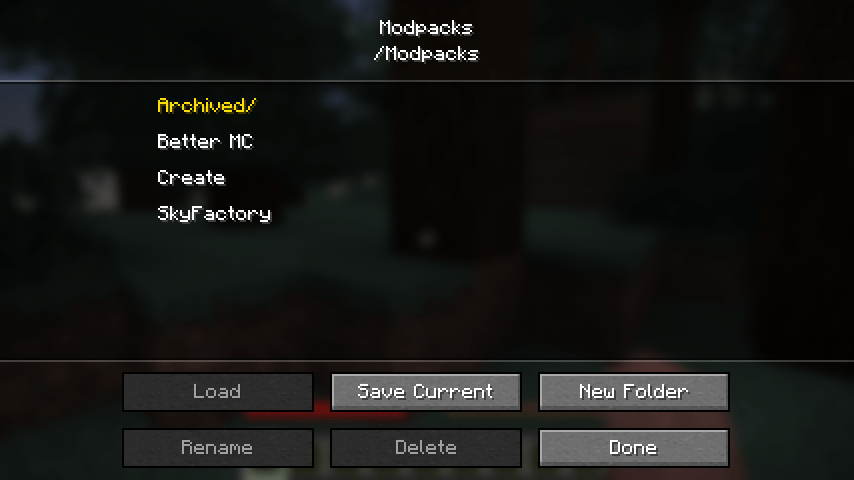
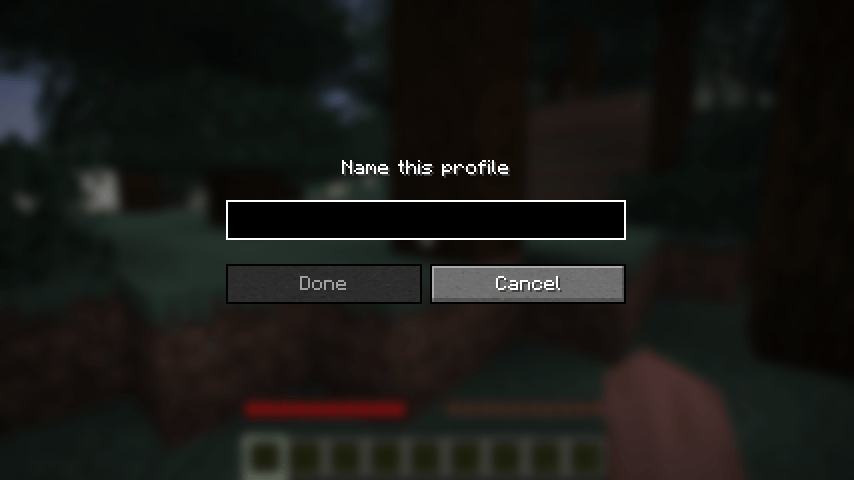
Save your controls as named profiles and switch between them in a couple of clicks. Handy if you bounce between modpacks that all want the same keys, if you keep separate binds for PvP and building, or if more than one person plays on the same account.

What it does

  • Save your current keybinds as a named profile
  • Load any profile back whenever you want
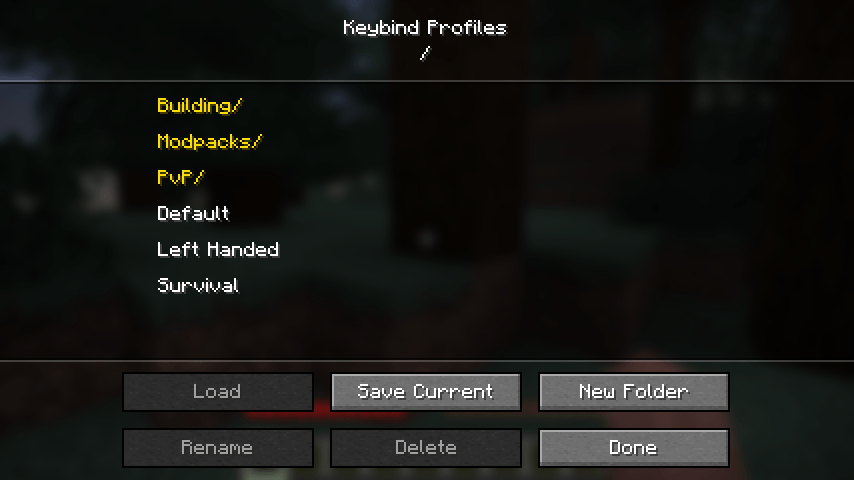
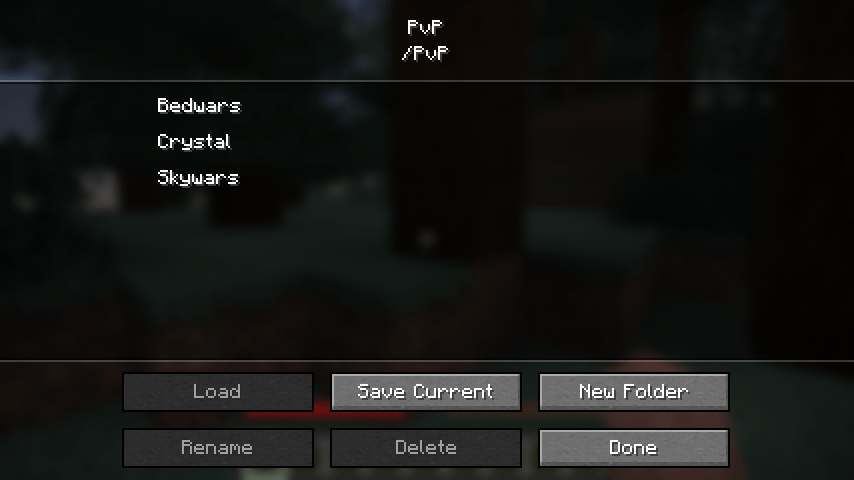
  • Sort profiles into folders, each with its own screen, nested as deep as you like
  • Rename and delete profiles and folders without leaving the game

Where to find it

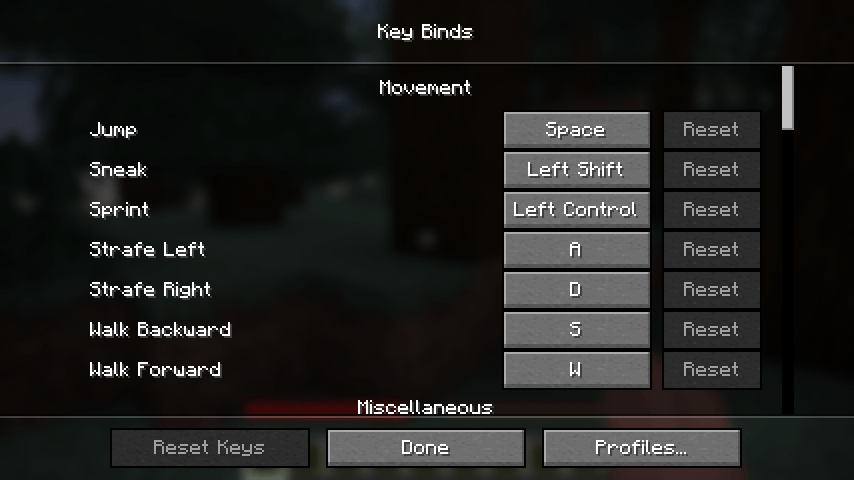
Options, then Controls, then Key Binds. There is a Profiles button in the row along the bottom.

Good to know

Profiles are ordinary json files kept in config/keybind-profiles, and folders are ordinary folders. You can back them up, edit them by hand, or send one to a friend.

Any key a profile does not mention is left alone, so loading an old profile will not unbind a mod you installed after saving it.

Client side only. Nothing to install on the server, and it works fine on any server you join.

Requirements

  • Minecraft 26.2
  • Fabric Loader 0.19.3 or newer
  • Fabric API is not required

The Keybind Configs Team

profile avatar
  • 1
    Followers
  • 6
    Projects
  • 343
    Downloads

I make stuff (sometimes)

More from dailywoolView all