2026-08-15_19.33.47.png
2026-08-15_19.33.49.png
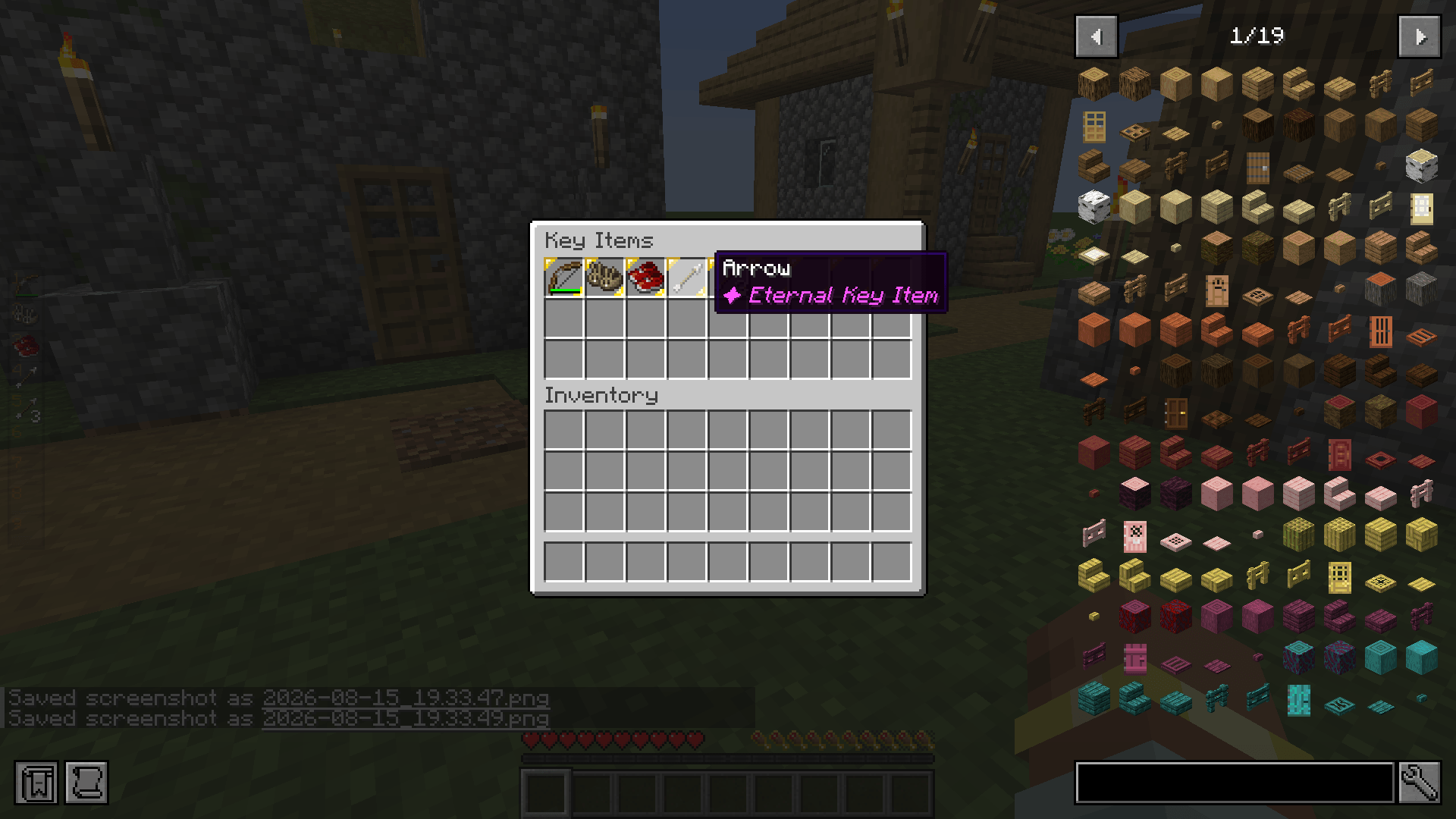
2026-08-15_19.33.51.png
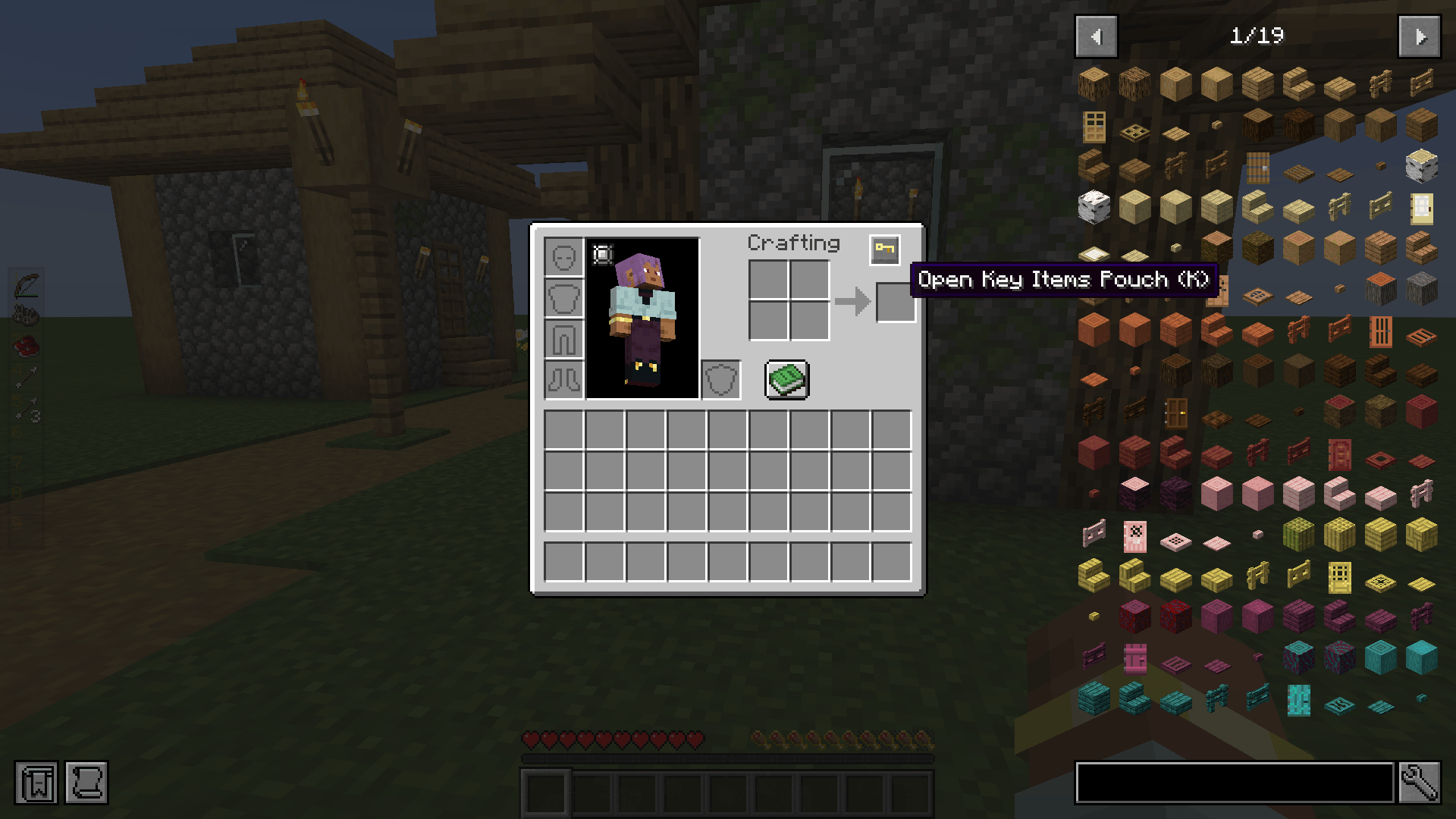
2026-08-15_19.33.40.png
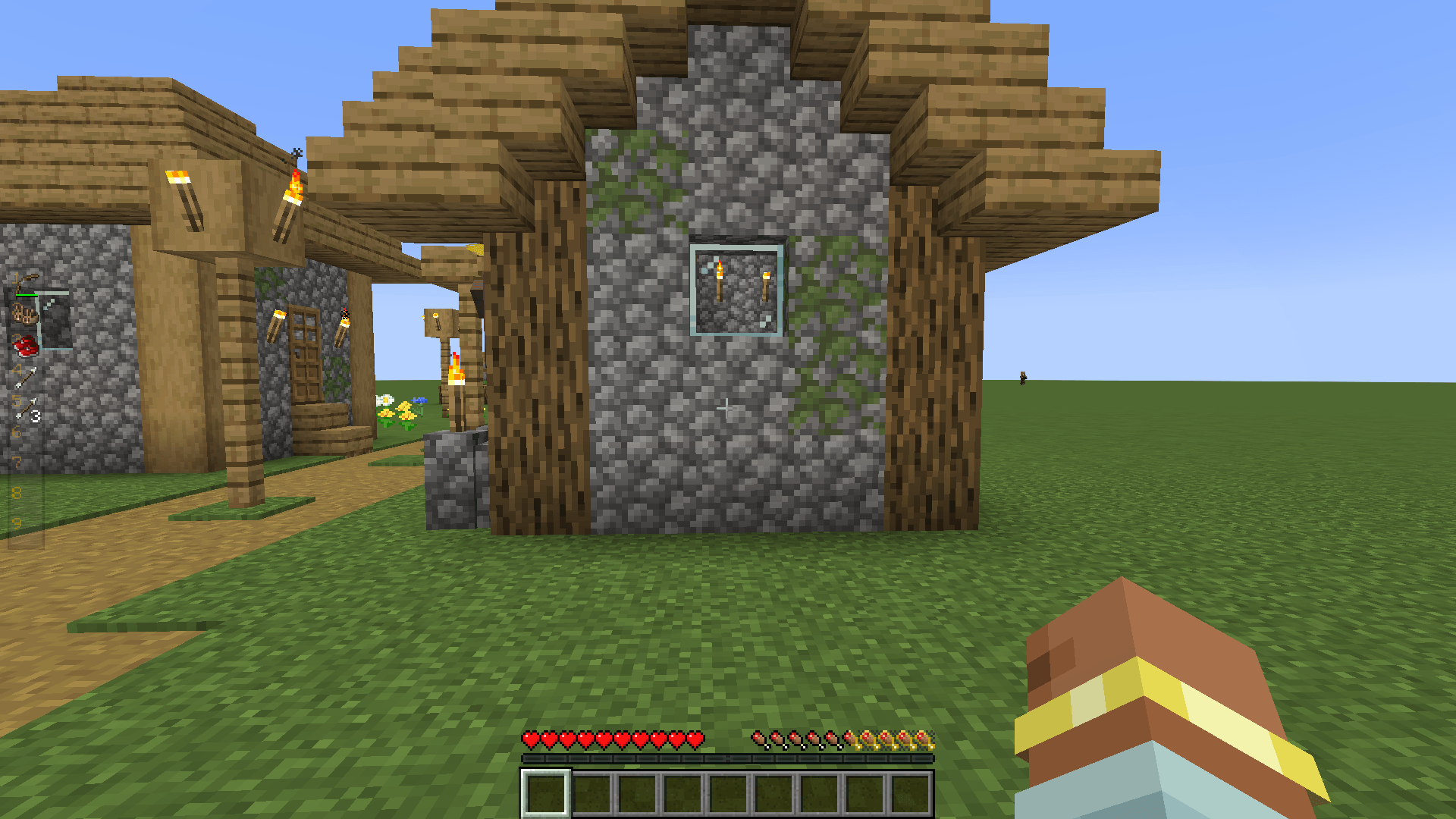
2026-08-15_19.32.20.png
Description
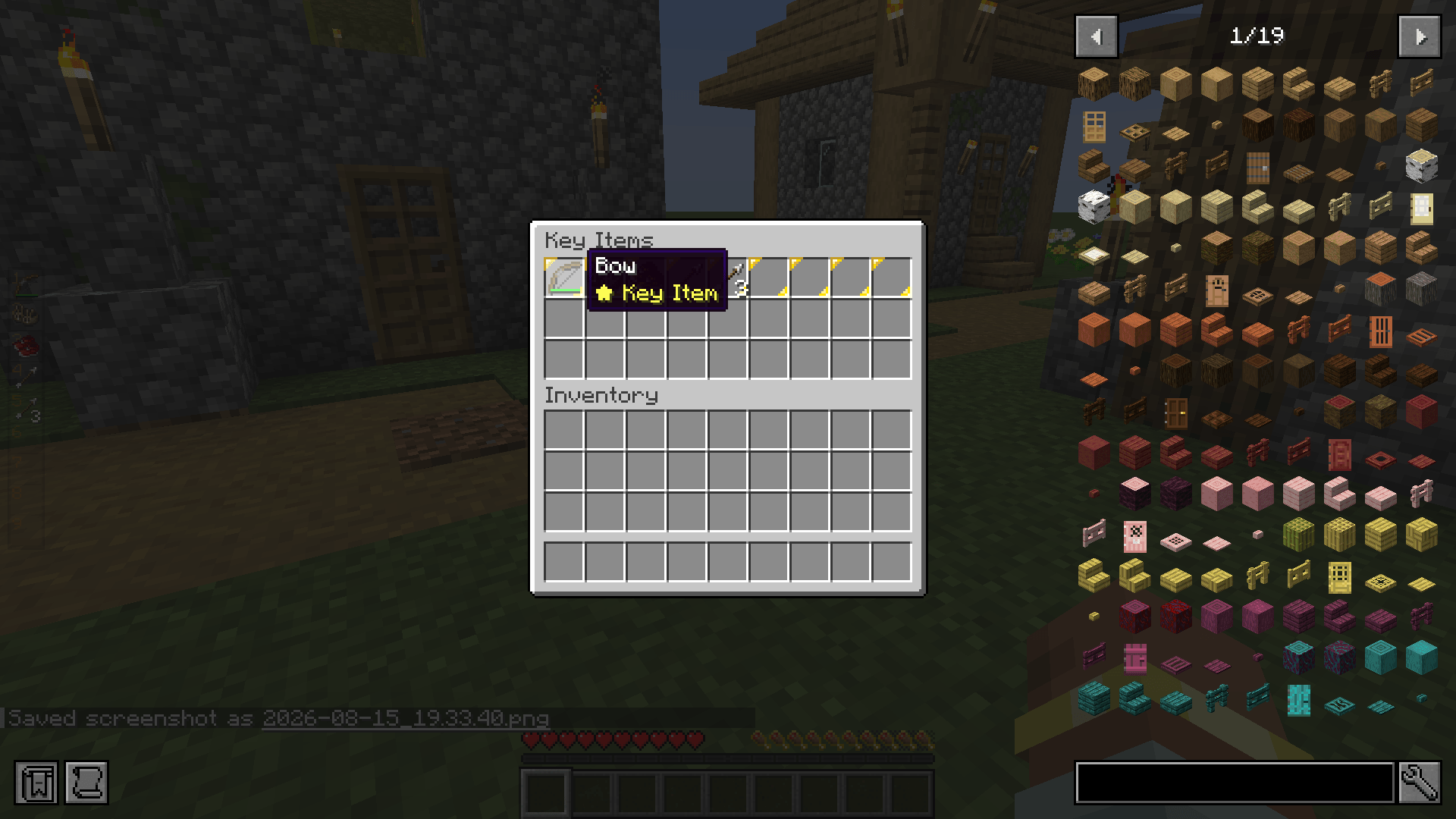
Key Items adds a dedicated 27-slot Key Items pouch where players can store and use utility items, consumables, and accessories through hotkeys, without using space in the hotbar or main inventory.
Features
- 27-Slot Persistent Pouch: a separate inventory you open with a keybind or a button in the player inventory. Items in the pouch stay with you when you die, except Unbound Key Items.
- Quick-Use Hotkeys: you can use the first 9 slots directly from hotkeys.
- Instant Use: throw Ender Pearls and splash potions, or place blocks where you're aiming.
- Continuous Actions: hold the key to block with Shields, charge Bows, or eat Food.
- Crossbows: hold to load an arrow, or tap while loaded to fire immediately.
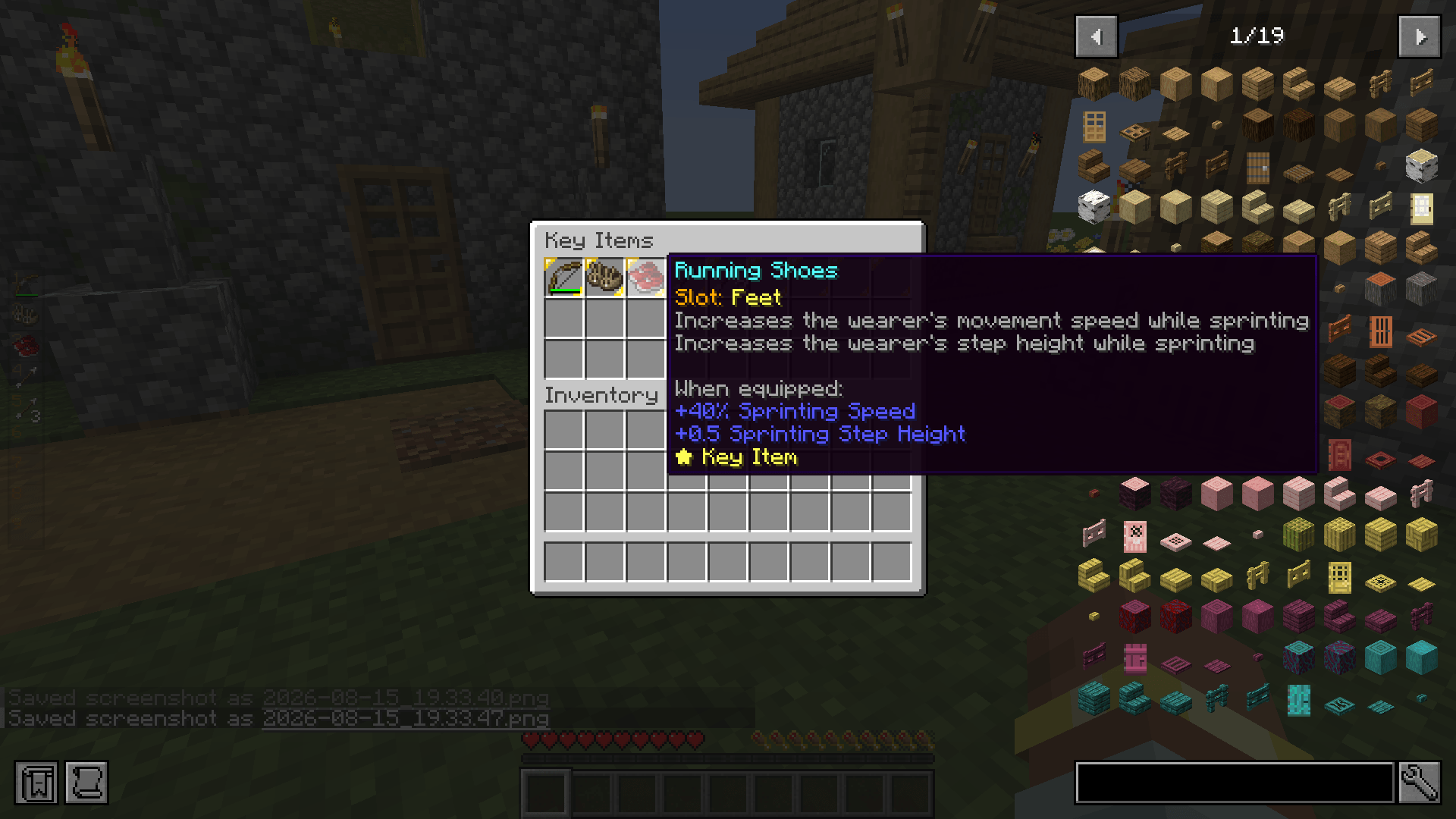
- Curios Compatibility: accessories in the pouch give their full passive effects, attribute modifiers, and abilities (such as max health, speed, magnets, and dynamic lights). They don't appear in the Curios screen and don't render on your character. Curios items aren't Key Items by default.
- Auto-Pickup: items you already keep in the pouch, like arrows and Ender Pearls, are added to the pouch automatically when you pick them up, up to one stack per slot. This includes arrows you've shot and pick back up.
- Universal Totem of Undying: any vanilla or modded totem in the pouch activates when you take fatal damage.
- Ammo Supply: Bows and crossbows automatically draw arrows or fireworks from the pouch.
- Sidebar HUD: a compact, semi-transparent overlay shows the 9 active slots, with durability bars, cooldown sweeps, and stack counts.
- Custom Tooltips: items are tagged as a yellow ★ Key Item, a purple ✦ Eternal Key Item (infinite use), or a red ✧ Unbound Key Item (drops on death).
Configuration
The mod creates a configuration file at config/keyitems-common.toml, where you can:
- Allow any item into the pouch (
allow_all_by_default). - Whitelist specific item IDs for the pouch (
allowed_items). - Set items that never lose durability or stack count (
infinite_items). - Set items that drop on death instead of staying in the pouch (
unbound_items). - Make Unbound items drop even when keepInventory is on (
unbound_ignores_keep_inventory).
You can change all keybindings in the vanilla Controls menu. The defaults are K to open the pouch and Numpad 1–9 to use slots.
Datapack & KubeJS Support
Modpack creators can configure Key Items with item tags:
#keyitems:allowed: items allowed in the pouch.#keyitems:infinite: items that don't lose durability or get consumed.#keyitems:unbound: items that drop on death.
KubeJS example (kubejs/server_scripts/keyitems.js):
ServerEvents.tags('item', event => { event.add('keyitems:allowed', ['minecraft:ender_pearl', 'minecraft:shield', '#c:tools', '#curios:curio']) event.add('keyitems:infinite', ['minecraft:shield', 'minecraft:arrow']) event.add('keyitems:unbound', ['minecraft:firework_rocket']) })
Datapack example (data/keyitems/tags/item/allowed.json):
{ "replace": false, "values": ["minecraft:ender_pearl", "minecraft:shield", "#curios:curio"] }
Key Items Team