Kaleido (Discontinued)
- By
Community-oriented decorations & building blocks mod. Datapack item & block maker
Description
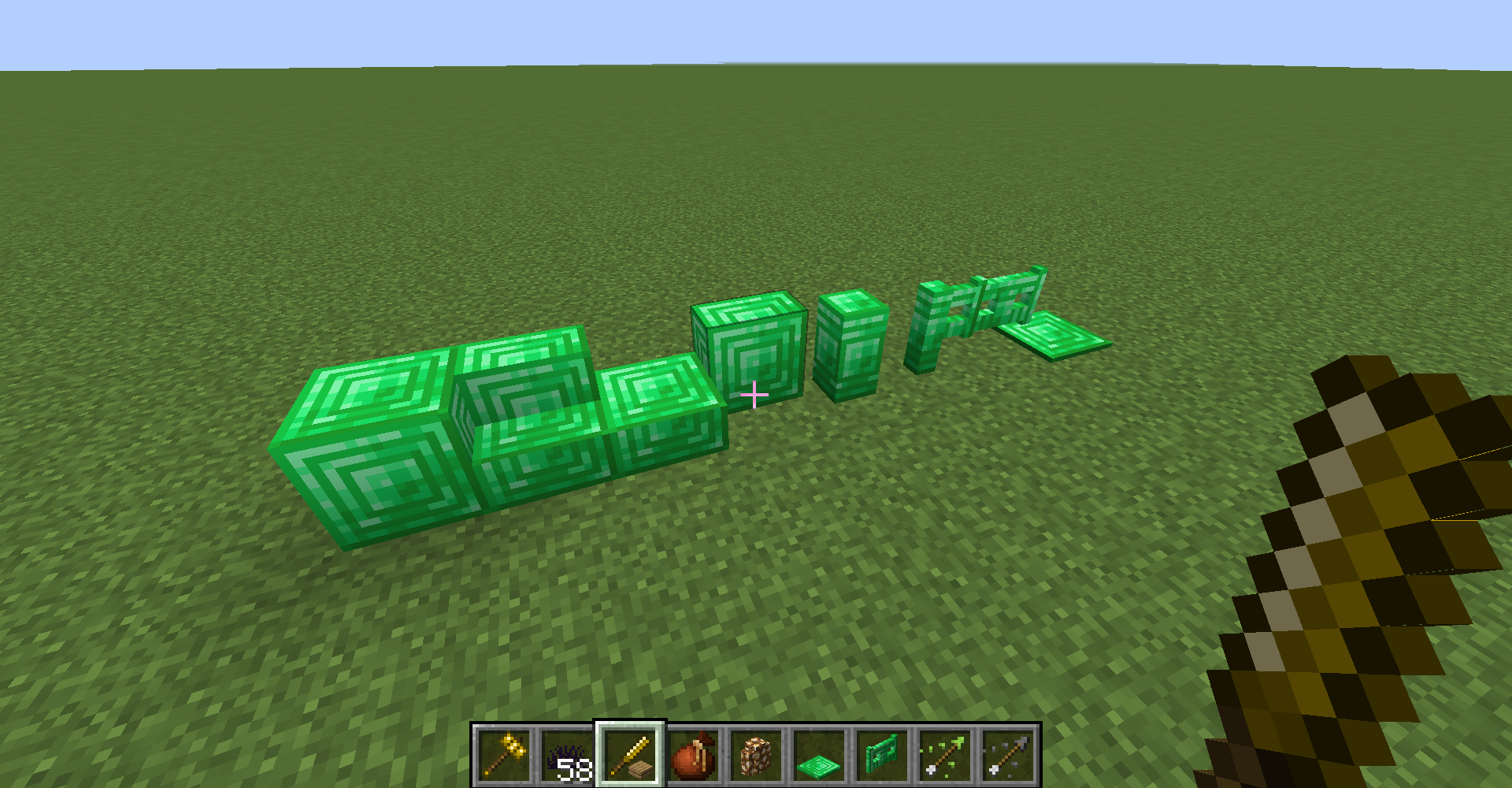
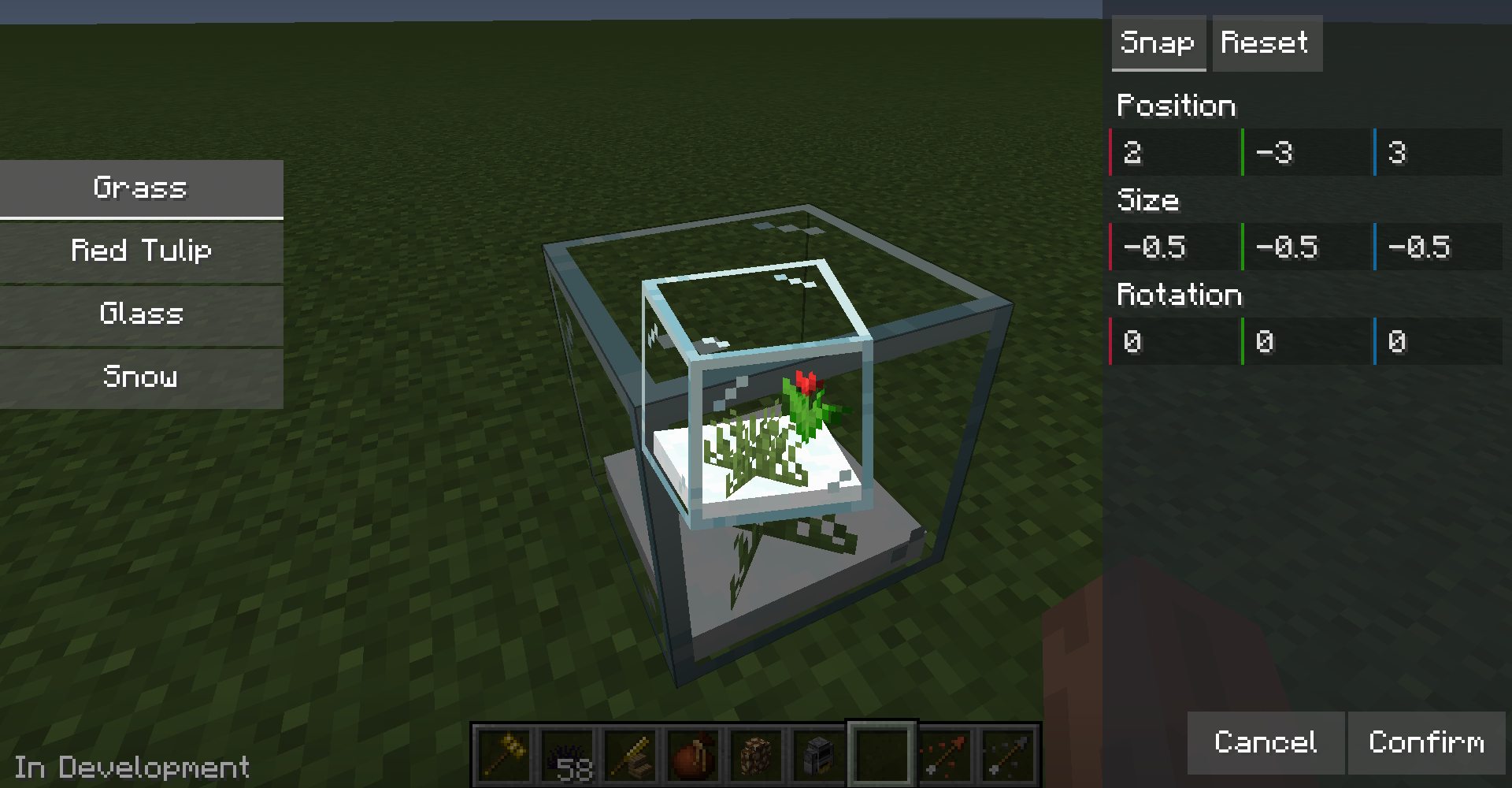
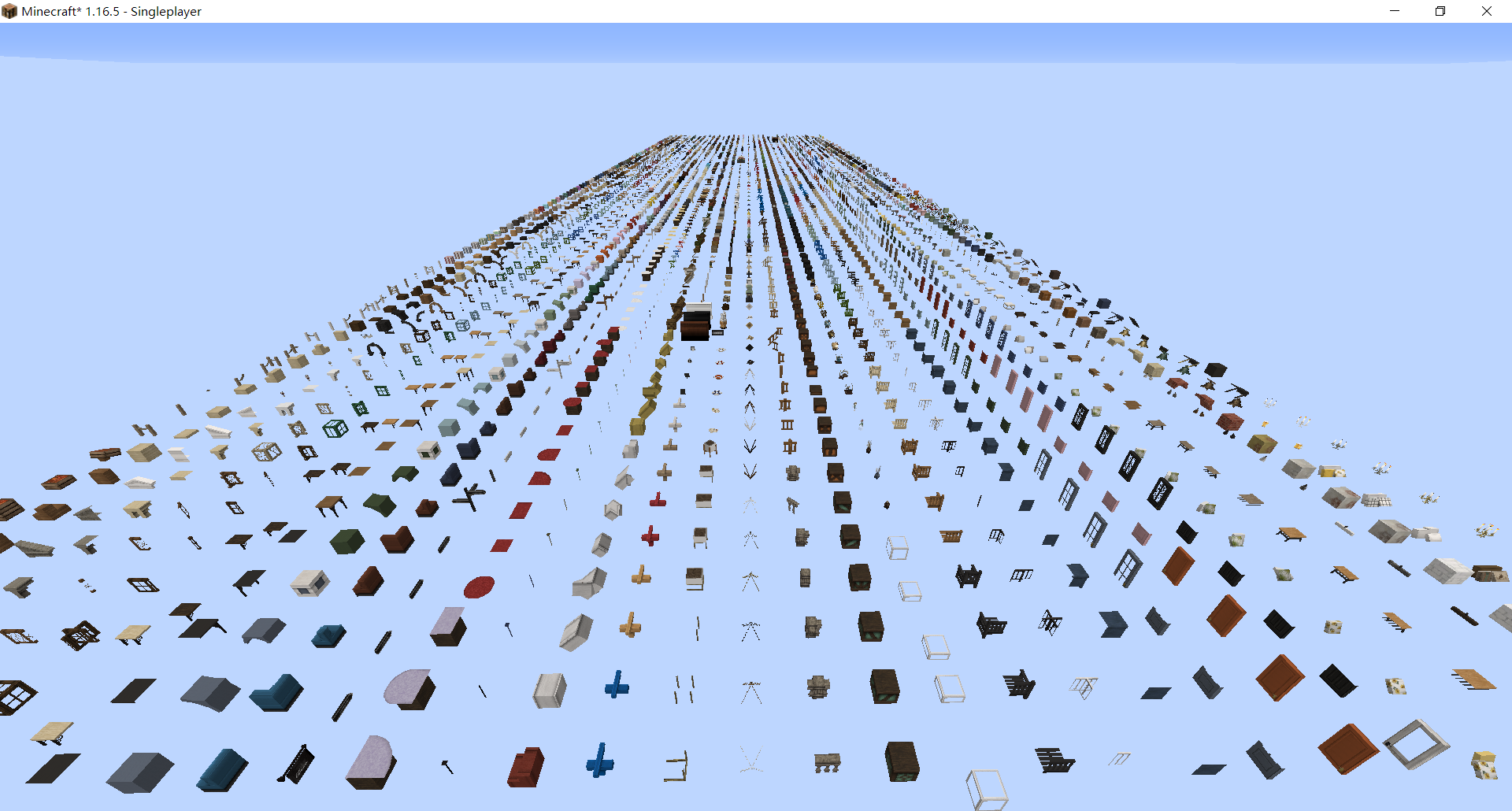
Kaleido is a Forge mod that allows you to dynamically import customized blocks and items via data pack and resource pack.
For customizing blocks please check our wiki.
Environments
- Forge 1.16.5 latest
- Kiwi latest
Importing Blocks
- After first time launching game, a
kaleido-loaderfolder will be generated in your game folder. Put your datapack in it, it will load packs globally. - Put resource packs in
resourcepacksfolder and enable it in options. - Enter world
- Now you should be able to find your newly-added blocks in decorations creative inventory tab. Or use Kaleido's woodworking bench.
Note: Kaleido is not responsible for the problems caused by the version update. Please backup before updating.

Importing Cocricot Mod Blocks
- Download Java 1.12.2-Resourcepack & Mod from Cocricot official website
- Extract the mod from the zip file and put it into the resourcepacks folder. If you want to use the vanilla resource pack provided by Cocricot, it is recommended to use the 1.16.1 version.
- Download and install the Kaleido-Cocricot compatibility packs. Just like steps in Importing Blocks section.
- All done!

Importing Yuushya Townscape Blocks
- Download Yuushya Townscape and Yuushya 16x
- Put the mod file and resourcepack into the resourcepacks folder.
- Download and install Kaleido - Yuushya Townscape Data and Kaleido - Yuushya Townscape Resources. Just like steps in Importing Blocks section.
- All done!
Note: There are still some problems with Cocricot and Yuushya support. Welcome to send a PR to the conversion script to fix the problems.
Kaleido (Discontinued) Team

Owner