Just Universal Keybinds
- By
Tired of rebinding keys for every modpack or after switching versions? Just Universal Keybinds fixes this by keeping track of your key binds, across mods, versions, and more!
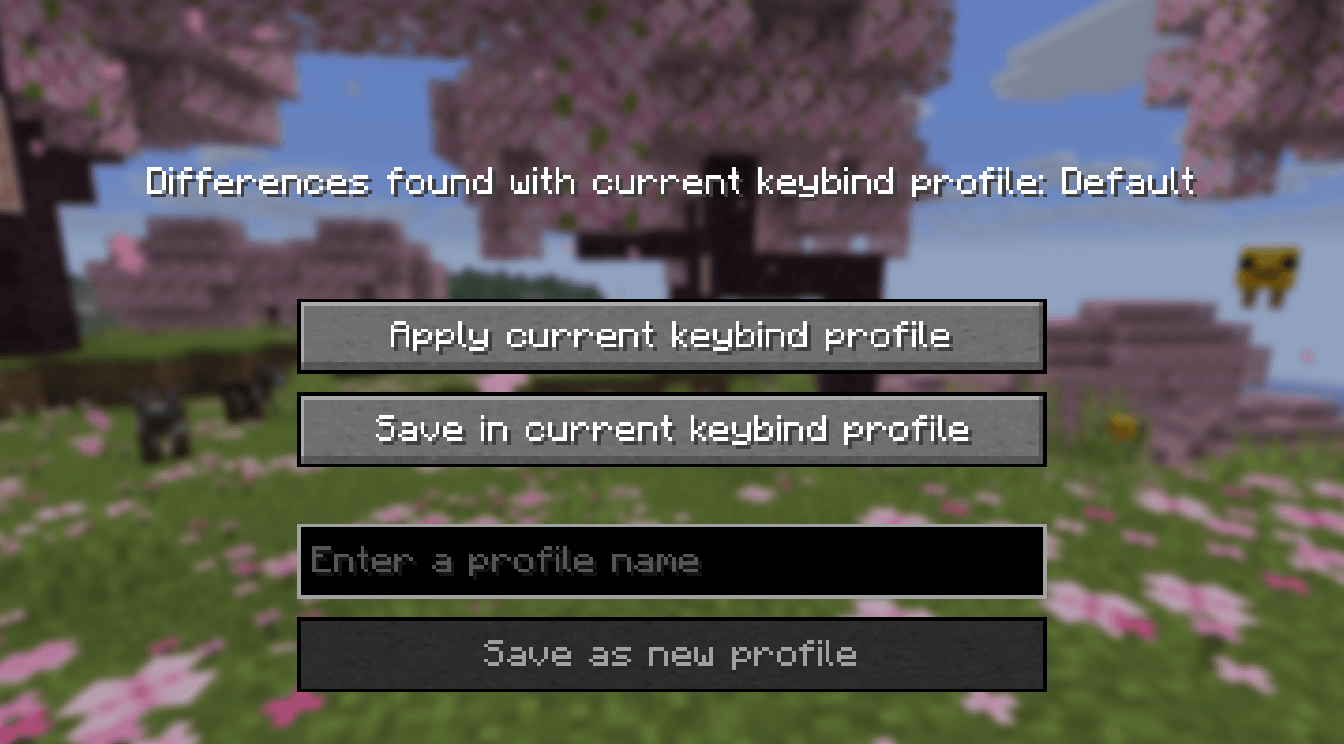
Automatically finds and notifies you whenever your current keybinds don't align with what the profile has stored
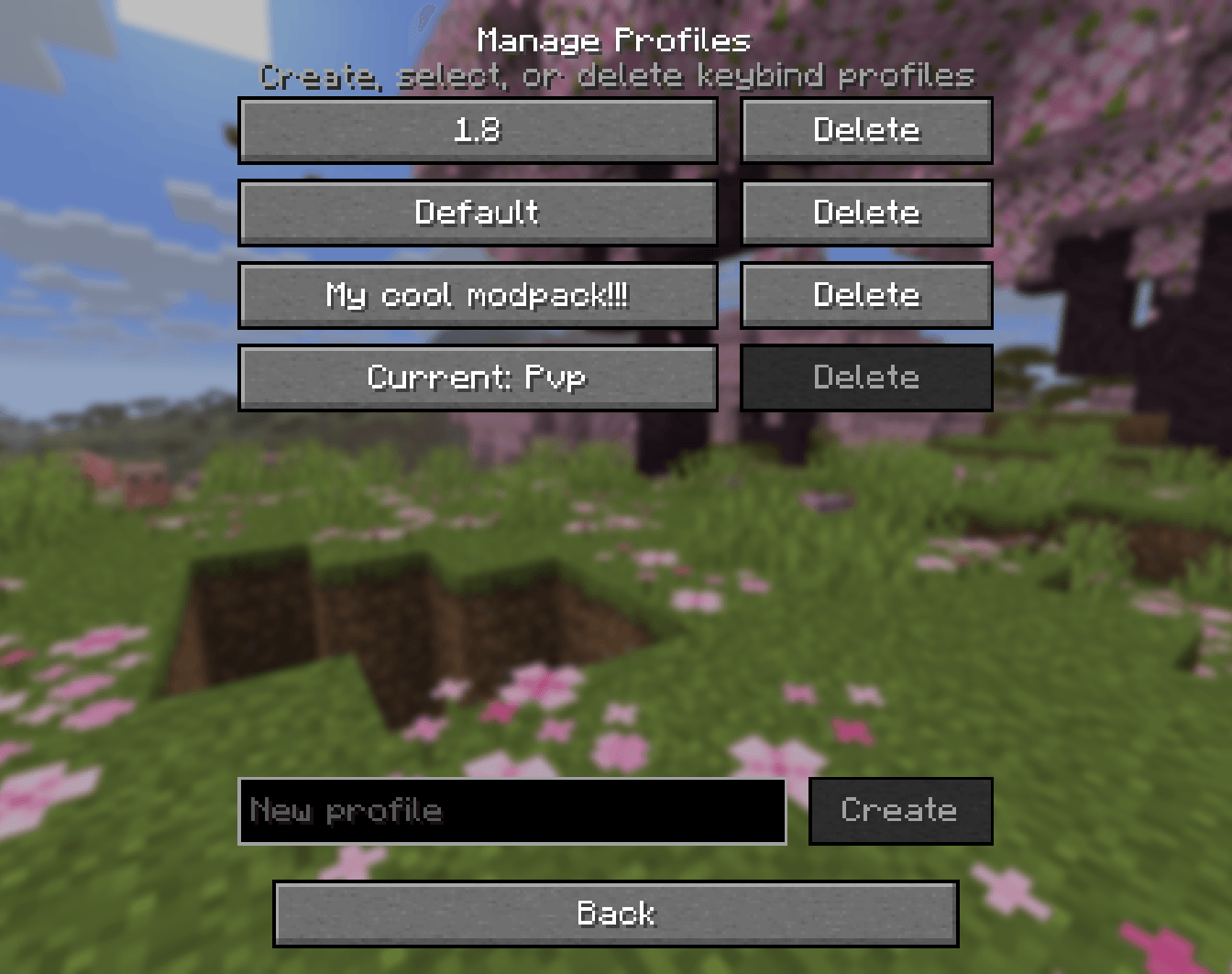
Manage and quickly switch keybind profiles
Description
Just Universal Keybinds
Stop wasting time rebinding the same keys every time you switch modpacks.
Just Universal Keybinds keeps your controls consistent across modpacks, Minecraft versions, launchers, and instances. Save your keybind setup once, then reuse it wherever you play.
It does more than just remember keys. Just Universal Keybinds can recognize keybinds from different mods and group similar actions together, making it much easier to move between mods that do the same thing. Switching from one zoom mod to another? Using a different modpack with similar controls? Just Universal Keybinds helps keep those actions feeling seamless instead of forcing you to rebuild your setup from scratch.
Features
Keybind profiles
Create different control layouts for different modpacks, versions, or playstyles.Works across your whole PC
Your profiles are available no matter which launcher, Minecraft version, or instance you use.Smart mod keybind grouping
Similar actions from different mods can be grouped together, so switching between mods with the same purpose feels seamless.Modpack and version friendly
Keep your controls consistent when switching between modpacks or Minecraft versions.Less setup, more playing
Save your setup once, reuse it everywhere, and spend less time fixing controls.
Why use Just Universal Keybinds?
If you constantly switch between modpacks, test different Minecraft versions, or use multiple launchers, you already know how annoying it is to rebind the same controls over and over again.
Just Universal Keybinds removes that repetitive setup step. Your keybinds follow you across instances, helping every modpack feel familiar from the moment you launch it.
First use
Just Universal Keybinds automatically creates a profile called Default with your current keybinds on first use, no further configuration is needed.
Troubleshooting
Not getting the "Differences found with current profile" screen? This can be caused by other mods, or using a client like Lunar which may replace key components which normally trigger this popup. (Version 1.1.0+ is less likely to be affected)
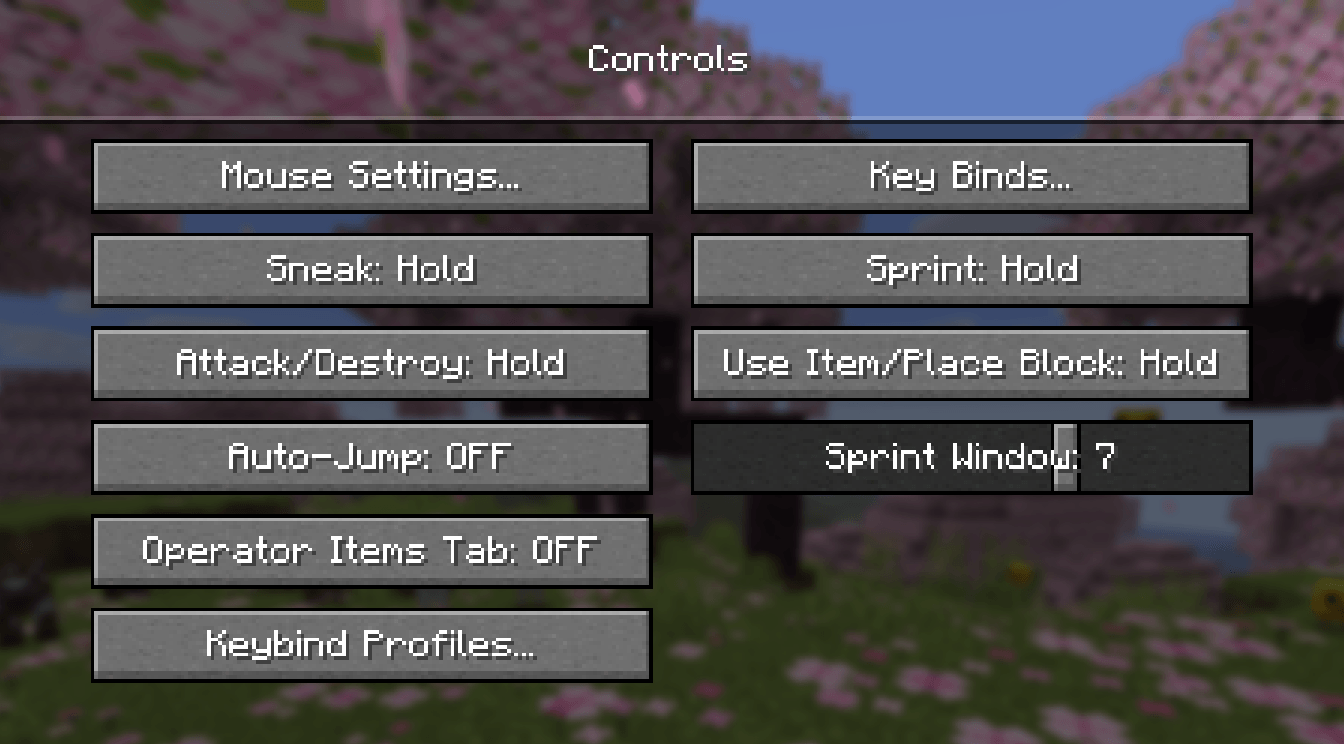
Go to settings -> controls -> profiles and either create a new one with current key binds, or re-select the current profile to apply the key binds.
For modpack creators
You are free to include Just Universal Keybinds in any modpack.
Modpack creators can include the mod by default to give players a smoother first-launch experience.
This mod is especially useful for modpacks that include many mods with their own controls. It helps players keep their preferred keybind setup between versions, instances, launchers, and other modpacks, reducing the amount of manual setup needed after installing or updating a pack.
No special permission is required to use this mod in a modpack, as long as the mod is downloaded from an official source.
The Just Universal Keybinds Team