Just Some Switches
- By
JSS_Banner_850x200.png
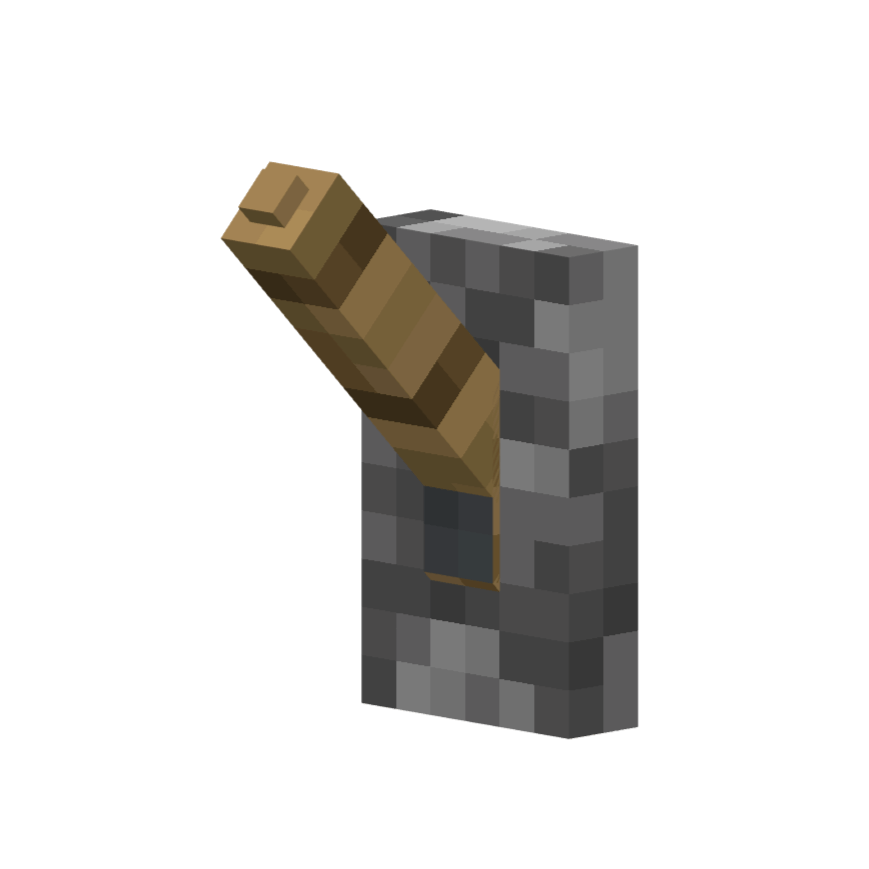
Basic Lever
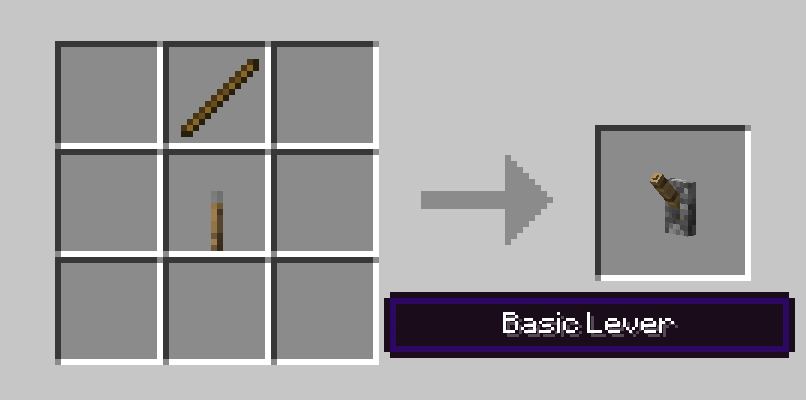
Basic Lever Recipe
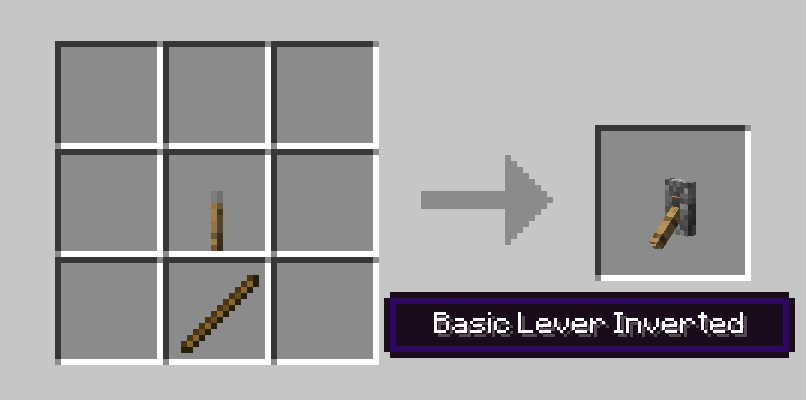
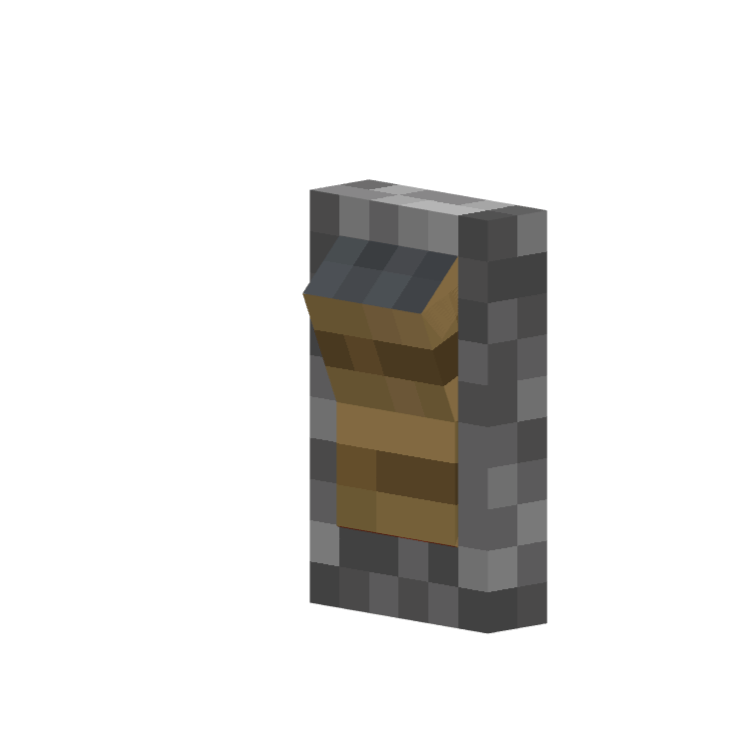
Basic Lever Inverted Recipe
Basic Rocker
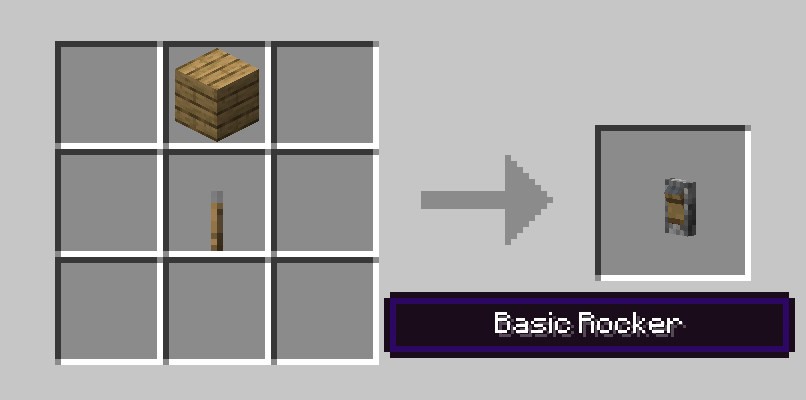
Basic Rocker Recipe
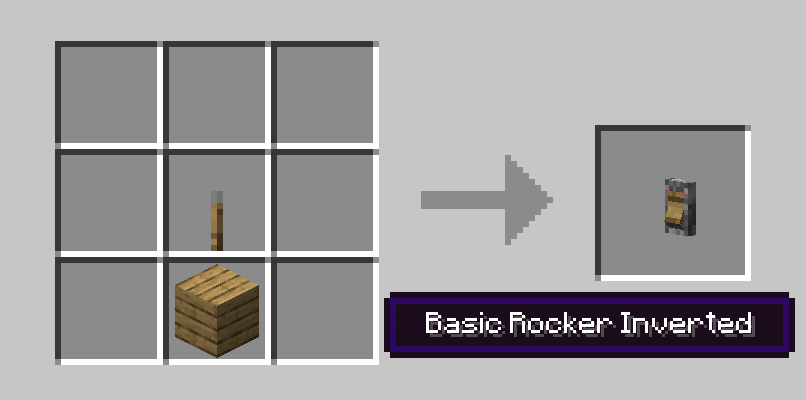
Basic Rocker Inverted Recipe
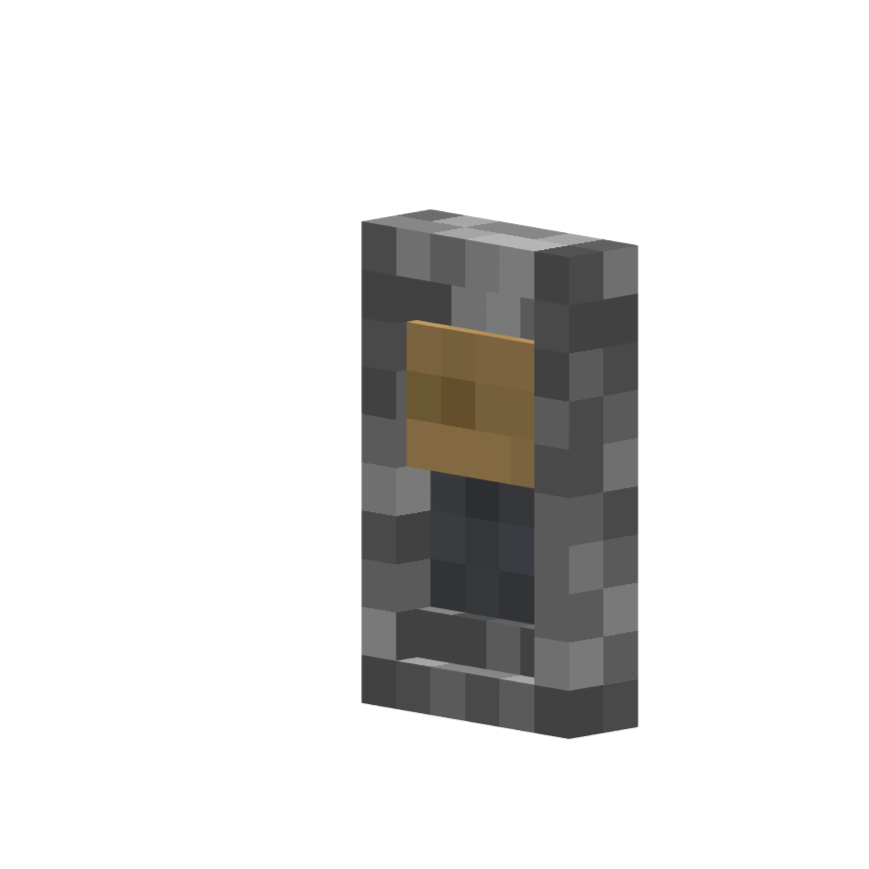
Basic Slide
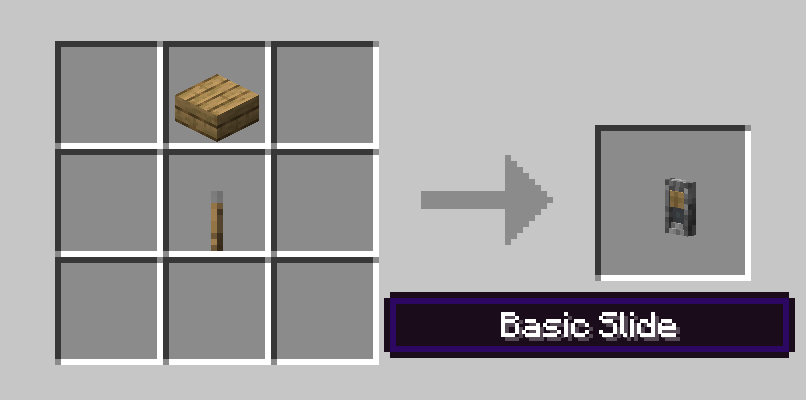
Basic Slide Recipe
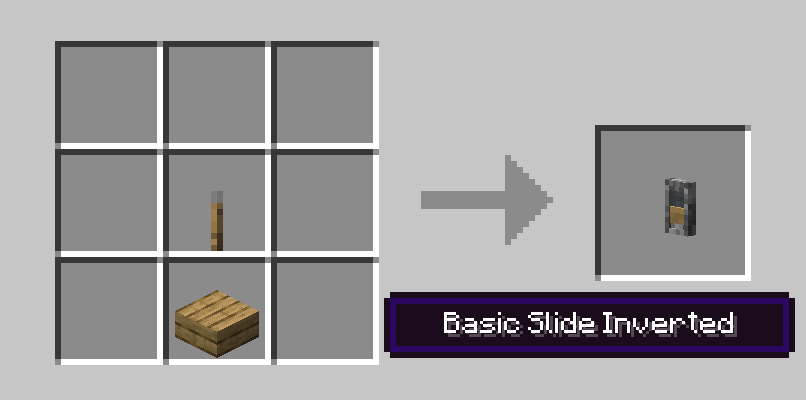
Basic Slide Inverted Recipe
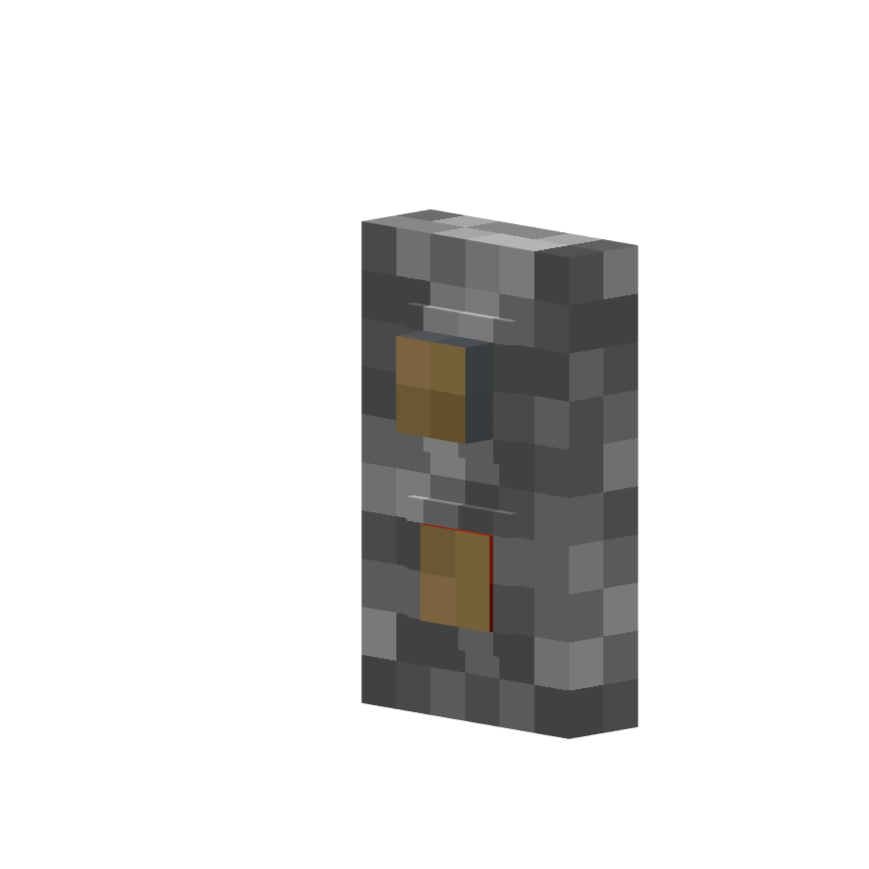
Basic Buttons
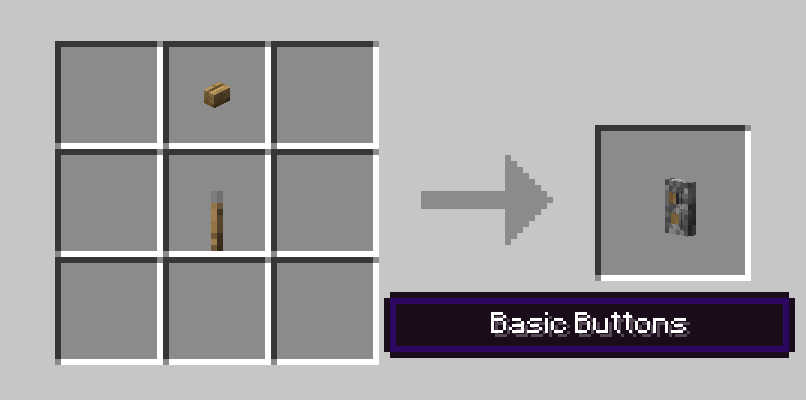
Basic Buttons Recipe
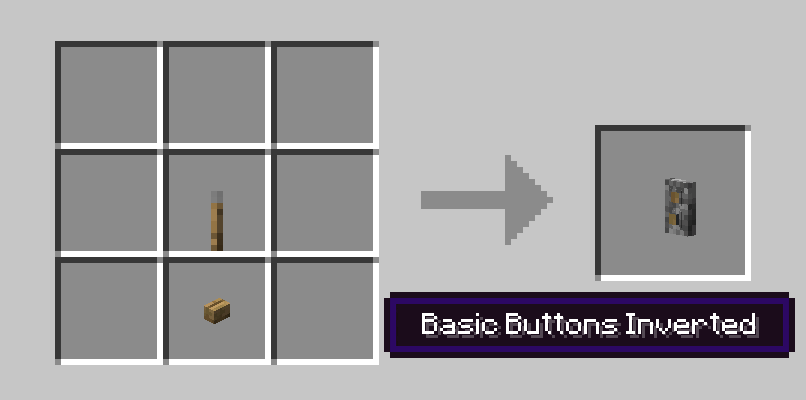
Basic Buttons Inverted Recipe
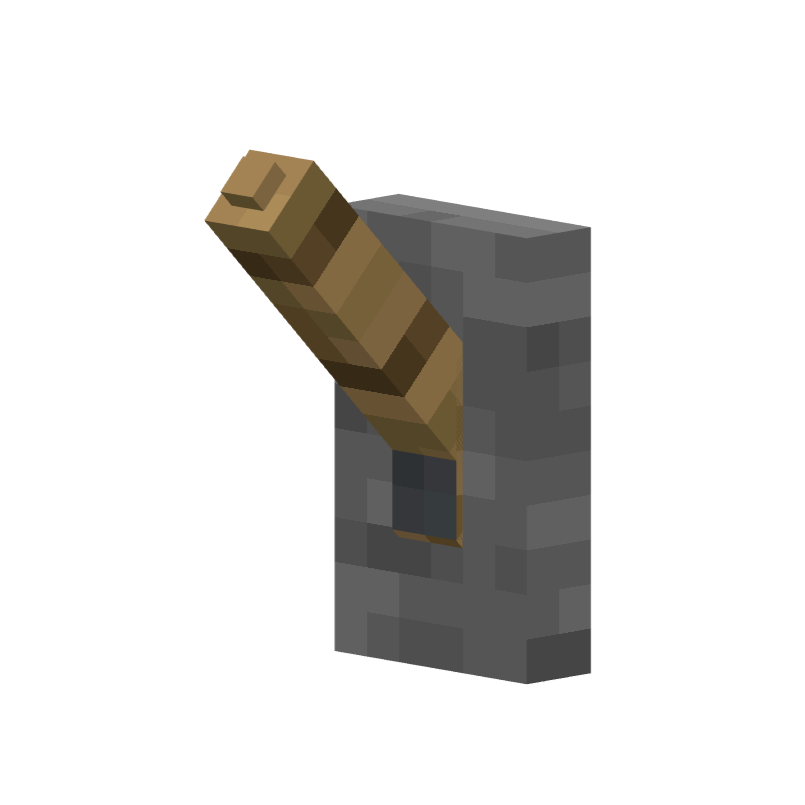
Switches Lever
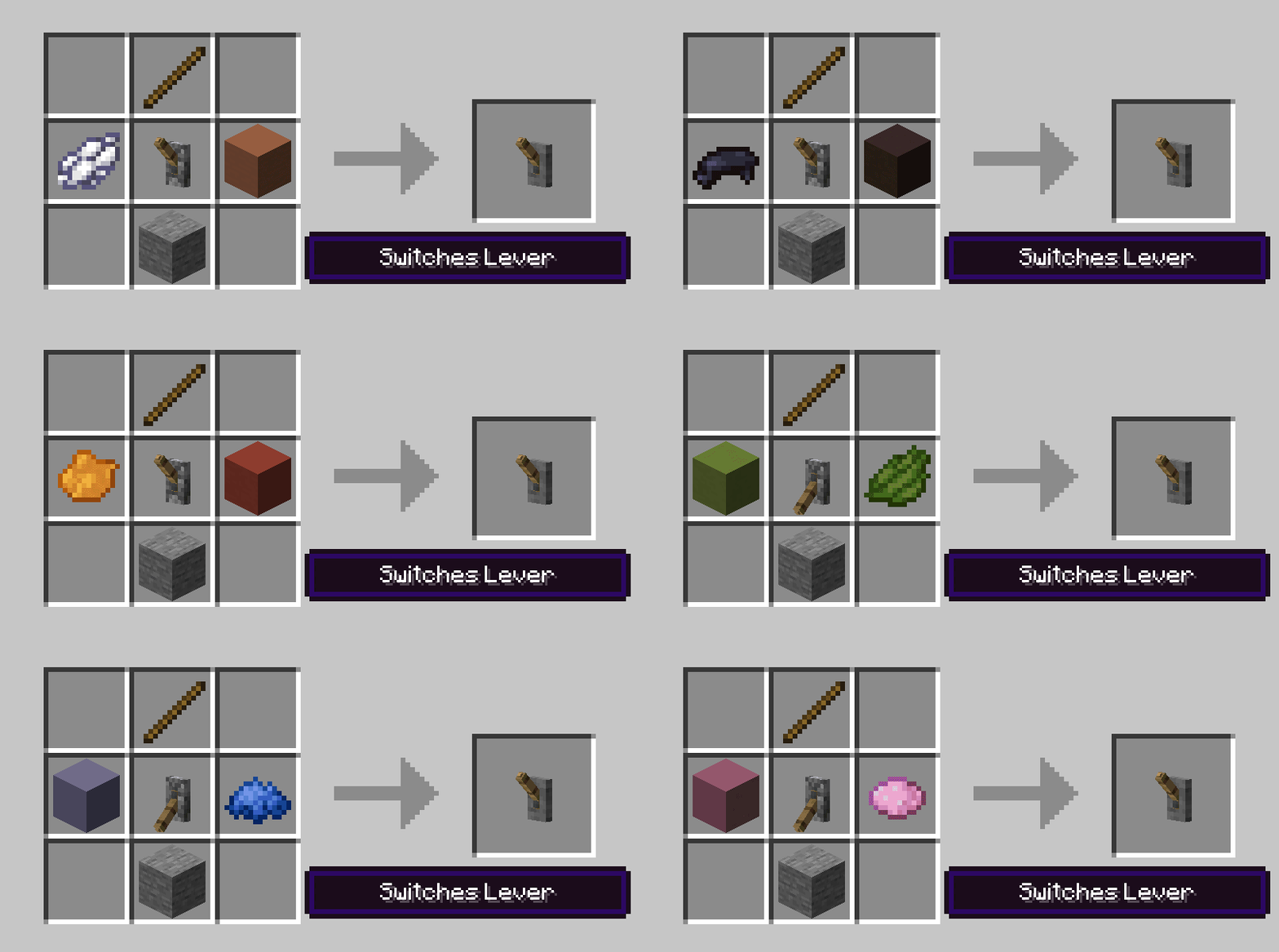
Switches_Lever_Recipe.gif
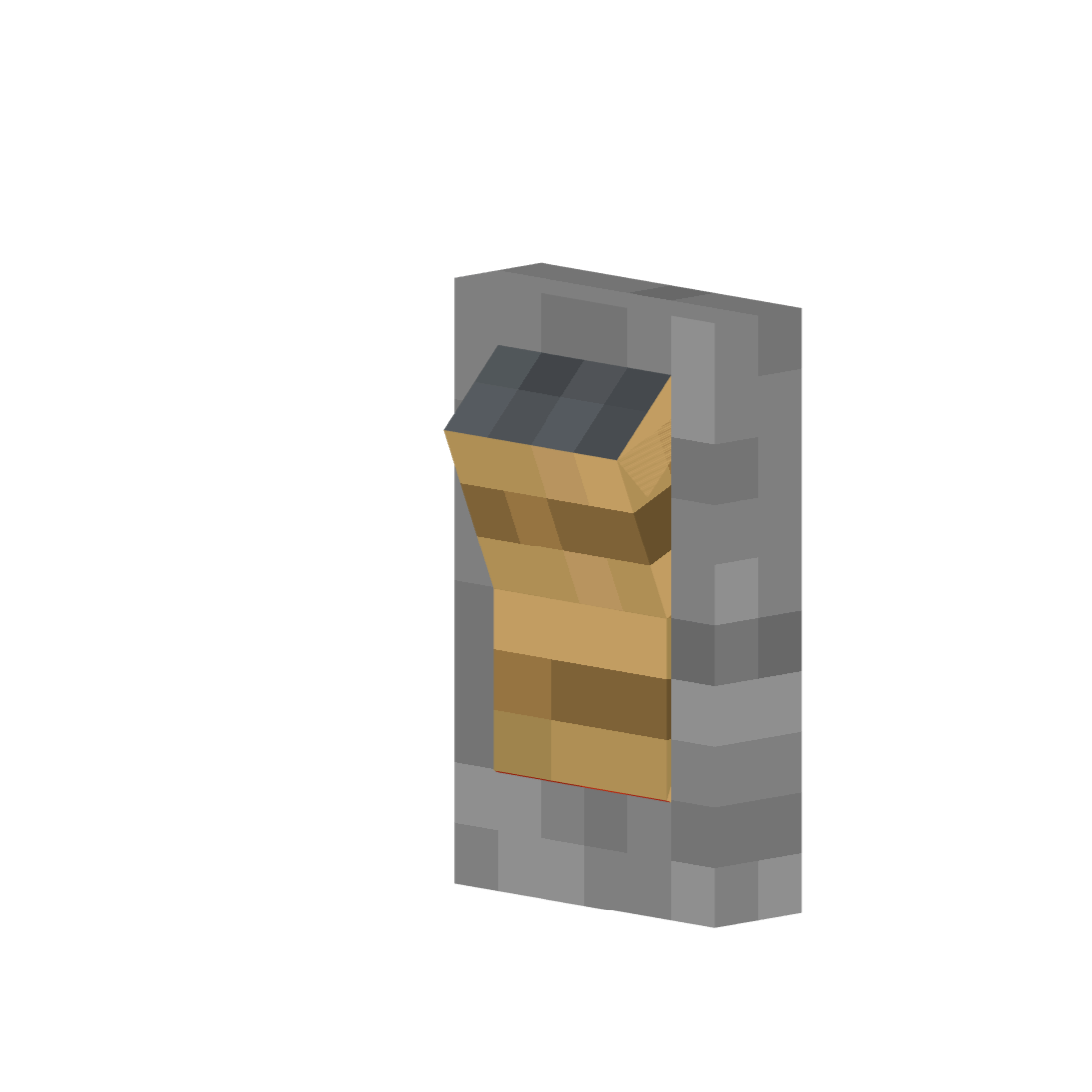
Switches Rocker
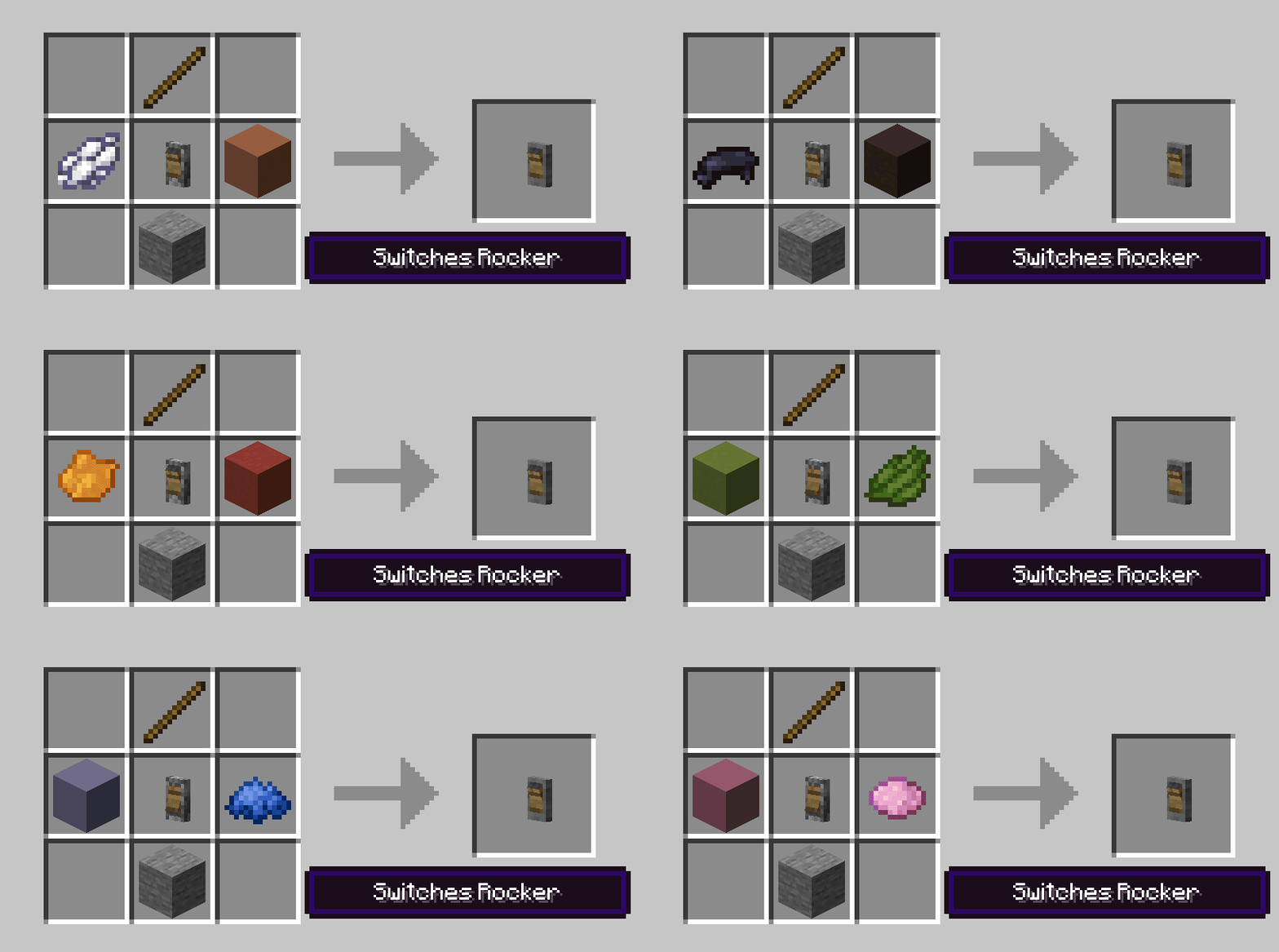
Switches_Rocker_Recipe.gif
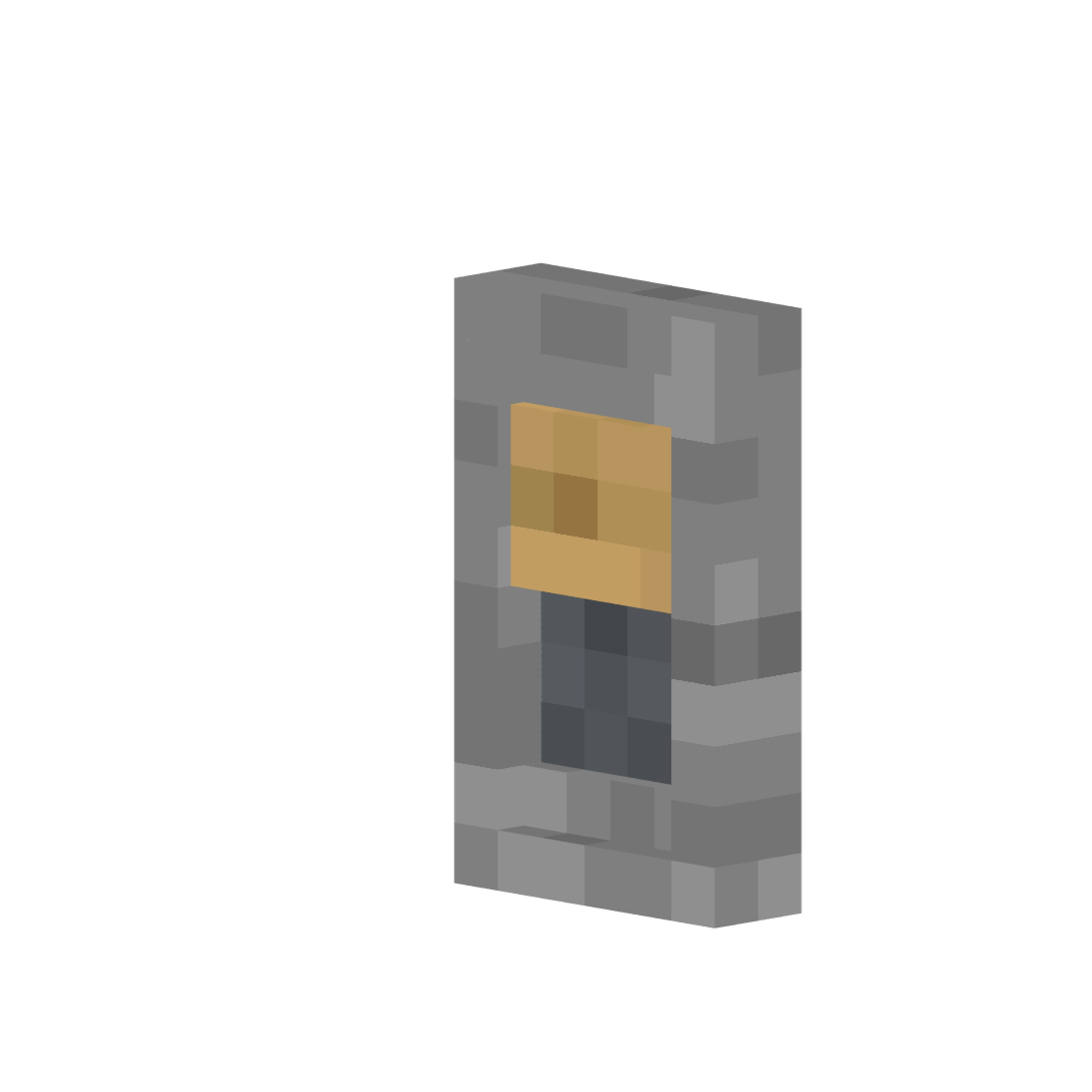
Switches Slide
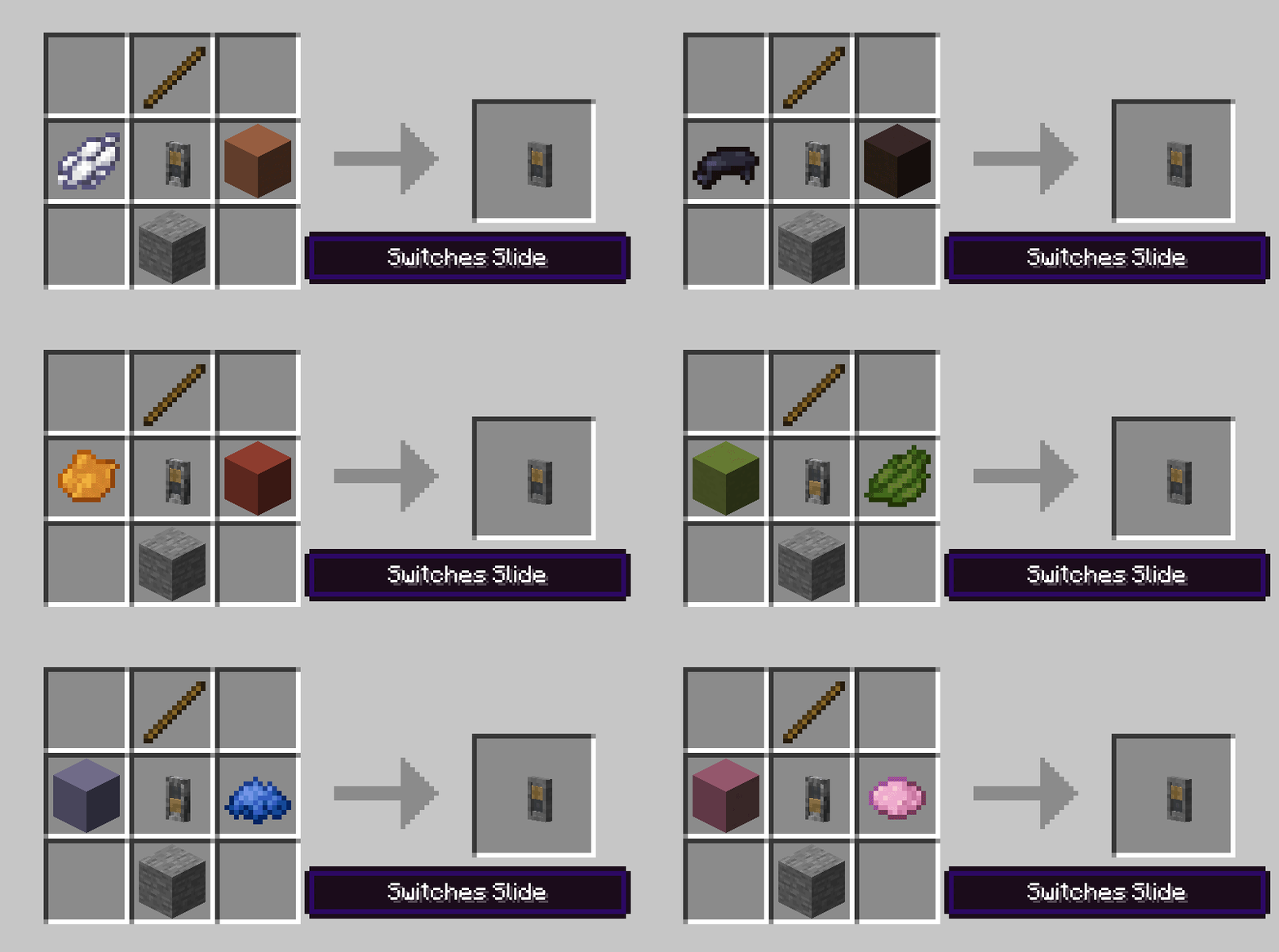
Switches_Slide_Recipe.gif
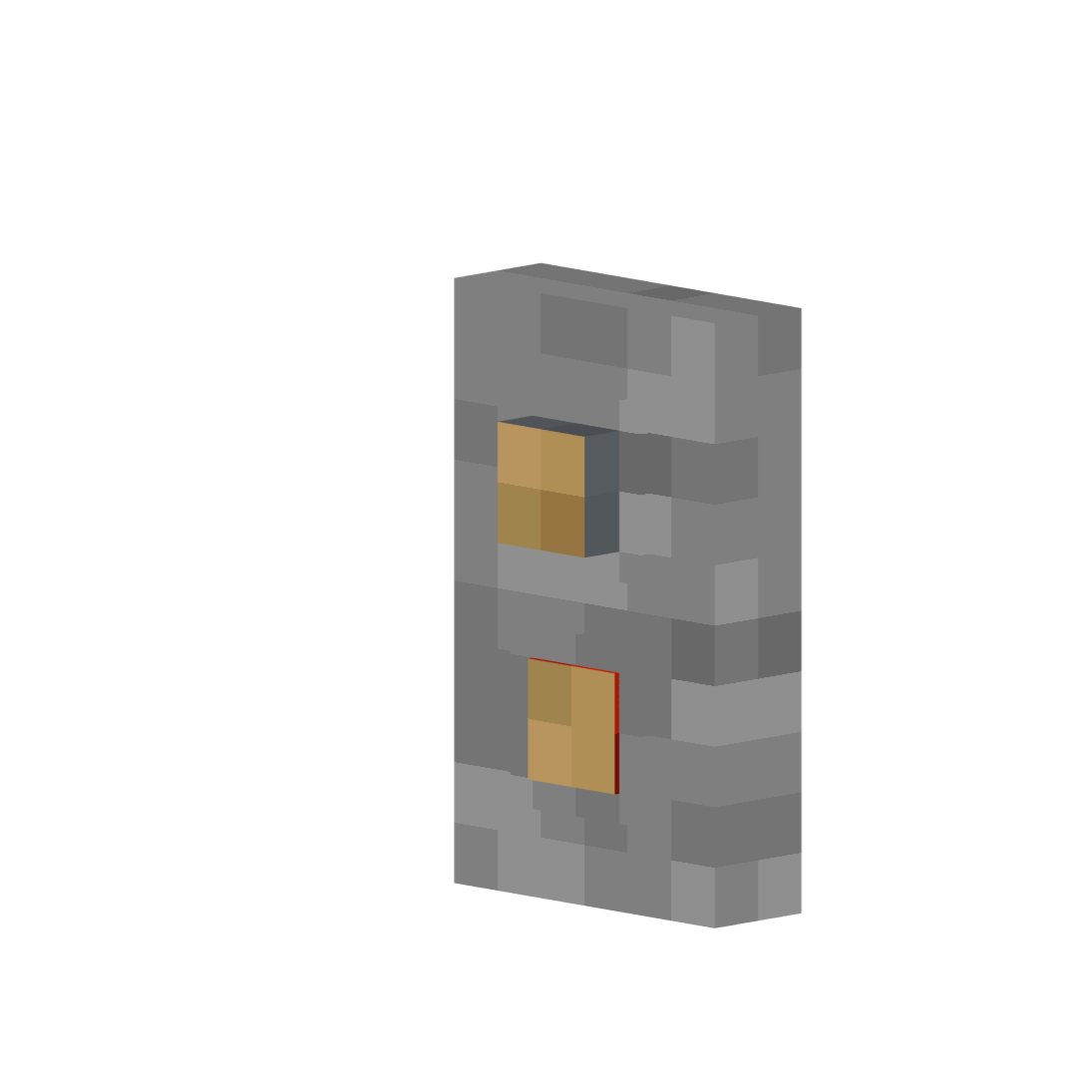
Switches Buttons
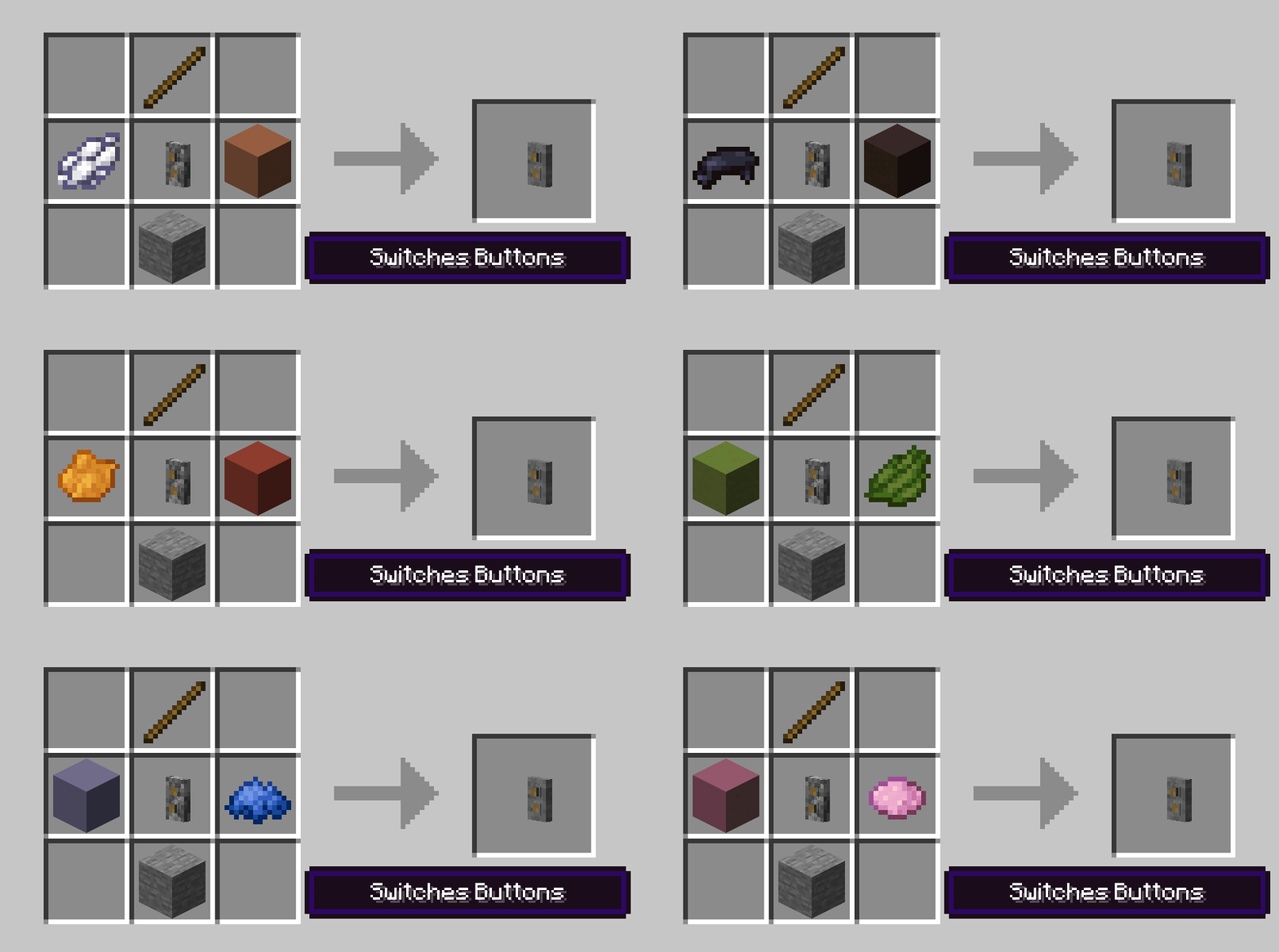
Switches_Buttons_Recipe.gif
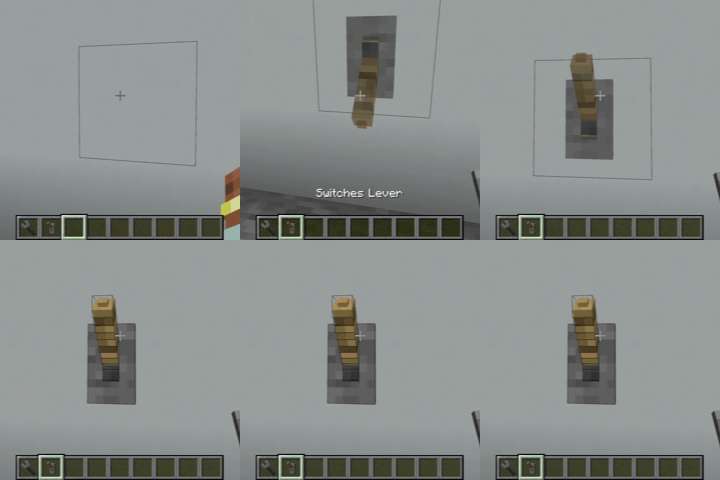
Switches Ghost Preview
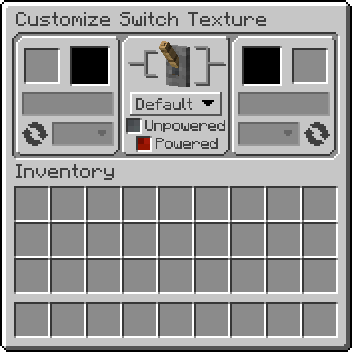
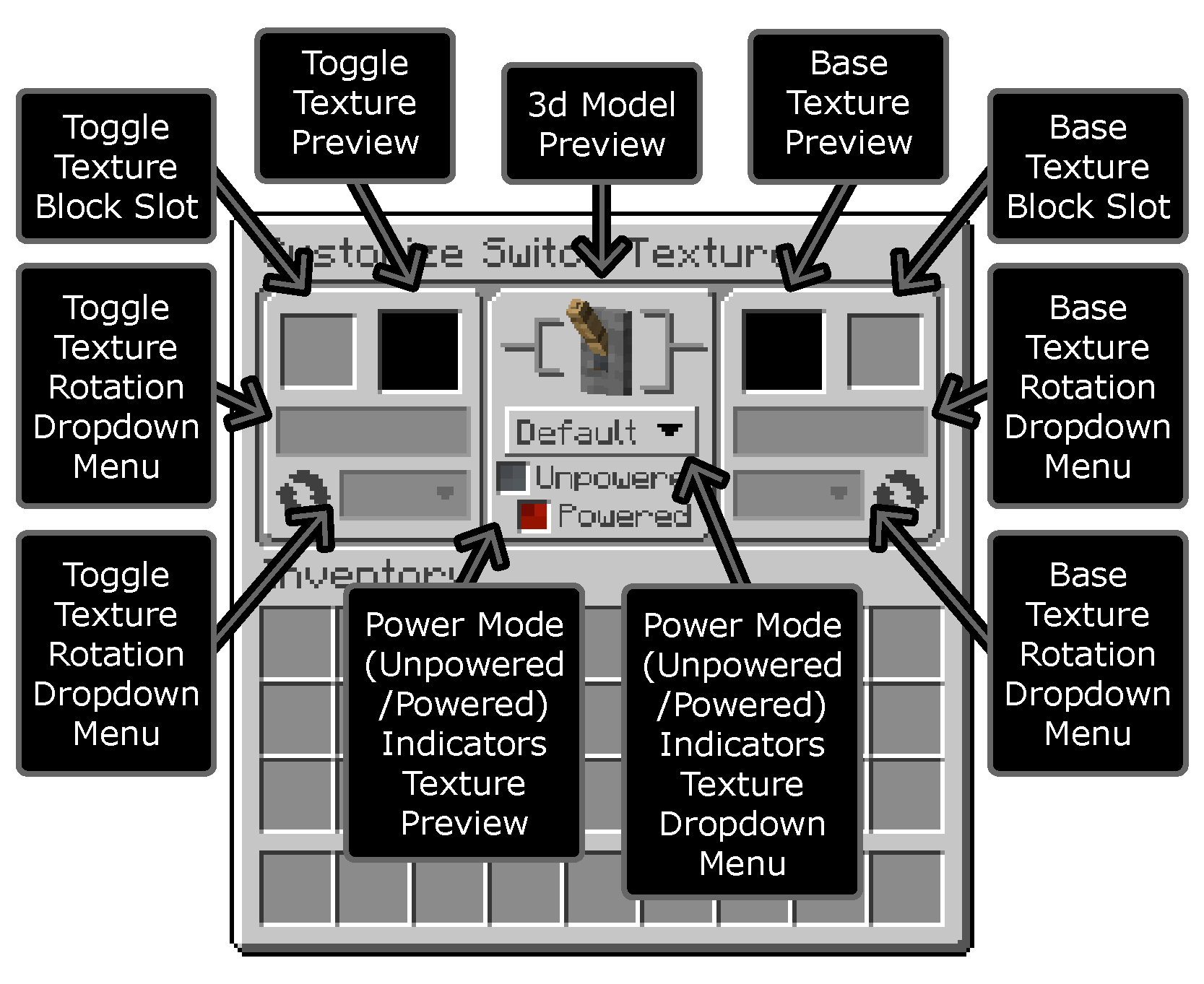
Customize Switch Texture GUI
TextureGUI_Explainer.png
Description
Just Some Switches adds 4 new switch models to Minecraft that function just like the vanilla redstone lever, in two tiers: Basic (fixed appearance) and Switches (fully customizable textures). Unpowered and powered indicators are built into the model - no particles.
New Model Styles
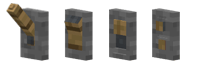
- Lever - Classic light switch/lever style
- Rocker - Rocker switch style
- Slide - Slide switch style with indicator blending modes
- Buttons - Two button switch style (toggles on/off like a lever, does not auto-depress like a vanilla button)
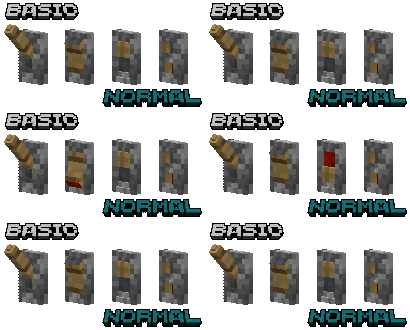
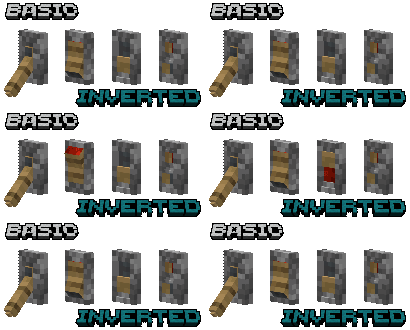
Basic Blocks
- Includes normal and inverted variants of each style
Switches Blocks
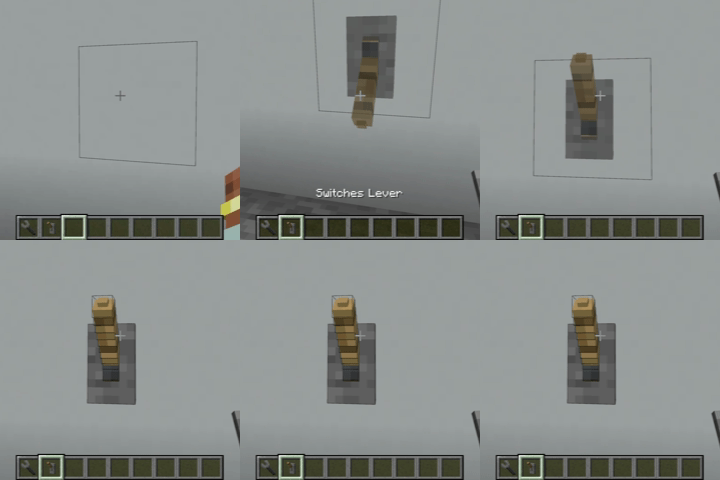
- Can be placed in any orientation on a block face (wall, ceiling, or floor) with a ghost preview showing placement before confirming
- All switch types support waterlogging
- Hold Shift and Right Click with the Switches Wrench on any Switch (does not work on Basic) to open the Texture Customization GUI
Texture Customization GUI
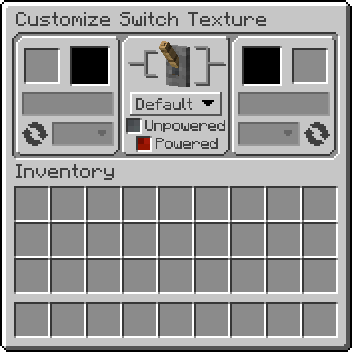
- Place almost any solid block into the Base(right) or Toggle(left) texture slot
- Dropdown menu under each texture slot allows the choice of which face of the inserted block to use
- Dropdown menu next to the round arrow graphic changes the rotation of the texture
- Power indicator dropdown menu under the 3d preview allows the choice of which texture shows when powered/unpowered (Default, Alt, or None)
- Real-time texture and 3D preview (Note: that textures with a tint/overlay may not render correctly in the previews)
- 95%+ vanilla block compatibility + compatibility with many modded solid blocks (including blocks with tinting and overlays)
Switches Wrench
| Action | Keys | Target |
|---|---|---|
| Open Texture GUI | Shift + Right-Click | On a Switches block |
| Copy settings | Shift + Alt + C + Right-Click | On a Switches block |
| Paste settings | Shift + Alt + Right-Click | On a Switches block |
| Clear settings | Shift + Right-Click | In the air |
| Instant-break | Left-Click | On any of the mod's blocks |
Crafting
- Basic blocks are crafted from a vanilla lever + stick
- Switches blocks are crafted from a basic switch + dye + terracotta + stick + stone
- Normal and inverted variants convert freely via shapeless crafting
- All recipes are browsable in JEI
Block Filtering (for Modpack Creators)
The mod automatically accepts most solid, full-cube blocks as texture sources. For finer control, two block tags let you override this:
justsomeswitches:switches_allowed— Blocks in this tag bypass all checks and are always acceptedjustsomeswitches:switches_blocked— Blocks in this tag are always rejected (takes priority over allowed)
To customize, create a datapack with the tag file at: data/justsomeswitches/tags/blocks/switches_allowed.json or switches_blocked.json
Tag references from other mods must use "required": false to avoid errors if that mod isn't installed.
Config Options
Client (justsomeswitches-client.toml)
showSwitchesPreview- Show ghost preview during placement (default:true)
Common (justsomeswitches-common.toml)
tightHitboxesBasic- Use tight-fitting hitboxes for Basic switch blocks (default:false)tightHitboxesSwitches- Use tight-fitting hitboxes for Switches blocks (default:true)
Server (justsomeswitches-server.toml)
allowBlockEntities- Allow blocks with BlockEntities as texture sources (default:false) - may cause crashes with certain modded blocksdisableWrenchInstantBreak -Disable wrench instant breaking (default:false) - useful for multiplayer servers
FAQ
- What blocks work as texture sources?
- Almost any solid, full-cube block - including glazed terracotta, waxed copper, and animated textures.
- Can I use this mod in my modpack?
- Yes, this mod is MIT licensed. Feel free to include it.
License: MIT
The Just Some Switches Team