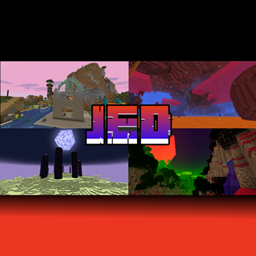
2026-11-14_22.16.59.png
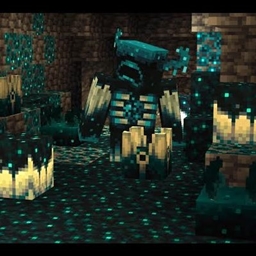
2026-11-14_22.17.12.png
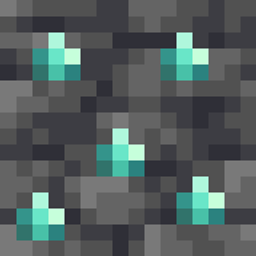
2026-11-14_22.17.24.png
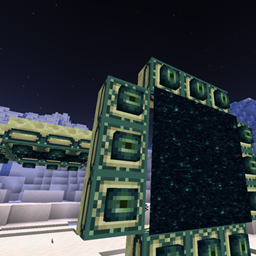
2026-11-14_22.17.36.png
2026-11-14_22.17.48.png
Description
Portals to transport players where they need to go.
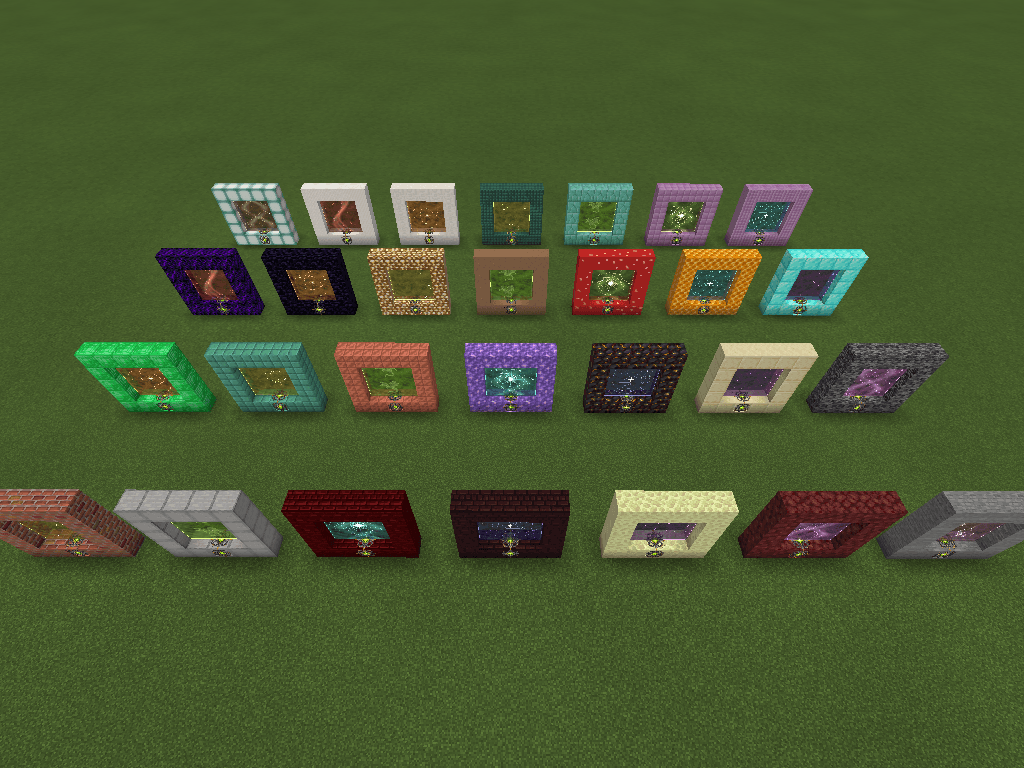
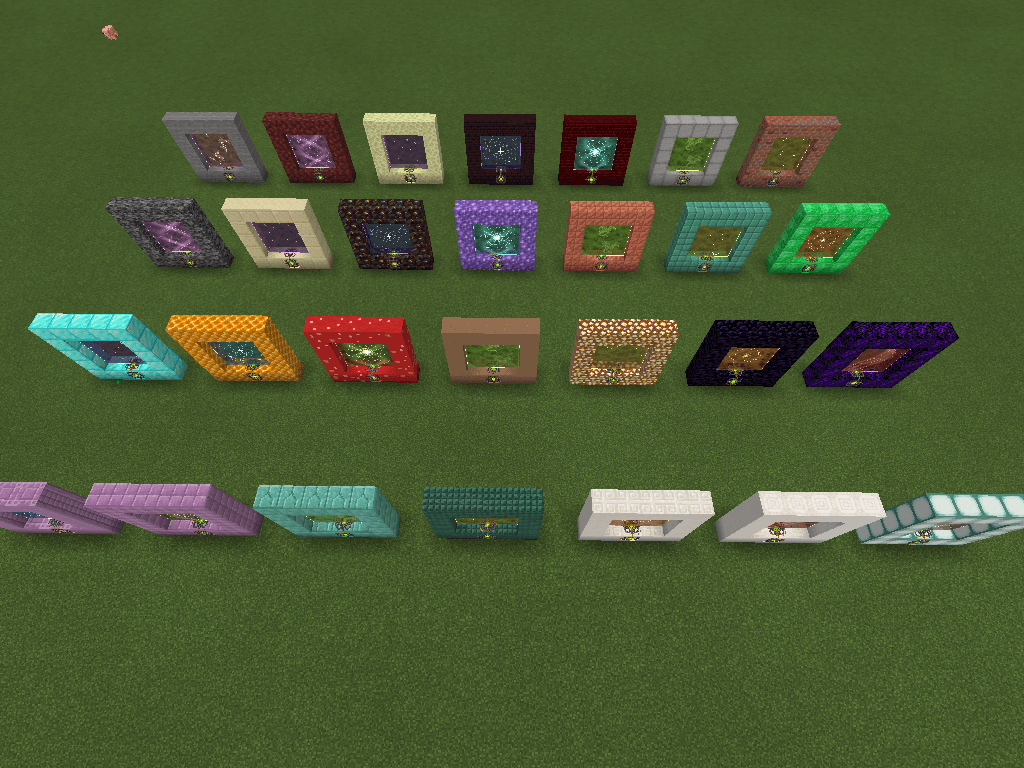
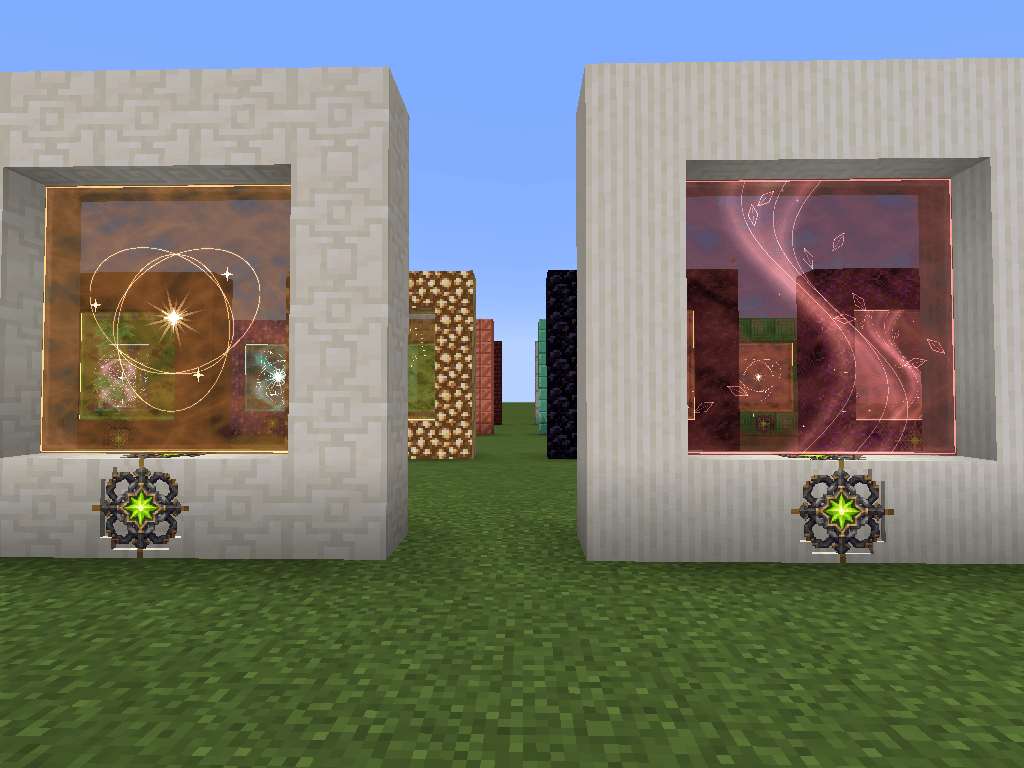
28 Frame types!
16 Colors!
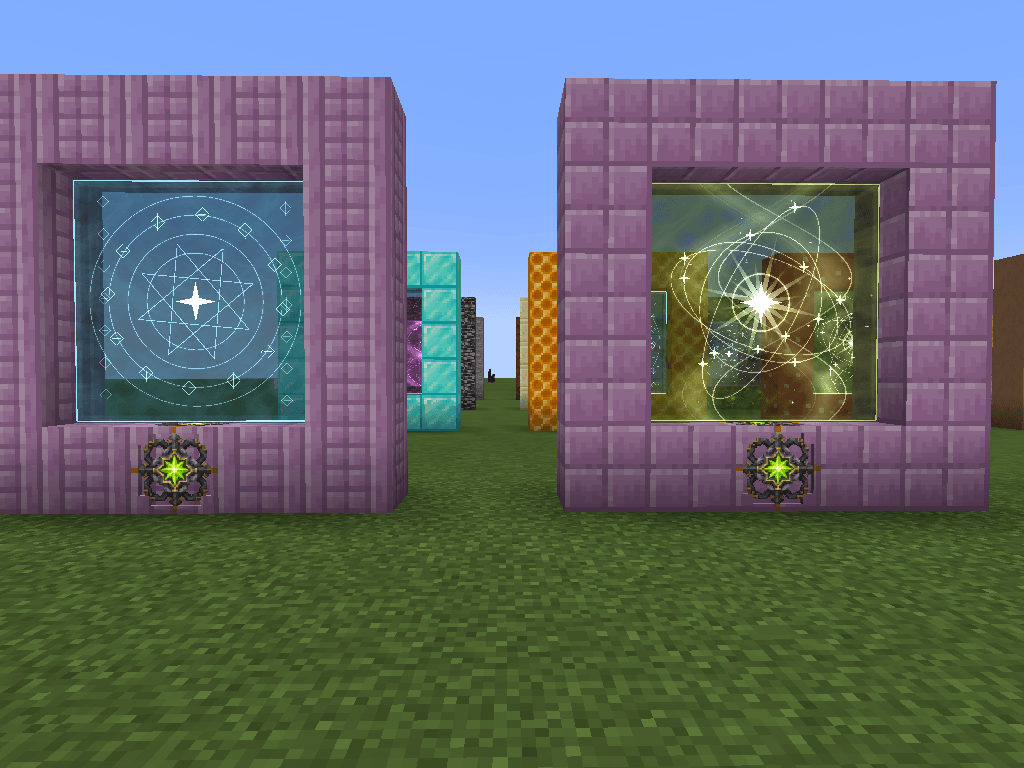
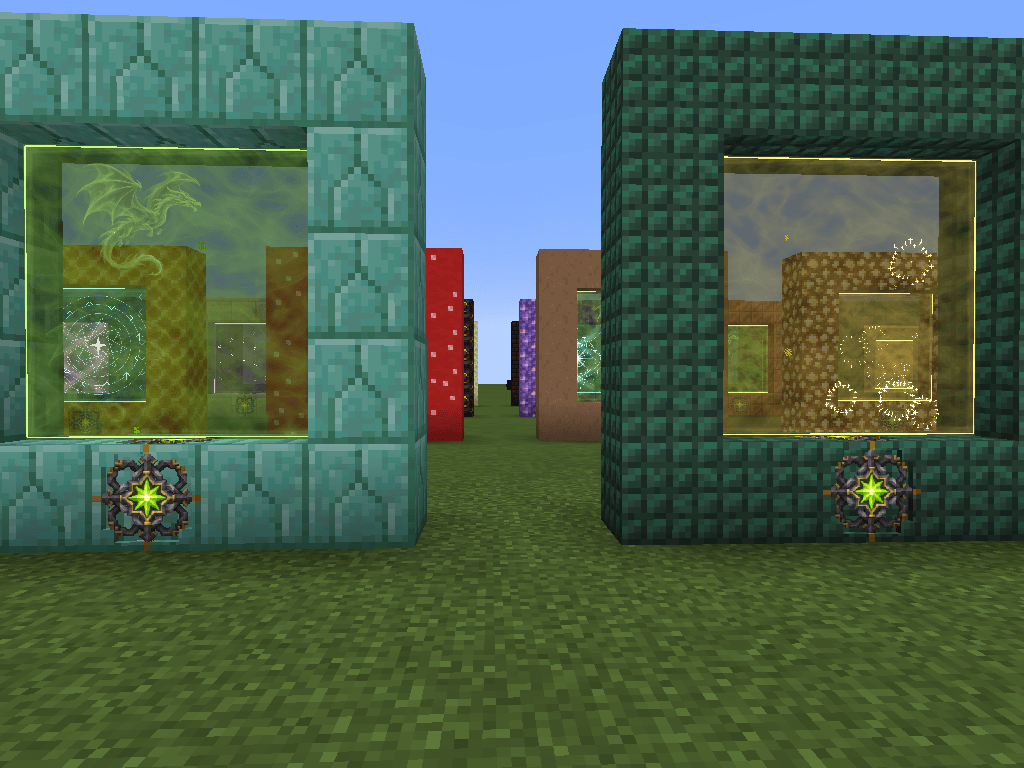
11 Designs!
Portal Info:
- Portal frames must be the same block, no mixing block types within the same frame
- Portals can be as small as 1 x 2, just large enough for a player to walk through, and as large as 9 x 9
- Linked portals can be different frame types
- Corners are optional/decoration
- One Portal Anchor is required per portal frame, any location within the frame
- Sneak Right-click while holding PAC (Portal Anchor Core) on the anchor block of the first portal. Right click the second portal's anchor block to link
- Portals can be vertical in any of the 4 directions, laying down flat or upside-down to 'jump' in to
- Travel begins instantly although the destination chunks may need time to load as you enter them
- You can bring your mount, occupied vehicles or leashed animals
- Anchors can be right-clicked to open a GUI. Set the portal for your Self, for your Team or for Everyone. Adjust options like nearby
- A 'nearby' mode will teleport mob entities when an approved player enters the portal and has a 4 block range
- Compatible with Minecraft Teams, FTB Teams and Open Parties and Claims! You can set portals so only your team can use them. Server Operators can set portals for any teams found.
- Server operators and pack makers can make portals require advancements: vanilla, modded or custom ones from a datapack. Pack makers can also set rules for every portal of a frame type in the config or a datapack, for example "all bedrock portals require The End?".
- Custom colors are created by right clicking a portal while holding a compatible dye item
- Custom designs are created by right clicking a portal while holding a compatble design item. Use JEI’s JEP Portal Design category to see recipes
Fully compatible with Just Epic Dimensions and is the perfect way to transport yourself and your friends to the Epic Dimensions you create!
Curseforge.com is the ONLY site that is authorized to serve downloads of the mod. Any copies found elsewhere are fraudulent and may contain malware. Stay safe and only use curseforge.com for your mod and modpack downloads.
I cannot guarantee modpack-specific troubleshooting, compatibility fixes, or integration support. Modpack maintainers are responsible for issues arising from their particular combination of mods and configurations.
Just Epic Portals Team