Just Enough Structures
- By
Browse every structure in the game, and lots of info about them! Pack Tools for pack devs
Description

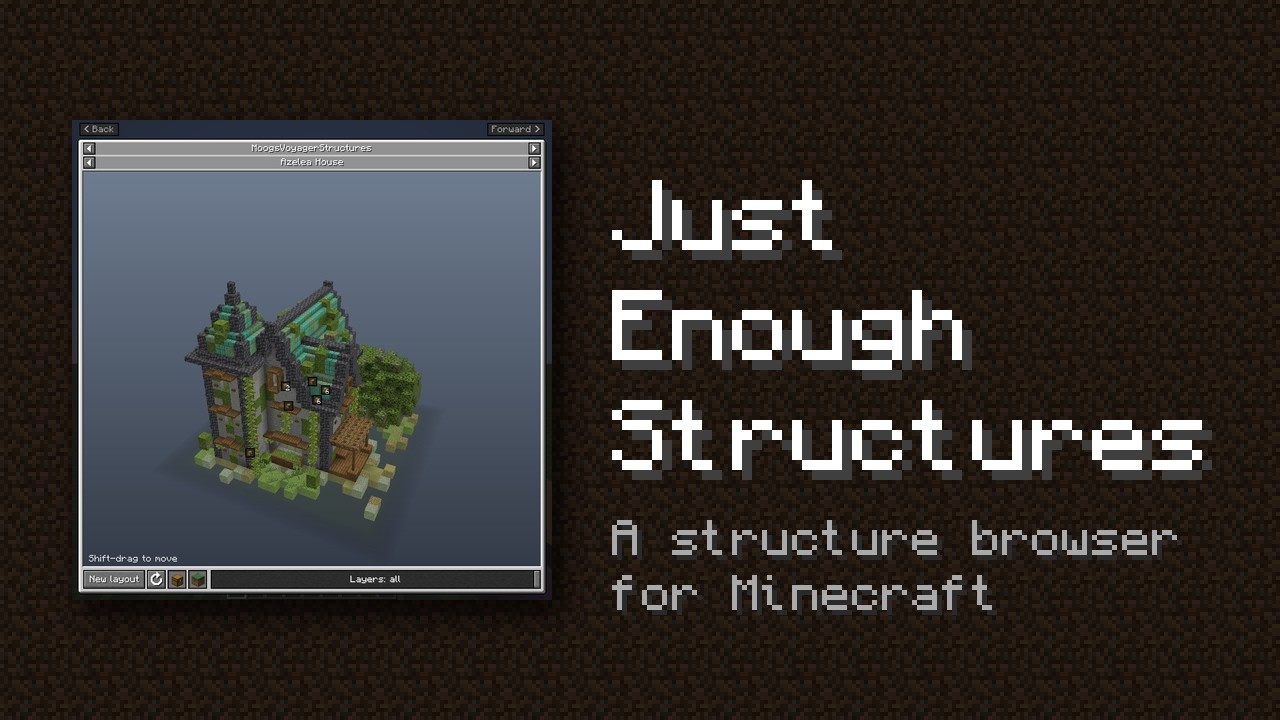
A structure browser in the style of JEI. Press K to see every structure in your game. Turn it around in 3D, see each layer and open its chests to see what they can hold.
To ensure compatibility with every type of structure, we generate each structure using its own mod's code, the same way it generates in a world, so what you see is what you'll find.
Browse
 |
 |
| Press K to browse every structure in your game, from vanilla, mods and datapacks | Search by name, by mod with @, or by item with $ to find the structures whose loot can give it |
 |
 |
| Turn, zoom and move the preview, and cut it down layer by layer to see inside | New layout builds the structure again from a new seed |
 |
 |
| Works for all dimensions | Star structures to mark them as favourites |
Loot, mobs and blocks
 |
 |
| Click a chest to see a real roll of its loot, roll it again, or see every item's chance | Containers that share a loot table are grouped, use the arrows to see each one |
 |
 |
| The Loot tab lights up each kind of container and lists every item's chance across the whole structure | The Mobs tab shows what a structure places and what its spawners can spawn |
 |
 |
| The Blocks tab shows a material list for each structure | With JEI, EMI or REI, an item's recipes list every structure it can be found in |
Pack tools
For pack makers and server owners: in singleplayer with cheats on, and on a server for whoever is given access.
 |
 |
| Edit any loot table | Point a specific chest at another existing or new loot table |
 |
 |
| Give a spawner a different mob | Write notes for players on a structure, or hide it from the browser. You can also hide loot locations |
Built to survive updates
Pack tools never changes a mod's files. Your changes are saved in your config folder, so they ship with your modpack.
- A mod updates a loot table you edited: merge the update in with one click, keeping all your changes
- A mod changes a structure: your chest and spawner changes still apply, and are skipped if that chest or spawner is gone
- A mod or datapack is removed: your changes for it are kept, ready if it comes back
- A mod or datapack is added: its structures show up automatically
- A mod has a broken block or mob: it's left out of the preview instead of crashing the game
- You make a mistake: edits the game can't load are never saved, and a file broken by hand is ignored until it's fixed
- Nothing is lost: removed changes are backed up, and a crash can't corrupt your files
Help
Found a bug? Please report it on GitHub. The best and fastest way to get replies is to join our Discord server.
Just Enough Structures Team

Owner