Just Brightness
- By
A lightweight client-side brightness toggle for Minecraft. Instantly switch enhanced gamma on or off without changing your vanilla brightness setting.
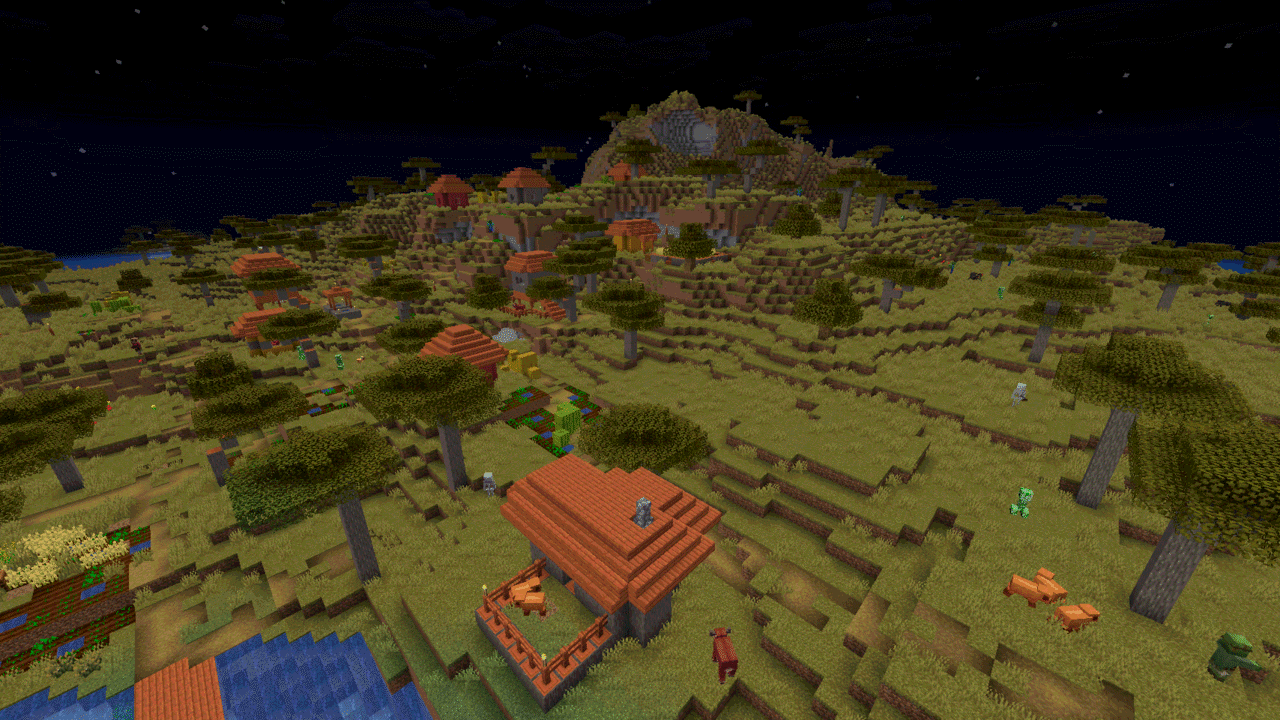
village-on.png
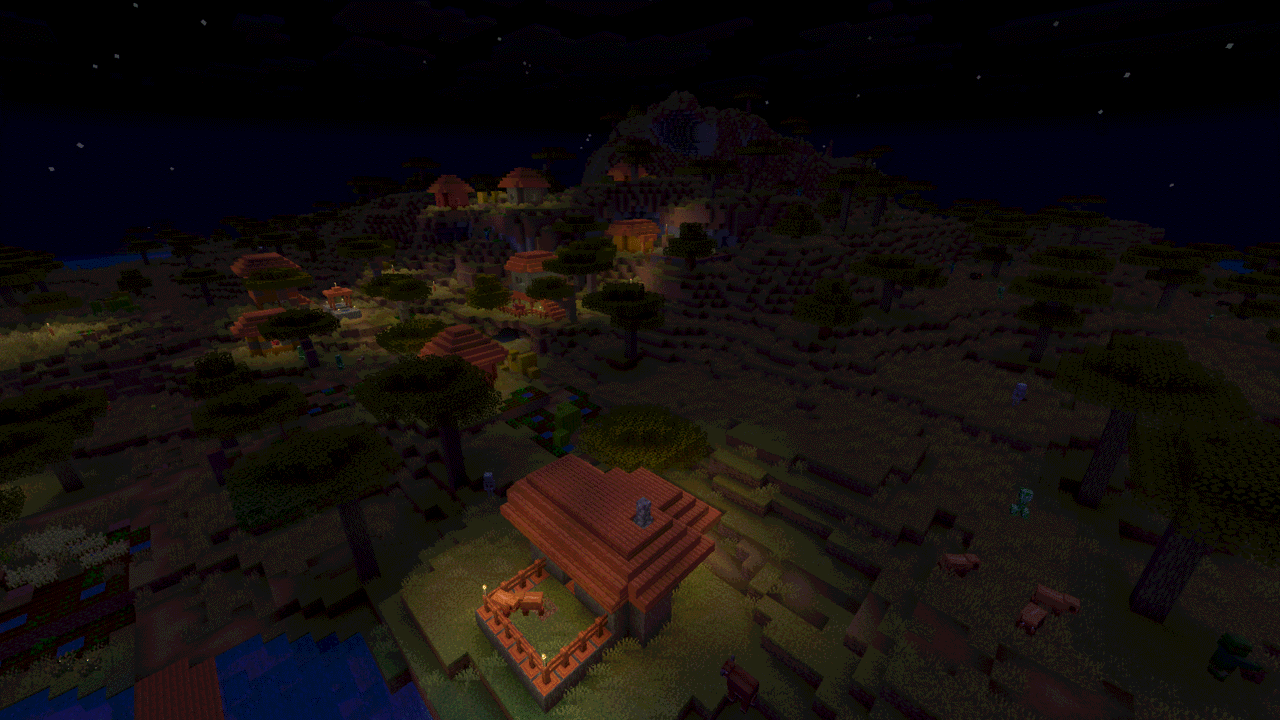
village-off.png
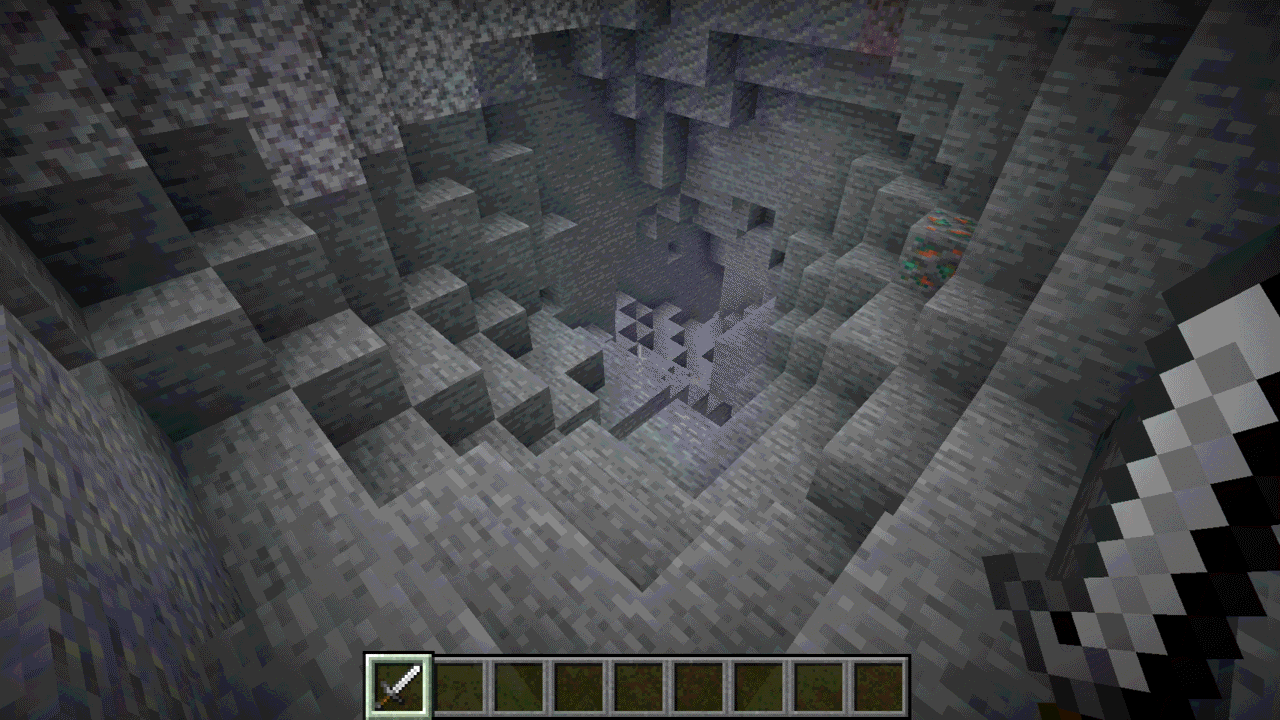
cave-on.png
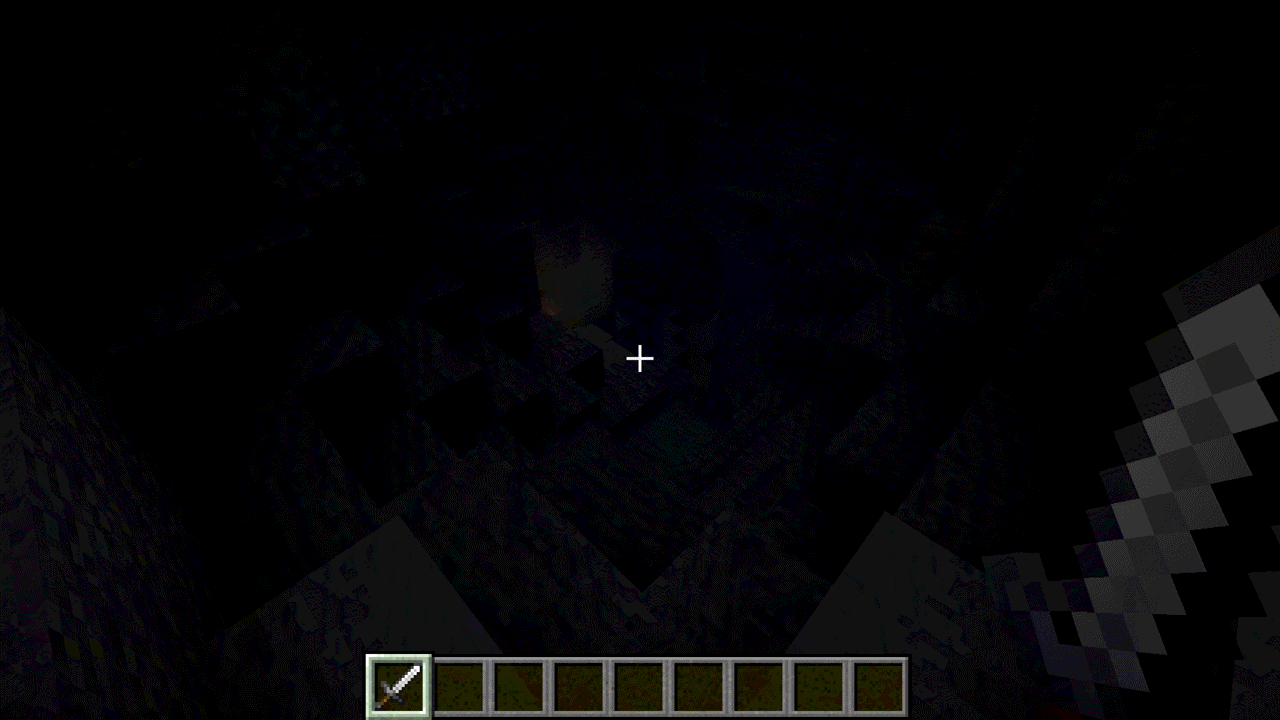
cave-off.png
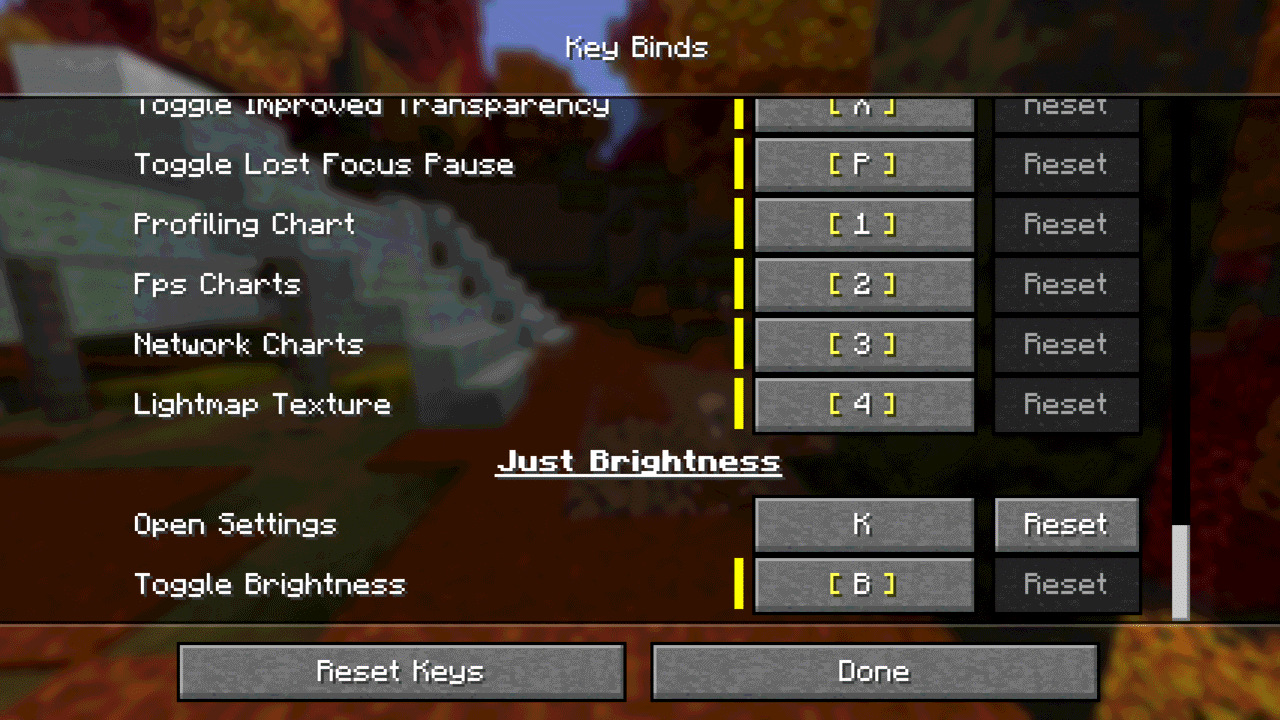
keybinds.png
Description
Just Brightness
A lightweight client-side brightness toggle for Minecraft 26.3 on NeoForge.
Make dark places easier to see
Just Brightness lets you enable or disable an enhanced gamma value with one key press. Use it while exploring caves, building at night, or whenever you want a brighter view, then switch back to your normal vanilla brightness just as quickly.
The mod changes the gamma value used by the client renderer. It never writes to Minecraft's saved brightness setting, so disabling it restores your own vanilla brightness setting.
Features
- Press
Bby default to toggle enhanced brightness - Set the gamma used while enabled, from 1.0 to 32.0
- Enhanced brightness and the toggle message are enabled by default
- Choose whether enhanced brightness starts automatically when entering a world
- Show or hide the temporary action-bar message after a toggle
- Rebind the toggle key in the standard Options → Controls screen
- Bind a separate Open Settings key to configure the mod in game
- Client-side only, with no runtime dependencies beyond NeoForge
Settings are stored in config/justbrightness.toml.
Installation
- Install NeoForge for Minecraft 26.3.
- Download the NeoForge 26.3 JAR.
- Put the JAR in your Minecraft instance's
modsfolder. - Launch the game.
Use on servers
Just Brightness is installed on the client only and does not need to be installed on a server. Brightness-related client modifications may be restricted by a server's rules. Check those rules before using it in multiplayer.
Compatibility
Just Brightness changes only the client renderer's gamma value. It does not modify worlds or send data to external services. Shader packs can control lighting independently, so the visible result may vary with the shader pack.
Requirements
- Minecraft Java Edition 26.3
- NeoForge 26.3
Support and source
License and modpacks
Just Brightness is licensed under LGPL-3.0-only. It may be included in modpacks under the terms of that license.
The Just Brightness Team


Owner