Joining Every Known Zone (JUKZ)
- By
Play with friends in the same world with no server. The world opens on whoever is playing, passes to the next player when they leave, and waits in the cloud when everyone is gone.
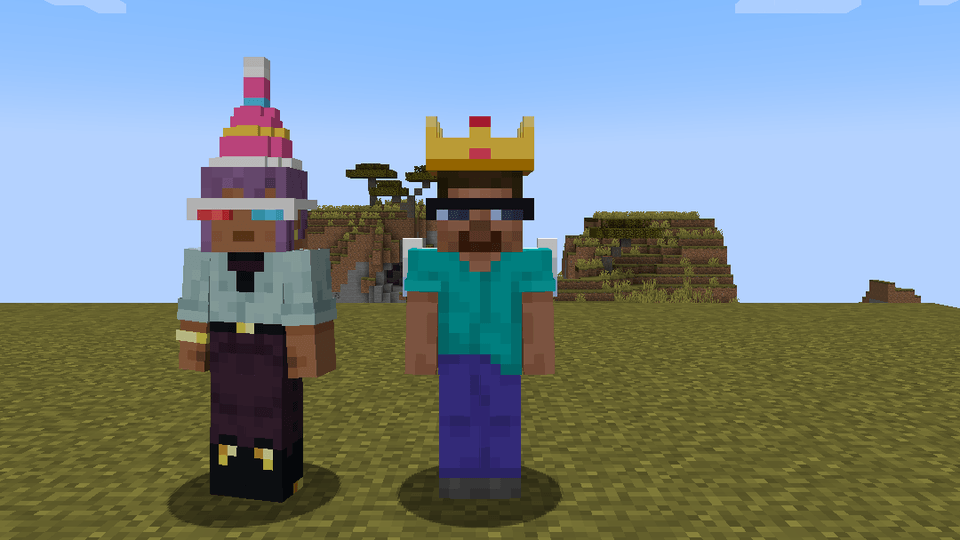
Here we can see that it works, and a photo of two people wearing makeup from the mod
Description
jukz
Your Minecraft world, wherever you are. Your friends, whenever they want.
Open a world and your friends can jump in: no server, no port forwarding, no "is the host online?". When the host leaves, someone else takes over. When everyone leaves, the world waits for you in the cloud.
What it does
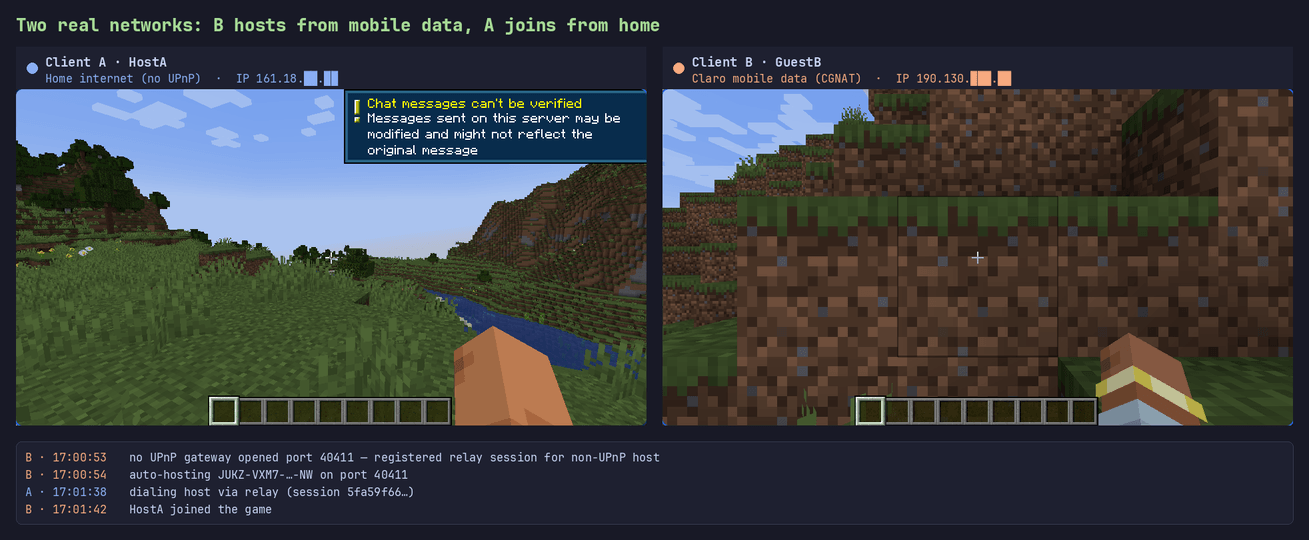
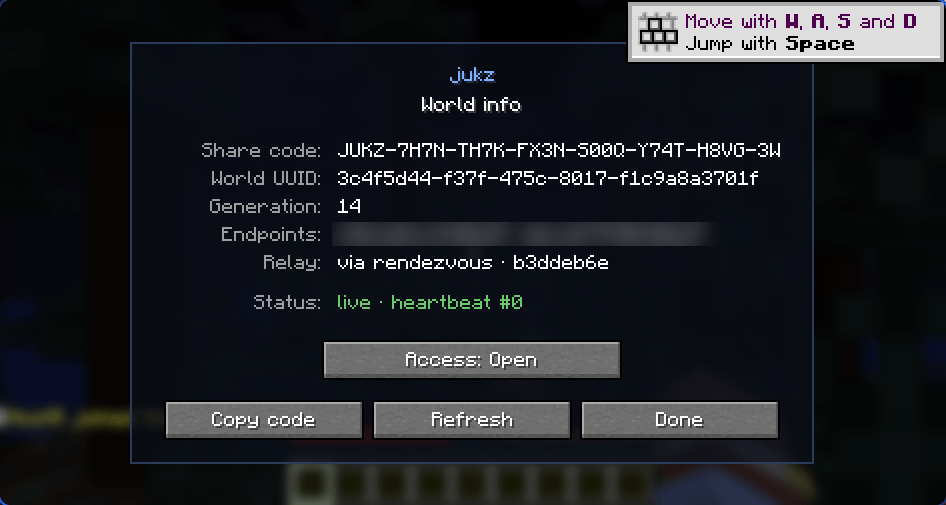
- Play together without hosting anything. Open a world and jukz announces it. Friends paste your share code (Multiplayer → Play together), or open their own copy of the world and join you automatically. It works through routers and mobile data because jukz brings its own relay.
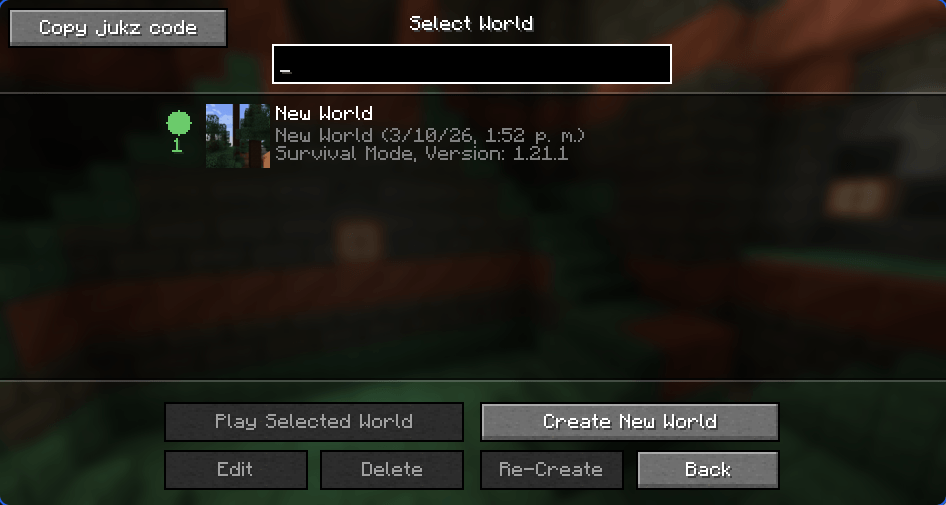
- A green dot in your world list means a friend is playing that world right now. Click it to join.
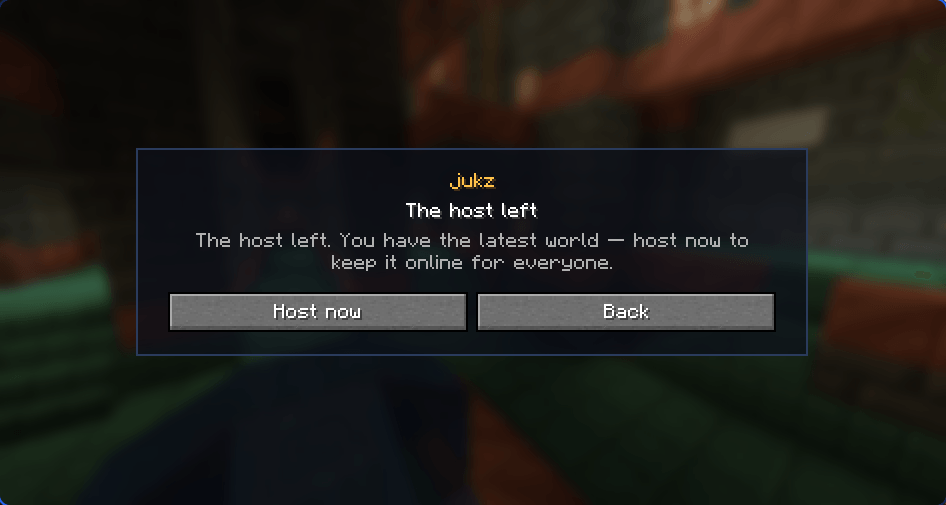
- The world never goes offline just because the host left. Quit with friends inside and they can click Host now and carry on with the exact world you had. Quit alone and the world is backed up to the cloud; whoever opens it next continues from there.
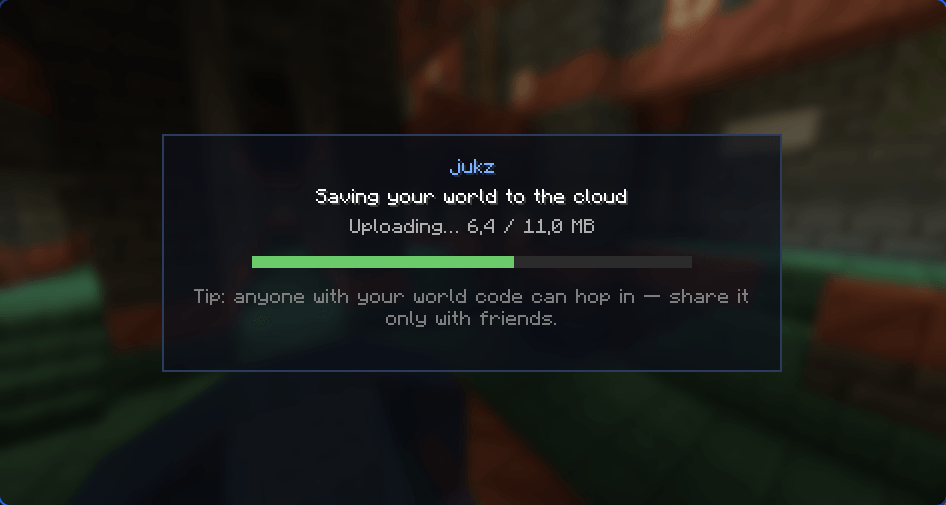
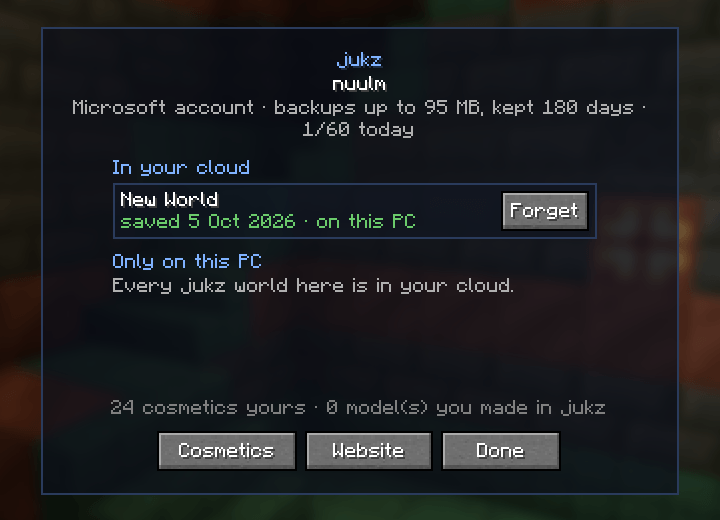
- Your worlds on every PC. Sign in with a Microsoft account and your cloud worlds follow you to another PC or a new launcher instance. Manage it from the account screen in the game (person icon on the title screen).
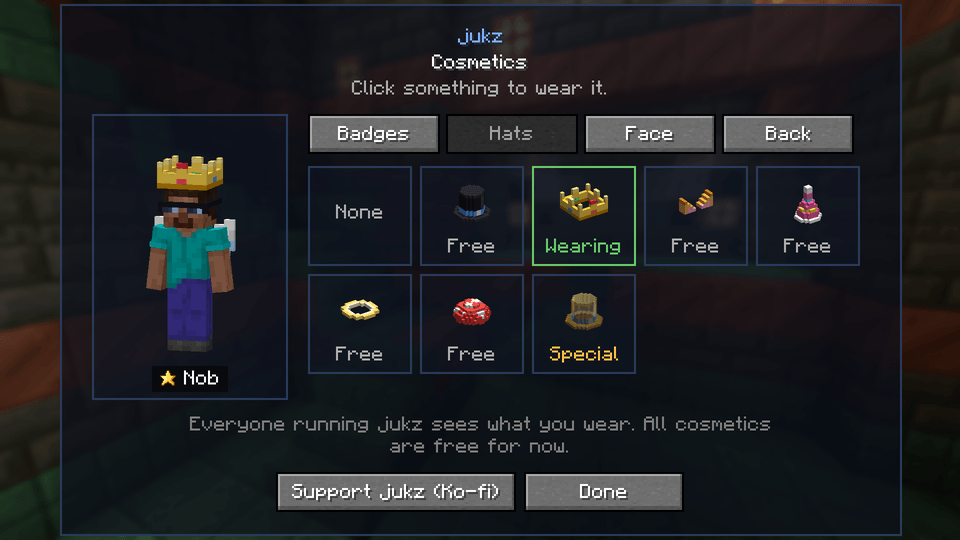
- Cosmetics, free. Hats, glasses, backpacks, wings and a pixel badge next to your name in the tab list. Everyone running jukz sees them. Design your own in Blockbench and send it at jukz create
- You decide who gets in. Close access from the pause menu to make the world private. Guests are checked by Mojang like on a normal server, and every world has an owner key, so someone with only the code can't take it over.
Joining Every Known Zone (JUKZ) Team