JotRealm
- By
A personal in-game journal: bookmarks, notes, coordinates and screenshots, stored locally per world and server.
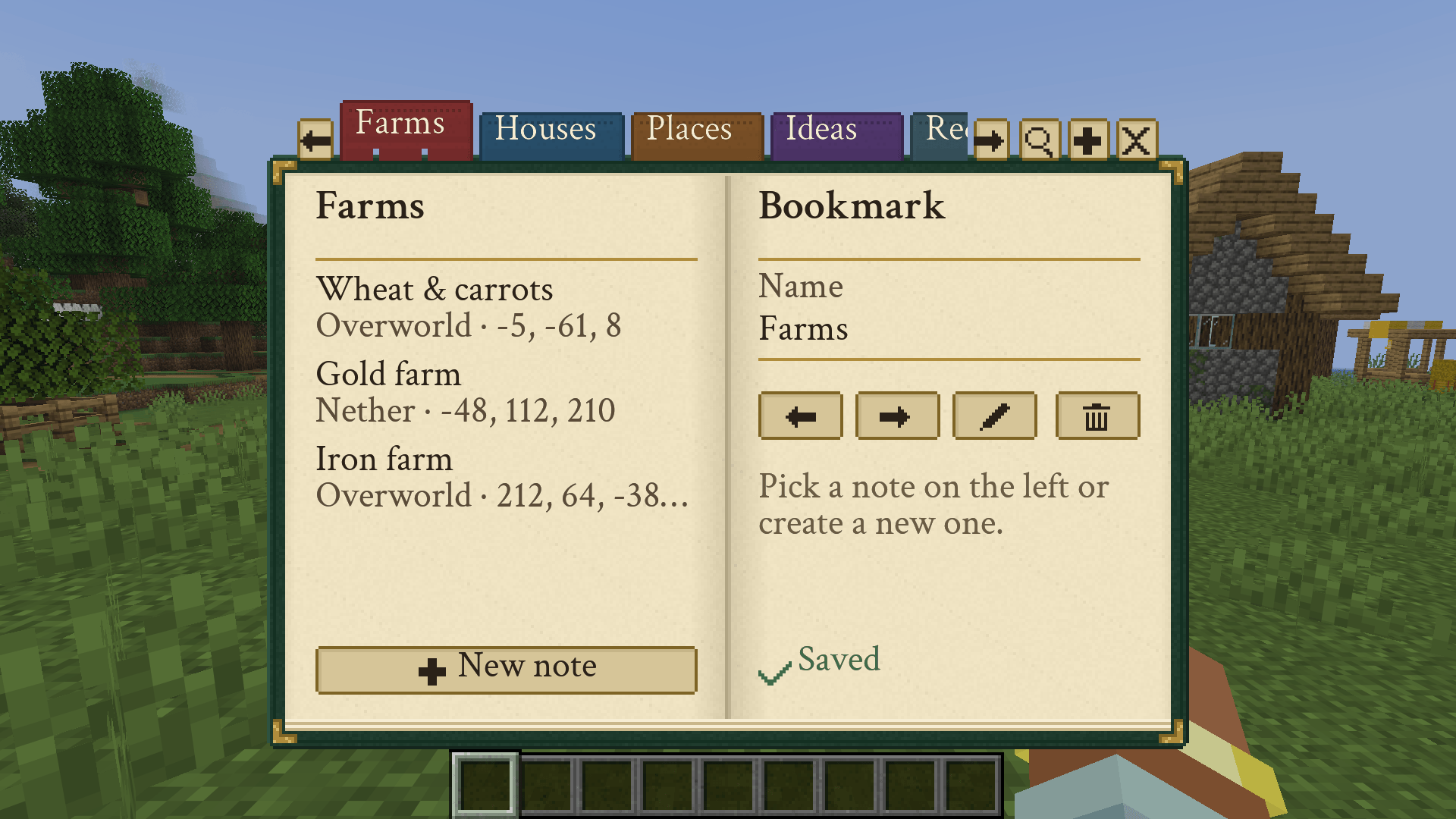
01-index.png
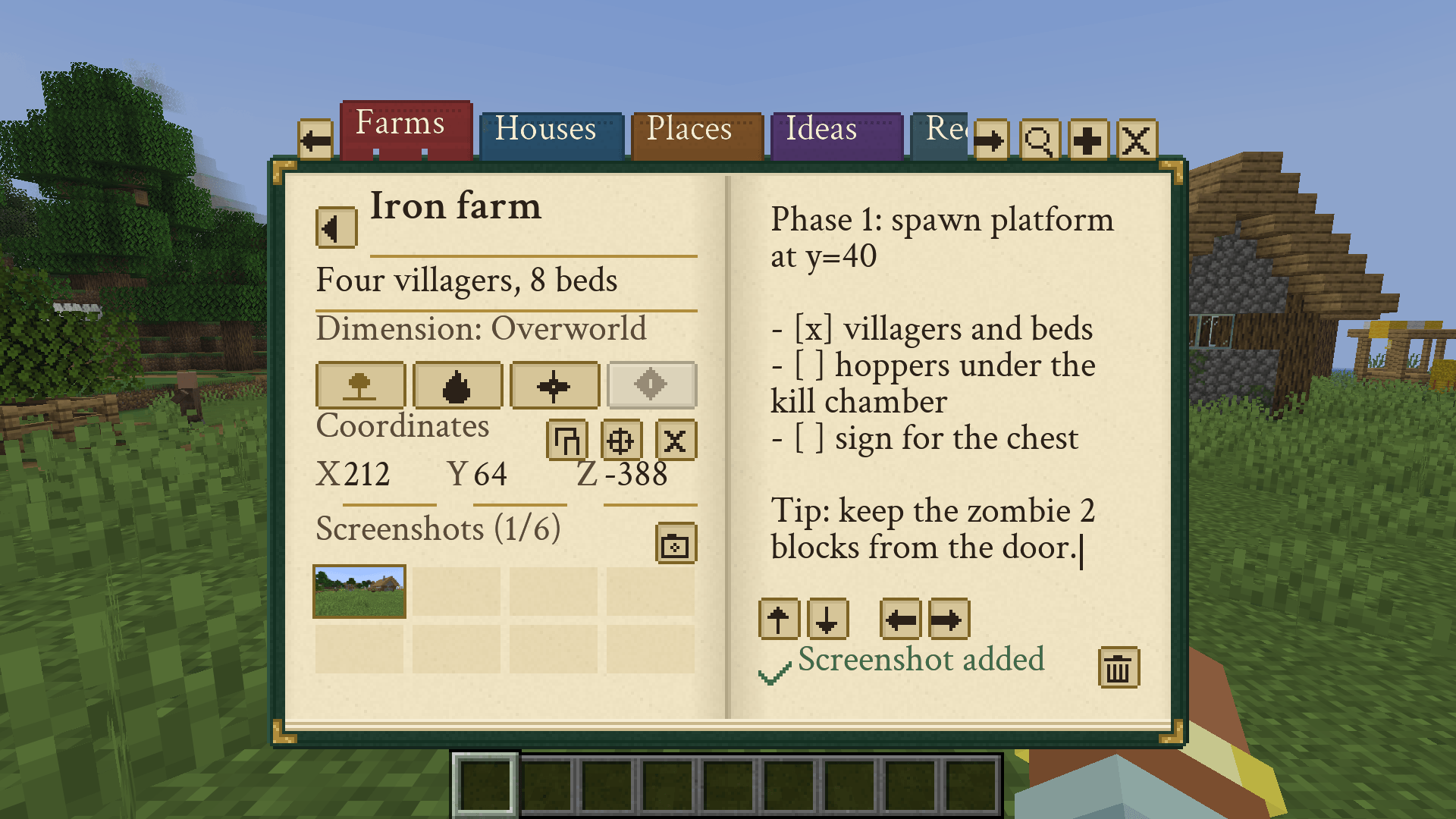
02-note.png
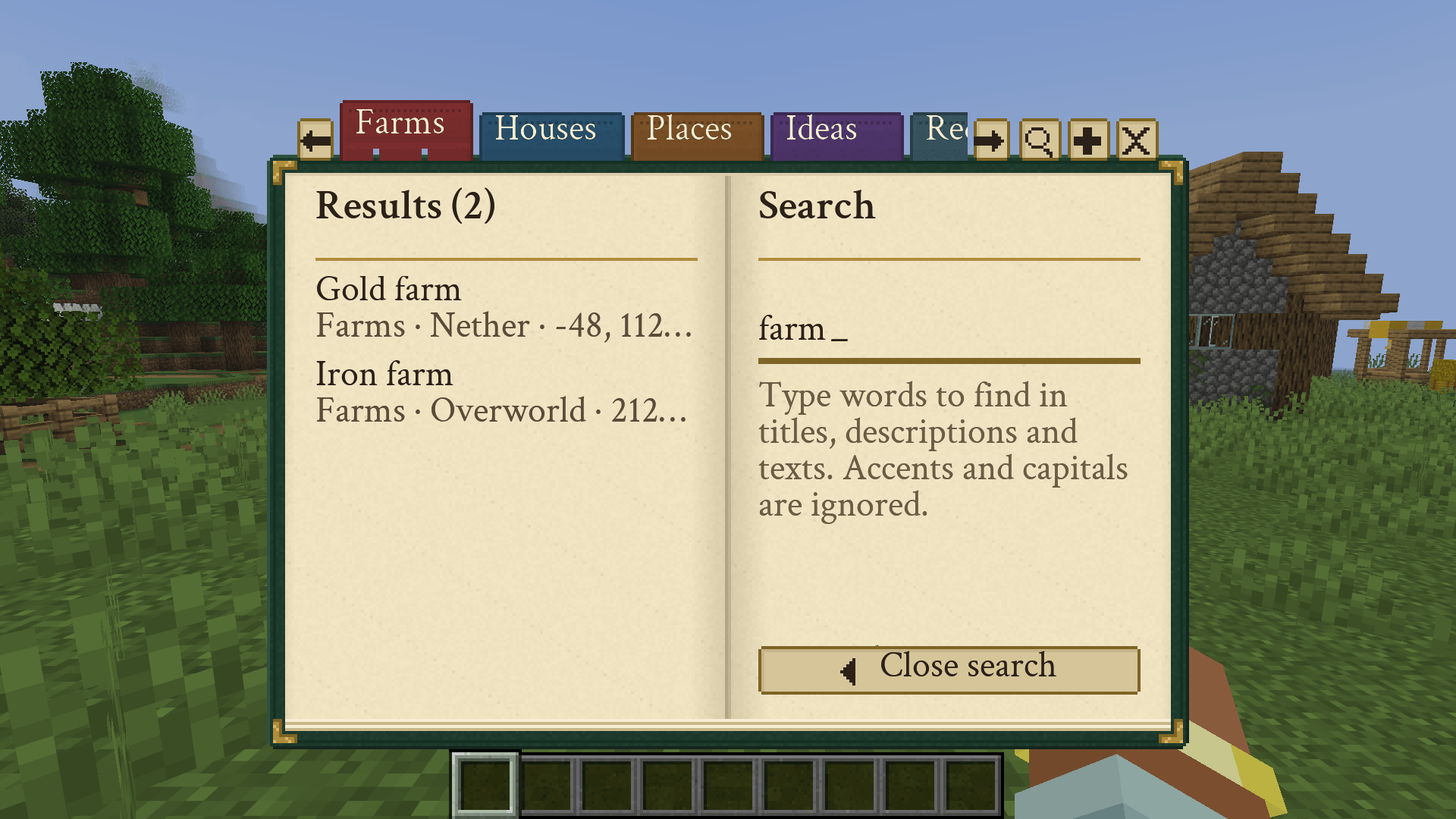
03-search.png
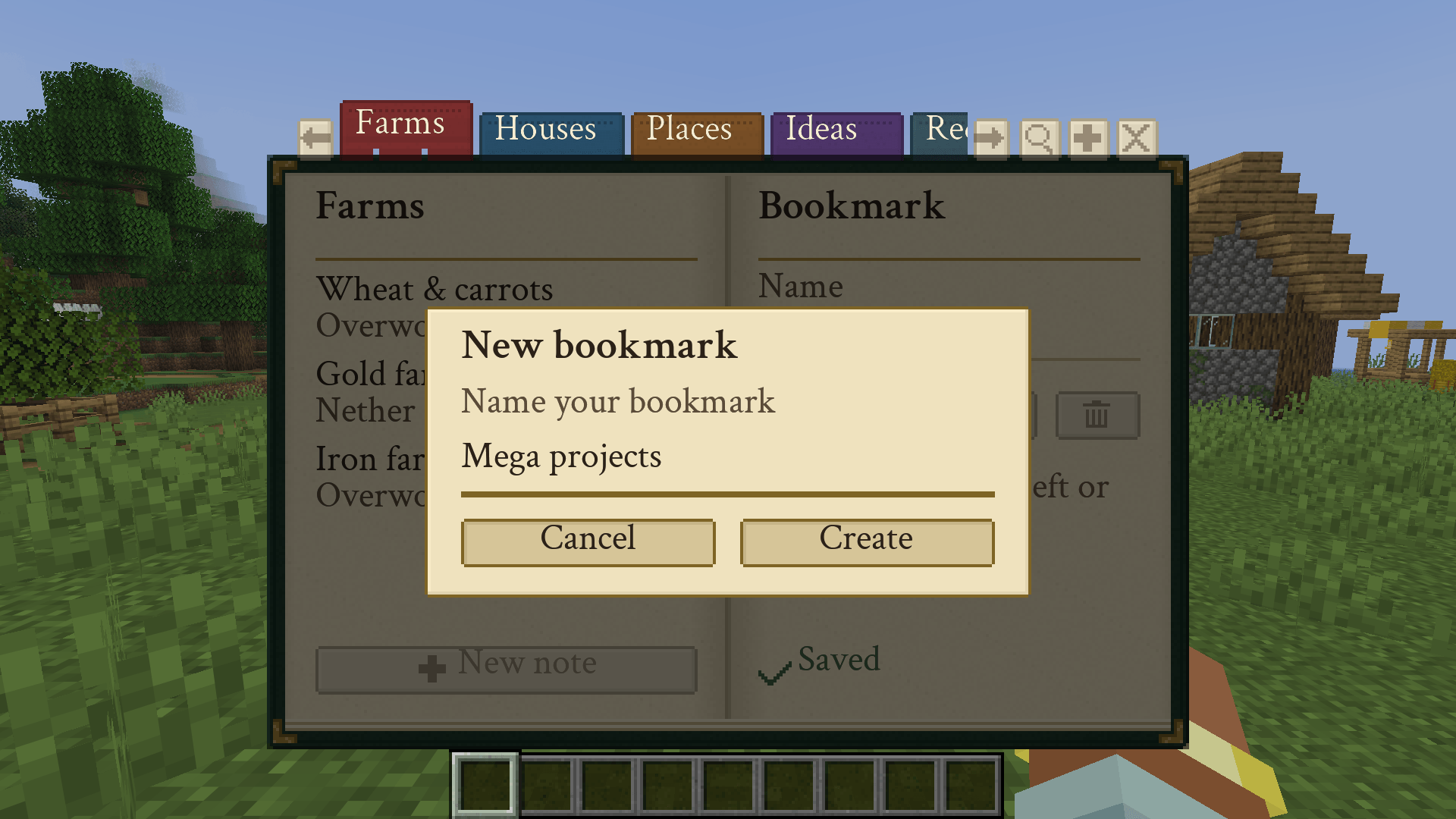
04-new-bookmark.png
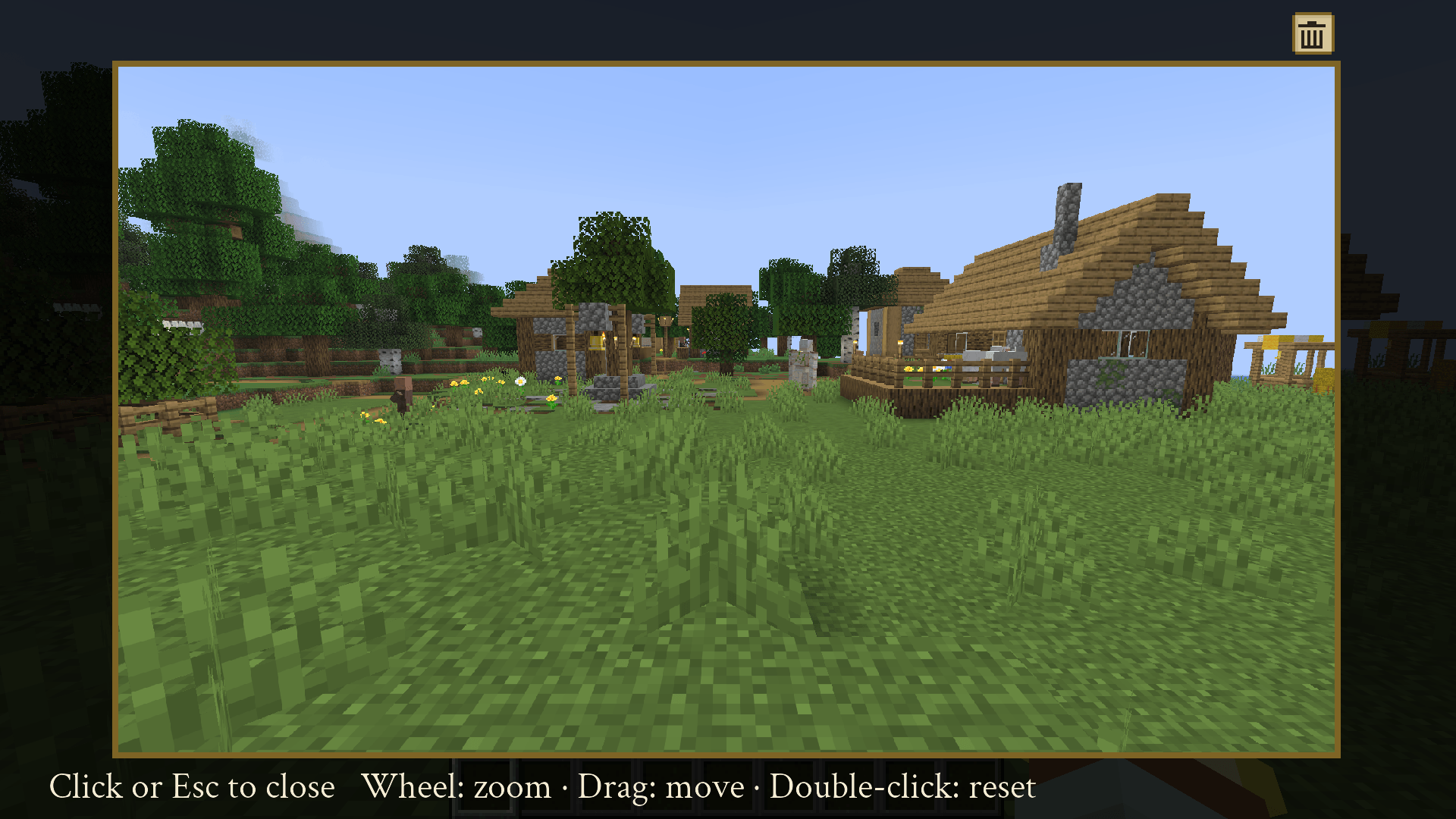
05-enlarged-image.png
Description
################ ENGLISH ################
JotRealm
Your personal journal inside Minecraft.
JotRealm is a notebook styled like an explorer's journal: dark green leather, parchment pages and ribbon bookmarks. Write down what you want to remember, attach where it is and what it looks like, and find it again later without leaving the game.
It is not a technical dashboard or a farm-tracking form. It is a free-form notebook, and you decide how to organise it.
✨ Features
- 📖 A real book. Open it with a configurable key. It has open pages, a central spine and its own custom interface, with no generic Minecraft buttons.
- 🔖 Bookmarks you create. Create, rename, reorder and delete your own tabs: Farms, Houses, Places, Ideas… You choose the categories.
- 📝 Simple, fast notes. Each note has a title, an optional description and a free-text body that keeps your paragraphs and line breaks exactly. There is no Markdown and no forced formatting: what you type is what you see.
- 🌍 Dimension. Mark a note as Overworld, Nether, End or Other (dimensions from other mods or datapacks).
- 📍 Coordinates. Save your current position with one click or type it in by hand. Saved coordinates do not change as you move.
- 📷 Screenshots inside the note. Take a screenshot from the game and it attaches to the note. The book interface is not in the image, and you never have to search your folders.
- 💾 Autosave. There is no save button. Data is written safely, with backups, so you don't lose your notes.
- 🗂️ One book per world and server. Notes from one world never show up in another, and servers never get mixed together.
- 🔒 Private and local. No accounts, no cloud, no telemetry and no internet connection.
🧩 Compatibility
- Client-side: works in singleplayer and on multiplayer servers, and the server doesn't need to install anything.
- Loader: Fabric (requires Fabric API).
- Minecraft: Java Edition 26.3.
🎮 How to use it
- Press the book key (configurable under Controls).
- Create a bookmark and name it.
- Add a note, write, save your coordinates and take a screenshot.
- Come back any time. Your book is waiting.
🚫 What it is not
JotRealm is not a minimap, it shows no on-screen waypoints and it syncs nothing to any service. It is just your notebook.
💬 Support
Found a bug or have an idea? Open an issue on the repository.
Made by Tracats787.
ESPAÑOL
JotRealm
Tu diario personal dentro de Minecraft.
JotRealm es un libro de notas. Anota lo que quieras recordar, adjunta dónde está y cómo se ve, y encuéntralo después sin salir del juego.
No es un panel técnico ni un formulario de granjas. Es un cuaderno libre, y tú decides cómo organizarlo.
✨ Características
- 📖 Un libro de verdad. Ábrelo con una tecla configurable. Tiene páginas abiertas y una interfaz propia.
- 🔖 Marcapáginas creados por ti. Crea, renombra, reordena y elimina tus propias pestañas: Granjas, Casas, Lugares, Ideas… Tú pones las categorías.
- 📝 Notas simples y rápidas. Cada nota tiene título, descripción opcional y un cuerpo de texto libre con tus párrafos y saltos de línea intactos. No hay Markdown ni formato forzado: lo que escribes es lo que ves.
- 🌍 Dimensión. Marca si la nota es del Overworld, el Nether, el End u Otros (dimensiones de otros mods o datapacks).
- 📍 Coordenadas. Guarda tu posición actual con un clic o escríbela a mano. Las coordenadas no cambian mientras te mueves.
- 📷 Capturas dentro de la nota. Haz una captura desde el juego y se adjunta a la nota, sin la interfaz del libro y sin buscar archivos en tu carpeta.
- 💾 Guardado automático. No hay botón de guardar. Los datos se escriben de forma segura, con copias de seguridad, para no perder tus notas.
- 🗂️ Un libro por mundo y servidor. Tus notas de un mundo no aparecen en otro, ni se mezclan entre servidores.
- 🔒 Privado y local. Sin cuentas, sin nube, sin telemetría y sin conexión a internet.
🧩 Compatibilidad
- Cliente: funciona en un jugador y en servidores multijugador sin que el servidor instale nada.
- Loader: Fabric (requiere Fabric API).
- Minecraft: Java Edition 26.3.
🎮 Cómo se usa
- Pulsa la tecla del libro (configurable en Controles).
- Crea un marcapáginas y ponle nombre.
- Añade una nota, escribe, guarda tus coordenadas y haz una captura.
- Vuelve cuando quieras. Tu libro te espera.
🚫 Qué no es
JotRealm no es un minimapa, no muestra waypoints en pantalla y no sincroniza datos con ningún servicio. Es solo tu cuaderno.
💬 Ayuda
¿Encontraste un fallo o tienes una idea? Abre un issue en el repositorio
Hecho por Tracats787.
JotRealm Team