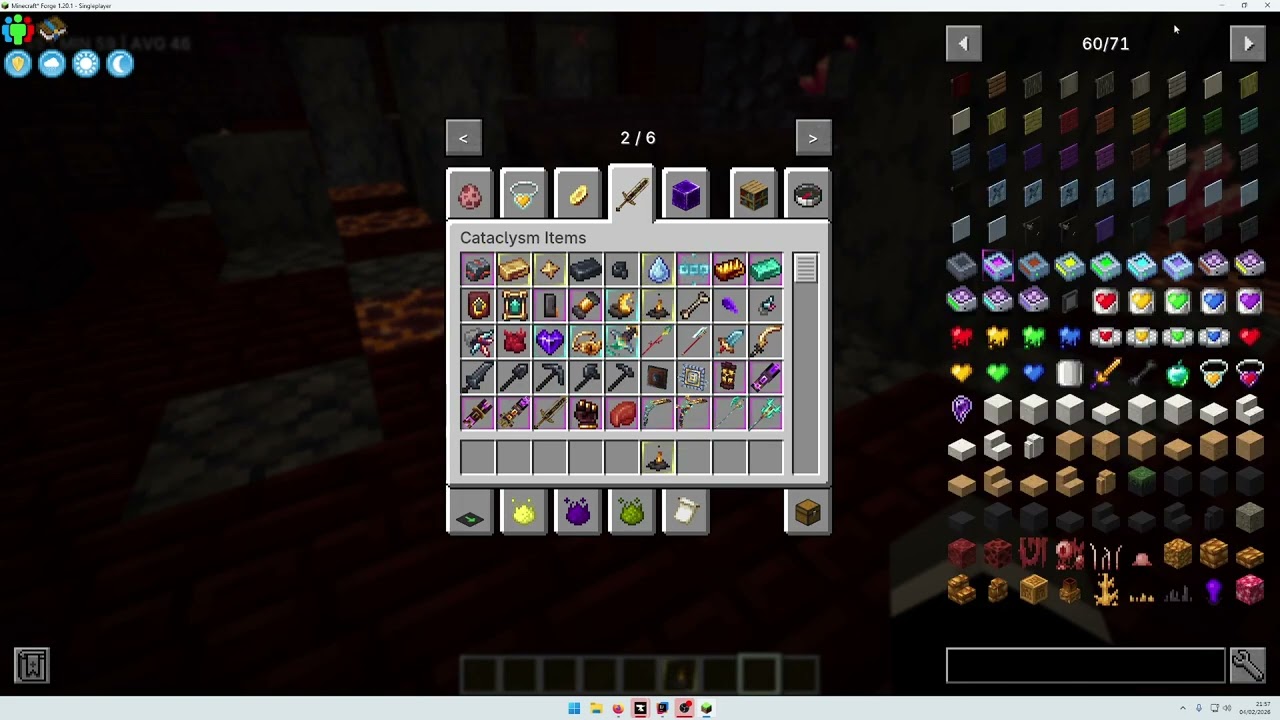
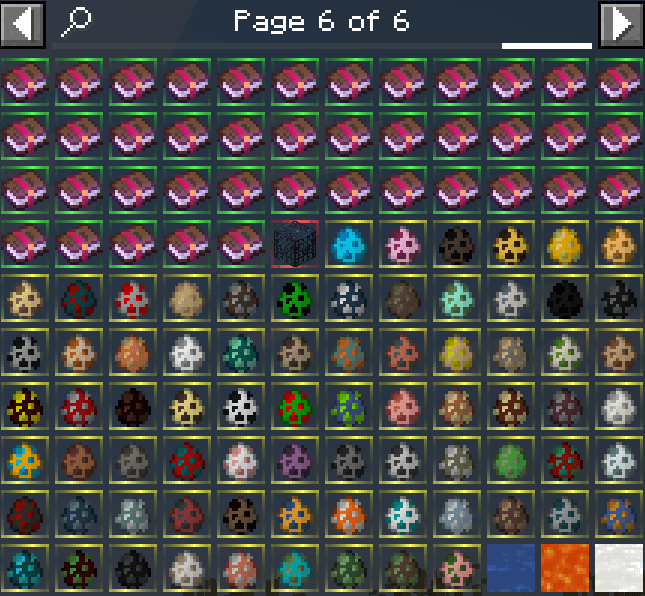
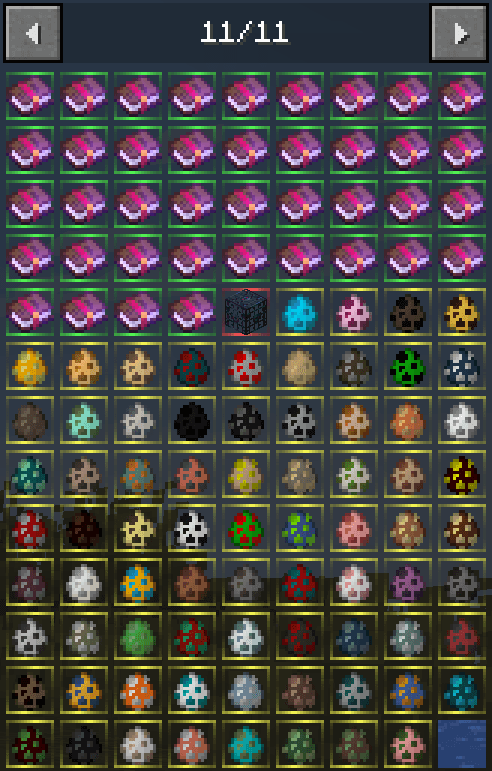
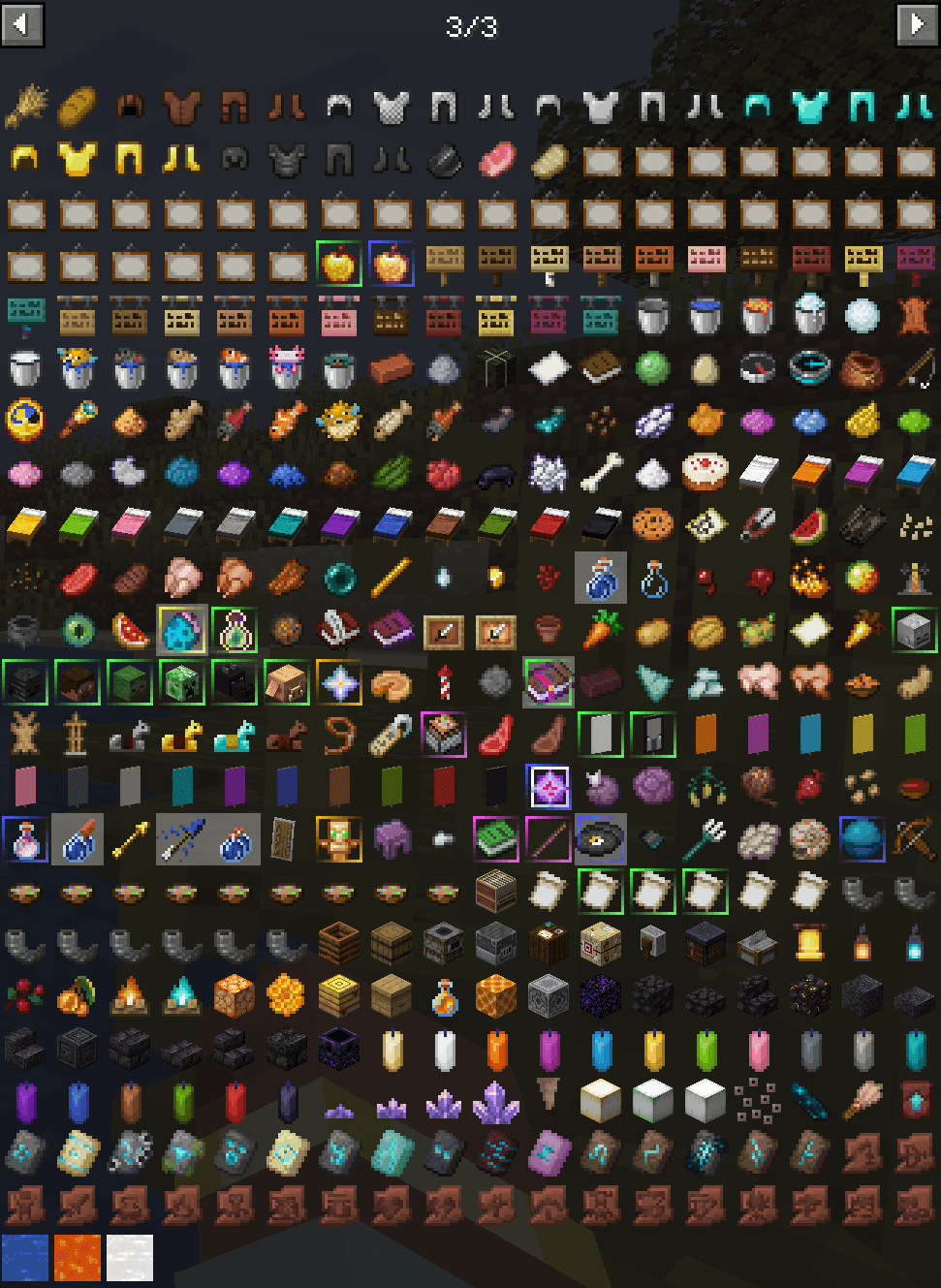
ItemOverlayBorder is a Forge mod for Minecraft 1.20.1 that adds animated, rarity-colored borders around item icons.
Items above Common rarity are automatically highlighted using their rarity color, making rare and important items much easier to identify in inventories, item lists, and other supported interfaces.
Features
- Animated borders for non-Common items.
- Border color is automatically taken from the item's rarity.
- Works in Minecraft inventories and container screens.
- Works on hotbar item icons.
- JEI support.
- REI support.
- EMI support.
- CashShop support.
- Compatible with custom rarity systems that expose their color through the item's rarity style.
- Optional static border mode.
- No manual item or color configuration required.
Custom Rarities
ItemOverlayBorder reads the color directly from the item's rarity style.
This means it can also work alongside custom rarity systems such as RarityJS, allowing custom rarity colors to appear directly around item icons.
Common items are intentionally ignored so normal inventory slots stay clean.
Supported Interfaces
The rarity border is currently displayed in:
- Minecraft inventories and containers
- Minecraft hotbar
- JEI
- REI
- EMI
- CashShop
Configuration
The client configuration file is located at:
config/itemoverlayborder.toml
The animation can be disabled with:
"Disable animation" = true
When enabled, the rarity border remains visible but no longer moves around the item slot.
Required Dependencies
- Minecraft Forge 47+
- ApocalypseLib 1.1.5+
Optional Integrations
- JEI
- REI
- EMI
- CashShop
- RarityJS or other custom rarity systems
ItemOverlayBorder is designed for modpacks that use rarity-based progression and want those rarities to be immediately visible wherever players browse their items.