Item Organizer
- By
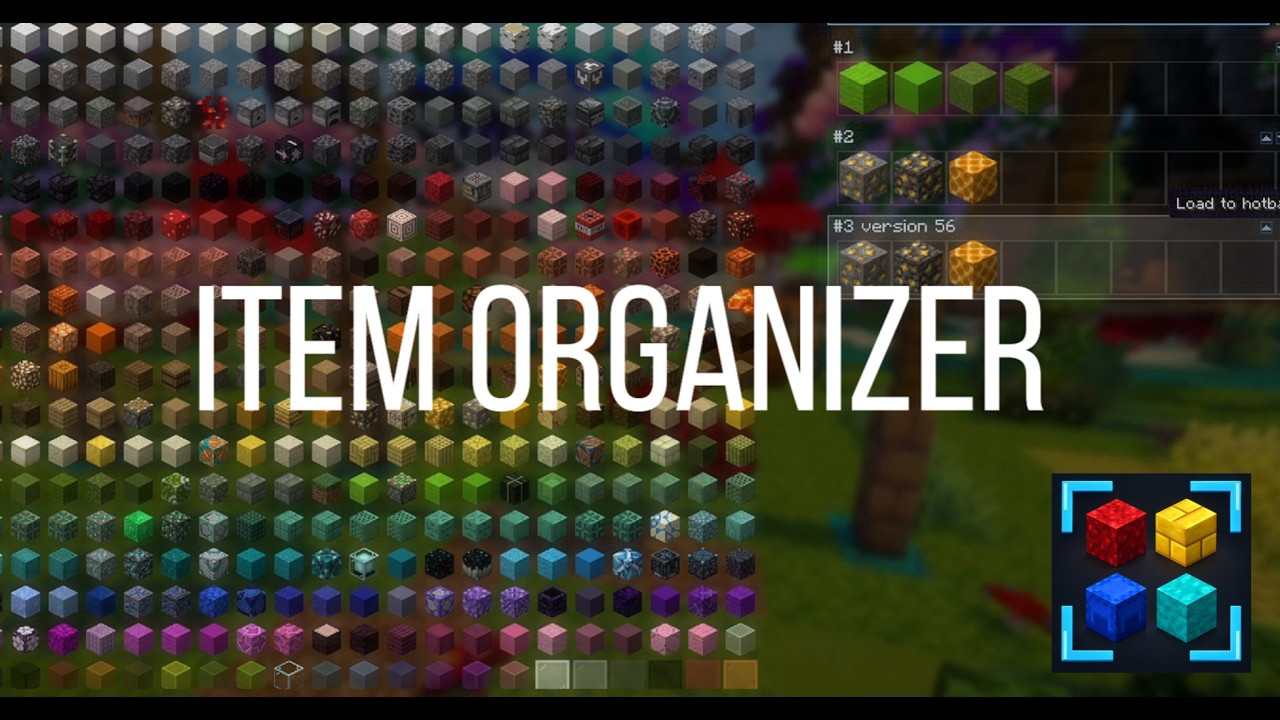
A client-side visual inventory and palette manager. Sort blocks and items by chromatic color gradient, manage hotbar palettes, and customize your creative workflow.
Description
Item Organizer 🎨

Visual inventory, palette manager, and builder workspace for Minecraft Fabric.
Customizable layouts, chromatic color gradients, and hotbar building palettes.




📖 What the Mod Does
Item Organizer is a client-side Fabric mod that replaces the creative inventory with an organized builder workspace. It features custom grid layouts, texture-based color sorting, and hotbar palette management. In Survival mode, it serves as a visual item catalog and reference guide.
🌟 Core Features & Panels
- 📋 Ordered Panel: Organize blocks in a grid with adjustable columns, hide unwanted items via the Blocked list, sort by texture color gradients (hue, saturation, brightness), and compact empty slots.
- 📦 Unorganized Panel: Displays all items not yet placed in the Ordered grid or added to the Blocked list.
- 📁 Profiles Panel: Create, load, rename, duplicate, and delete layout profiles for different projects or themes.
- 🎨 Palettes Panel: Save 9-slot block combinations to hotbar cards to move, duplicate, load into/copy from your hotbar, or place horizontally in the world.
- 🔍 Palette Search & Sorting: Search palettes by text or index, add new palettes instantly (
+ New), and sort columns by color gradient without modifying saved JSON files. - 🎯 Slot-Based Search Filter: Place items into search slots to filter palettes by exact slot position, row presence, or color similarity.
- ♾️ Infinite Palette Panel: Multi-row palettes for large block collections, supporting sequential hotbar pasting and slot search filtering.
- ⏳ By Version Panel: Browse items chronologically by Minecraft release version.
- 🛡️ Blocker Mode: Locks the grid to prevent accidental item moving, blocking, or layout changes while building.
- ⚙️ Config Panel: In-game keybinding reference and interface scaling (background blur, grid zoom, slot size, palette scale, and text scale).
- 🔄 Undo & Redo System: Full
Ctrl + Z(Undo) andCtrl + Y(Redo) support across all panels and layout edits.
💡 Why You Should Use This Mod
- 🎯 Faster Workflow: Keep frequently used palettes one click away instead of manually searching creative tabs or chests.
- 🌈 Texture-Based Gradients: Automatically extracts block colors to generate smooth palette transitions without manual testing.
- 🏗️ Direct World Placement: Place palette rows directly in-game without placing support blocks underneath.
- 🔀 Flexible Controls: Move items using drag-and-drop or single-click carry-and-place.
- 🔒 Safe Editing: Protect layouts with grid locking (Blocker Mode) and multi-level Undo/Redo (
Ctrl + Z/Ctrl + Y).
⚠️ Information Before Downloading
- 🖥️ Client-Side Only: Does not need to be installed on servers; works on multiplayer networks.
- 🧩 Dependencies: Requires Fabric Loader and Fabric API.
- 🎮 Default Keybind: Press
Oto open the interface (rebindable inOptions > Controls > Key Bindsor in the Config panel).
🎮 Controls & Keybindings
| Key / Action | Function |
|---|---|
O |
Open or close the Item Organizer interface |
Ctrl + Z |
Undo last change (grid layout, blocking, palette edit/deletion, filter) |
Ctrl + Y / Ctrl + Shift + Z |
Redo last undone action |
Left Click |
Click UI buttons, drag & drop items, or click to carry item on cursor and click again to place |
Shift + Left Click |
Item Panels: Send item directly to hotbar Hotbar: Remove item from hotbar |
Hotbar Keys (1 - 9) |
Assign hovered item directly into that hotbar slot |
Right Click |
Select an item in the Ordered grid |
Arrow Keys |
Move the selected item around the Ordered grid |
Right Click + DEL / Backspace |
Remove selected item from Ordered grid (returns to Unorganized) |
Double Right Click |
Ordered / Unorganized: Send item to Blocked list Blocked: Unblock item |
A |
Append hovered item into the Ordered grid |
Escape |
Close current modal or exit Item Organizer screen |
📥 Installation
- Install Minecraft Fabric.
- Download and place the latest Fabric API into your
.minecraft/modsfolder. - Download Item Organizer from Modrinth and place the
.jarinto your.minecraft/modsfolder. - Launch the game, join a world or server, and press
O.
📄 License
This project is licensed under the MIT License.
The Item Organizer Team