Item & Armor Durability HUD
- By
Durability HUD 4.png
Durability HUD 3.png
Durability HUD 2.png
Durability HUD.png
Description
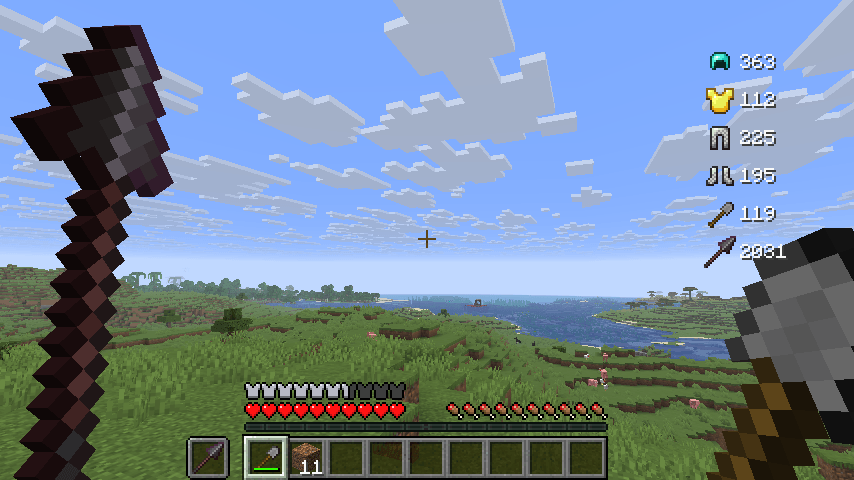
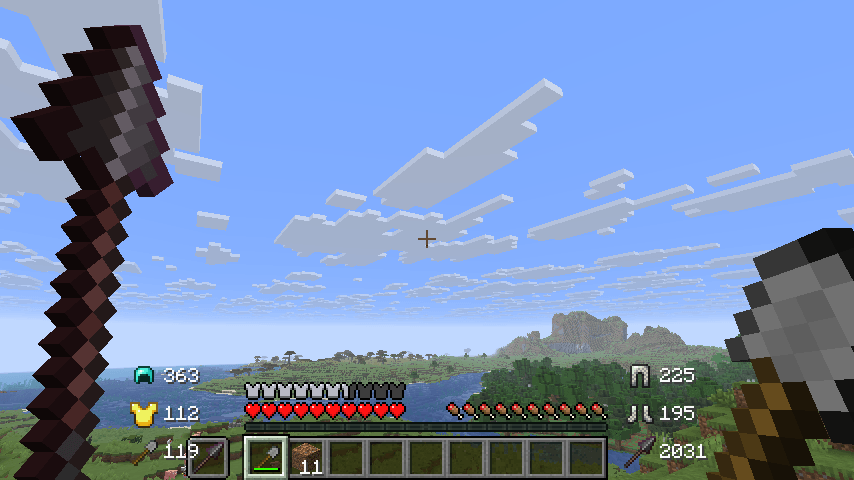
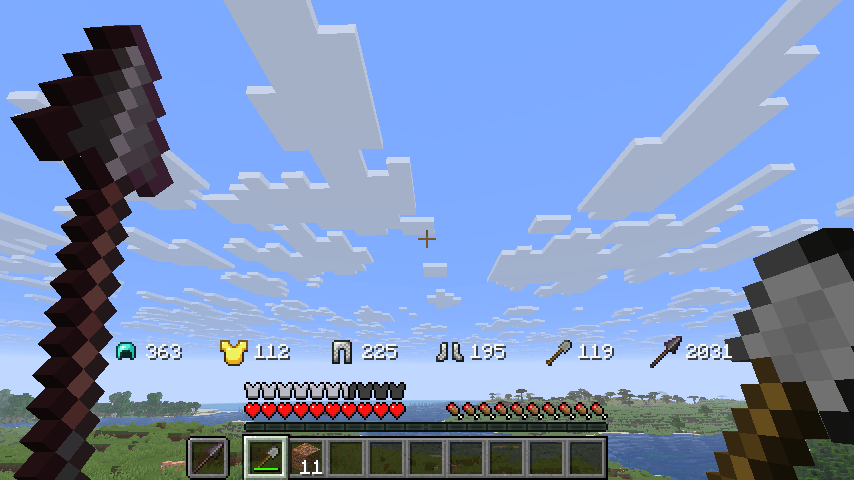
Tool & Armor Durability HUD shows how much durability your armor and held items have left while you play. See exactly how many uses your pickaxe has before it breaks, or switch to torches to see how many you have across your inventory. Enable low-durability highlighting and the number turns orange when an item reaches 20% durability or less.
Make it fit your screen
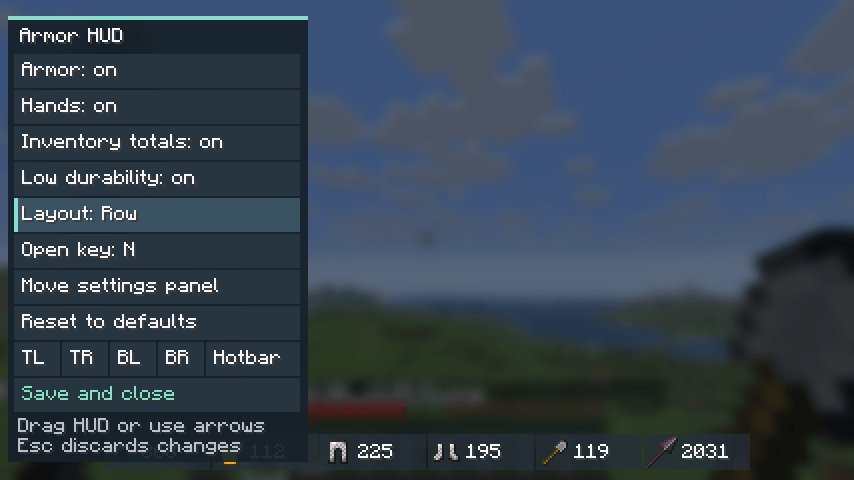
Press N in a world to open the HUD editor. Drag the display wherever you like, snap it to a corner, or split it across both sides of your hotbar. Show armor, items in either hand, or both, and arrange them in a row or column.
Choose Save and close to use your layout. You can change the editor shortcut under Options → Controls → Key Binds.
Installation and compatibility
Place the JAR in your client’s mods folder. The same file targets Fabric, Forge, NeoForge, and Quilt on the Minecraft Java versions listed for the release, from 1.20 through 26.3 where the loader is available.
Item & Armor Durability HUD Team