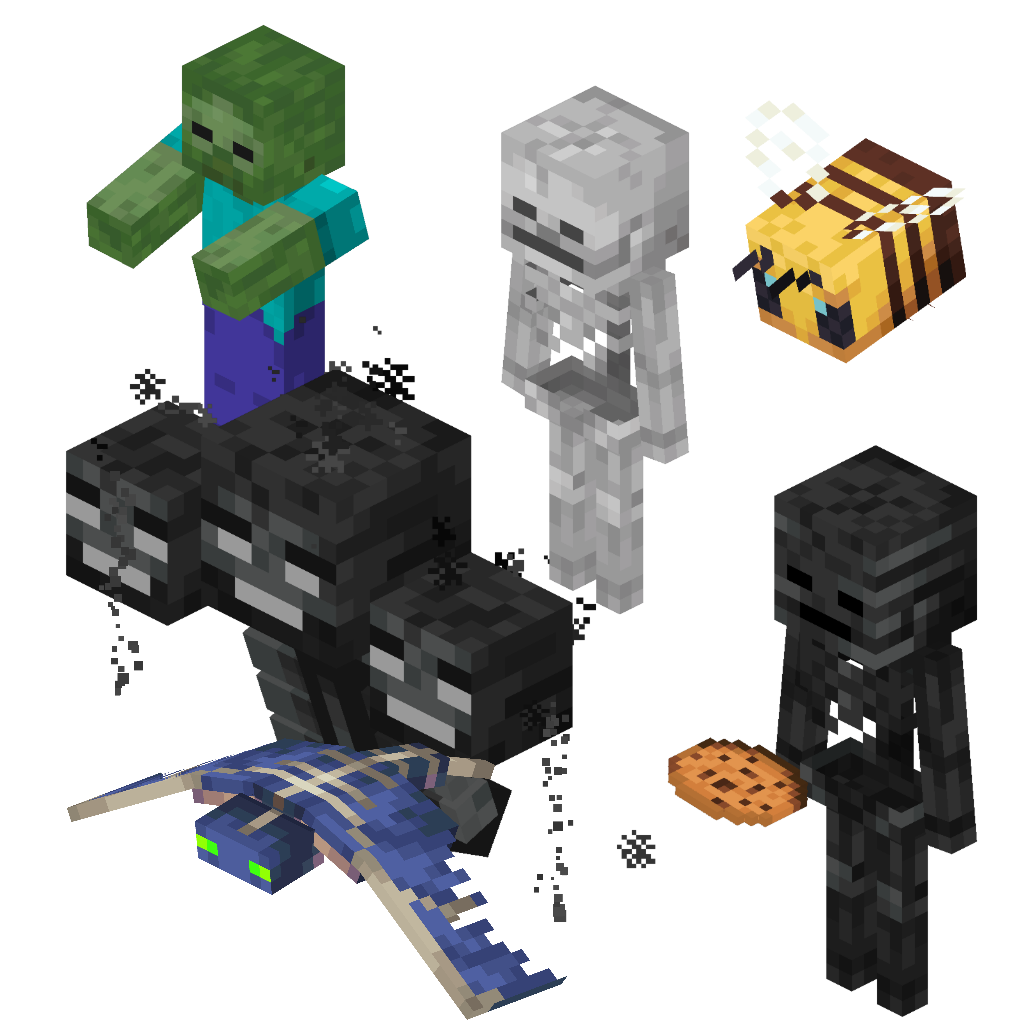
Some entities rendered and combined into one picture
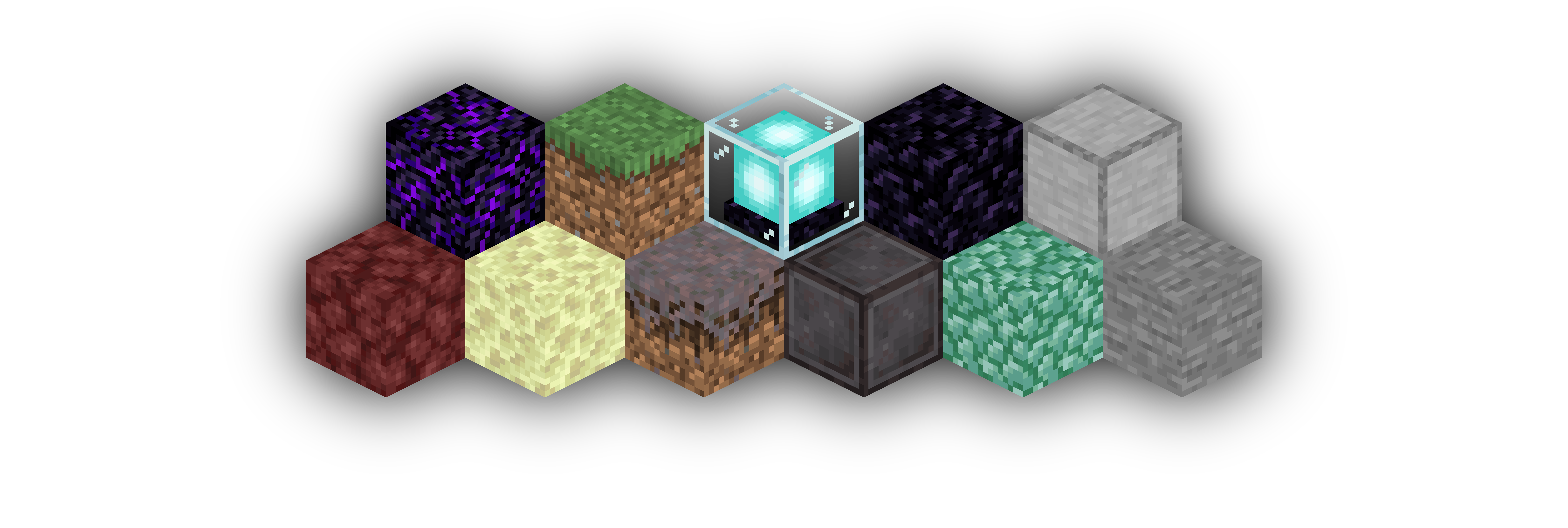
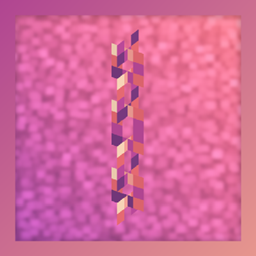
An example of an area render of a few blocks lined up
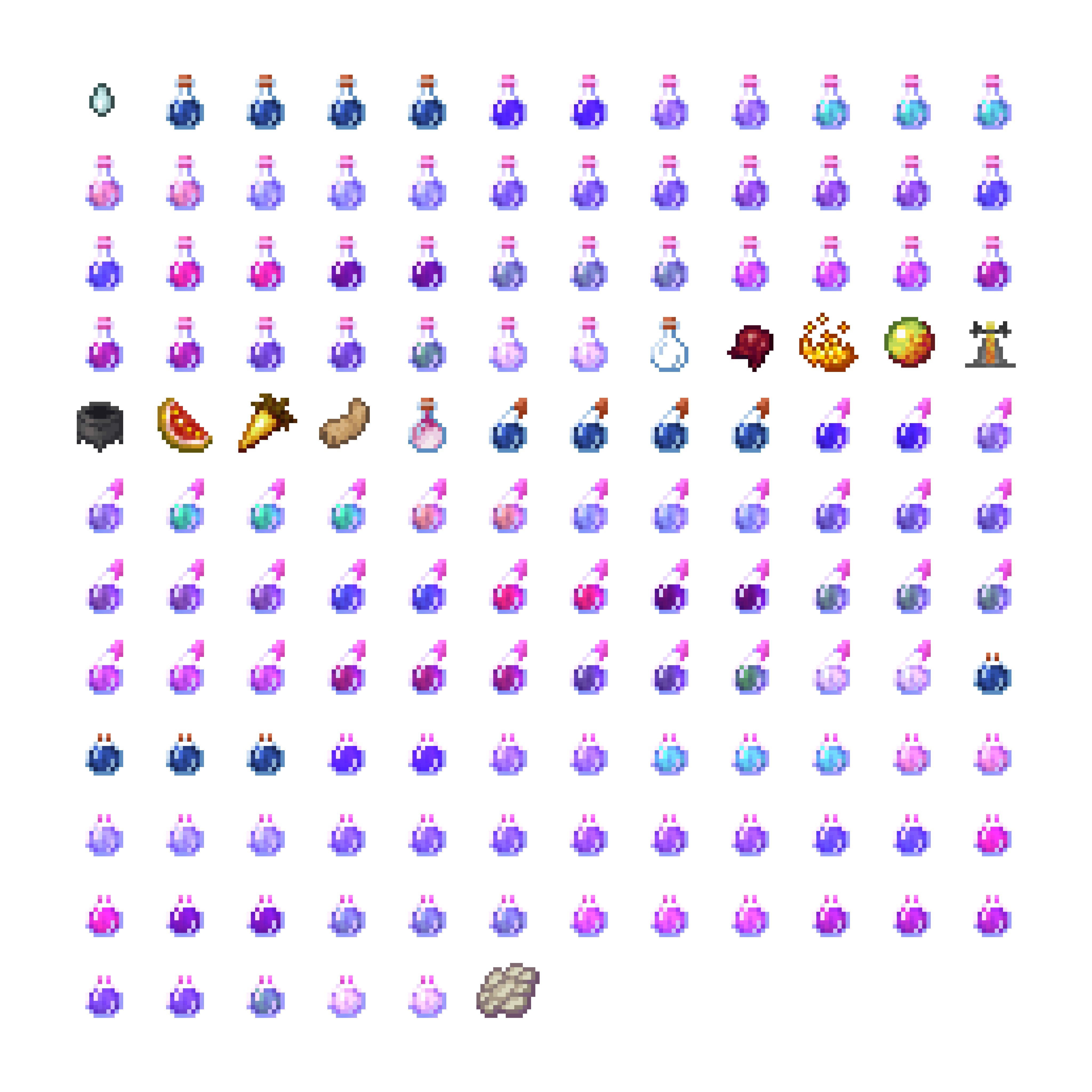
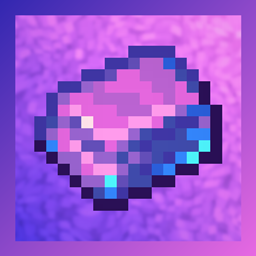
An Item Atlas of the creative inventory brewing tab
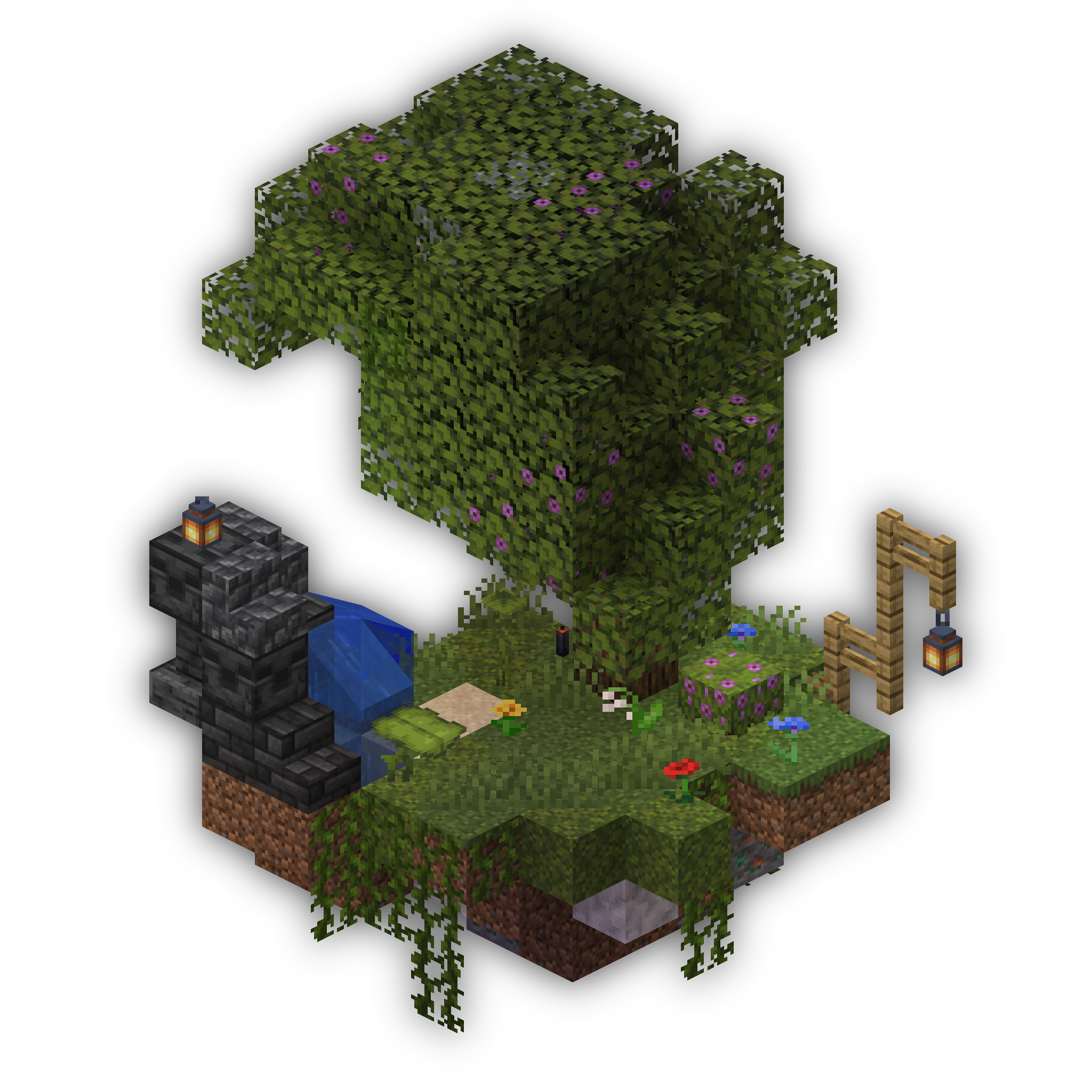
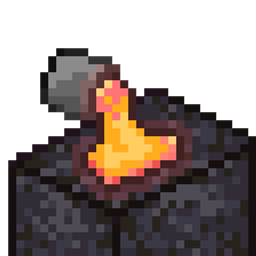
A beautiful floating island with an Azalea Tree
Description

━◦○◦━◦○◦━◦○◦━◦○◦━◦○◦━◦○◦━
Isometric Renders allows you to take isometric screenshots, or rather, create renders of game objects like parts of world, blocks, items and entities.
These are automatically keyed to have a transparent background and you can adjust scale, positioning and many more options right in-game in a fancy gui.
This was designed with modded wikis or similar documentation in mind, should be easy to use and mostly pretty performant.
In-Depth documentation is available on https://docs.wispforest.io/isometric-renders/home/
🌟 Currently Supported Rendering Targets 🌟
Items
Blocks
Entities
Areas of the world
Batch export of multiple blocks or items
Item Atlases (Overviews)
Have a look at Images to see what Isometric Renders is capable of
The basic command is /isorender
━◦○◦━◦○◦━◦○◦━◦○◦━◦○◦━◦○◦━

Join the Wisp Forest Discord if you have any questions, issues or other remarks - we'll be happy to help

Isometric Renders Team

Owner