


Iron's Spells Speech-to-spell
An addon mod for the popular Iron's Spells 'n Spellbooks mod, which allows the player to use their voice to cast spells. Works entirely locally, inside of Minecraft, is fast and cheap to run!
grimoire-recordings.png
grimoire-empty.png
Description
Iron's Spells STT — Speech to Spell
Cast Iron's Spells 'n Spellbooks spells with your own voice. Record an incantation, equip your spellbook and speak it during gameplay. Use spell names, invented words or another language: STS learns how you pronounce each phrase. The mod doesn't rely on external programs to convert your speech to text. It is fast, runs directly inside of Minecraft and is highly customizable!

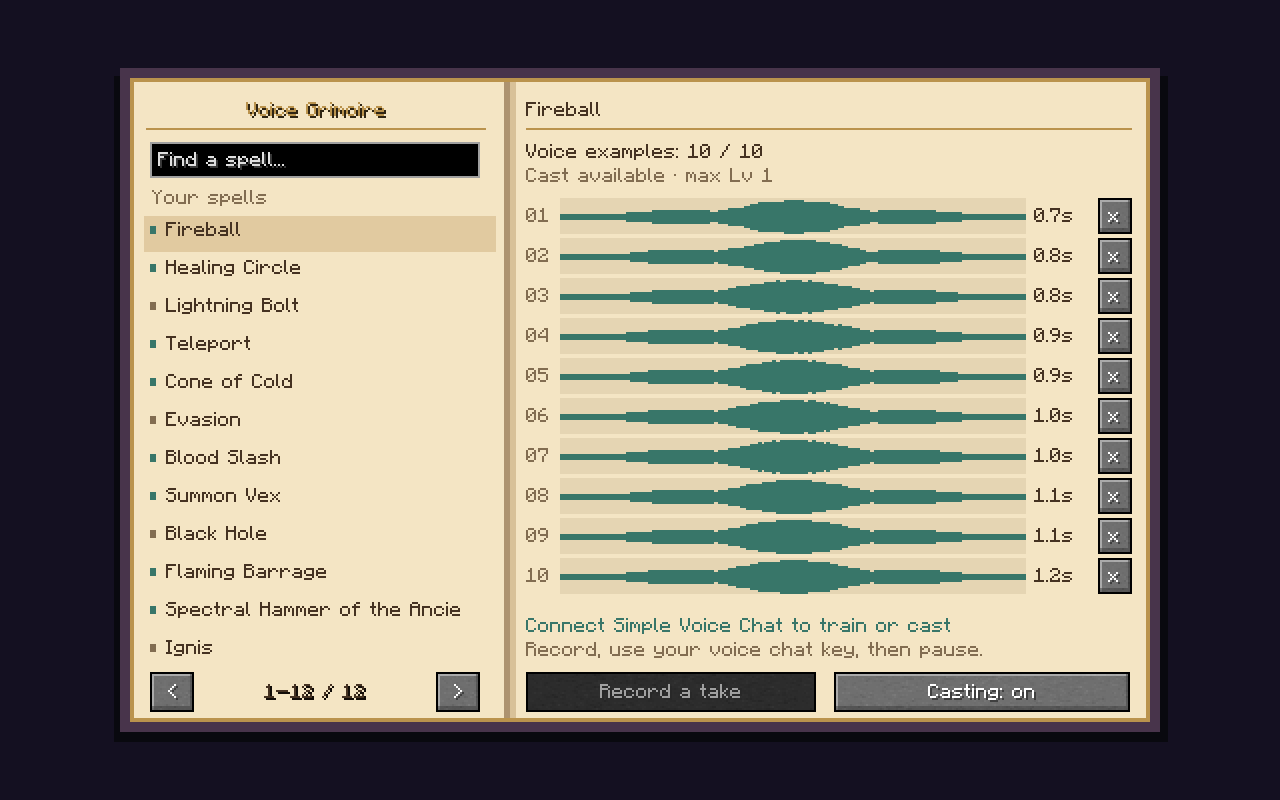
In-game interface used for recording spell incantations
Features
- Personal voice recognition running directly in Minecraft (no external STT required). Recognition takes only a few milliseconds!
- Microphone capture through Simple Voice Chat.
- Automatic discovery of Iron's Spells 'n Spellbooks spells and compatible addon spells.
- A single Voice Grimoire to search spells, record up to ten takes per spell, inspect waveforms and delete individual takes.
- Remembers scrolls and their highest encountered level, with configurable casting of spells absent from the equipped book.
- Local recording files and lazy loading, so the full collection of raw audio does not remain in RAM during gameplay.
STS works best with incantations that are clearly isolated from your standard conversation; don't followup your sentence with the spell name without pauses (eg. "Oh hi Mark fireball").
I recommend saving ten recordings for each spell with different intonations, pitches and speeds for the best results. For example, you could record "Fireball" with a calm voice, a deep powerful-sounding voice, a fast panicking voice, etc.
Note that similar-sounding incantations can be confused.
Train your voice
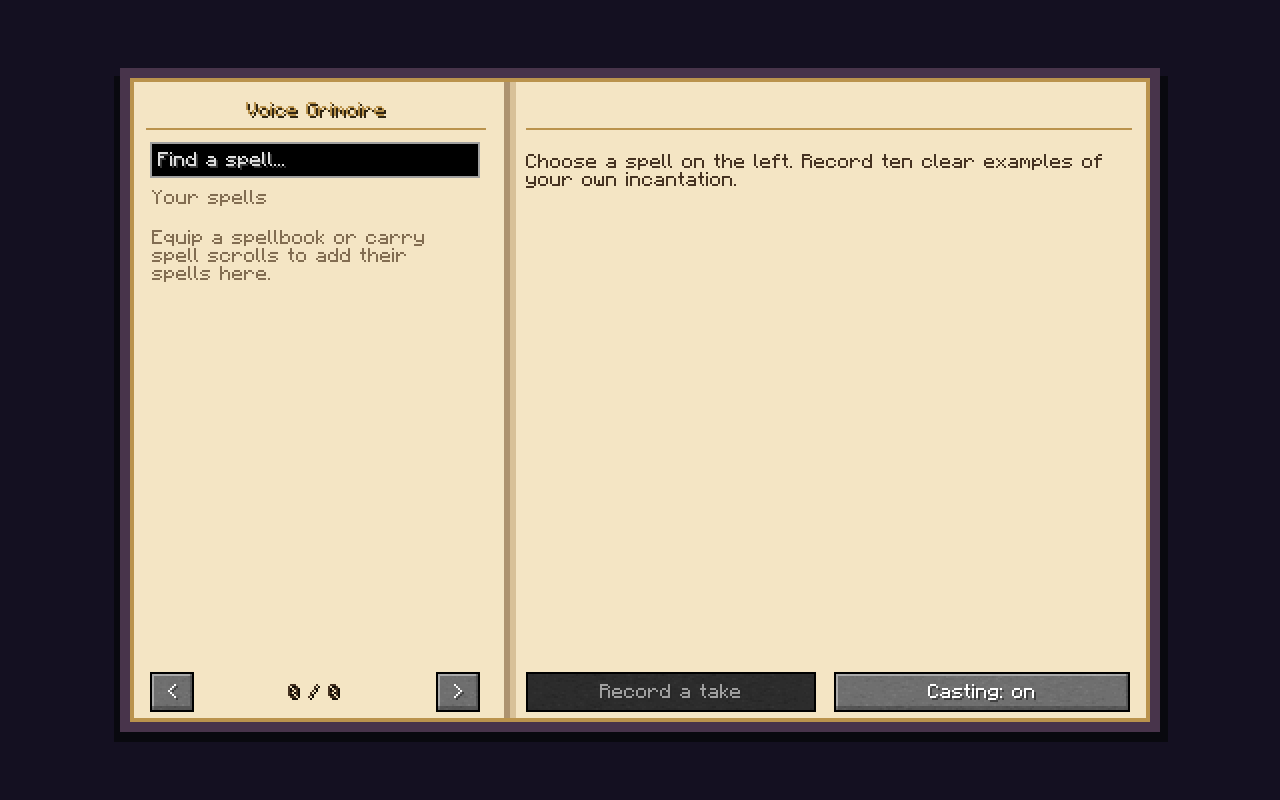
- Carry a spell scroll or equip a spellbook containing the spell. Encountered spells appear in the Grimoire and remain remembered after their items are removed.
- Press G. Hover an inventory item and press G to open its spell page directly.
- Select a spell from the left page. Use search and the page arrows as needed.
- Click Record a take, then speak one incantation using your normal Simple Voice Chat activation method. With push-to-talk, hold its key while speaking.
- Record ten clear examples, each under three seconds, using a consistent incantation. Use the
xbeside a waveform to delete a poor take and record a replacement.
Training uses normal SVC traffic, so nearby or group players may hear your recordings as you make them. STS does not mute ordinary speech. Recognition runs locally while voice chat follows its usual network path.
Cast spells
Equip the book in Iron's spellbook Curios slot, or hold a supported casting staff or wand. Older Iron releases cast from a book held in your hand; follow that release's native equipment rules. Close the Grimoire and say the incantation. Carrying a book in an ordinary inventory slot is insufficient.
- Prepared book spells which are equipped in your spellbook are casted at their normal level and mana cost.
- By default, if you recorded a spell but removed it from your spellbook you can still use your voice to cast it but at level 1 for 150% of its normal level-1 mana cost.
- The optional maximum-level mode uses the highest encountered scroll level and costs 150% of the normal cost at that level. Ink upgrades are observed when their scrolls enter your inventory; no new recording is needed.
- Optionally, you can also enable equipment-free casting to cast your recorded spells without a Grimoire or magic staff.
The Casting: on/off button toggles voice commands. Rebind G under Options → Controls → Key Binds → STS.
Compatible Iron's Spells 'n Spellbooks addons are automatically detected and their spells should appear in the voice Grimoire. Packs can identify other casting items with the sts:casting_implements item tag. Separate casting systems require their own integration.
Configure
The mod creates its own config file upon first launch config/sts/options.toml.
| Option | Default | Effect |
|---|---|---|
grimoireless_cast_any_spell |
true |
Cast remembered, unprepared spells at level 1 with the surcharge. |
grimoireless_cast_at_max_level |
false |
Use the highest encountered level for unprepared spells; overrides level-1 mode. |
cast_without_wand |
false |
Allow remembered casts without an equipped book or held casting implement. |
WIP: experimental voice effects are off by default (broadcast_strong_spells=false).
Storage and privacy
Personal recordings live in config/sts/voices/<player-uuid>/ in your game directory. Back up that folder to preserve training. Players enroll positive incantations only; addon-specific negative examples are not required.
Ordinary cast requests send only a spell identifier, no voice data. Experimental replay, if enabled, can additionally send the recognized recording to the minecraft server through SVC's pipeline. No external programs or generative AI service is used at runtime.
Dependencies
- Iron's Spells 'n Spellbooks (any available version)
- Simple Voice Chat (any version that matches Iron's Spells 'n Spellbooks)
Modpacks and others
Feel free to add this mod to your modpack!
I hope you'll enjoy it. Any feedback on features or bugs is more than welcome.
Project links
GitHub : benterre/IronsSpellsSTT
CurseForge : Iron's Spells Speech-to-spell
Modrinth: Iron's Spells Speech-to-spell
Iron's Spells Speech-to-spell Team

