

INVTOOLS - Inventory Rollback
- By


Inventory, accessory, backpack, and backup administration for Minecraft servers.
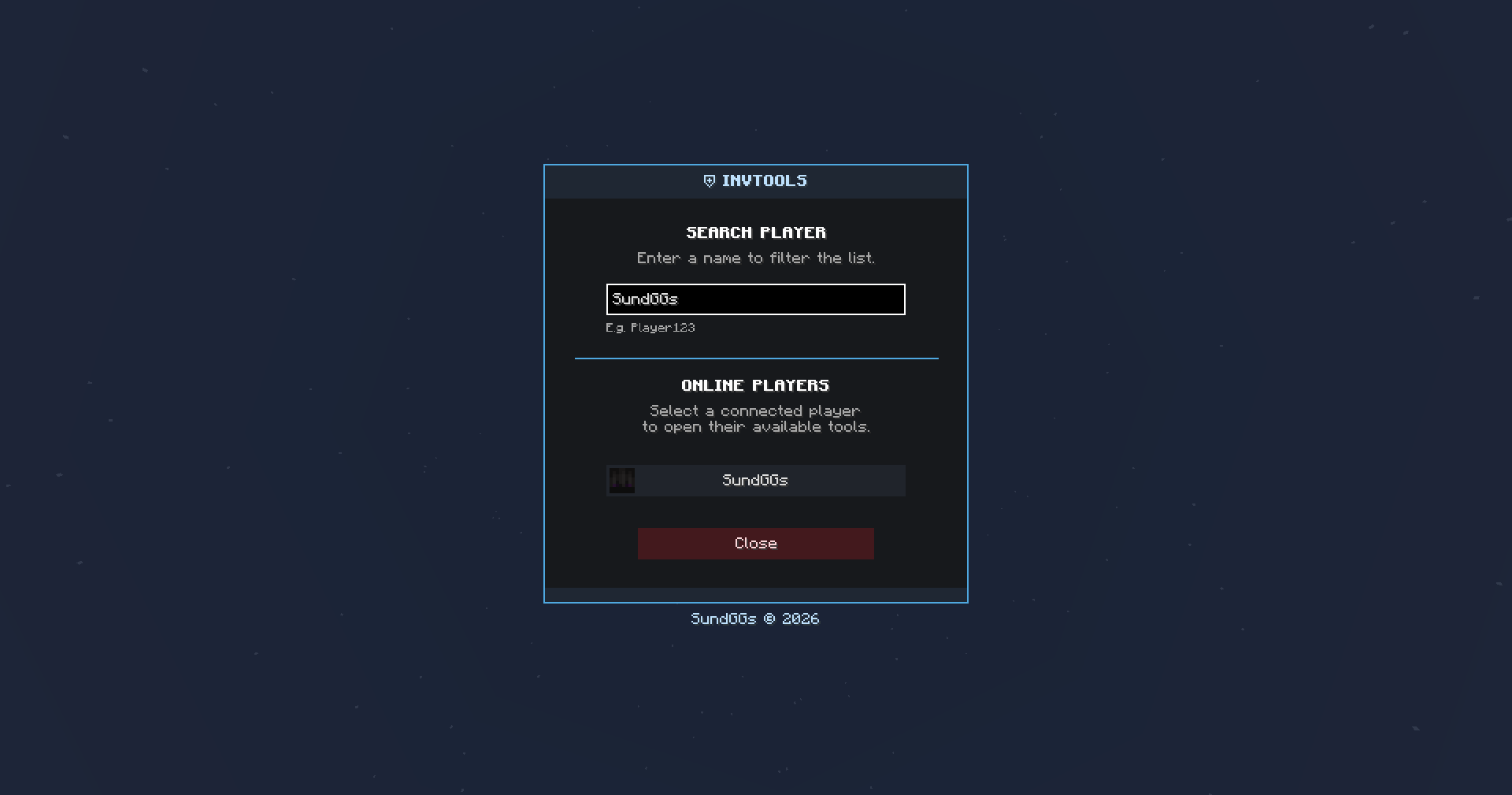
Access all INVTOOLS features from one central hub by selecting a player to view and manage their inventories, accessories, backpacks, and backups.
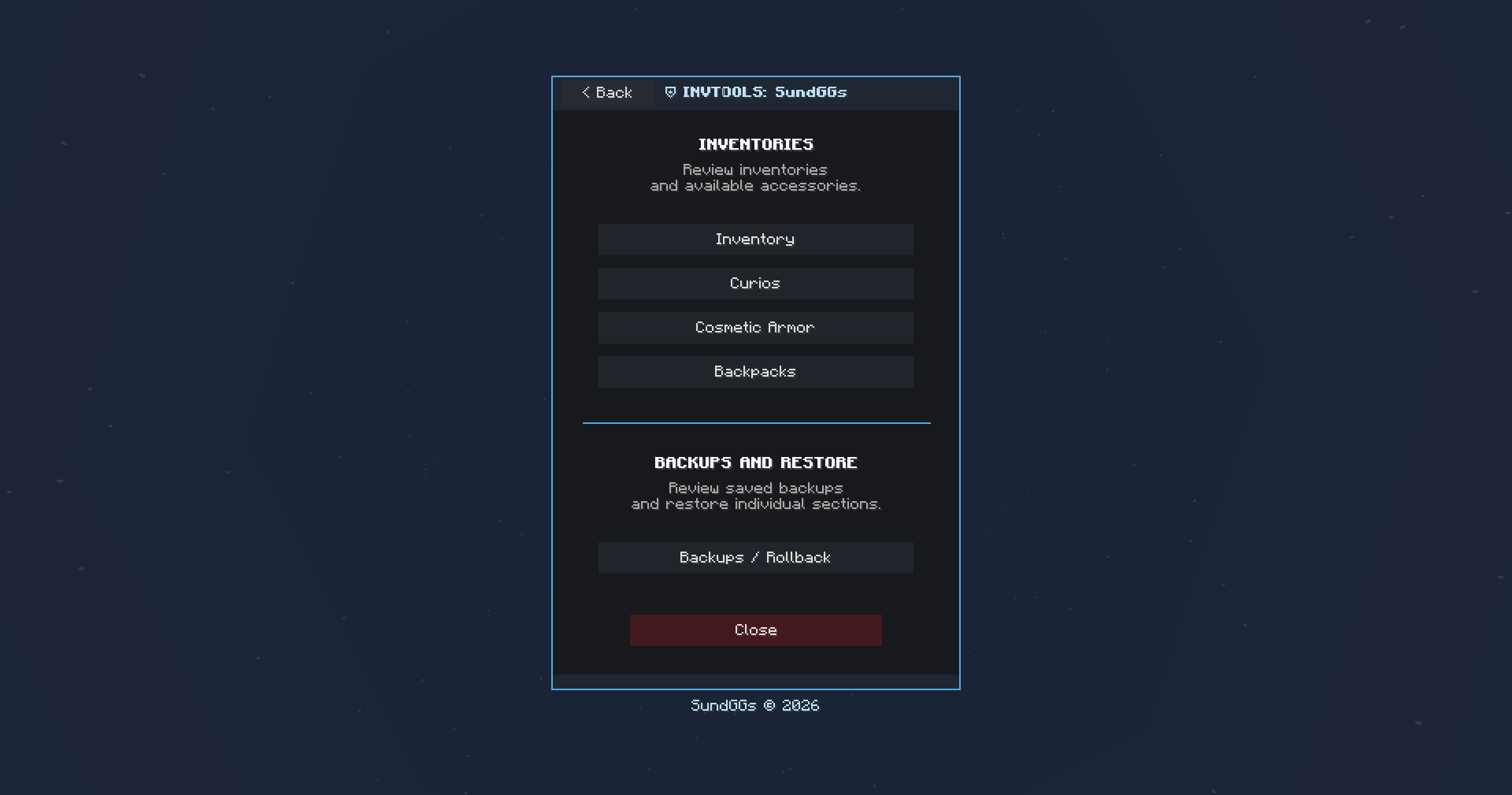
View and manage a player’s inventory, Curios slots, Cosmetic Armor, backpacks, and saved backups from one interface.
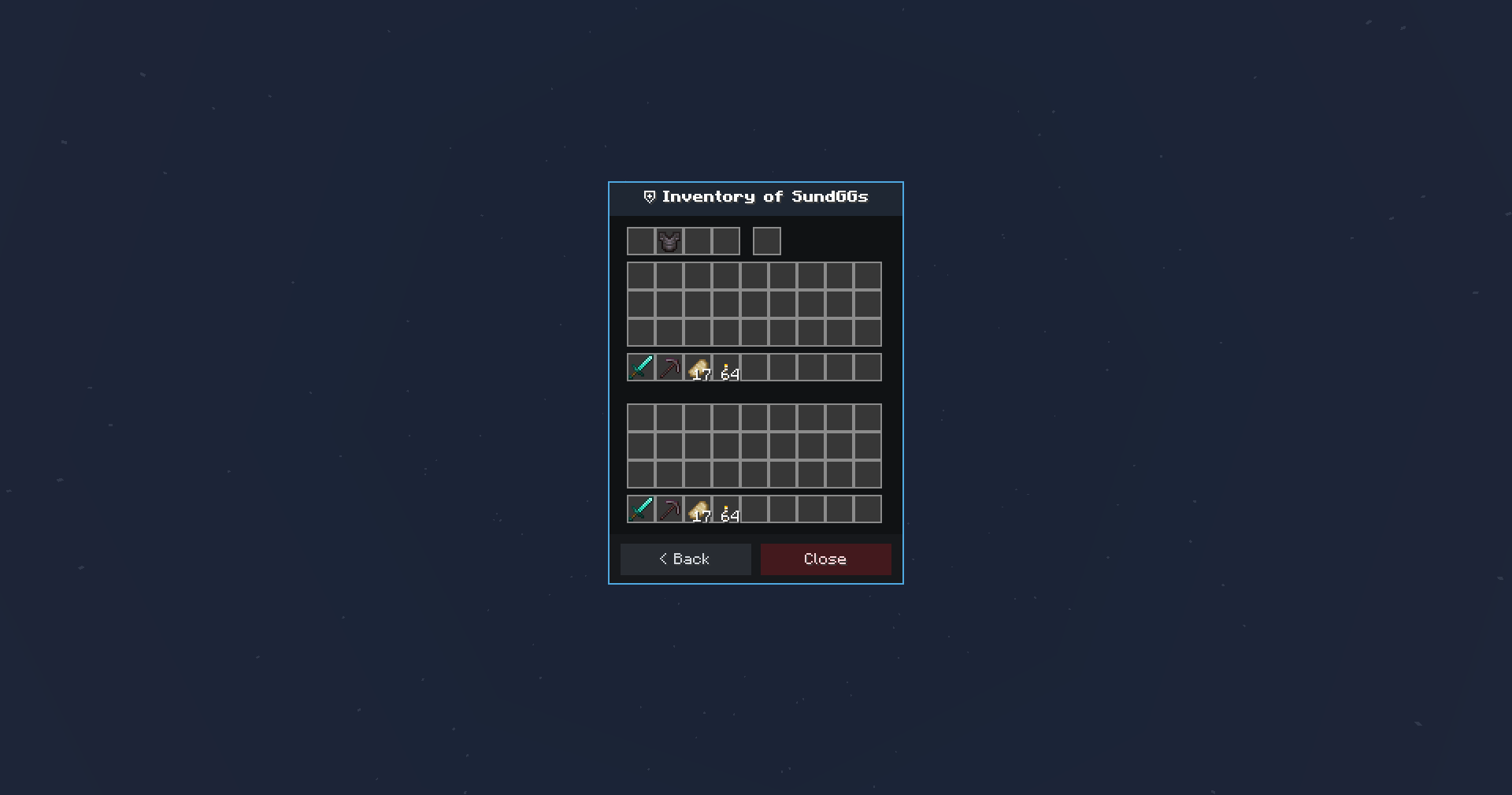
View and extract items from different supported inventories with a custom GUI grid.
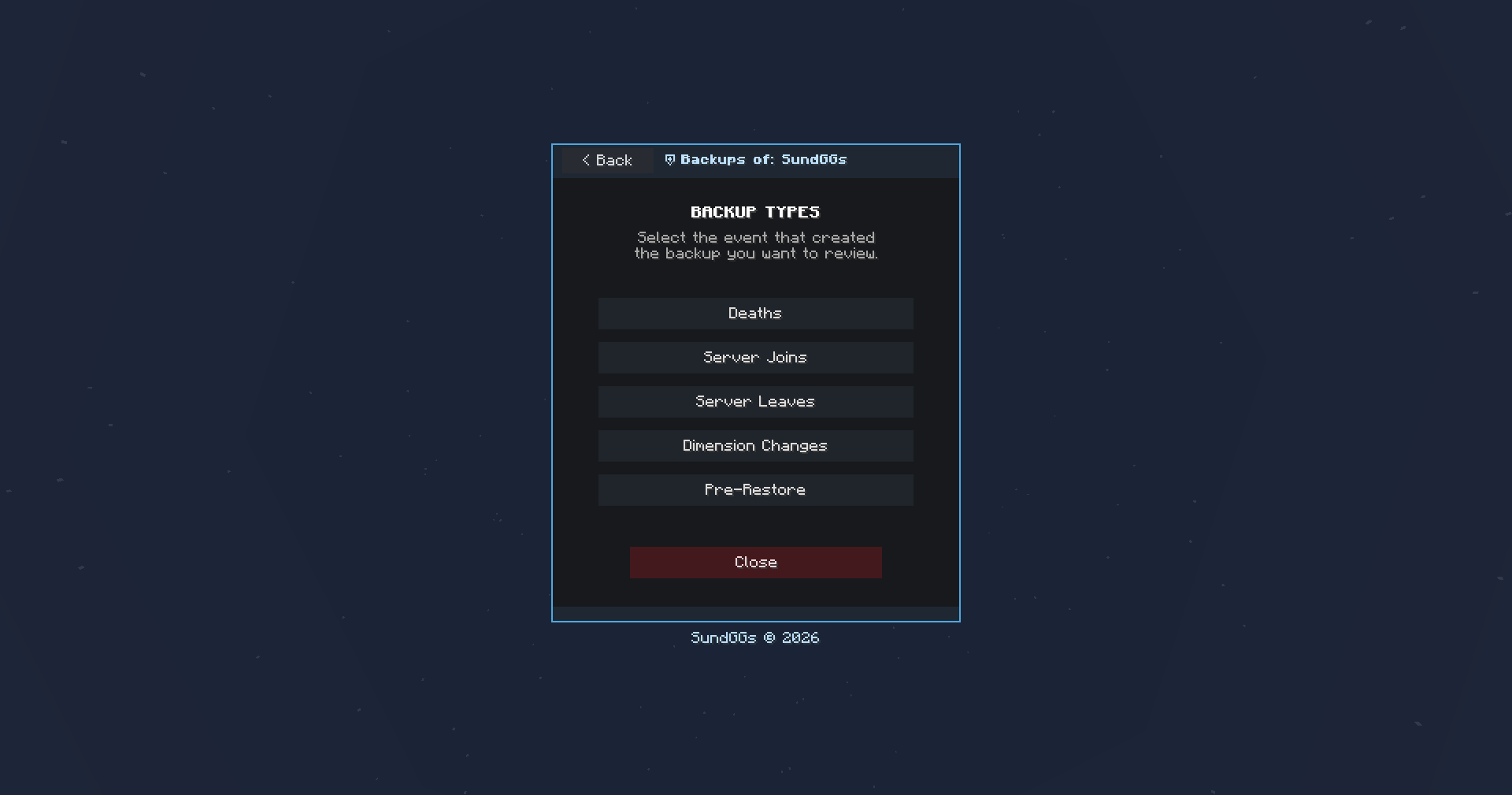
Browse backups by event type, including deaths, server joins or leaves, dimension changes, and pre-restore snapshots.
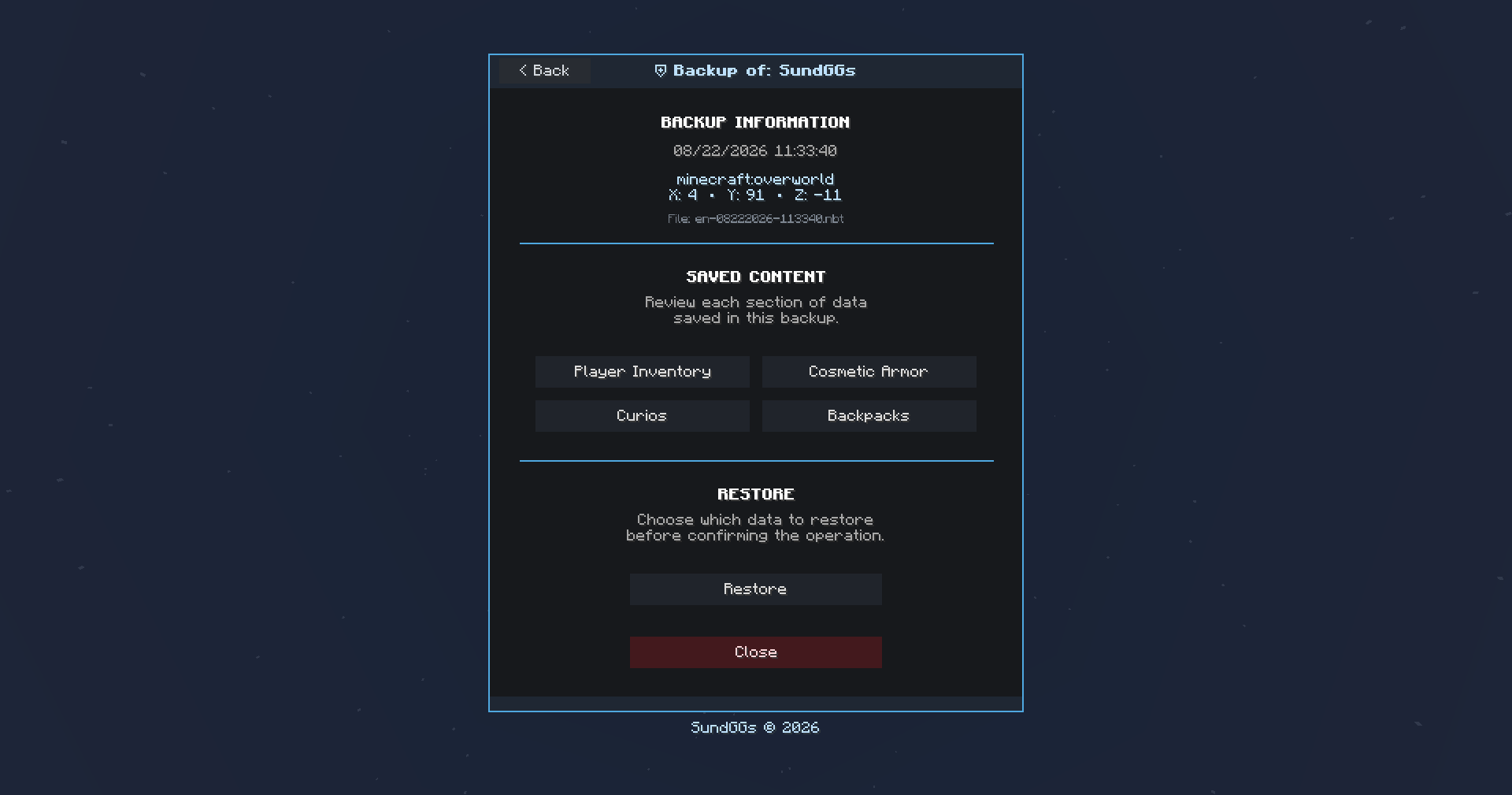
View detailed backup information, including the world, coordinates, date, and time. You can also restore the backup directly to the player or inspect each saved inventory individually.