


Inventive Inventory

Sort your inventory with R (default key). You can configure the sorting criteria in the config screen.
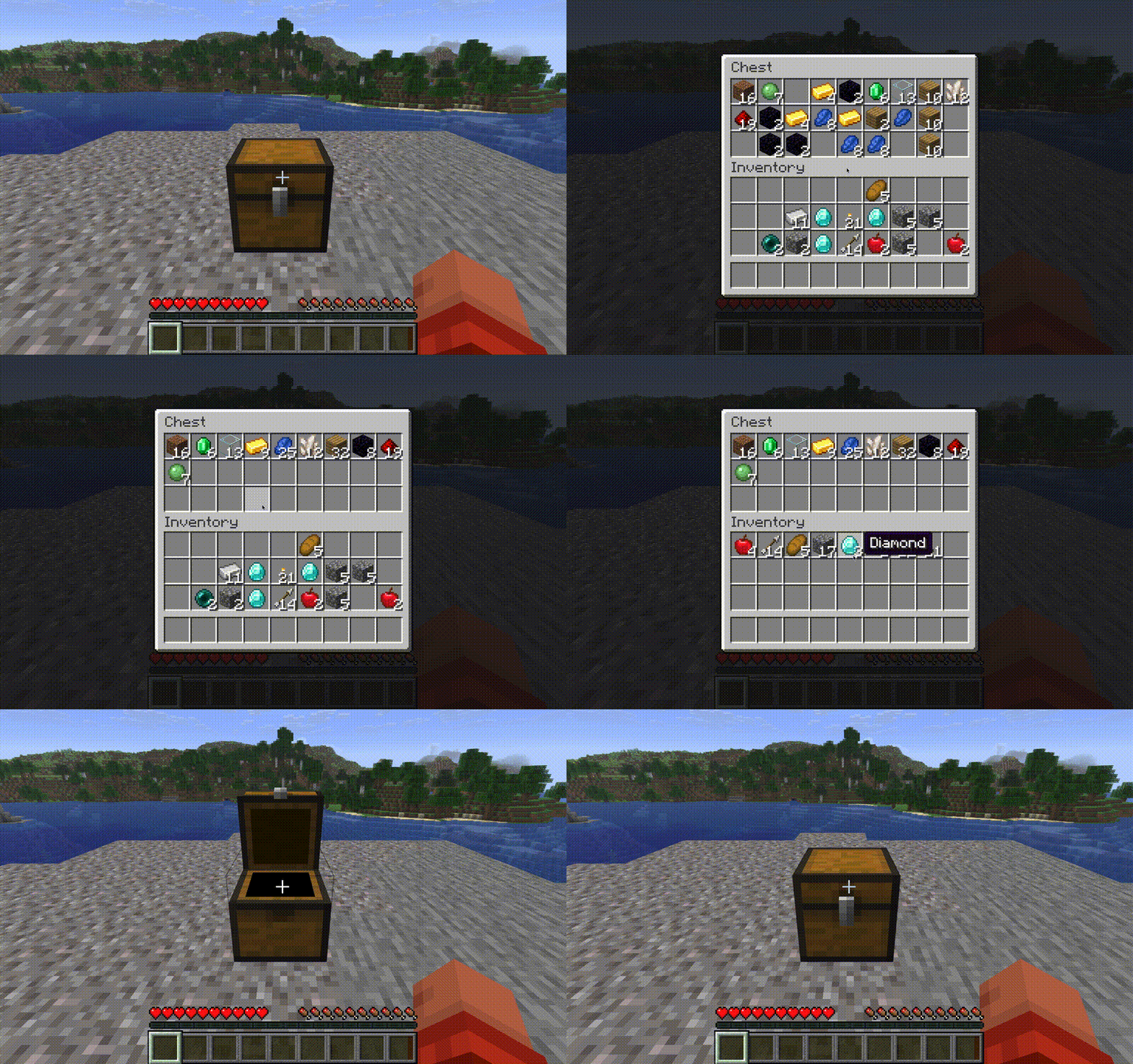
You can sort any container by just pressing R. If you hover over your own inventory in such a screen, you will sort your inventory though.

Locked Slots are skipped when sorting. Use that to keep items in their place in the inventory or to keep slots free.

You can create profiles using the Profiles Screen (Default Key: V) which will save your current hotbar state. To load just select the profile in the profiles screen.

You can create Profiles using our own command. You can also load or delete via command.

The small number in the hotbar slots indicates how many items of that type you have left in your inventory (excluding hotbar)
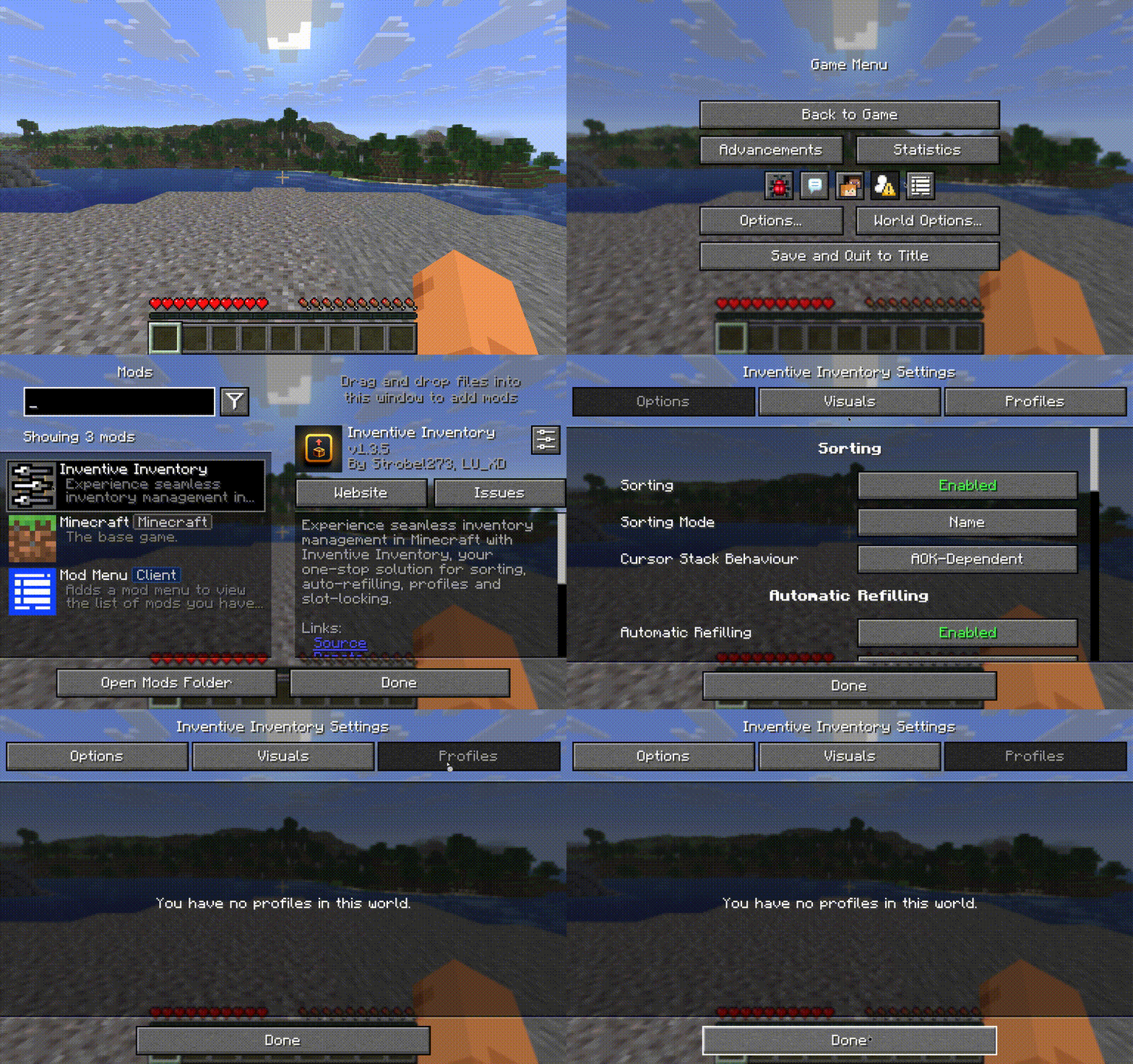
You can reach our config screen via the mod menu mod.
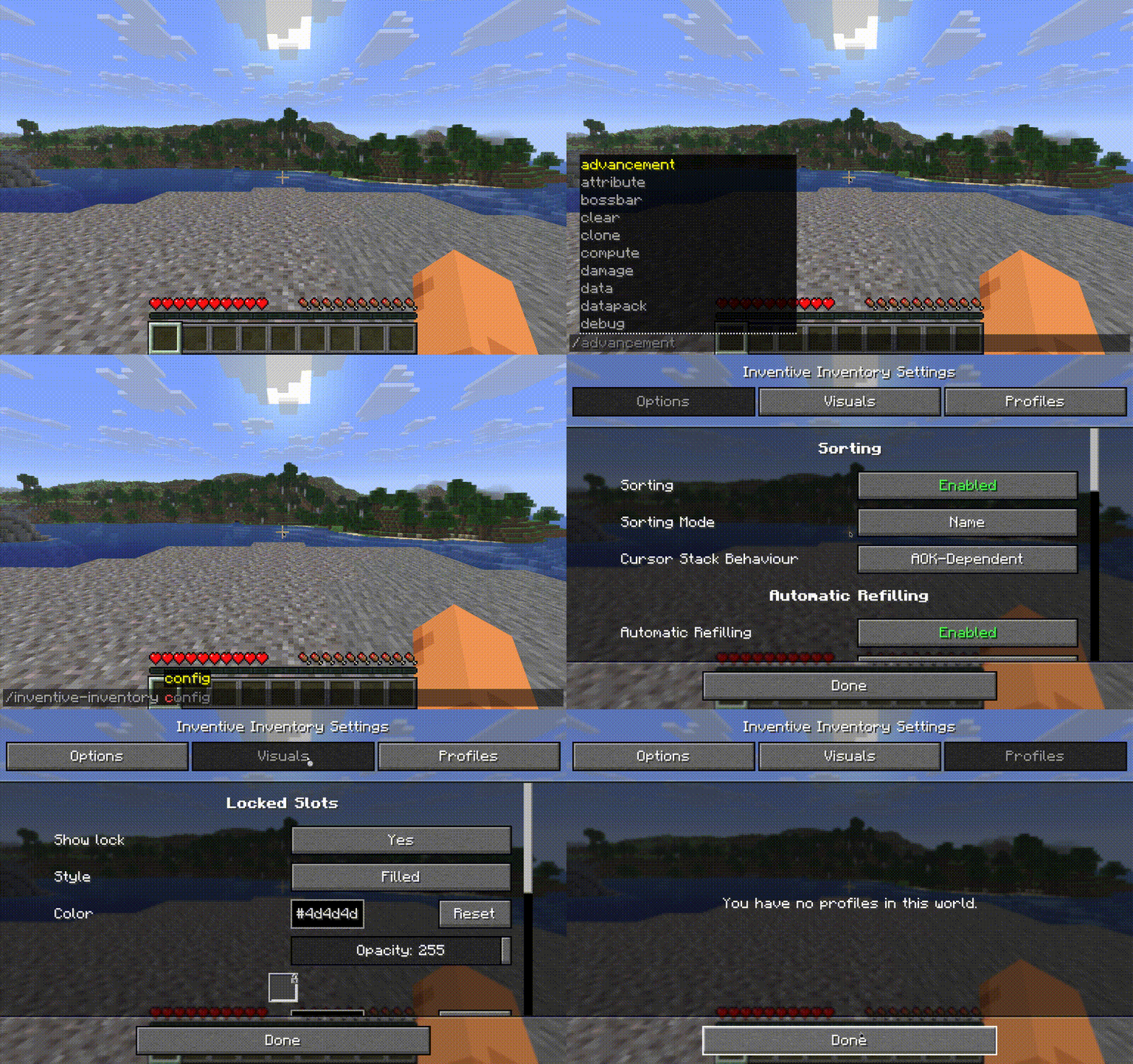
You can access our config screen via our own command.