
Interactive Safe
- By

Curse Maven Snippet
What's new
The Tall Safe Update
1.1.0 — The Tall Safe Update
Added the Tall Safe, a two-block-high safe with a working keypad, first-person animations, and three shelves for displaying your items.
Unlocking the Tall Safe
Right-click the safe with an empty hand, then click the numbers on the keypad. The first four-digit code you confirm becomes the safe’s PIN. Enter the correct PIN to open the door with a first-person animation.
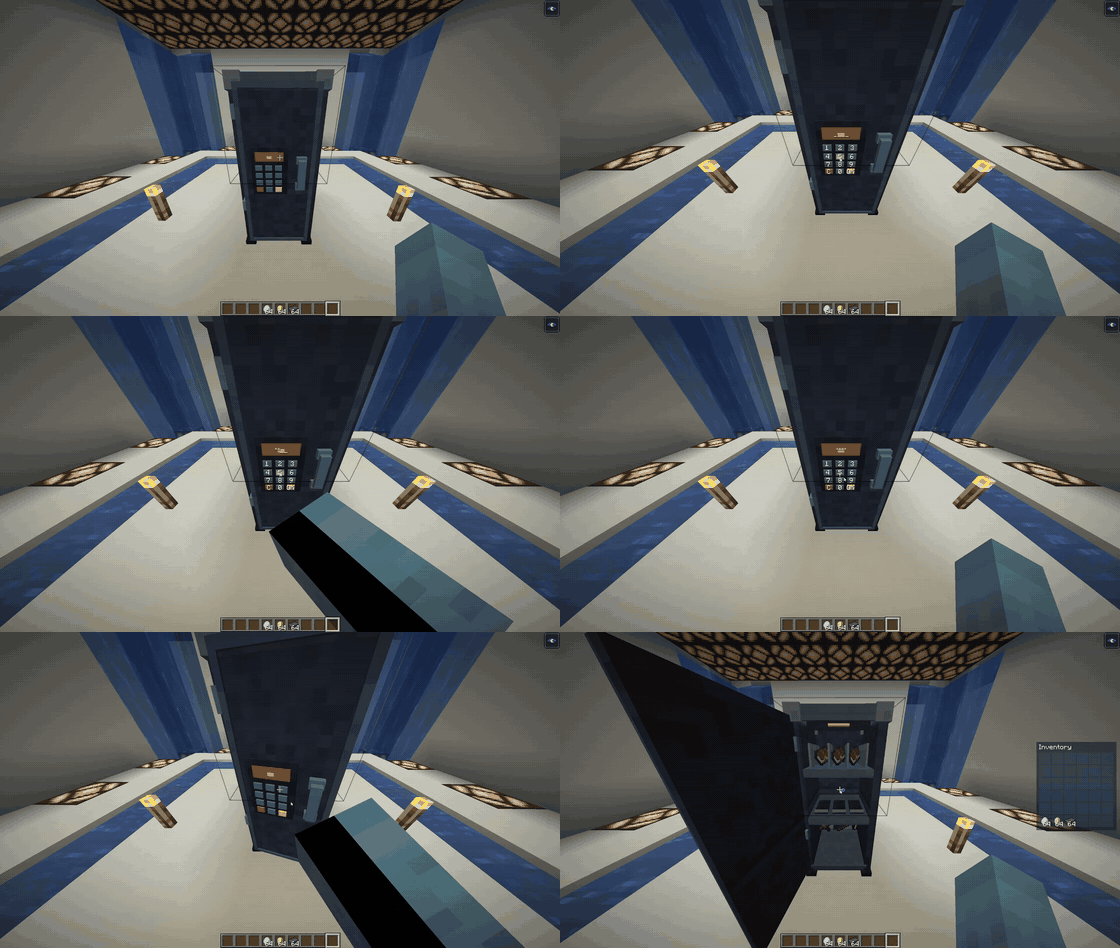
Storing and Displaying Items
Drag items from the transparent inventory panel into dedicated slots: tools and weapons on the bottom, minerals and gems in the middle, and books on top. Stacks of gems and minerals display multiple pieces, so the trays look fuller as you add more.
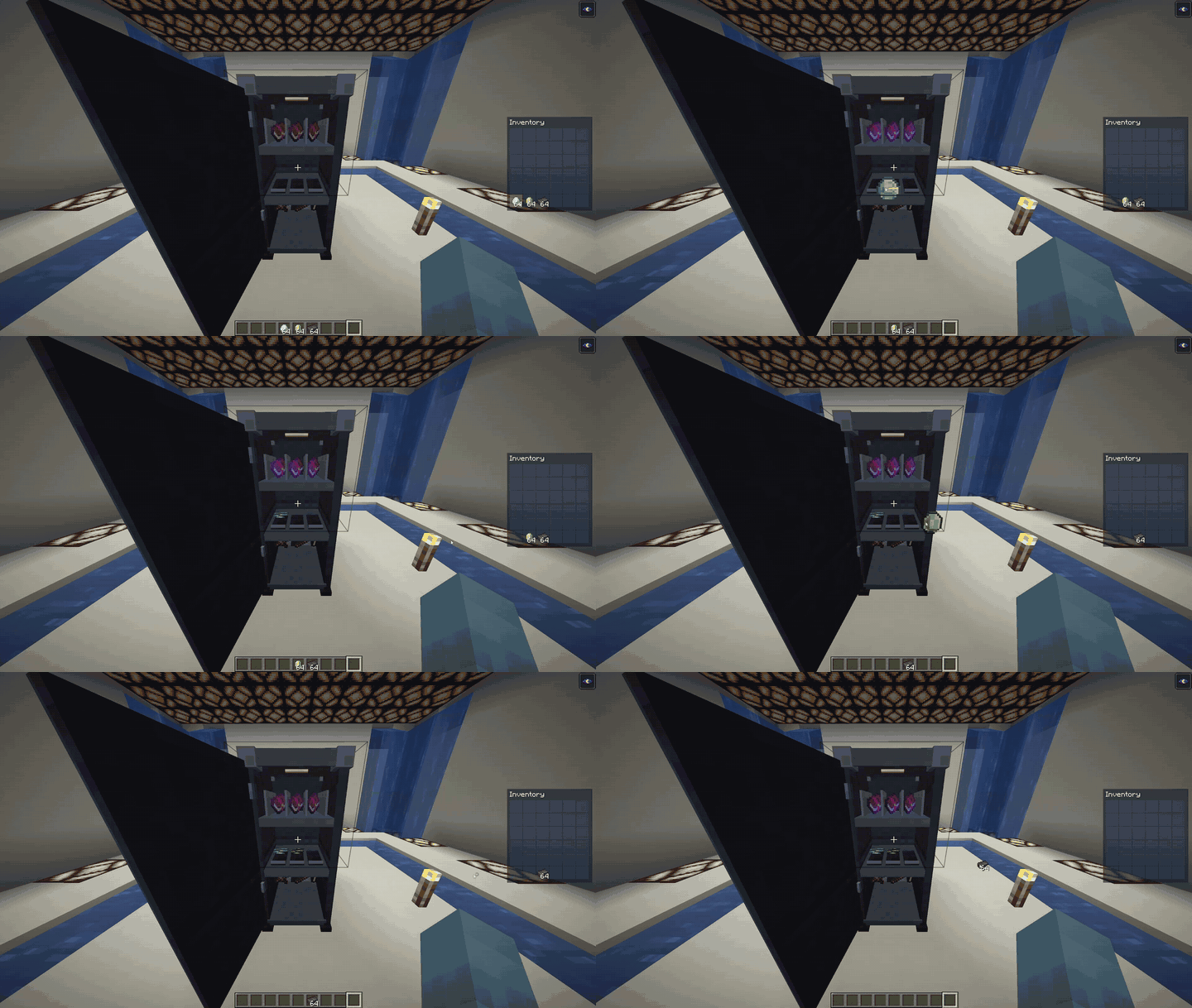
Closing the Tall Safe
Click the open door to close it. Your character grabs the handle and pulls the door shut in first person.
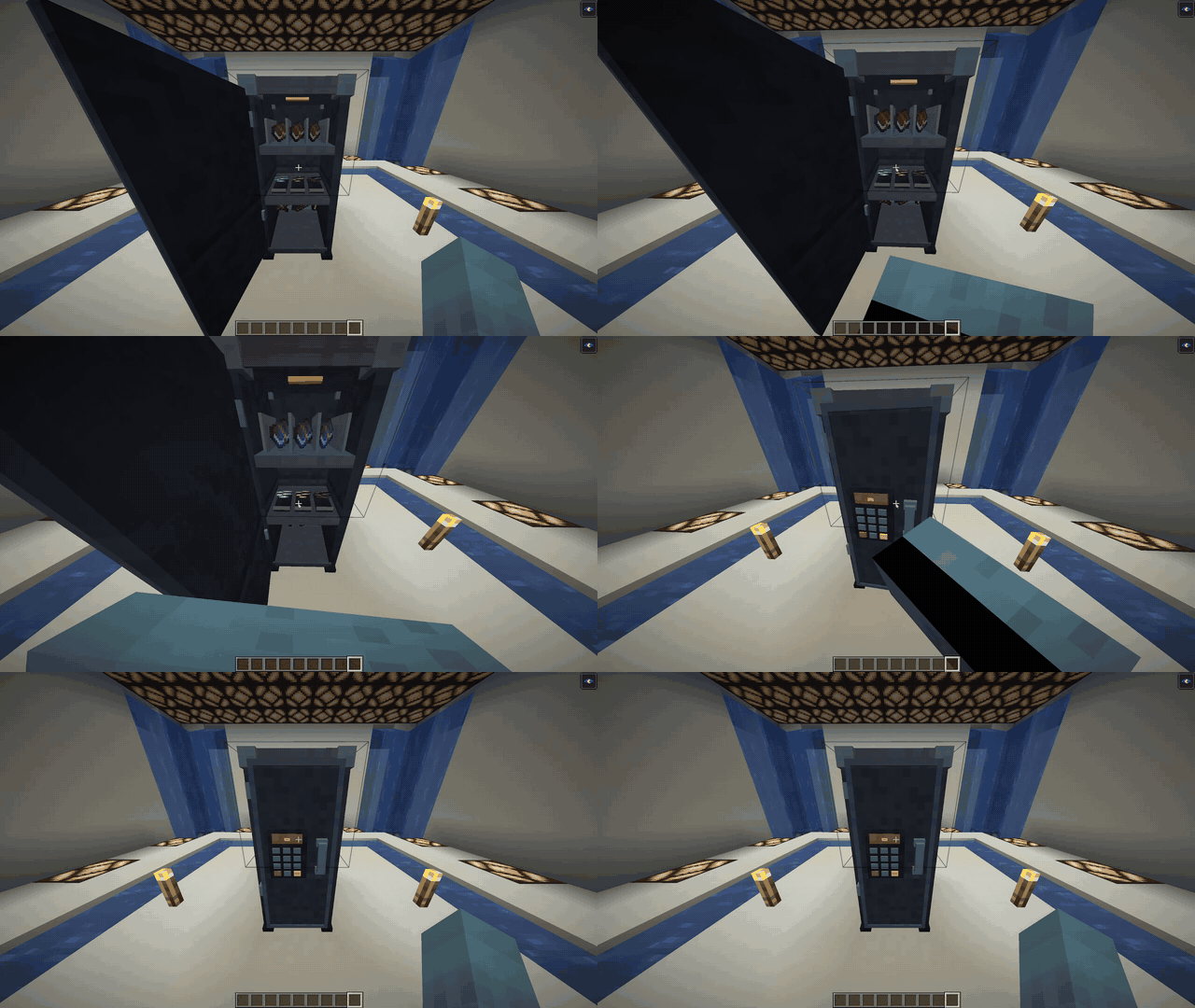
Compatibility
Minecraft Java Edition 1.21.1 · Fabric Loader · Fabric API
All Relations
- All Relations
- Embedded Library
- Optional Dependency
- Required Dependency
- Tool
- Incompatible
- Include
This mod has no related projects