Integrated Nuclear Tech Wiki
- By
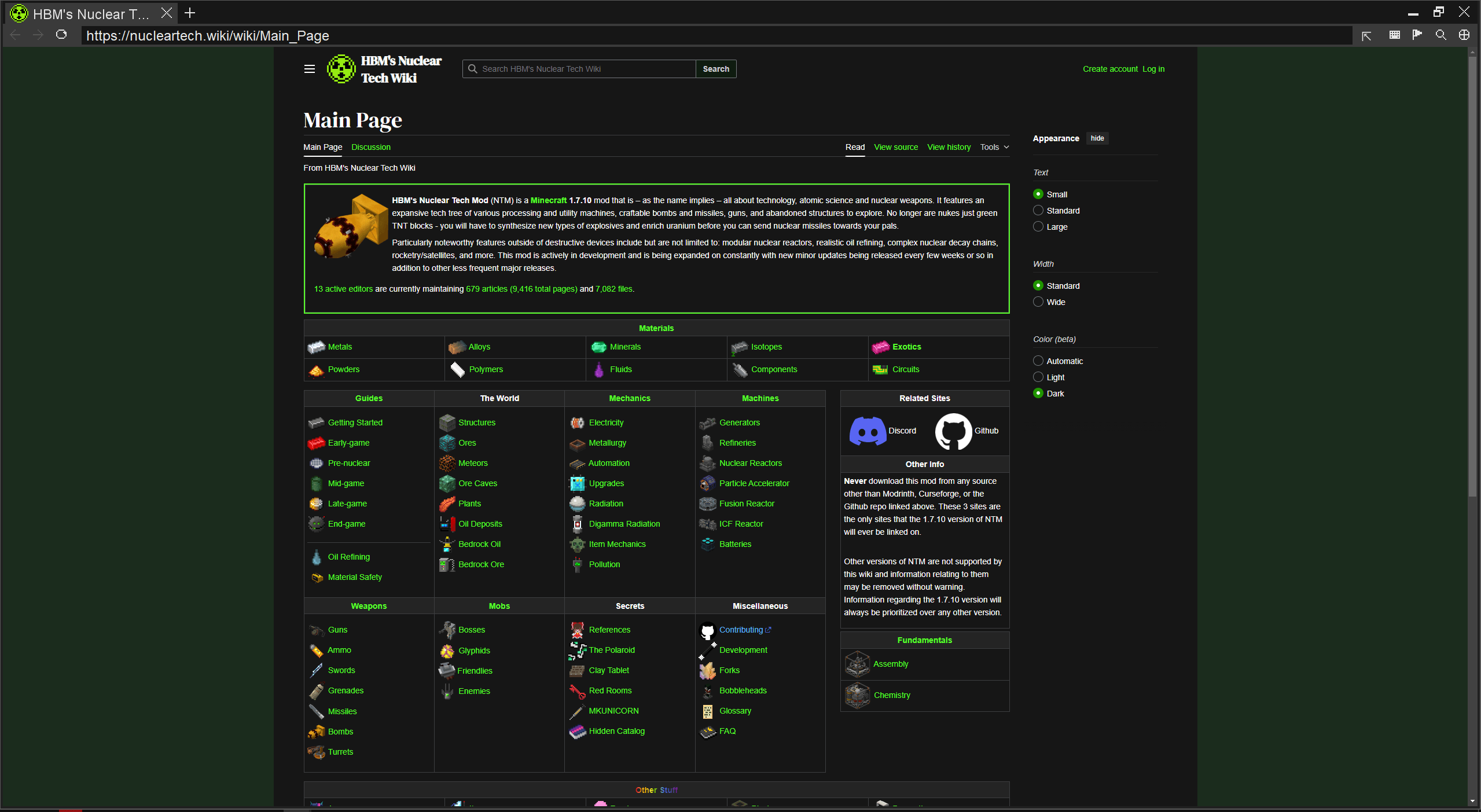
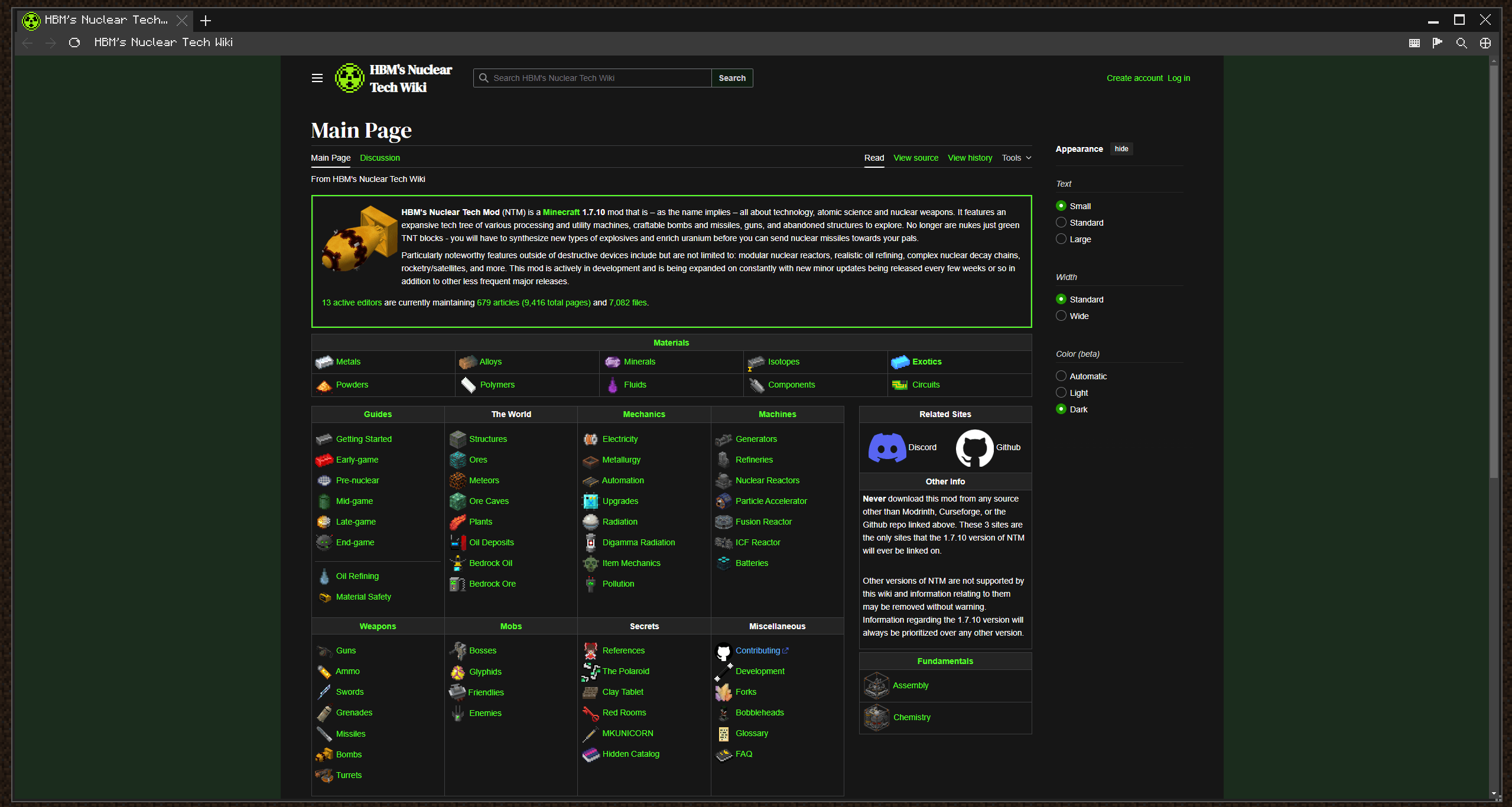
Nuclear Tech's official wiki in game as a real browser with look-up keybinds for Items, blocks, entities, liquids, and JEI
Description
Integrated Nuclear Tech Wiki
What?
A real browser inside Minecraft (locked to nucleartech.wiki domain) with keybinds to directly search HBM's objects, for example: hovered inventory slots; JEI ingredients (Items and Fluids); Blocks; Entities; Liquids. all may be searched.
F9 opens the browser at Nuclear Tech wiki's main page where you can browse normally. F10 opens it as a desktop window straight away, where you left it. Alt+K (or the [Keys] button in the browser) lists every control.
How?
Point at an NTM block, machine, fluid, entity, or hover an item in your inventory or JEI, and press H to open its wiki article in-game.
In detail:
- NTM only. Press H over an NTM item in any inventory or JEI list, or on a block or entity in the world. Ctrl+H targets fluids. Alt+H reaches farther, and Ctrl+Alt+H does the same for fluids. Reach distances are configurable. If the exact article isn’t found, you land on the wiki’s search results instead.
- Chromium based browser. tabs that can be dragged, pinned, duplicated and reopened (Ctrl+Shift+T), back/forward, find in page, per-tab zoom, text selection and copy/paste to your system clipboard, and right-click menus for tabs and pages.
- Chrome-style controls. Familiar shortcuts such as Ctrl+T/W/L/F/R and Ctrl+1–8, mouse back/forward buttons, middle-click autoscroll, and a URL bar that stays hidden until its hovered (or Alt+U).
- Wiki-only. Navigation, redirects and page resources are limited to nucleartech.wiki. Links to other sites open in your own browser, never inside the game.
- Personalized layout. Minimize without losing tabs, maximize, move, resize and scale the browser shell in the config.
- Game controller (NeoForge 26.2, experimental). With a browser window open, a PlayStation, Xbox or Nintendo Switch 2 controller (or any gamepad the system reports) moves the pointer with the left stick, scrolls with the right stick and clicks with the bottom face button. Mouse and keyboard keep working.
Modpack Usage?
Feel free to add it to your modpack without worries.
Disclaimer
A 26.2 port for MCEF library is packaged with the mod, by LGPL, you can find the source code and differences of the modified library at GitHub. A fork of JCEF is also bundled as MCEF also does. Check out the bundled THIRD_PARTY_NOTICES.md file for more information.
Integrated Nuclear Tech Wiki Team