

Instant Borderless
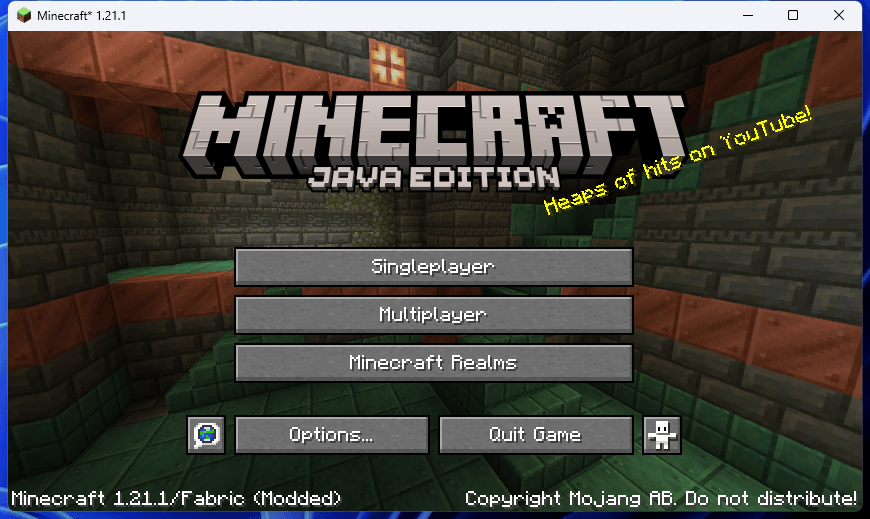
1-windowed.png
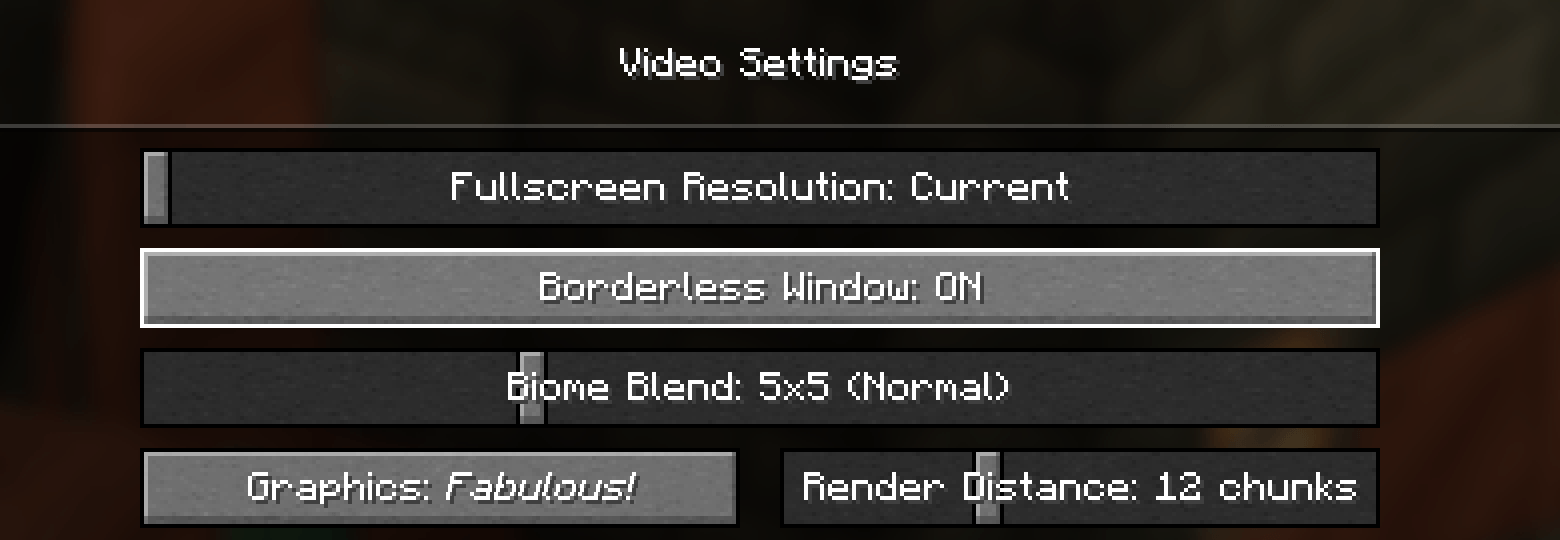
2-setting.png
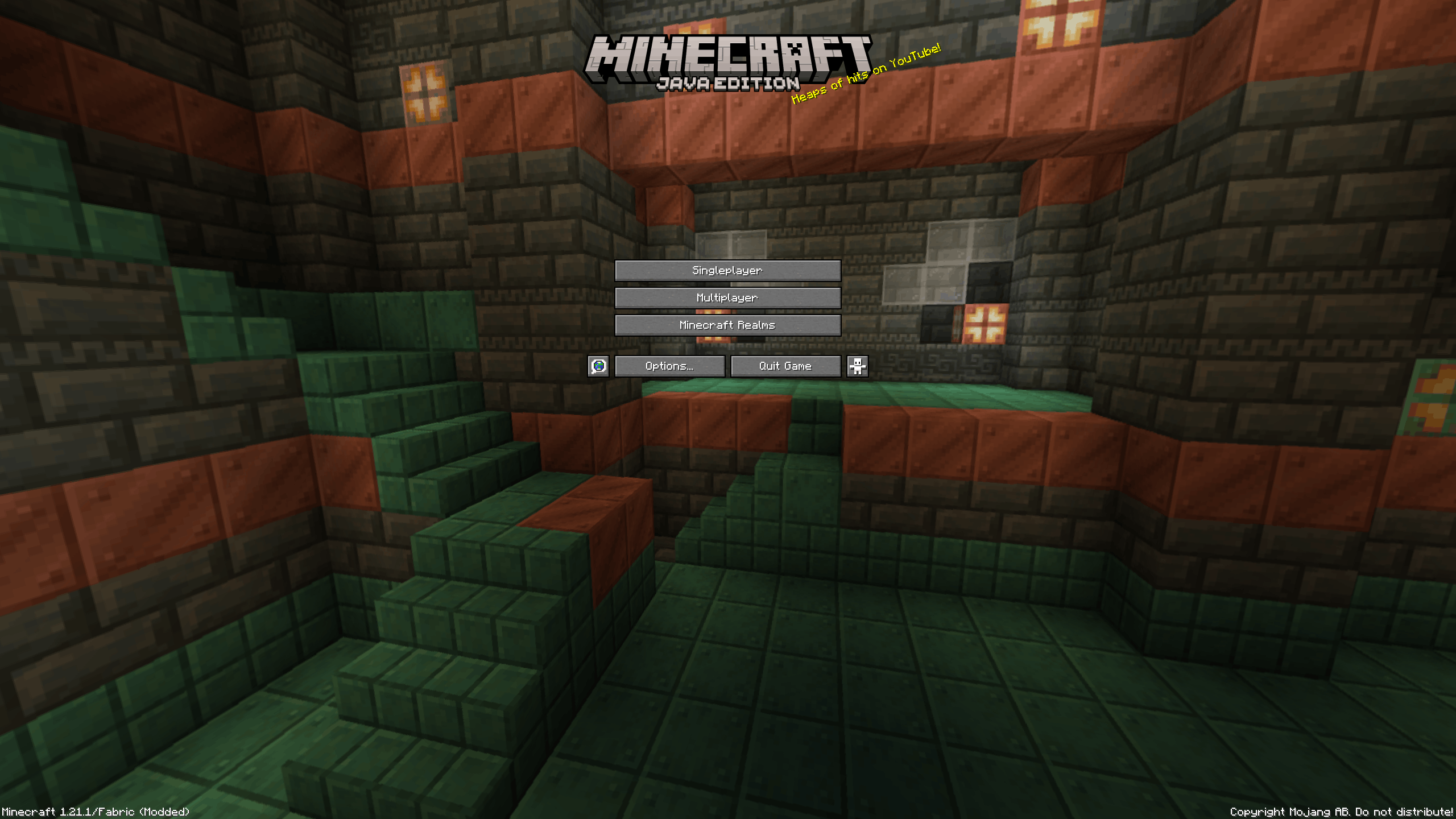
3-borderless.png
Description
Instant Borderless
Adds a borderless fullscreen mode that fills your monitor without a title bar or window frame, so alt-tabbing stays instant.
What it does
Turning the mode on does two things at once: the game window drops its title bar and system frame, and it is moved and resized to cover its monitor exactly.
What it deliberately does not do is take the monitor over. The window stays an ordinary window — the game never switches the display into an exclusive fullscreen mode. That is the whole point:
- switching to another window is instant, with no mode change and no black flicker;
- the game keeps rendering normally while you are away from it;
- on a multi-monitor setup it fills the monitor the window is on, or one you name in the config.
By default F11 switches borderless mode rather than the vanilla exclusive fullscreen. Exclusive fullscreen is still one click away in Video Settings, and if you leave it the window goes straight back to borderless instead of getting its frame back.
How to use it
The mode is off by default — the game keeps its ordinary window until you turn it on.
- Video Settings → Borderless Window, right under Fullscreen Resolution.
- F11, which the game handles itself, so unlike a key mapping it also works in menus and on the title screen —
useful when an undecorated window leaves you nothing to drag. Set
overrideFullscreenKeytofalseto hand F11 back to vanilla.
Turning the mode off restores the exact window size and position it had before.
Sodium
Sodium replaces the vanilla Video Settings screen with its own, so the vanilla row is not reachable there. With Sodium 0.8 or newer the same toggle is registered into Sodium's settings screen through its official config API and appears under an Instant Borderless section.
On the older Sodium 0.6.x line there is no config API at all, so the mode is reachable only through the keybind and the config file. Everything else works the same.
Configuration
config/borderlesswindows.json, created on first launch:
| Key | Default | Meaning |
|---|---|---|
enabled |
false |
whether borderless mode is on |
enforceEveryTick |
true |
re-asserts the window state once per tick, which guards against window managers that hand the frame back after monitor or DPI changes |
overrideFullscreenKey |
true |
F11 toggles borderless mode instead of the vanilla exclusive fullscreen; set to false to give the key back to vanilla |
monitor |
-1 |
which monitor to fill: -1 picks the one the window is on, 0, 1, … select one explicitly |
Requirements
Minecraft 1.21.1, client side only — the mod does nothing on a server and does not need to be installed there.
| Loader | Required alongside |
|---|---|
| Fabric | Architectury API, Fabric Language Kotlin |
| NeoForge | Architectury API |
The Kotlin runtime is bundled into the NeoForge build, so Kotlin For Forge is not needed.
Translations
English, Russian, German, Spanish, French, Italian, Polish, Portuguese (Brazil), Turkish, Japanese, Korean, Chinese (Simplified), Chinese (Traditional).
The Instant Borderless Team
