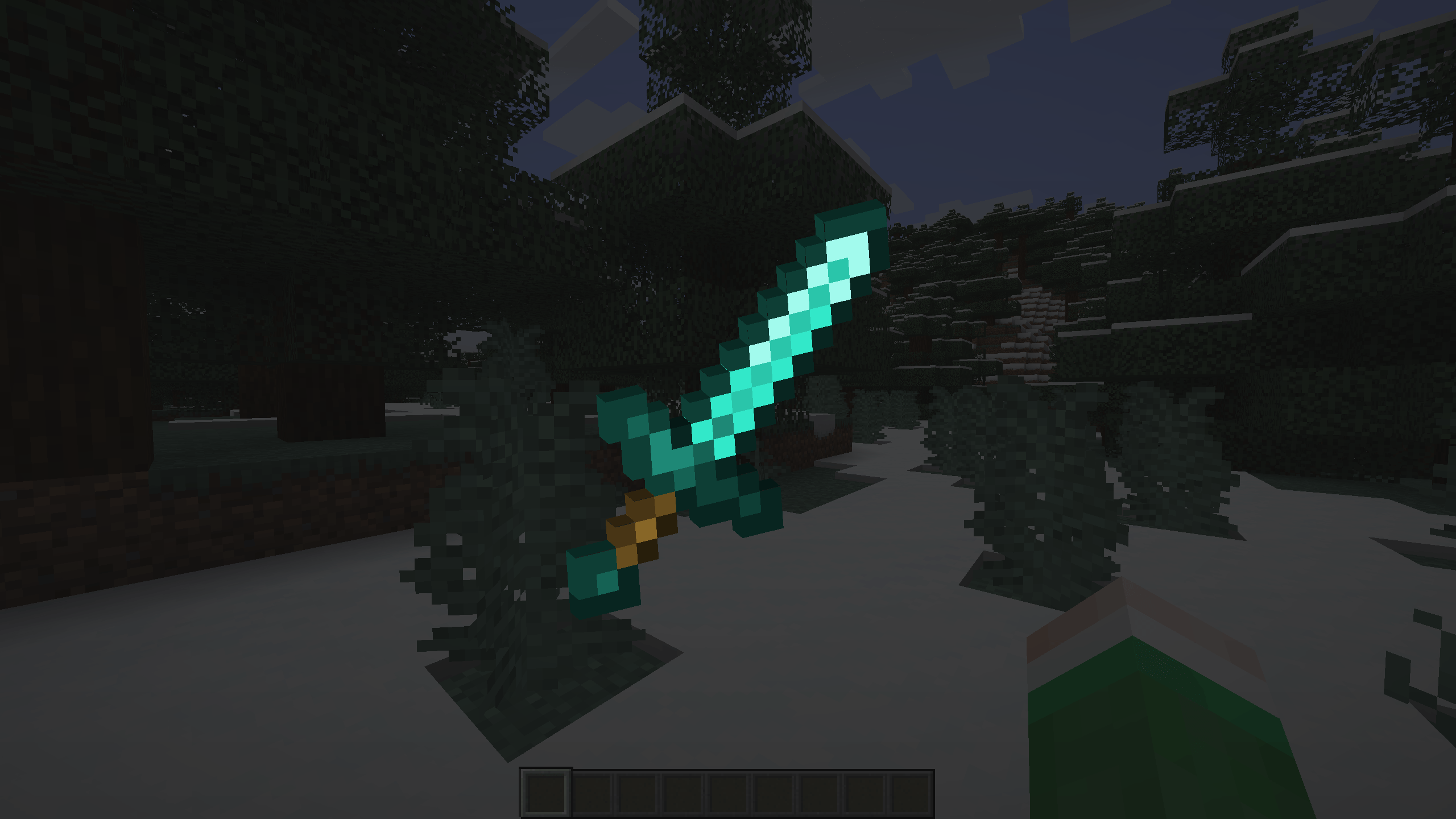
2025-10-09_14.50.14.png
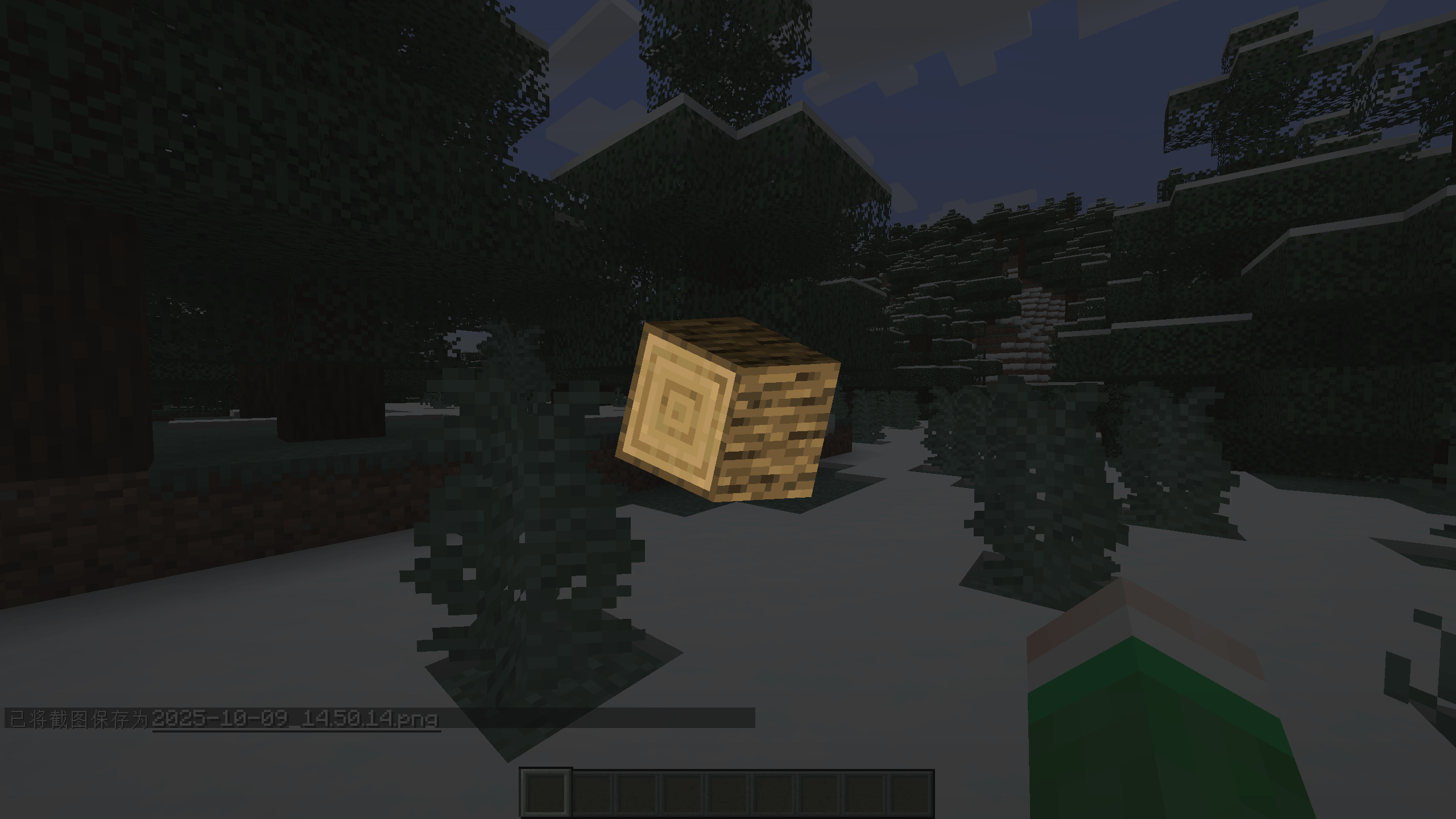
2025-10-09_14.50.29.png
Description
Players can freely inspect item models within the game. You can view every detail of the item model in detail through the in-game inspection interface.
Usage
Point the mouse to the corresponding item in the inventory and press the "Open Inspect Screen" key (default as X) to open the inspection screen.
The inspection screen will display the model of the item, which can be rotated by left clicking and dragging, and zoomed in by scrolling.
Inspect Team