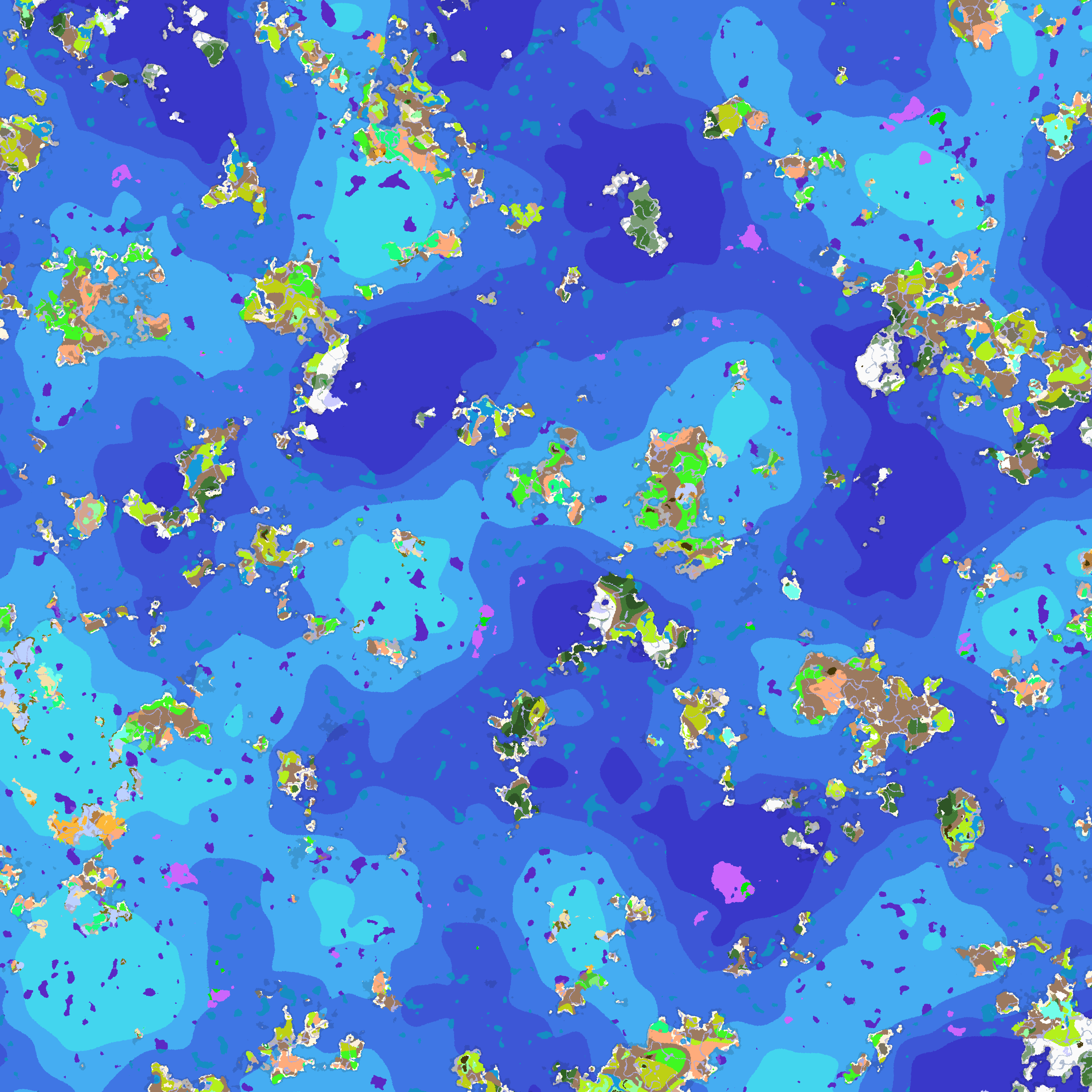
https://www.curseforge.com/minecraft/mc-mods/ocean-world There is actually endless ocean.
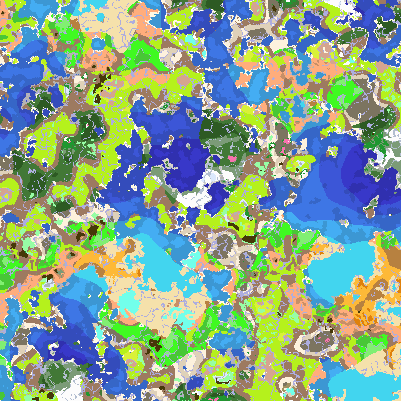
A biome map for seed 164311266871034.
Description
Abstract
Maybe you tried biome finder to find how biomes is generated. But after installing a lot of mods, do you know how the world changed?
Let's try this mod!
Commands
Exporting Biome Map
You can export the biome map in-game by using this command:
/exportbiomemap radius scale [structure [player]]
<radius> - the radius of the exported map.
<scale> - the scale of the map.
<structure> - if true, export structures in the map; if false, only export biome.
<player> - the player who stands at the center of the exported map. If absent, export from the spawn point. And after the exporting, this player will receive the successful information.
For example, <player> stands at (1000, 64, -2000). And <scale>=4 means one pixel of the exported map stands for a 4 times 4 area in your world. If <radius> = 4000 at the same time, the exported map will be 2001 times 2001 pixels, which indicates the biomes from (-3000, 64, -6000) to (5000. 64. 2000).
Exporting Resources
Do you want to know the best y coordinate for mining ore blocks? Try this command.
You can export the resources in-game by using this command:
/exportresource block [chunk [minHeightInclusive maxHeightExclusive [multiProcessor]]]
<block> - the resource block to export.
<chunk> - how many chunks will be sampled, the larger, the better but slower. default 1024.
<minHeightInclusive> and <maxHeightExclusive> - the min y and max y. default -63 and 64.
<multiProcessor> - how many threads will run together, each threads will sample <chunk> chunks. default 1.
Config
You can edit config file to define color rgba for biomes added by other mods, which is located at 'config/IBMConfig.json'.
Misc
New feature! You can export structures after v3.0.0 in your biome map. See gallery for more information.
New feature! You can export resources data (like JER in 1.12.2).
Ingame Biome Map Exporter Team

Owner