

Immersive Cinematics
- By
Description
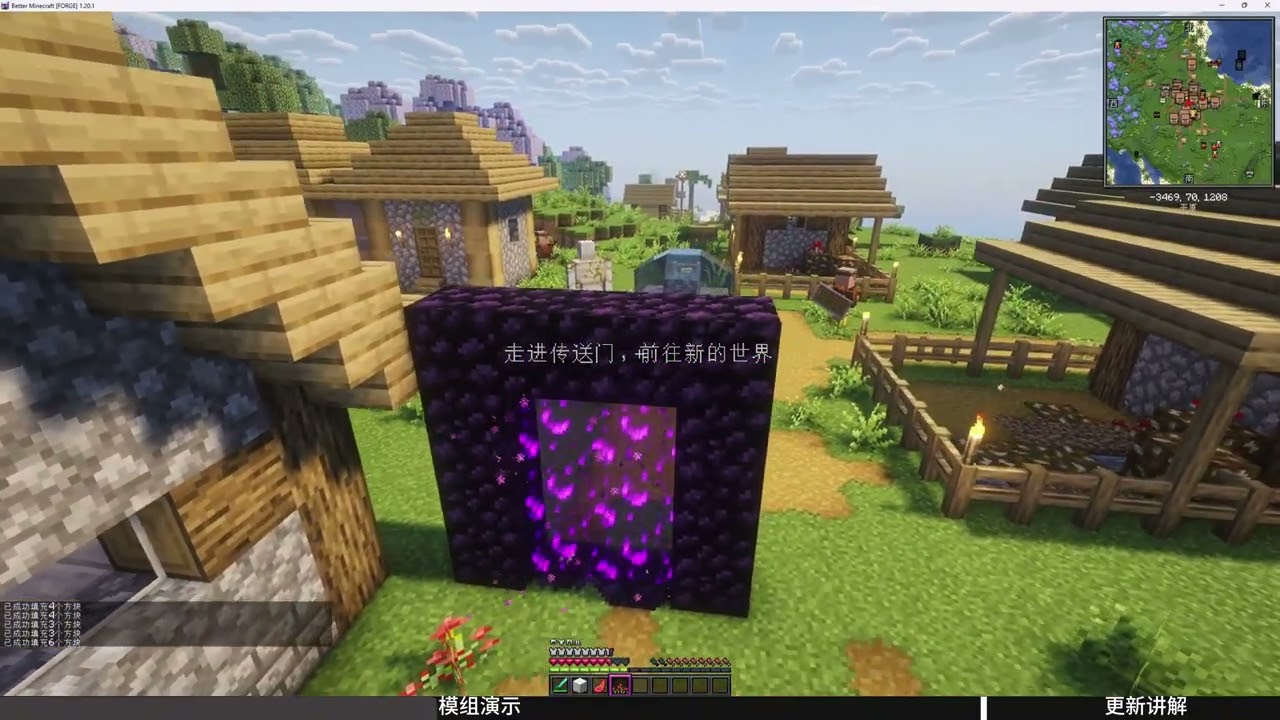
Immersive Cinematics is a Minecraft 1.20.1 mod that adds scriptable cutscenes to modpacks. A server-side trigger system coordinates with client-side playback: script authors define cutscenes in JSON or through the in-game editor, and the trigger system plays them automatically when conditions are met. No command blocks, no redstone.
Features
Cutscene System
- 6-DOF camera: position, yaw, pitch, roll, FOV and zoom
- Keyframe animation with Bézier curve paths for smooth camera movement
- Relative/absolute positioning, looping, infinite duration, camera follow and look-at tracking (entity, coordinate, or structure center)
- Multi-track timeline: Camera, Letterbox, Audio, Event, Mod Event, Overlay (fade / image / subtitle / picture-in-picture)
- Widescreen letterbox bars with keyframe-driven aspect ratio animation
- Morph transitions between shots (crossfade model)
- Camera breath disturbance: optional randomized handheld-camera jitter
- Audio tracks: OGG/WAV playback with keyframed volume and spatial position, fade in/out, looping
- Structure targeting: automatically locates the geometric center of structures for camera targets and relative origins
Trigger System (Server-Side)
23 trigger types — scripts fire automatically when conditions are met:
login · location (point+radius / cuboid area) · advancement · biome · entity_kill (with dimension / biome / position conditions) · entity_interact · block_interact · item_on_interact (item + target + target type, bare-hand supported) · dimension_change · dimension_residency · item_craft · item_use · item_consume · item_release · item_instant_use · item_use_interrupt · item_pickup · item_drop · xp (level / total) · observation (server-side raycast, block / entity) · inventory · structure · gamestage
- OR/AND logic and wildcard matching
- Repeatable or single-fire, with configurable delay and on_enter/exit_buffer
- Per-player trigger state persistence, synced to the client
Runtime Control
- 18 behavior flags: skippable, interruptible, hold-at-end, keyboard/mouse/mob-AI blocking, 7 independent HUD toggles, arm hiding, view-bob suppression, player model rendering, pause-when-paused
- Playback queue (capacity 8, priority-ordered): un-interruptible scripts queue incoming requests; interruptible scripts are replaced immediately
- Multiplayer: per-player script tracking and completion sync
- Skip key (default C, configurable in Controls)
In-Game Editor
Press F6 in-game (configurable) to open the built-in timeline editor:
- Multi-track timeline with keyframe editing, playhead, and zoom-to-cursor scaling
- Box selection, drag-snapping, clipboard (copy/paste across tracks), 50-step undo/redo
- Camera orbit gizmo for direct 3D camera placement
- Dedicated condition editors for all 23 trigger types
- Live FBO-based preview viewport — scripts play as you edit
- Per-session track show/hide, lock, and mute
Commands
| Command | Description |
|---|---|
/icinematics play <file> [players] |
Play a cinematic script (defaults to all players, supports @a/@p selectors) |
/icinematics stop [players] |
Stop current playback |
/icinematics status |
Show playback status |
/icinematics reload |
Sync global scripts to the world save and reload triggers |
/icinematics validate <file> |
Static-validate a script file |
Quick Start
- Install Minecraft Forge 1.20.1 (47.x+) or Fabric 1.20.1 (0.14.0+)
- Drop the jar into
.minecraft/mods/ - Launch the game, press F6 to open the editor, or write a JSON script in
immersive_cinematics/scripts/
Script format: v3. Full format documentation, trigger reference, and an AI scripting guide are available in the GitHub repository's docs/ directory.
Compatibility
- Minecraft 1.20.1 · Forge 47.x+ · Fabric 0.14.0+ · Architectury multi-loader
- Shader-friendly: no OpenGL pipeline intrusion
- Pause-aware: scripts freeze when the game is paused
- View-bobbing suppression (hurt shake, walk bob, nausea)
- Script format v3 · MIT License
Version History
- 0.3.4 (current): audio tracks, overlay system, event refactor, camera tracking and breath disturbance; letterbox keyframes; 23 trigger types; playback queue; editor updates
- 0.3.0: complete rewrite — multi-track architecture, trigger system, runtime control, in-game editor
- 0.2.0 and earlier: legacy entity-based camera implementation, replaced by the 0.3.0 rewrite
The Immersive Cinematics Team
