


Illegal Placement
- By
01-cover.png
02-mid-air.png
04-block-panel.png
07-entity-panel.png
08-build-settings.png
Description
Illegal Placement
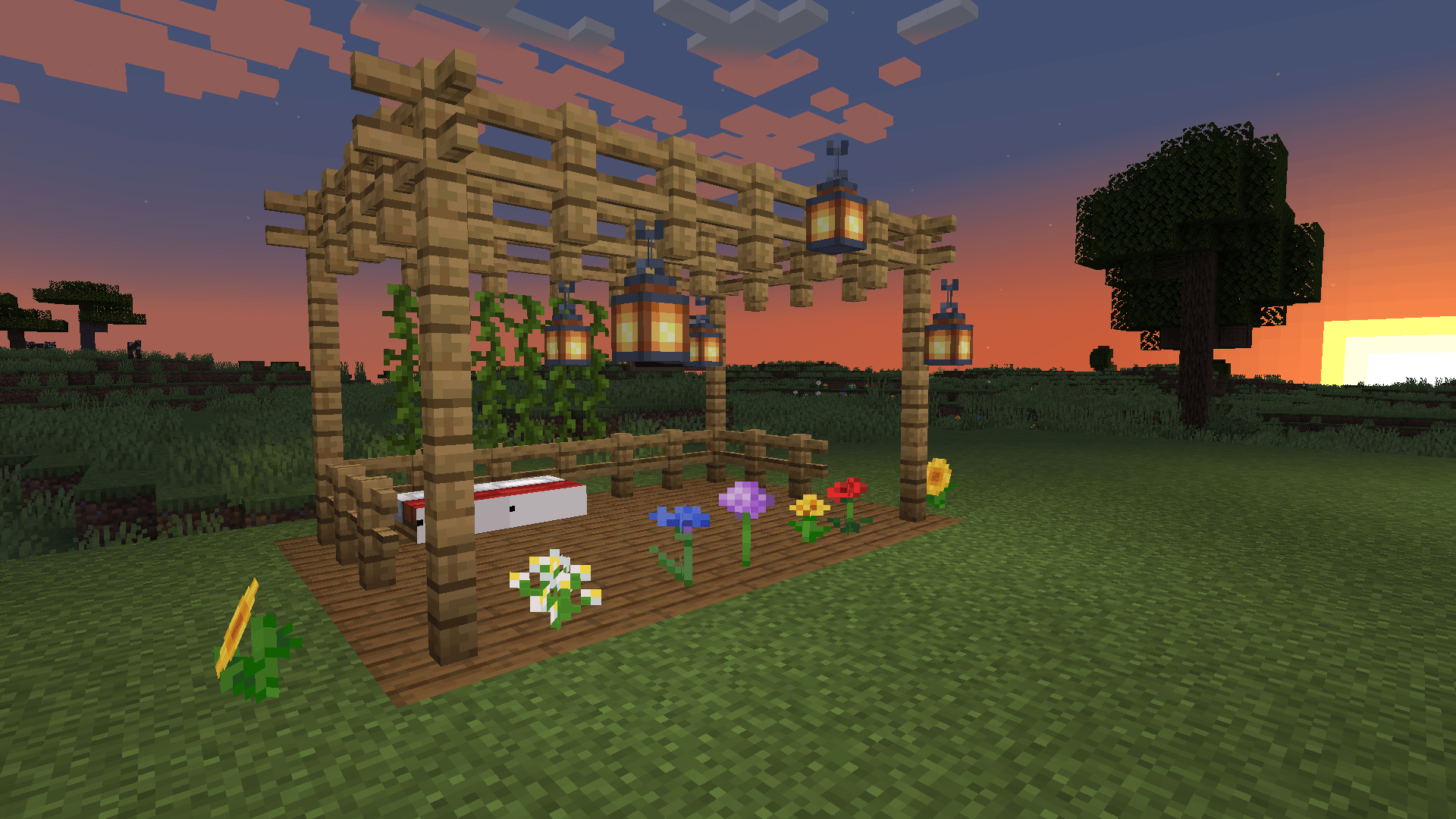
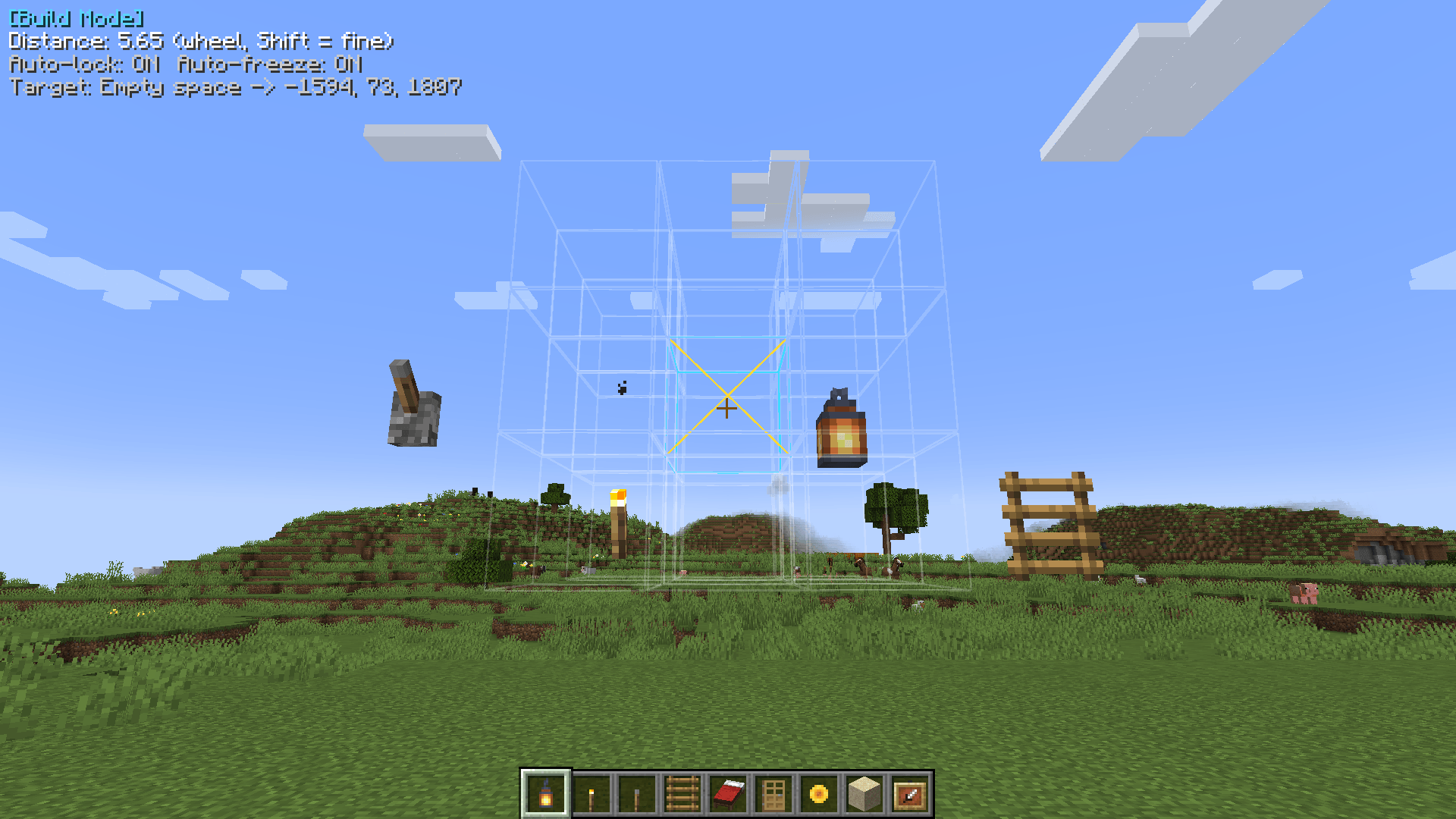
Place blocks in states vanilla won't let you — a lever in mid-air, half a bed, a fence that connects to nothing — and keep them that way. No commands needed: press B, aim, click.
The server needs the mod. In singleplayer the client is enough. Fabric builds need Fabric API (any version for your Minecraft version).
Build mode
| Key | Action |
|---|---|
B |
Toggle build mode |
| Right click | Place the held block without validity checks |
| Left click | Remove the block, no neighbor updates, no drops |
| Mouse wheel | Move the target nearer / farther, also through air (Shift = fine steps) |
| Middle click | Pick the block with its exact state (creative) |
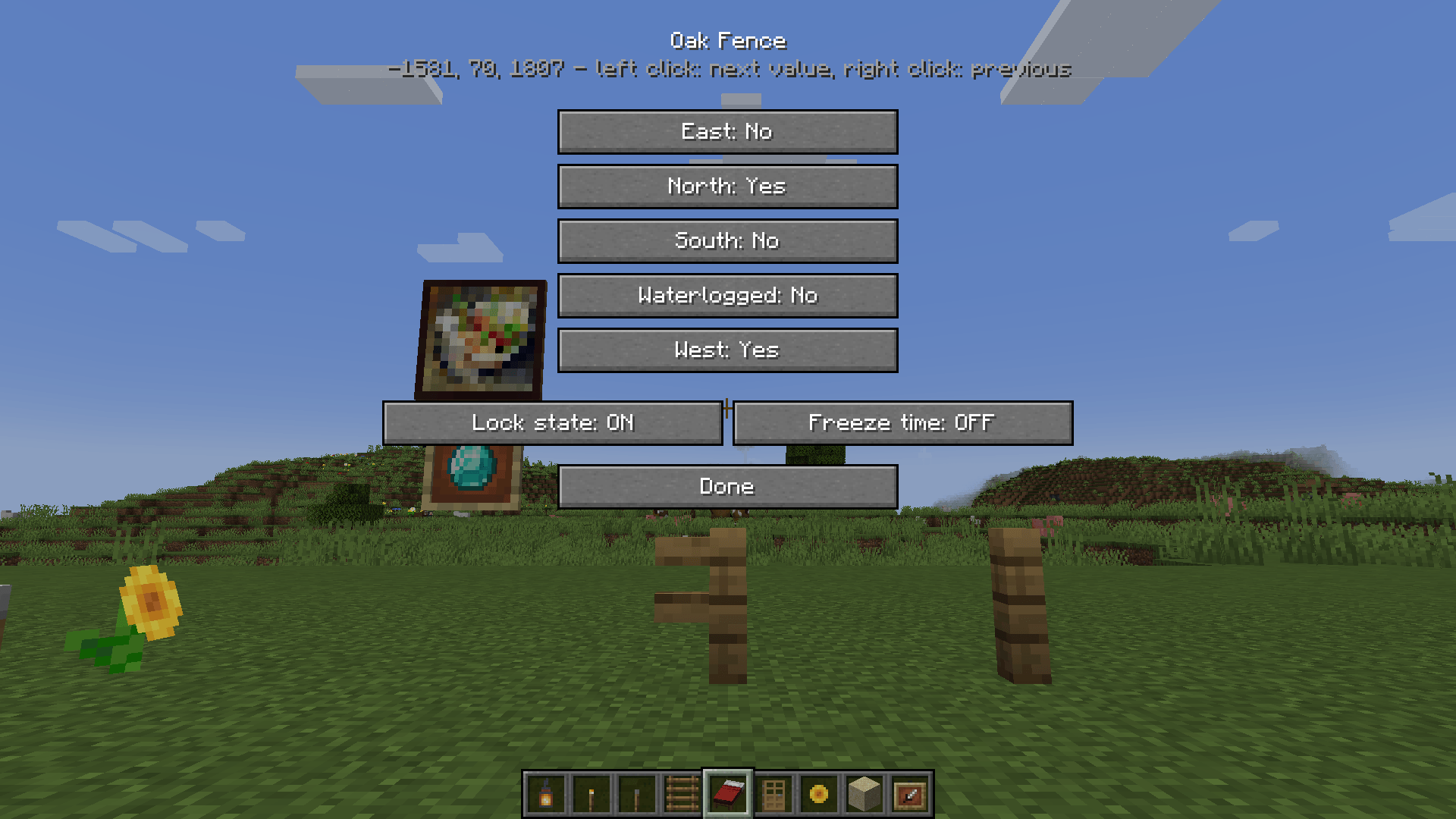
G |
Open the panel for the aimed block or entity |
H |
Placement guide on / off |
All keys are rebindable.
The panel
Every block state property on a button: left click for the next value, right click for the previous. Two switches underneath:
- Lock state — the block ignores shape updates, neighbor updates and survival checks. It stays exactly as placed.
- Freeze time — no random or scheduled ticks: no falling, growing, decaying, spreading.
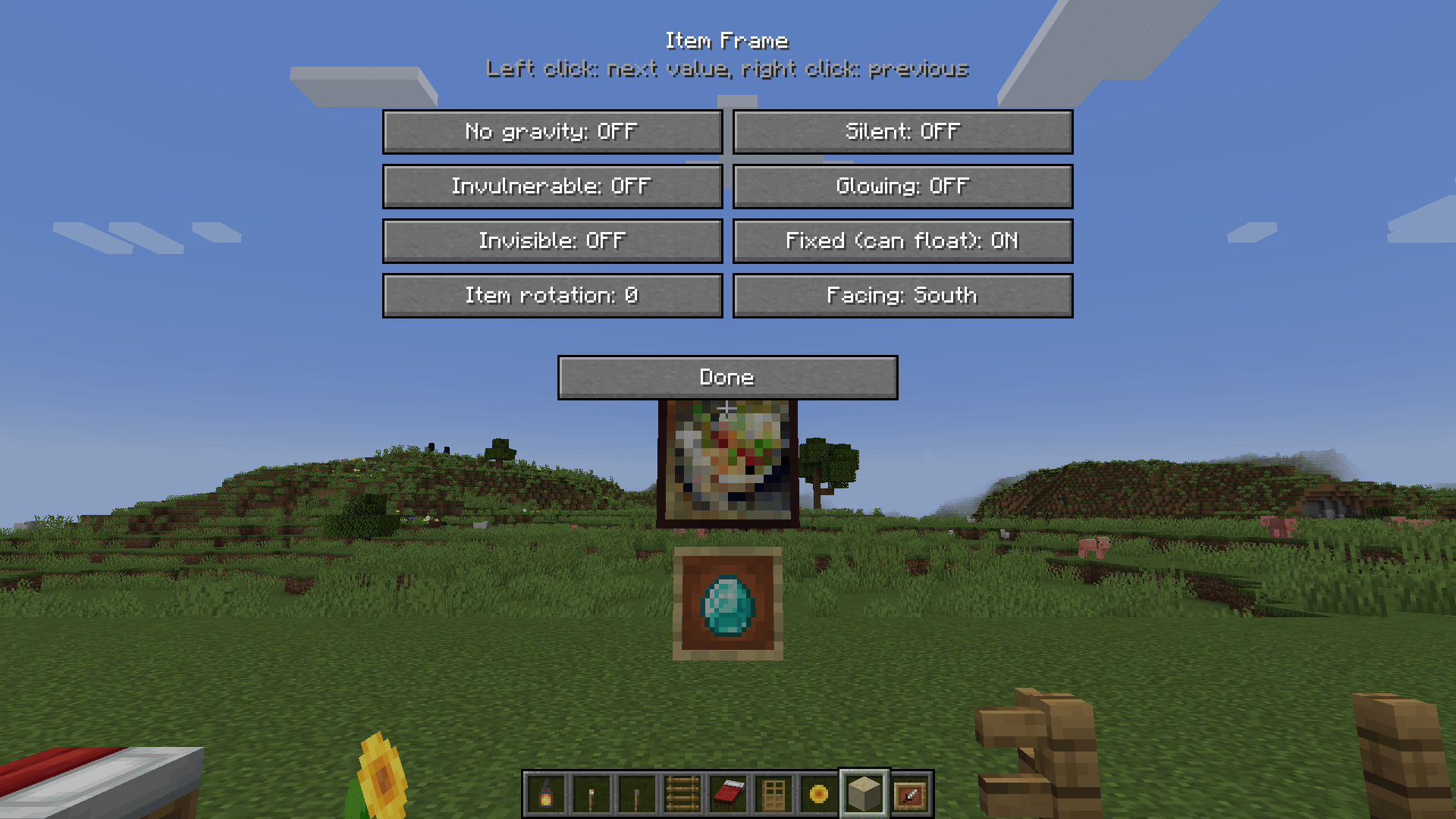
Item frames, paintings and armor stands get a panel too (Fixed, Invisible, ShowArms, Facing, …).
In build mode the outline of the aimed block shows what the next update would do to it: orange means it would drop, be reshaped or switched by redstone — lock it if it should stay. Green means it's locked.
Litematica on servers
Set commandNameSetblock = ipsetblock and commandNameFill = ipfill in Litematica's settings. Pastes then keep every illegal state, lock what needs locking and freeze what would fall.
Config
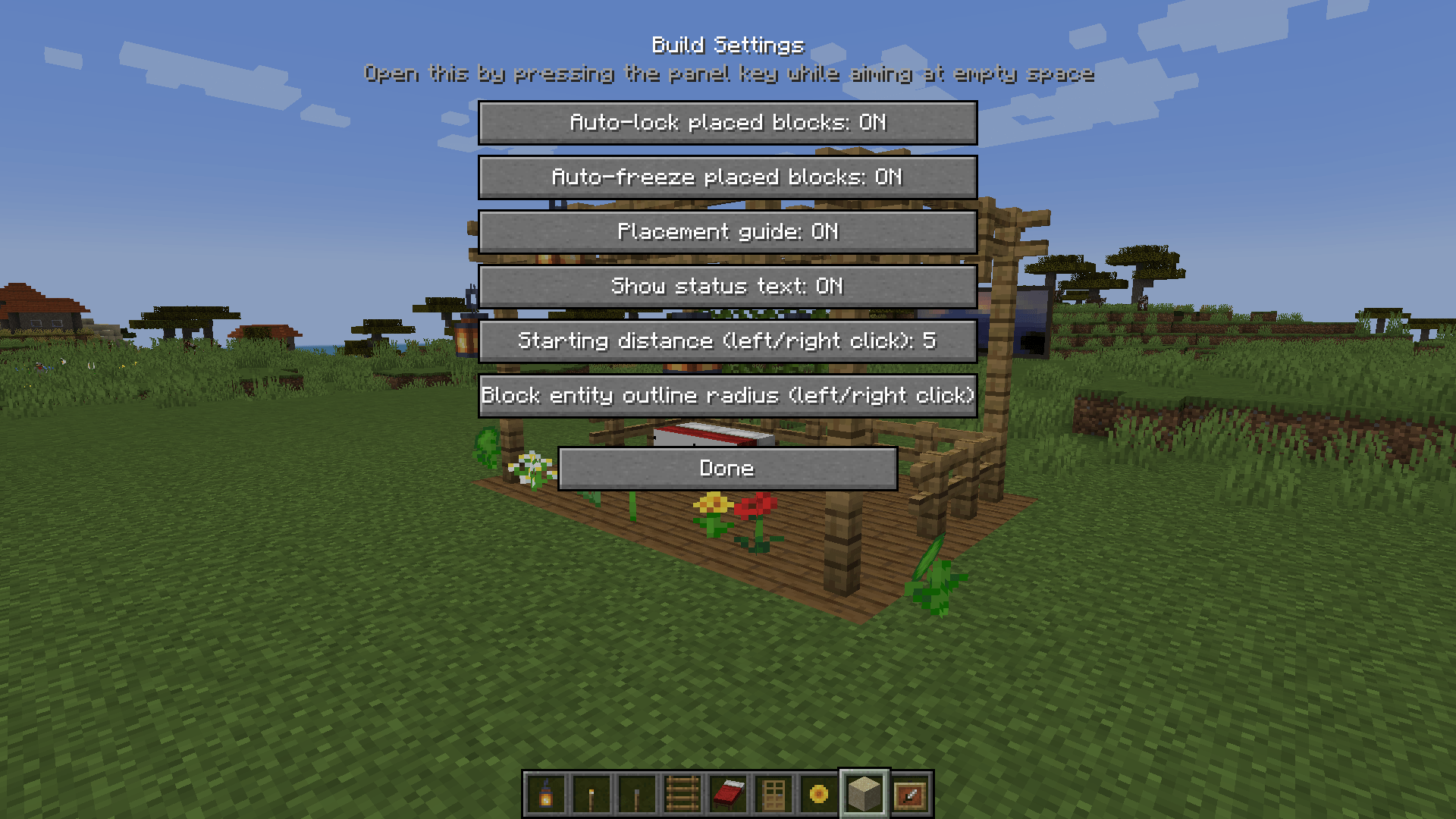
config/illegalplacement-server.properties: permission level, creative only, max reach, fill volume. Client options are in the Build Settings screen (press G while aiming at air).
Known limitations
- Freeze time doesn't stop block entities (furnaces, hoppers).
- Display entities and markers can't be targeted.
- Since 1.21.6,
Gis also vanilla's Quick Actions key; both work.
Illegal Placement Team
