


HyperVisor X
- By
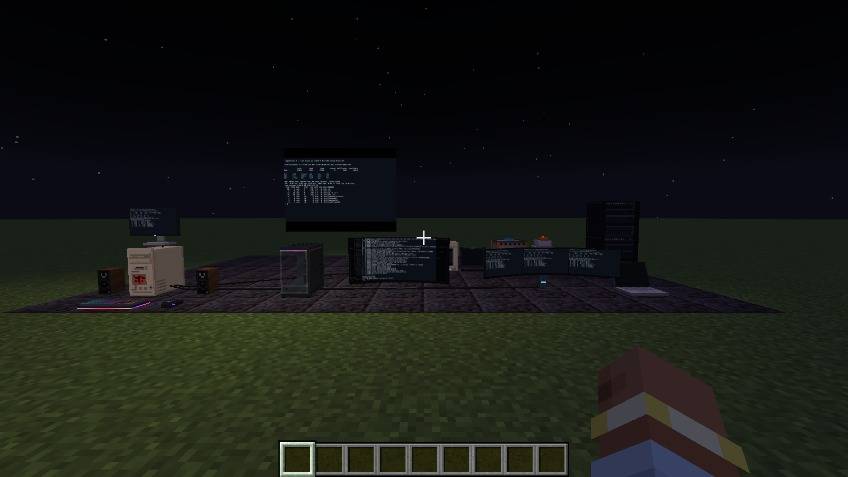
hvx-night-world.jpg
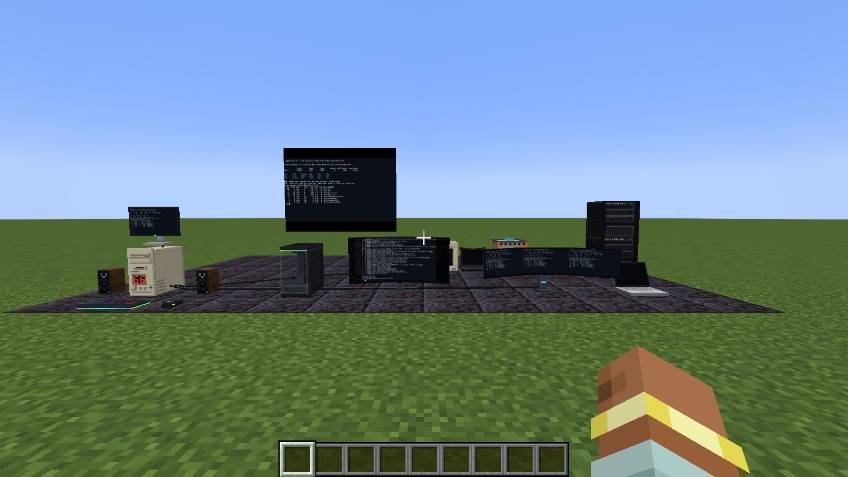
hvx-world.jpg
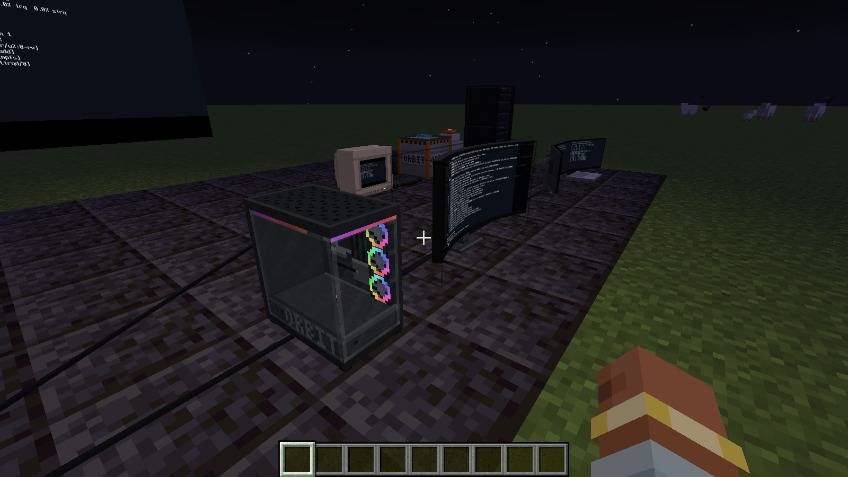
hvx-night-tower.jpg
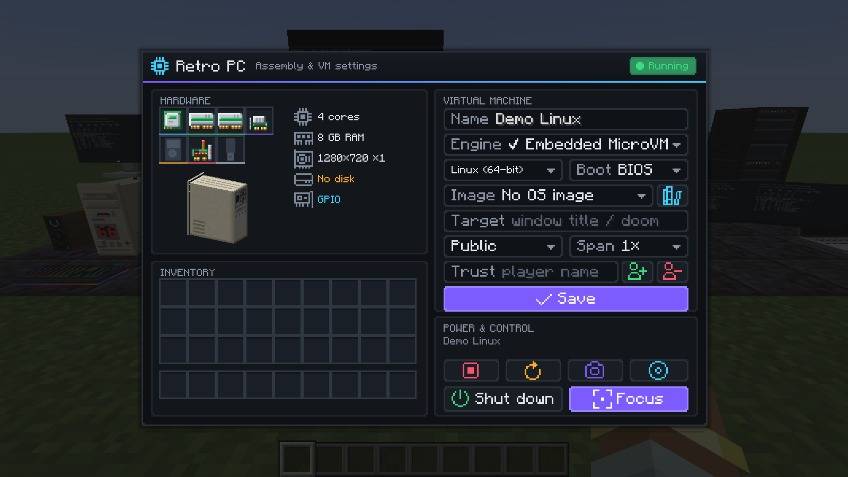
hvx-computer.jpg
hvx-focus.jpg
Description

Computers in Minecraft that run real operating systems. This is an unofficial successor to VM Computers by Delta2Force, which stopped at 1.16.5. I rewrote it from scratch for 1.21.1.
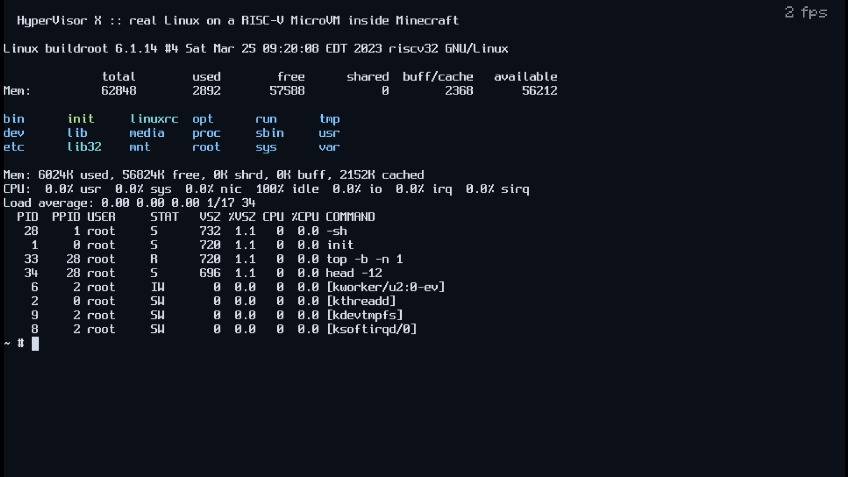
The VMs run through VMware, VirtualBox or QEMU if you have one of them installed. If you don't, there's a small built-in RISC-V emulator that boots a Linux console, so it works without installing anything. VMs run on the server and everyone near the screen sees the same picture.
Features
- Engines: VMware Workstation/Player/Fusion, VirtualBox 6.1/7, QEMU (KVM, WHPX, HVF), the built-in RISC-V Linux VM, and window capture on Windows (view only)
- Retro PC, glass gaming tower that shows the parts you put in, server racks (stack up to 8, run up to 4 VMs)
- 24" monitor, CRT, curved ultrawide, dual/triple monitor arms, video walls up to 32x18 blocks
- Laptops with battery, picture-in-picture while you walk around, and Wi-Fi remote desktop to a PC
- USB drives (real VMDK files, you can move them between computers)
- Redstone GPIO card, programs in the guest can read and set redstone and move items between chests over the serial port
- Sound from QEMU guests plays in the world
- Store tablet: pay with iron/gold/emeralds/diamonds/netherite and the parts get delivered by a drop pod. Everything can also be crafted
- OS library with downloads (Alpine, Tiny Core, Debian netinst, FreeDOS, ReactOS) and Windows 10/11 presets. You can also import your own .iso/.vmdk/.vdi/.qcow2
- Windows 10/11 installs unattended, and the guest tools for your engine get installed automatically
- 3D motherboard view where you put the parts in one by one

Getting started
/hvx demo builds a small room with everything already set up. /hvx backends shows which
hypervisors were found.
To build a PC yourself: place a case, put in a CPU, RAM, GPU and a drive, pick an OS image and power it on. Connect a monitor with the HDMI cable (use it on the PC, then on the monitor) and right click the monitor.
- Built-in VM: nothing to install. Type
doomin the Target field if you want DOOM - VMware: install Workstation Pro (free) or Fusion, the mod sets up the VM by itself
- VirtualBox: install VirtualBox 7
- QEMU: enable Windows Hypervisor Platform on Windows, or use KVM on Linux / HVF on macOS
Controls
Right click a screen, or look at it and press V. The mouse gets captured and every key goes to the VM, Esc included.
| Key | |
|---|---|
| Ctrl+Alt | release / capture the mouse |
| Mouse wheel | zoom (Ctrl+Alt+wheel while the mouse is captured) |
| Ctrl+Alt+Enter | full window view |
| Right Ctrl | stop using the computer (rebindable) |

Known issues
- Only 1.21.1 for now
- The built-in VM is a RISC-V Linux console, for Windows you need VMware, VirtualBox or QEMU
- Guest audio only works with QEMU
- VirtualBox uses screenshots, so the frame rate is low
Source, the GPIO commands and bug reports are on GitHub. GPL-3.0-or-later, same as the original. Thanks to Delta2Force for VM Computers.
HyperVisor X Team
