


HudToggle
- By
This mod allows for hiding/showing various HUD elements for both vanilla and modded.
Pasted image (5).png
Pasted image (2).png
Pasted image (3).png
Pasted image (4).png
Pasted image (4).png
Description
Features
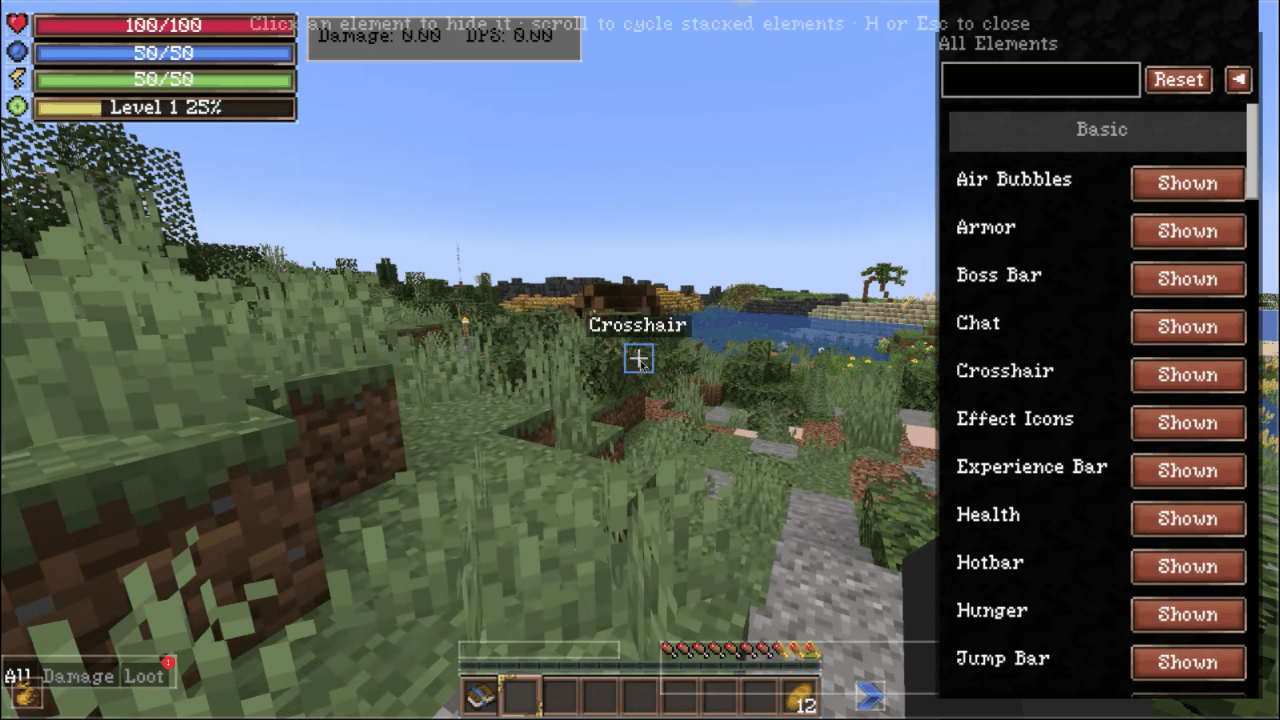
- Toggle any vanilla HUD overlay — hotbar, crosshair, health, hunger, chat, scoreboard, boss bars, debug text, and more.
- Detects modded overlays — including unregistered
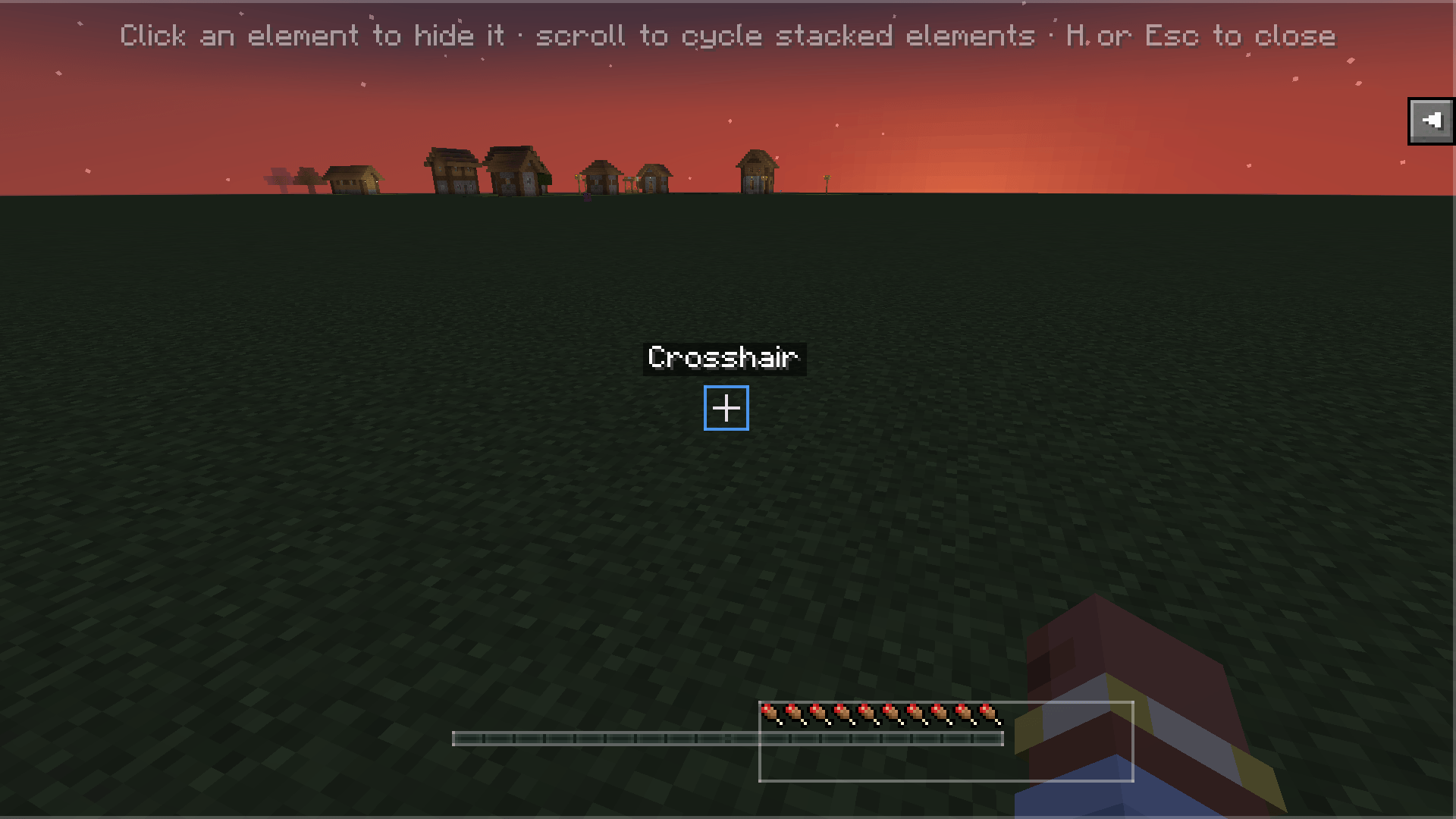
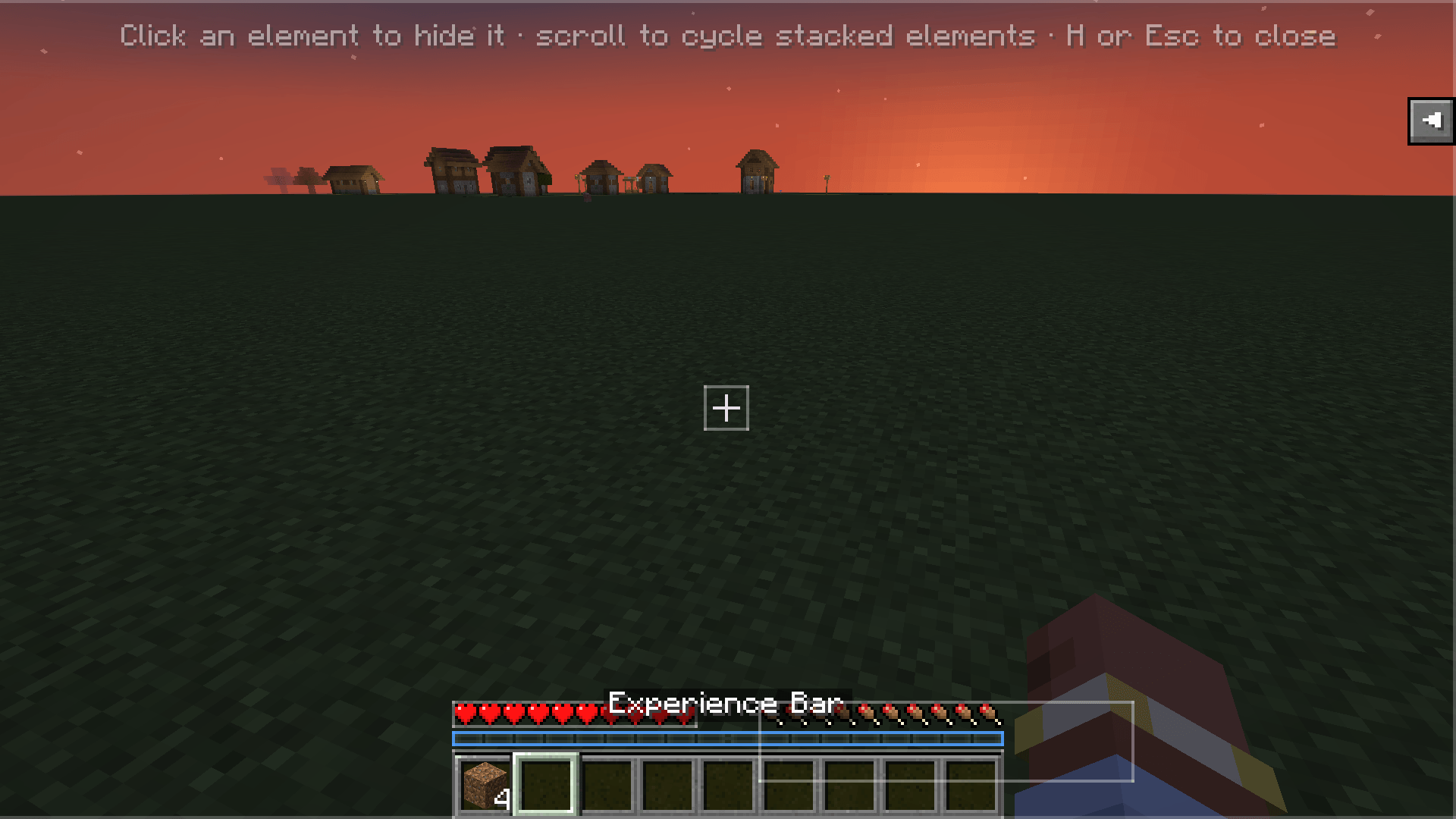
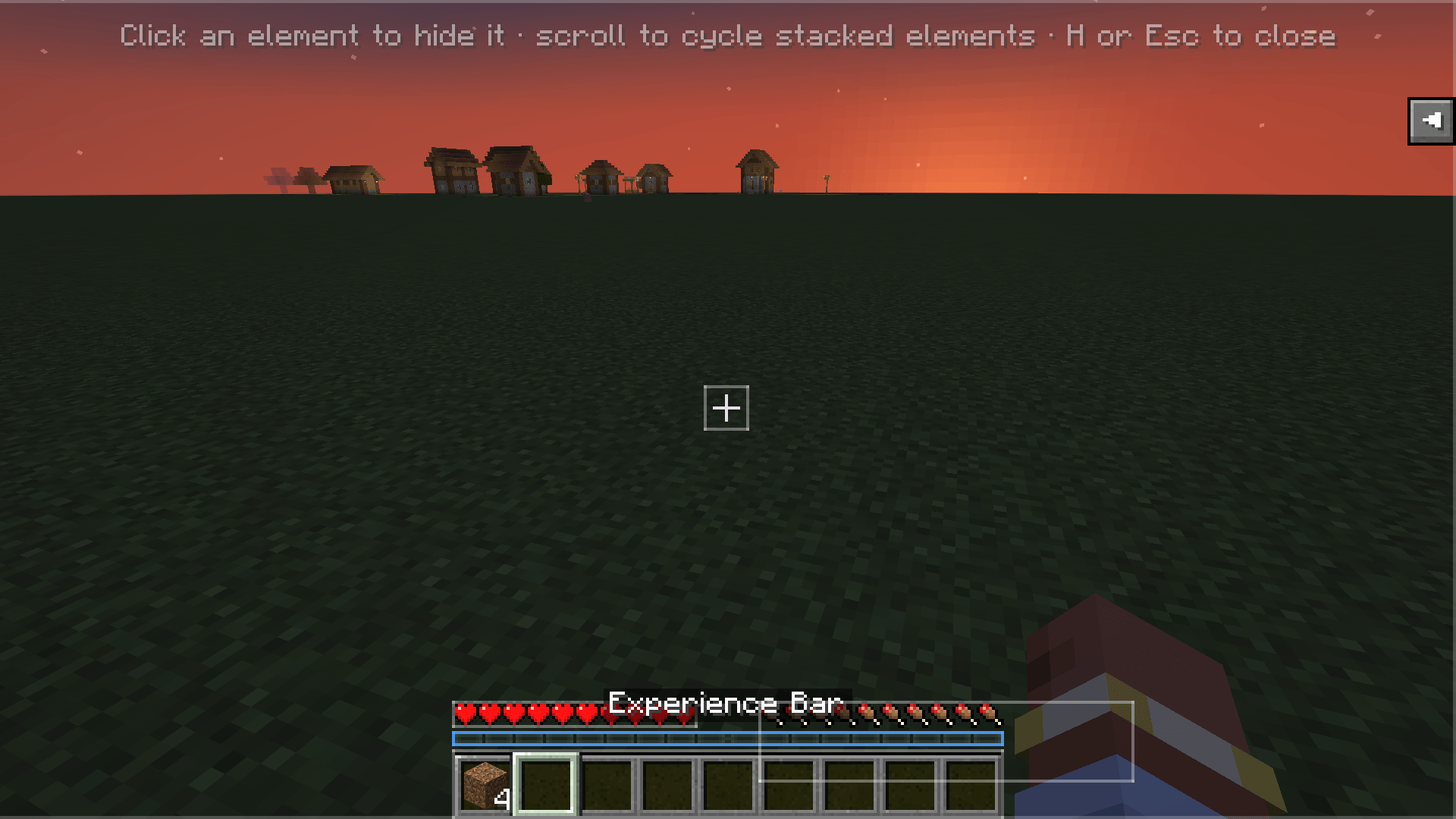
RenderGuiEvent.Postrenderers, attributed automatically to their source mod. - Click-to-hide editor — press H in-game, click any highlighted element to hide it, scroll to cycle stacked elements.
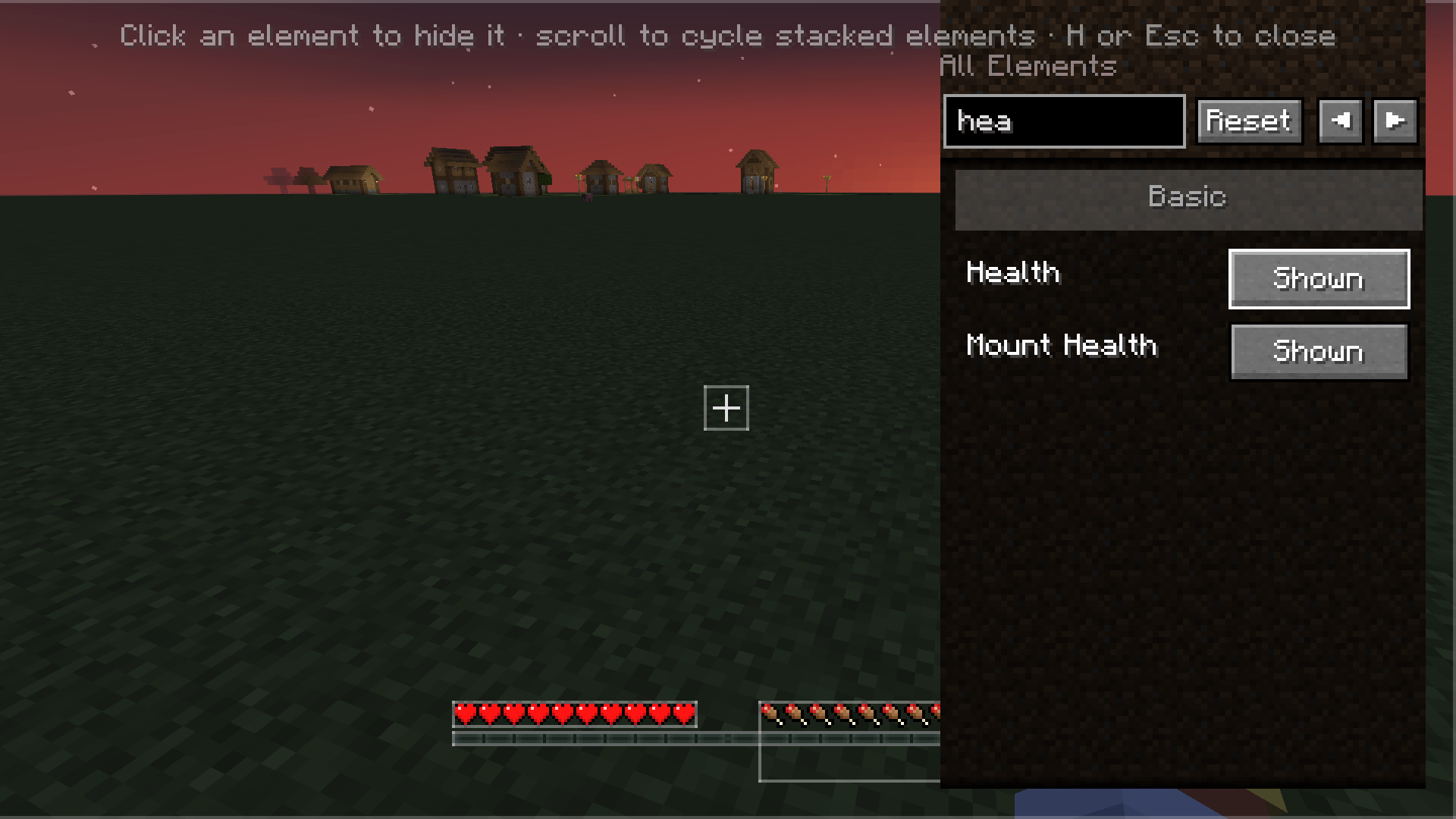
- Search, Basic/Advanced categories, Reset — find elements fast, filter by complexity, restore everything with one click.
- Per-element persistence — choices saved to
config/hudtoggle.json, survives restarts and mod updates. - Client-side only — no server install needed. Works on any server.
Installation
- Forge 47.2.0+ on Minecraft 1.20.1
- Download the latest
.jarfrom Modrinth or CurseForge - Drop it into your
mods/folder
Usage
- Press H in-game (rebindable in Controls → HUD Toggle).
- The HUD Editor overlay opens — every HUD element is highlighted with a translucent box.
- Click an element to hide/show it. Scroll to cycle through stacked elements under the cursor.
- Use the search box and Basic/Advanced category filter to find specific elements.
- Click Reset to restore all hidden elements.
- Press H or Esc to close.
- Config is also editable via Forge's Mods screen → HUD Toggle → Config.
The HudToggle Team
