Hudsmith draws your HUD from hud.html and hud.css in your config folder. Edit to your heart's content, style with CSS, and the HUD will reload when you save.
Hudsmith is powered by the web engine Vellum, which enables live reloading, Vue-like templating (v-if, v-for, @click, etc), and JavaScript.
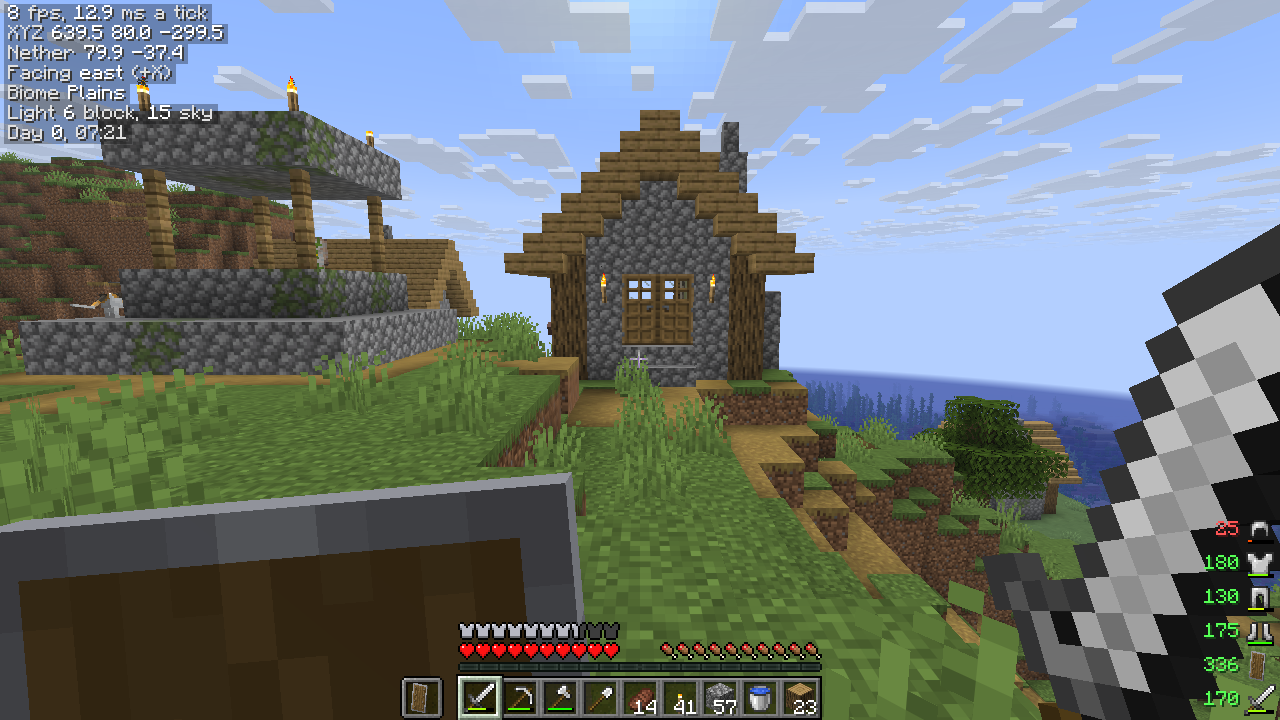
What a HUD looks like
A minimal template:
|
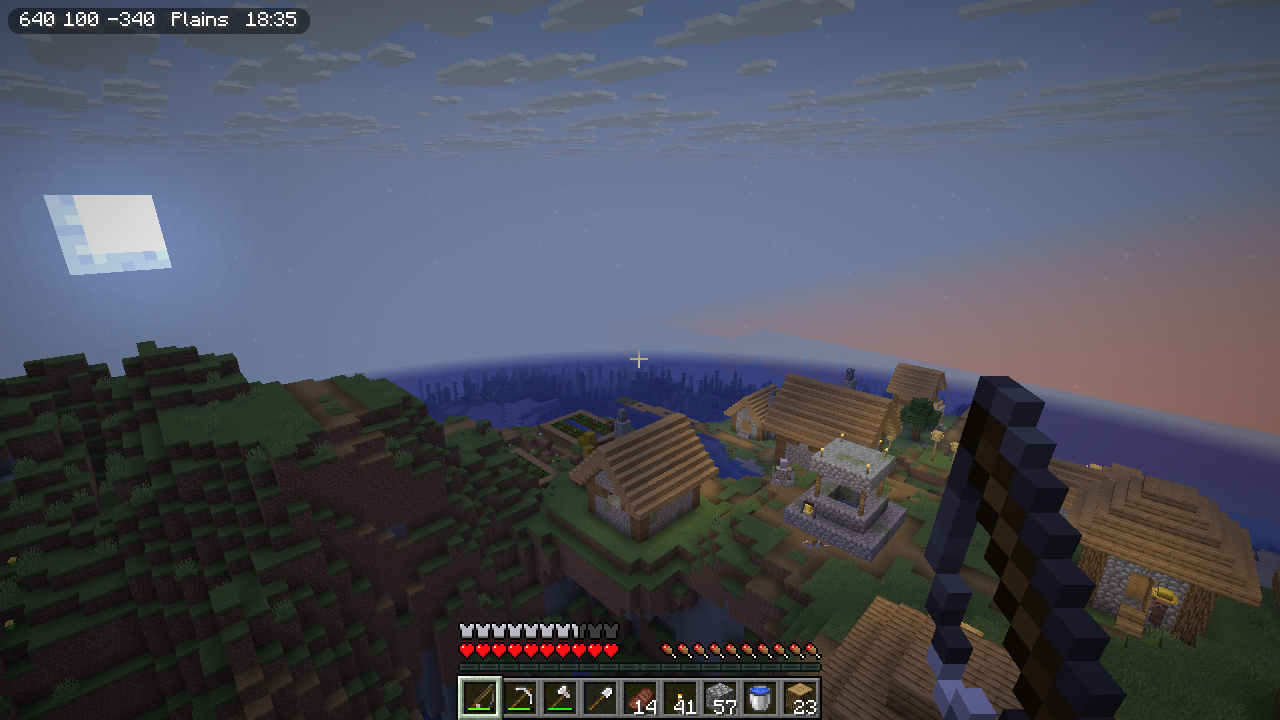
|
Vellum's scripting docs cover what your page may contain.
Templates
|
Shows your coordinates, biome and time in the top-left corner. |
|
|
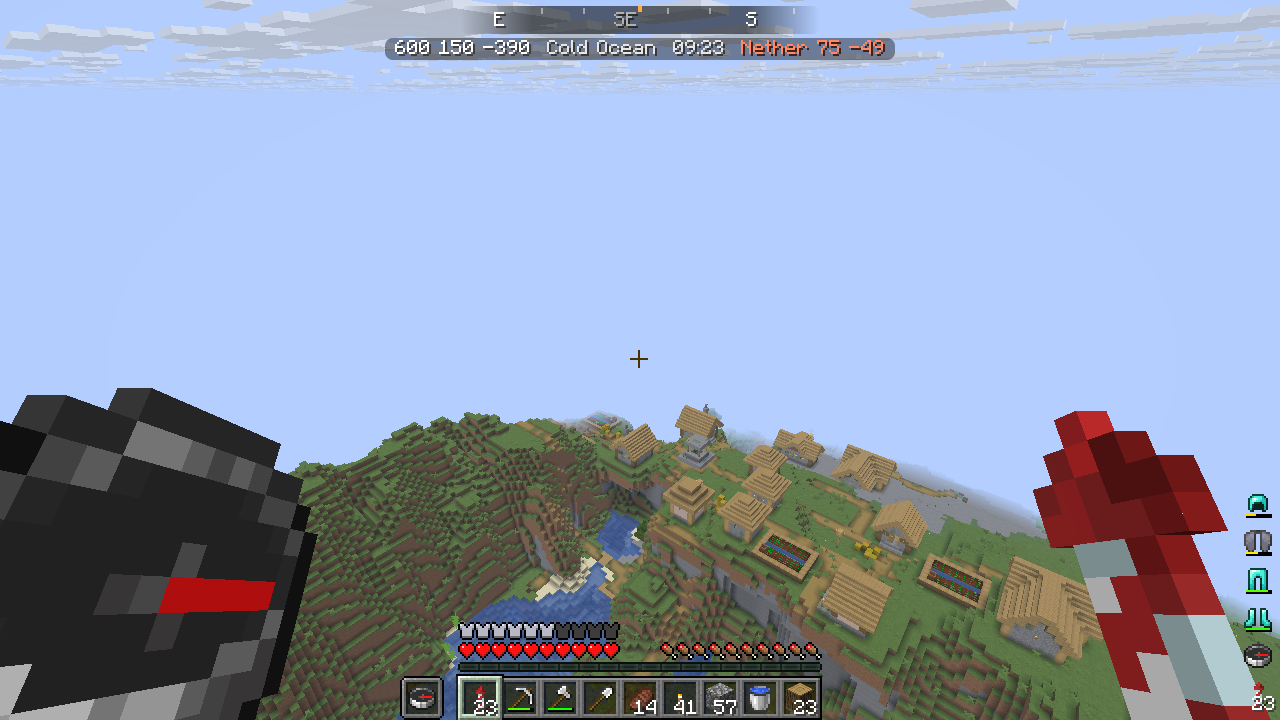
Puts a compass strip across the top of the screen that slides as you turn. Your armor and tools are in the bottom-right corner. |
|
|
Each row starts with an item icon. Light turns red where hostile mobs can spawn and effects show their icon and the time left. |
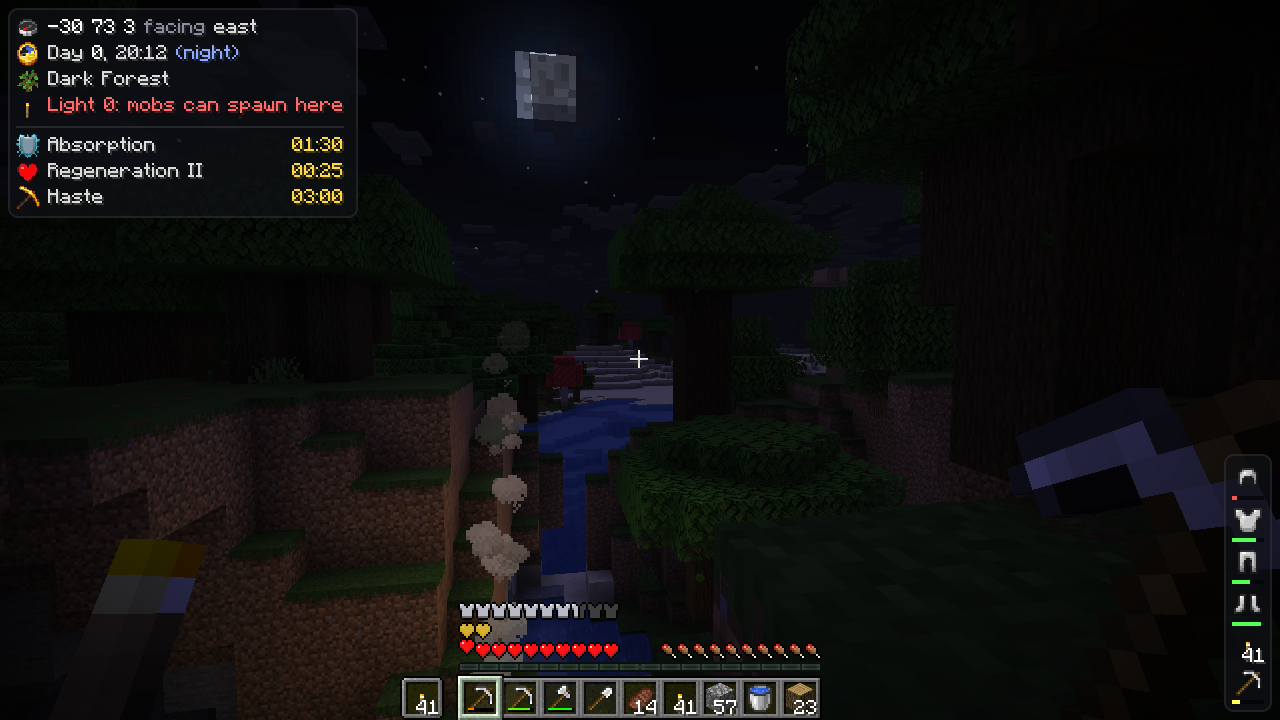
|
|
Shows the block/entity you're looking at as a slowly rotating model with some useful metadata and a small map of the chunk. |
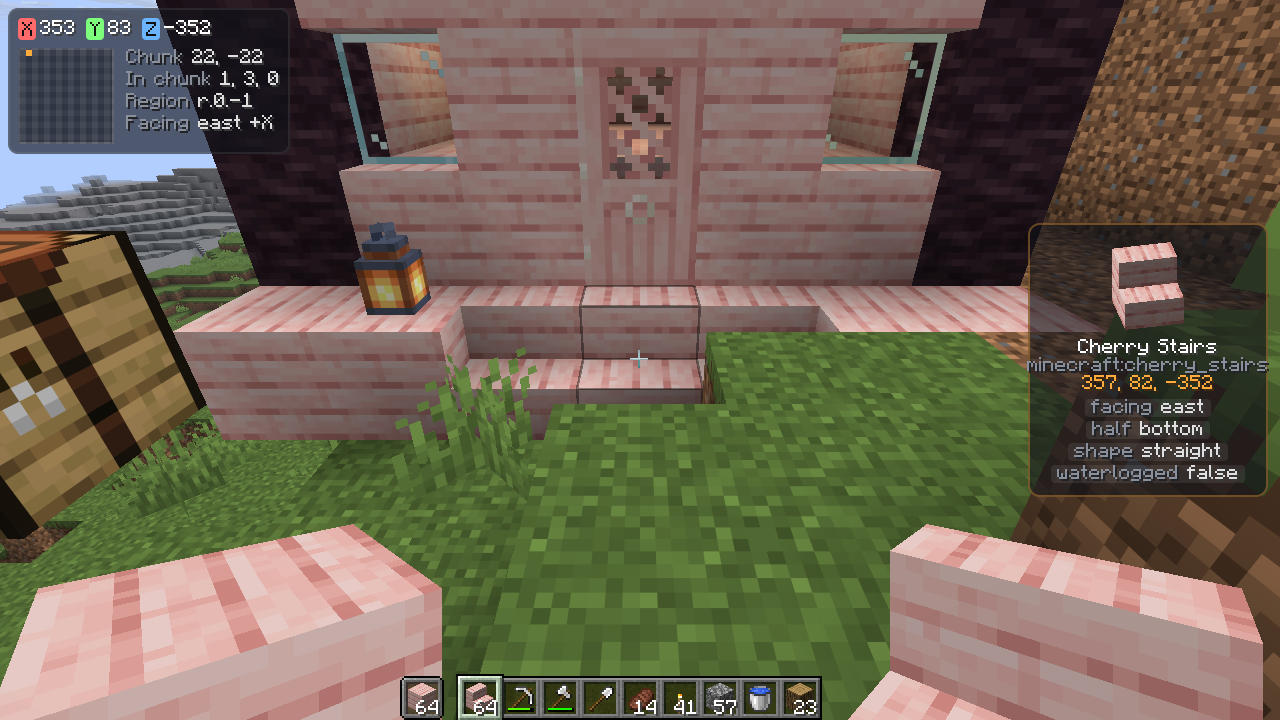
|
|
Graphs your frame rate and the server's tick time over the last 30 seconds using |
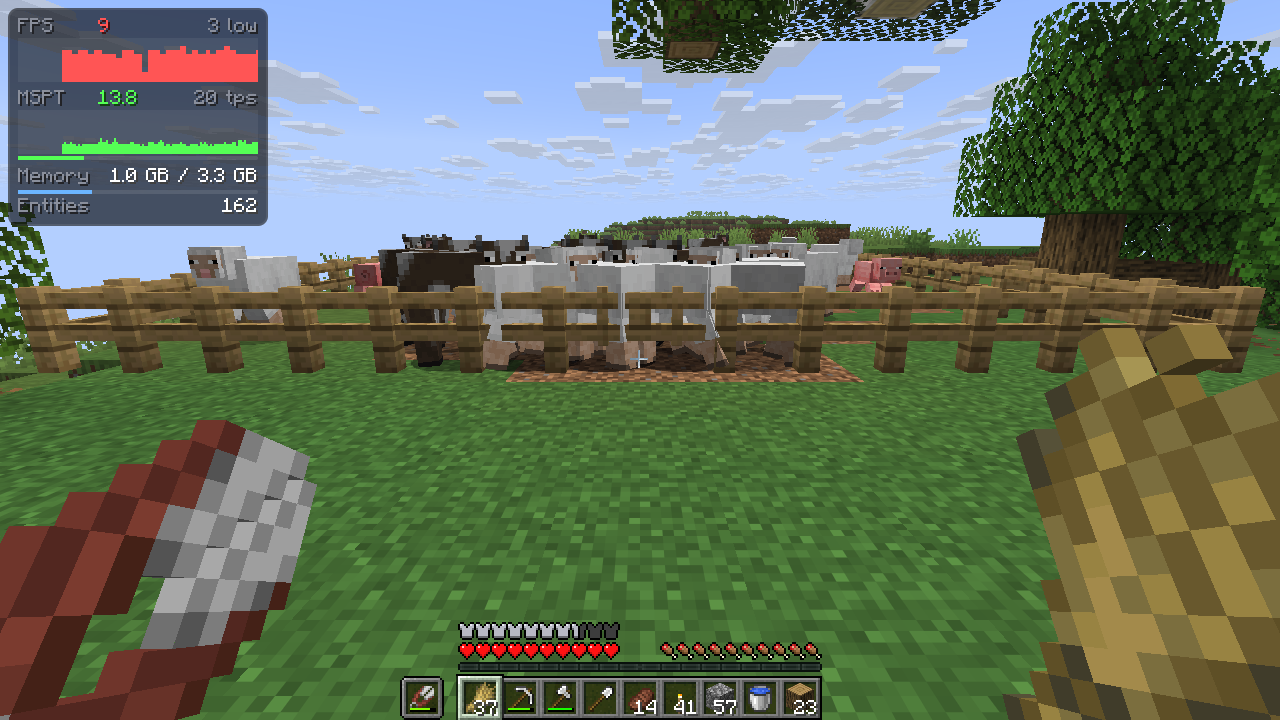
|
Using it
/hudsmithopens the Hudsmith screen. It lets you choose from a template and has an API reference for variables you can use in your HUD- HUD files belong in
config/hudsmith/(also accessible from/hudsmith) - You can bind hiding/showing the UI to keybinds in settings
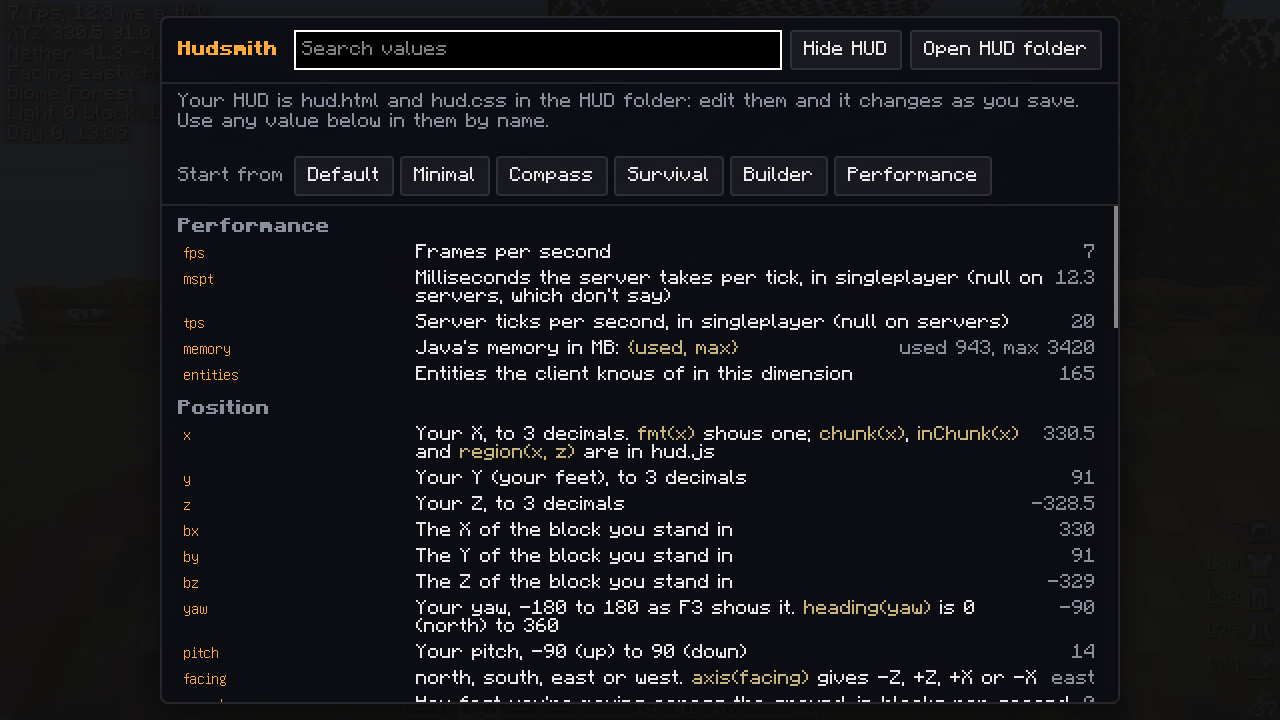
Values
Numbers are Numbers and anything with parts or attributes is an object, such as biome.name, mainhand.durability,
target.properties or scoreboard.scores.
hudsmith:vellum/lib/hud.js has some helpers for casting values to text, such as fmt(x), chunk(x), region(x, z),
otherWorld(dimension, x, z) for Nether coordinates, clock(time), heading(yaw), wearColor(stack) and roman(n). Add
`` to use them.
Every value is listed here.
Requirements
| Minecraft | NeoForge | Fabric |
|---|---|---|
| 26.3 | 26.3.0.26-beta+ | Loader 0.19.5+, Fabric API |
| 26.2 | 26.2.0.88+ | Loader 0.19.5+, Fabric API |
| 1.21.1 | 21.1.255+ | Loader 0.19.5+, Fabric API |
Hudsmith needs Vellum 0.9.0 or newer.
For resource packs and modpacks
Resource packs and mods can add templates in assets/<namespace>/hudsmith/templates/<name>/: a hud.html plus
whatever it links (CSS, scripts, PNG images). They show up on the Hudsmith screen, and picking one copies its files
into config/hudsmith/.
Modpacks can ship config/hudsmith/hud.html and hud.css directly.
For mod developers
Your mod can add values that players put on their HUD. Register them on the client during setup:
HudsmithApi.register("mymod_mana", "My Mod", "Your mana, 0 to 100", () -> Mana.of(Minecraft.getInstance().player));A value is read once a tick while a world is loaded, and returns a String, Number, Boolean, Gson JsonElement
or null. Start the name with your mod id.
Hudsmith Team