โจ HudFabric
HudFabric is a clean and modern client-side HUD editor for Minecraft Fabric.
Customize your in-game HUD, improve your scoreboard, adjust your crosshair, and display useful stats like FPS and ping — all directly in-game. ๐
HudFabric is made for players who want a cleaner Minecraft interface without needing a server-side plugin. Everything runs on the client and can be adjusted through a simple and polished configuration screen.
โจ Features
๐งฉ Custom HUD Editor
HudFabric includes an in-game HUD editor that lets you customize your interface easily.
You can:
โ
Move HUD elements
โ
Scale HUD elements
โ
Adjust the scoreboard size
โ
Change HUD styling
โ
Use a clean preset
โ
Configure everything directly in-game
The editor is designed to be simple, smooth, and easy to use.
๐ Custom Scoreboard
HudFabric can replace the vanilla scoreboard with a cleaner and more modern version.
You can customize:
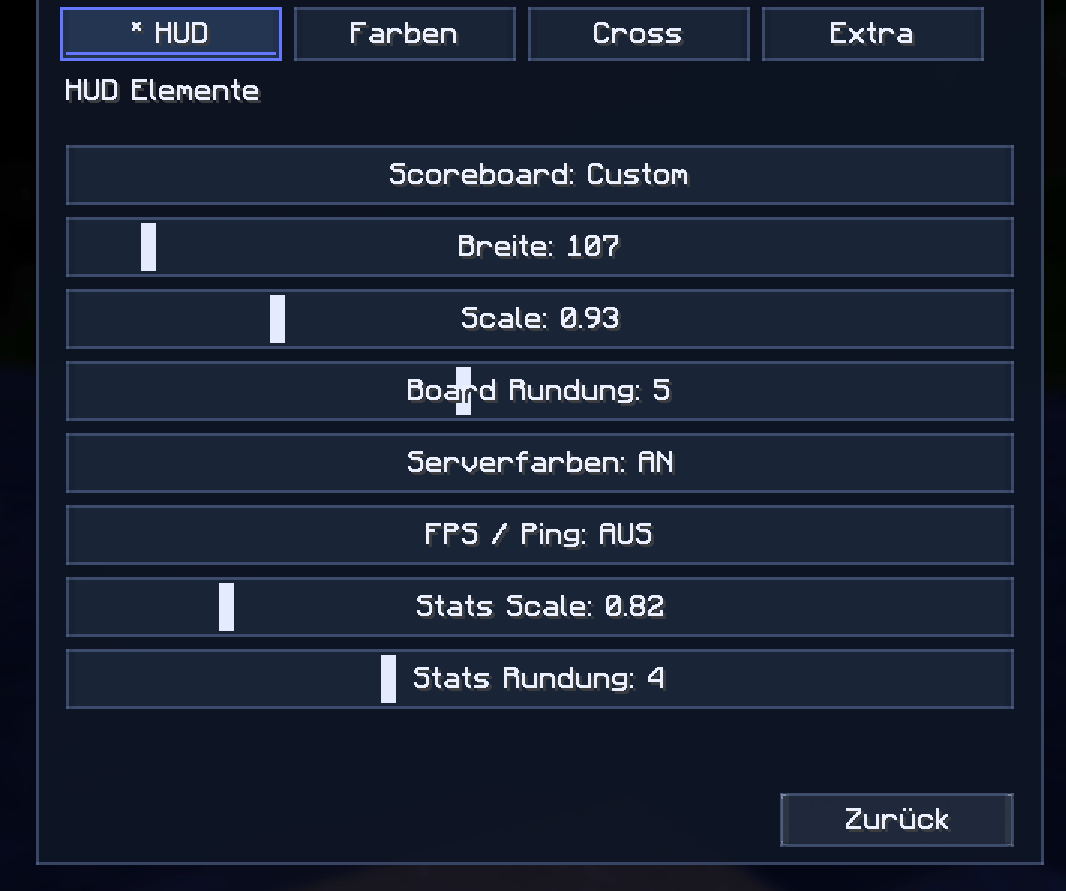
๐ Scoreboard width
๐ Scoreboard scale
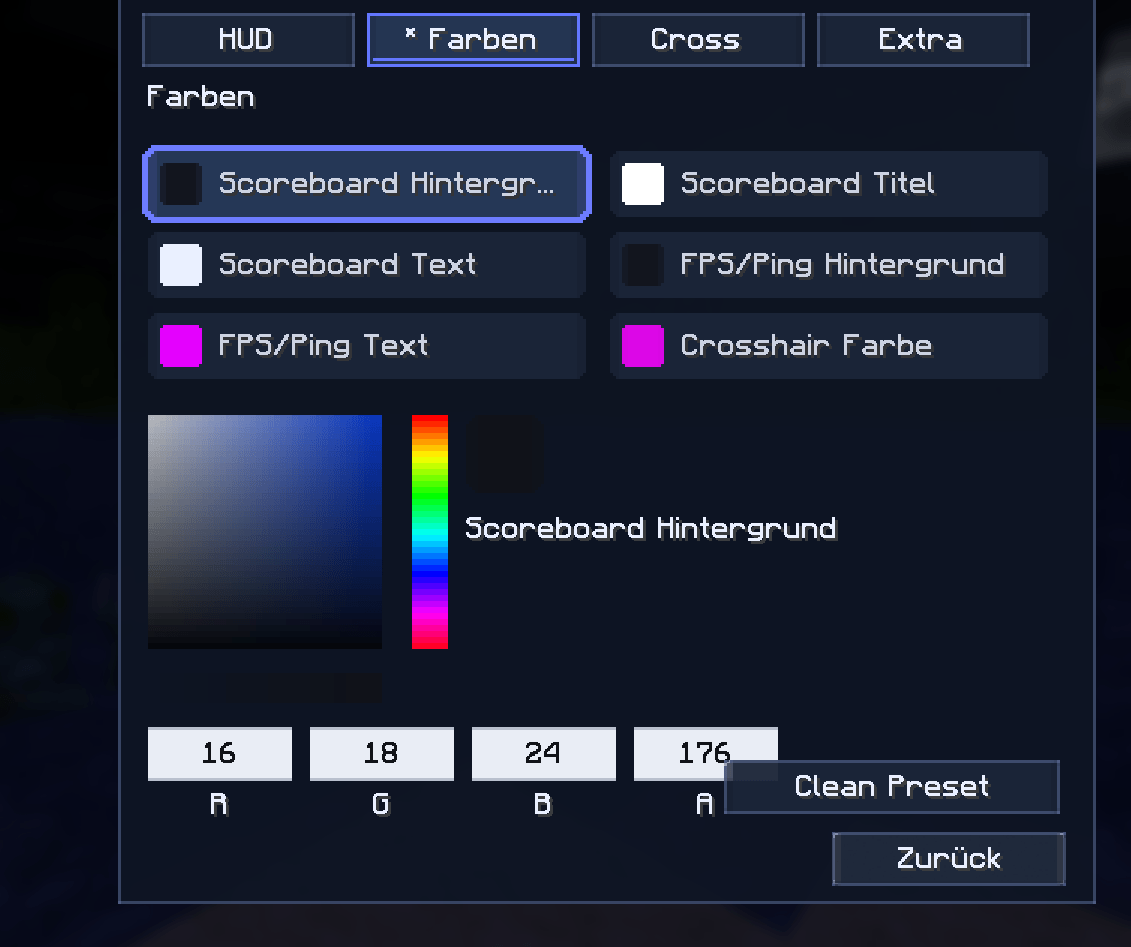
๐จ Scoreboard colors
๐ฆ Background color
โจ Title color
๐ Text color
๐งฑ Board radius
๐ Server color support
You can also choose how the scoreboard should behave:
Custom — use HudFabric’s custom scoreboard
Vanilla — keep the normal Minecraft scoreboard
Off — hide the scoreboard
This gives you full control over how your scoreboard looks while playing.
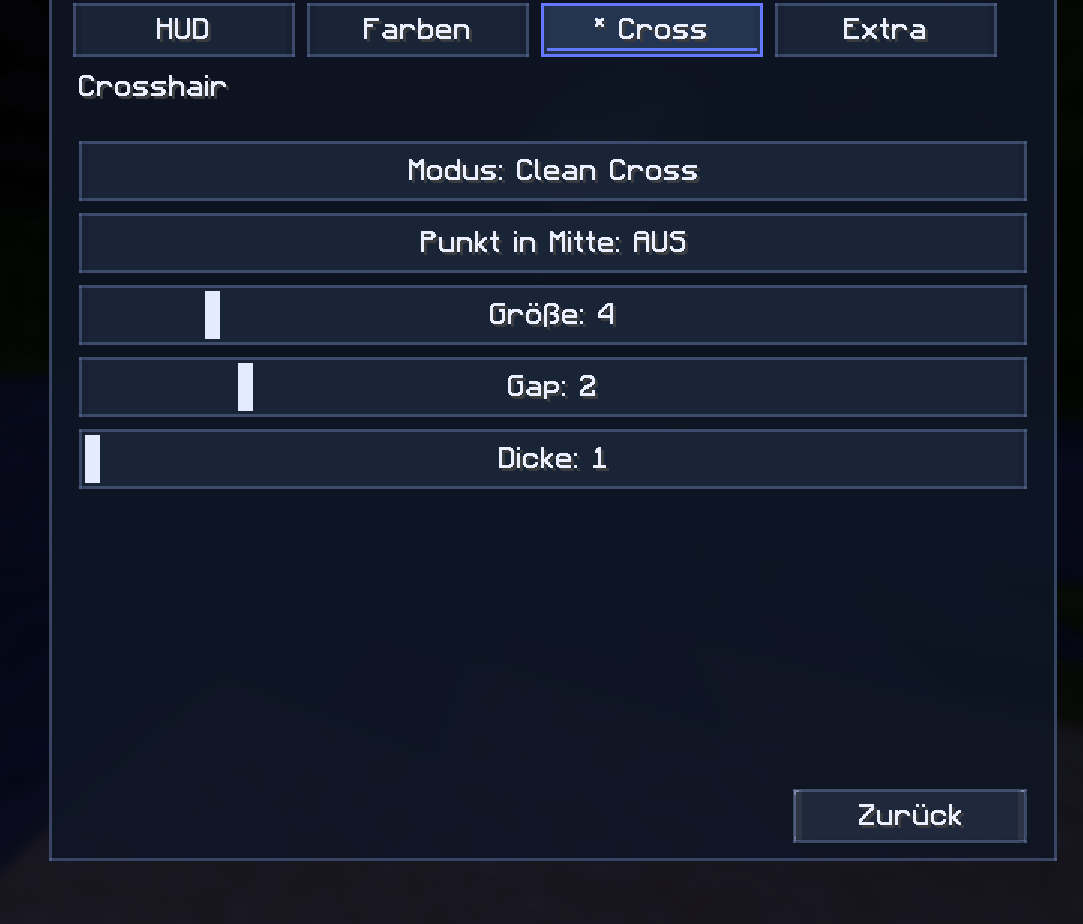
๐ฏ Custom Crosshair
HudFabric also includes a customizable crosshair system.
Available crosshair modes:
โ Clean Cross
โญ Circle
๐ต Dot
๐ฎ Vanilla
๐ซ Off
You can adjust:
๐ Crosshair size
↔๏ธ Gap
๐งฑ Thickness
๐จ Crosshair color
๐ต Center dot
This is perfect for PvP, practice servers, SMPs, and players who want a sharper and cleaner aiming experience.
โก FPS & Ping Display
HudFabric can display useful performance stats directly on your HUD.
Included stats:
๐ฎ FPS
๐ก Ping
You can customize the stats display with:
๐ Scale
๐งฑ Radius
๐จ Background color
๐ Text color
This makes it easy to keep an eye on performance without using extra overlays.
โ๏ธ Easy Configuration
HudFabric is built to be easy to configure.
You can open the HUD editor through:
โจ๏ธ A keybind
๐ Mod Menu
โธ๏ธ The ESC menu button
The mod also saves your settings automatically in a config file, so your HUD stays the way you want it.
๐ Languages
HudFabric includes multiple built-in language files:
๐บ๐ธ English
๐ฉ๐ช German
๐ช๐ธ Spanish
This makes the mod easier to use for different players and communities.
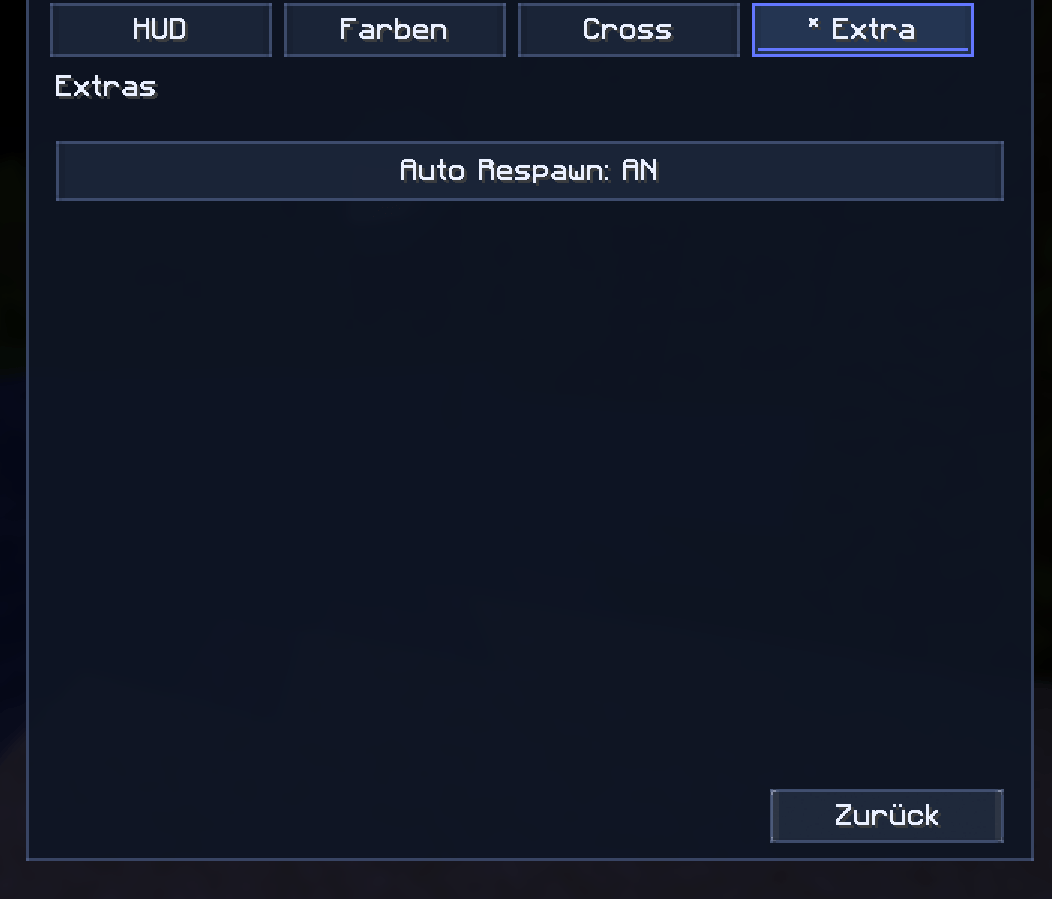
๐ค Extra Features
HudFabric also includes helpful extra options such as:
โ
Auto Respawn option
โ
Clean preset button
โ
Server color toggle
โ
Vanilla/custom/off modes
โ
Smooth in-game configuration
โ
Client-side only setup
๐งฉ Mod Menu Support
HudFabric supports Mod Menu integration.
If Mod Menu is installed, you can open the HudFabric config screen directly from the mod list.
Mod Menu is optional but recommended for the best experience.
โ
Why HudFabric?
HudFabric is perfect for players who want a cleaner and more customizable Minecraft HUD.
It is great for:
โ๏ธ PvP players
๐ฏ Practice players
๐ SMP players
๐ Scoreboard-heavy servers
๐ฎ Client-side quality-of-life setups
โจ Players who like clean interfaces
No server setup is required.
Just install the mod on your client and customize your HUD.
๐ฆ Requirements
HudFabric requires:
๐งต Fabric Loader
๐ Fabric API
โ Java 21
๐ฎ Minecraft Java compatible with the supported version range
Optional:
๐งฉ Mod Menu
๐ Summary
HudFabric gives you a clean, modern, and customizable Minecraft HUD experience.
Customize your scoreboard.
Improve your crosshair.
Show FPS and ping.
Edit everything in-game.
Keep your Minecraft interface clean and stylish.
A modern HUD editor for Fabric players.