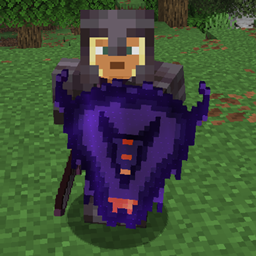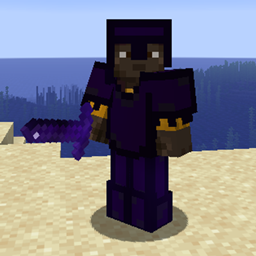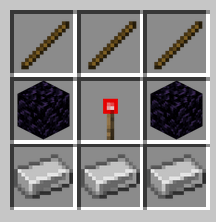
Recipe001.png
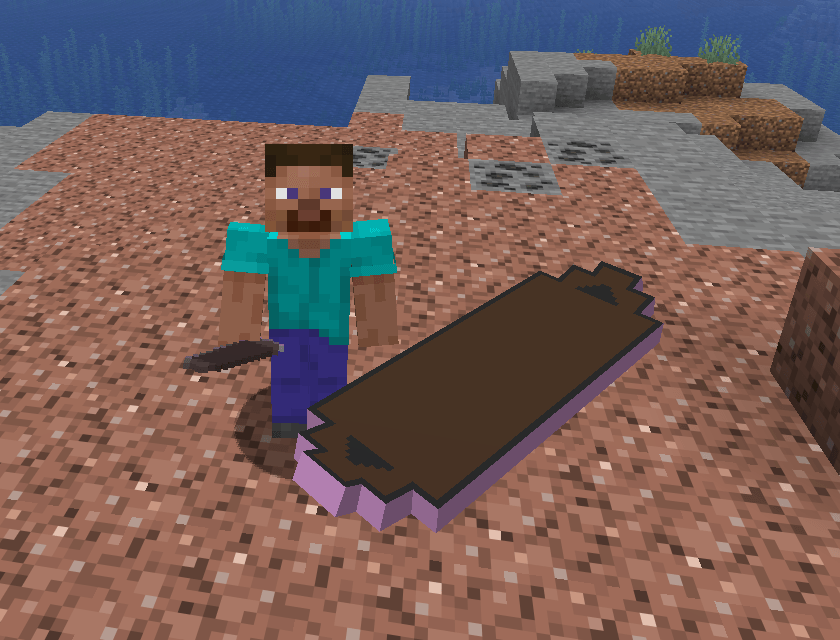
Board001.png
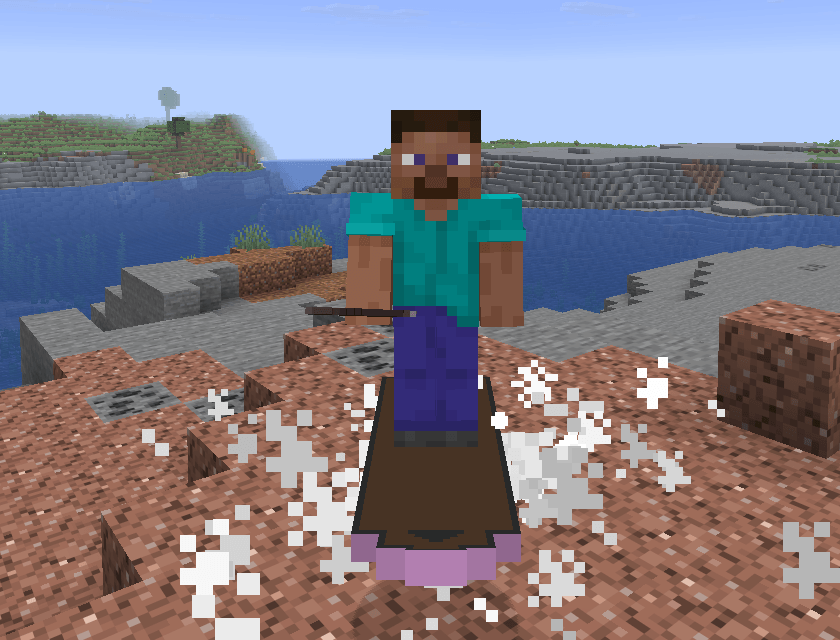
OnBoard001.png
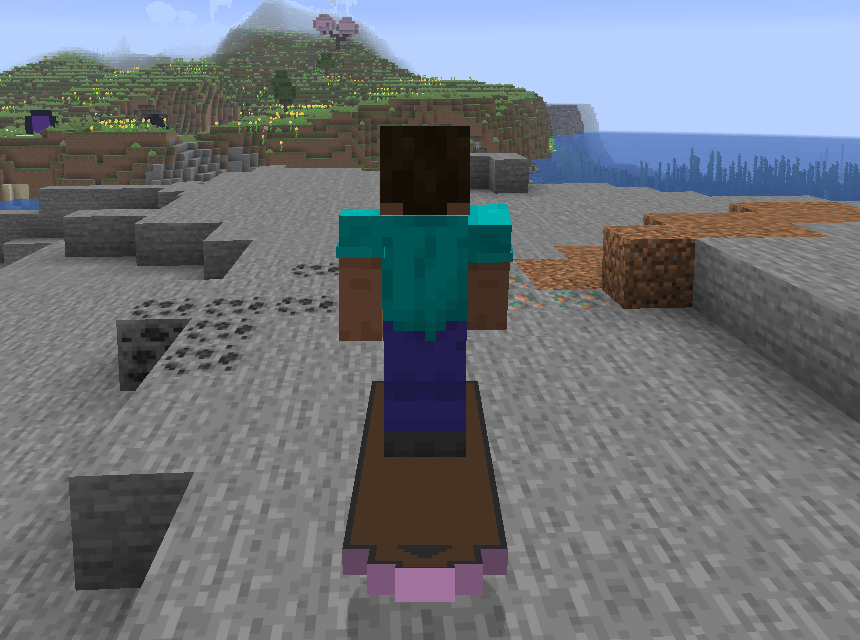
OnBoard002.png
Description
What is Hover Board?
Hover Board is a Fabric mod that introduces a stylish and functional hoverboard to Minecraft. Designed for players who want a faster, more dynamic way to travel, this mod combines futuristic aesthetics with smooth physics-based movement.
Key Features
- Smooth Hover Physics: The board naturally floats 0.6 blocks above the ground, providing a cushioned glide over terrain.
- Enhanced Mobility: With a high step height of 2.1, the hoverboard can easily scale blocks and navigate uneven landscapes without losing momentum.
- Dimension-Specific Abilities:
Overworld/Nether: Perform high jumps to clear gaps and obstacles.
The End: Hold the jump key to defy gravity. The board will lock your height, allowing you to glide safely across the void between islands. - Full Customization: Personalize your ride! Right-click the board with any Dye to change its color. If you want to return to the original look, simply use a Brush on it.
- Fire & Lava Immunity: The hoverboard is completely fireproof. It can travel across lava lakes without taking damage, making it a perfect companion for Nether exploration.
- Visual Flair: Dynamic cloud and End Rod particles trail behind you as you move, giving your travel a premium, high-tech feel.
Why Download Hover Board?
If you find horses too clunky or boats too limited, the Hover Board offers a versatile alternative. It’s not just a vehicle; it’s a tool for exploration that handles falls (zero fall damage while riding) and dangerous environments with ease.
How to Use
- Crafting: Create your board at a crafting table using Sticks, Iron Ingots, Obsidian, and a Redstone Torch.
- Riding: Place the board on the ground and right-click to mount it.
- Controls: Use standard movement keys. Use the Jump key for impulses in most dimensions, or hold it in the End to maintain your current altitude.
- Dyeing: Right-click with any dye to change the board's color. Use a Brush to clean it.
Requirements
- Minecraft: 1.21.10+
- Fabric Loader: >= 0.18.4
- Fabric API: >= 0.138.4
Hover Board Team

![Recipes collection by OldManPlaysGames [Datapack] project image](https://media.forgecdn.net/avatars/thumbnails/360/880/256/256/637525539303607713.png)