Horror Cinema Tools
In-game cinematic camera, actor posing, and horror FX — no external recording software needed.
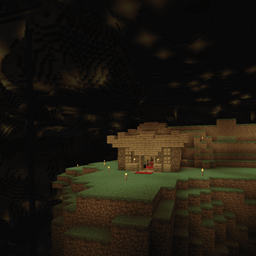
Turn Minecraft into a machinima/horror-film studio. Plan smooth camera flythroughs, pose actors, and trigger jump-scare effects, all from chat commands. Еhe mod is called "HorrorCinema" simply because the mod was originally intended for horror animations only.
Features
- Cinematic camera — place keyframes anywhere, then play a smooth spline-interpolated flythrough (works great in spectator mode).
- Actor posing — set head yaw/pitch on any entity for staged shots.
- Horror FX — flickering-light effect, instant jump-scares, and static/glitch screen distortion, all triggerable on demand.
Commands
Camera
/gamemode spectator— free camera mode (recommended before filming)/cinema key add— add a keyframe at your current position/rotation/cinema key clear— clear the current path/cinema play <ticksPerSegment> [loop]— play back a smooth flythrough between keyframes/cinema stop— stop playback
Actors
/cinema actor pose <target> <headYaw> <pitch>— pose an entity's head
Horror FX
/cinema horror flicker <radius> <ticks>— flickering-light effect/cinema horror jumpscare <target>— spawn a scare in front of the target with a sting sound/cinema horror static <target> <ticks>— screen static/glitch effect
How to use
- Set up your scene (build, place mobs/armor stands, lighting).
- Switch to spectator mode and fly to your first shot position, then run
/cinema key add. - Move to the next position/angle,
/cinema key addagain. Repeat for as many points as you need. - Run
/cinema play 40(adjust the number for slower/faster movement between points) — the camera smoothly flies through your points. - Layer in
/cinema horror flicker,jumpscare, orstaticat the right moments for horror beats. - Record your screen with any external tool (OBS, etc.) while it plays.
Requirements
- Fabric Loader
- Fabric API
- Minecraft 1.21.1
Support for me Boosty CiiL
The HorrorCinema Team