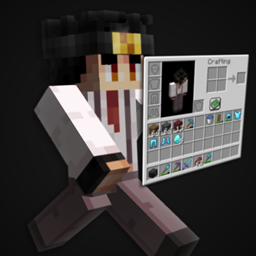
mc_mod.png
2026-08-02T20_06_57.png
2026-08-02T20_07_17.png
2026-08-02T20_07_06.png
2026-08-02T20_08_35.png
Description
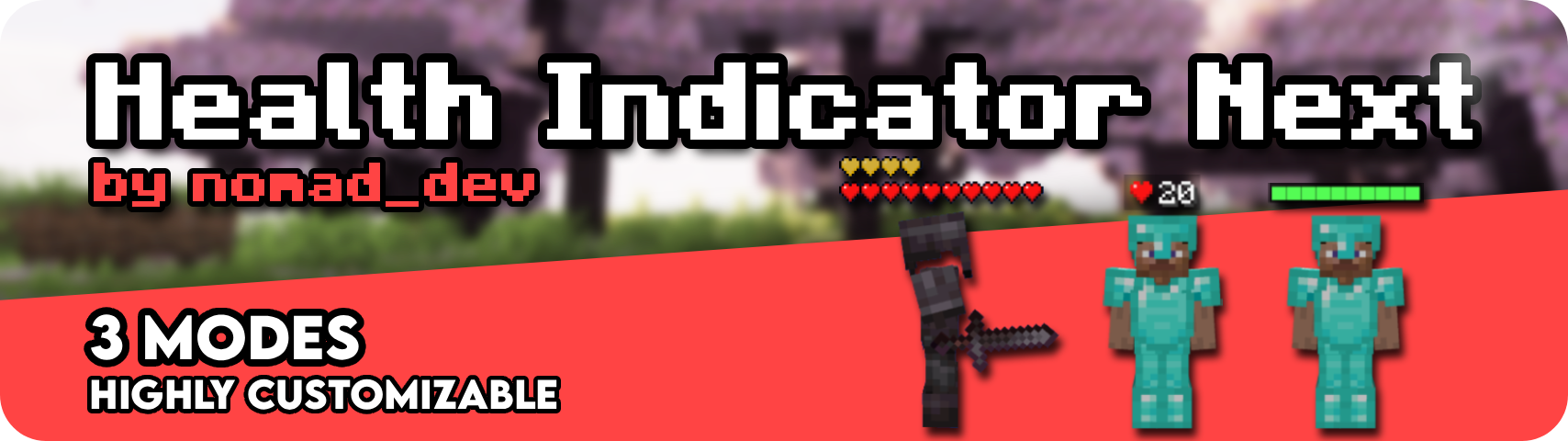
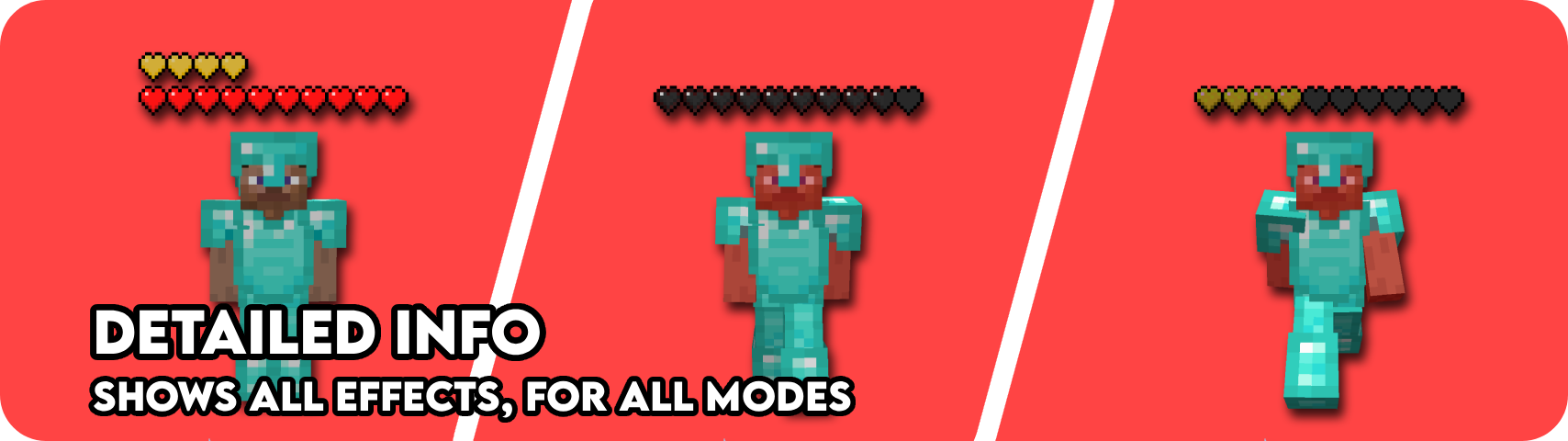
Health Indicator Next is a client only mod that shows configurable health and armor indicators above living entities. No server install needed. Health and armor can be enabled independently, so you can run just one or both.
Modes:
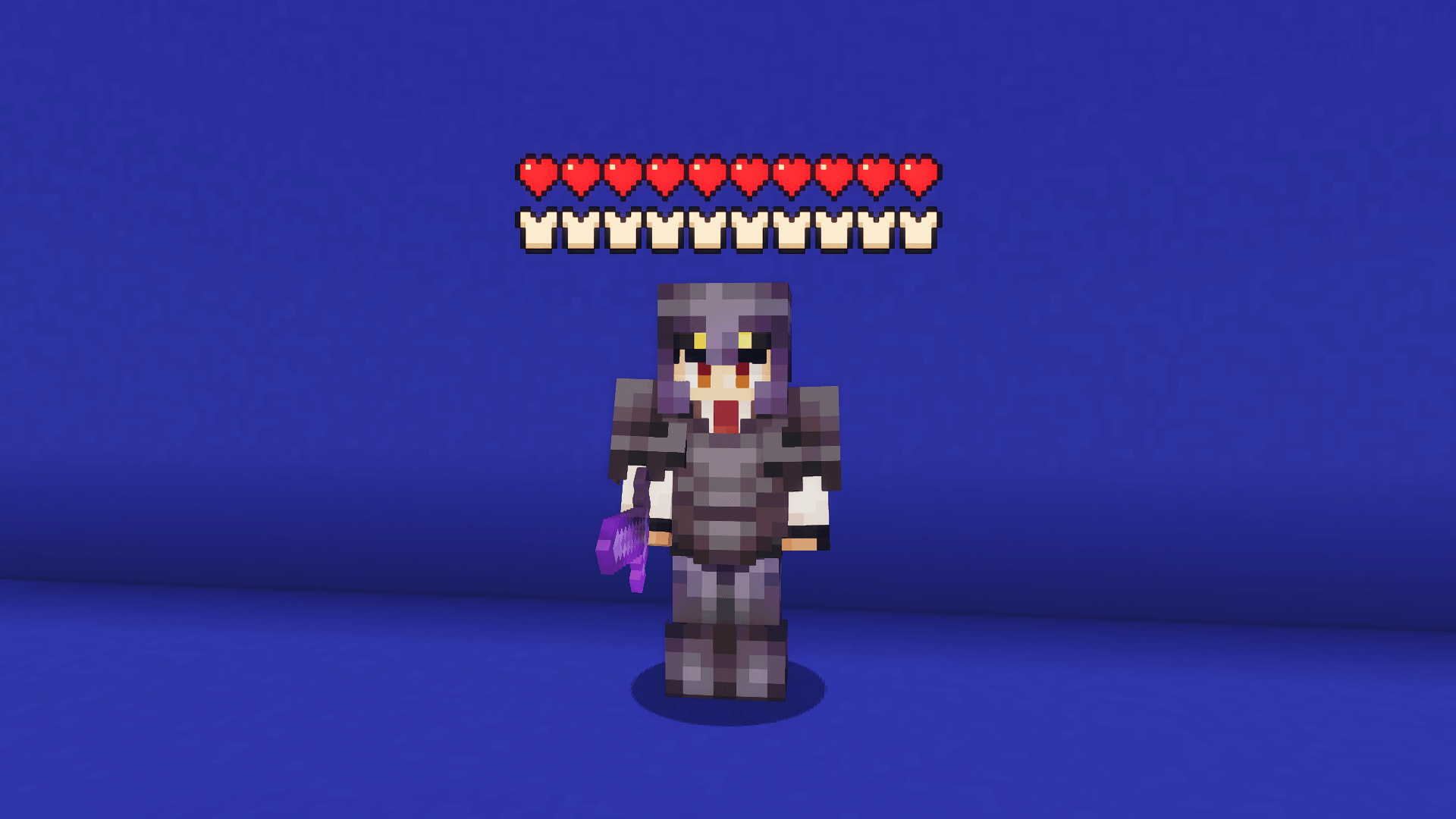
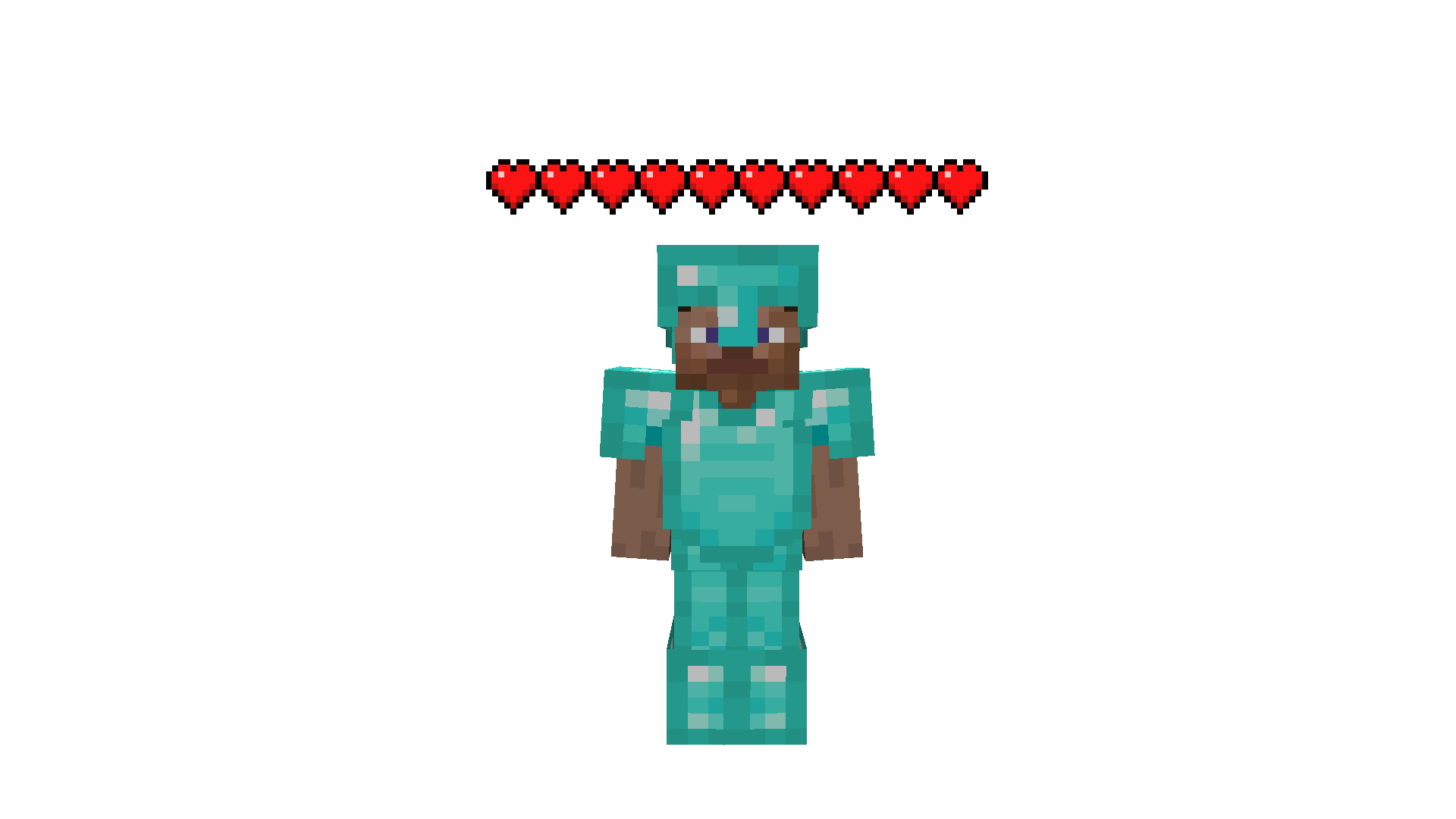
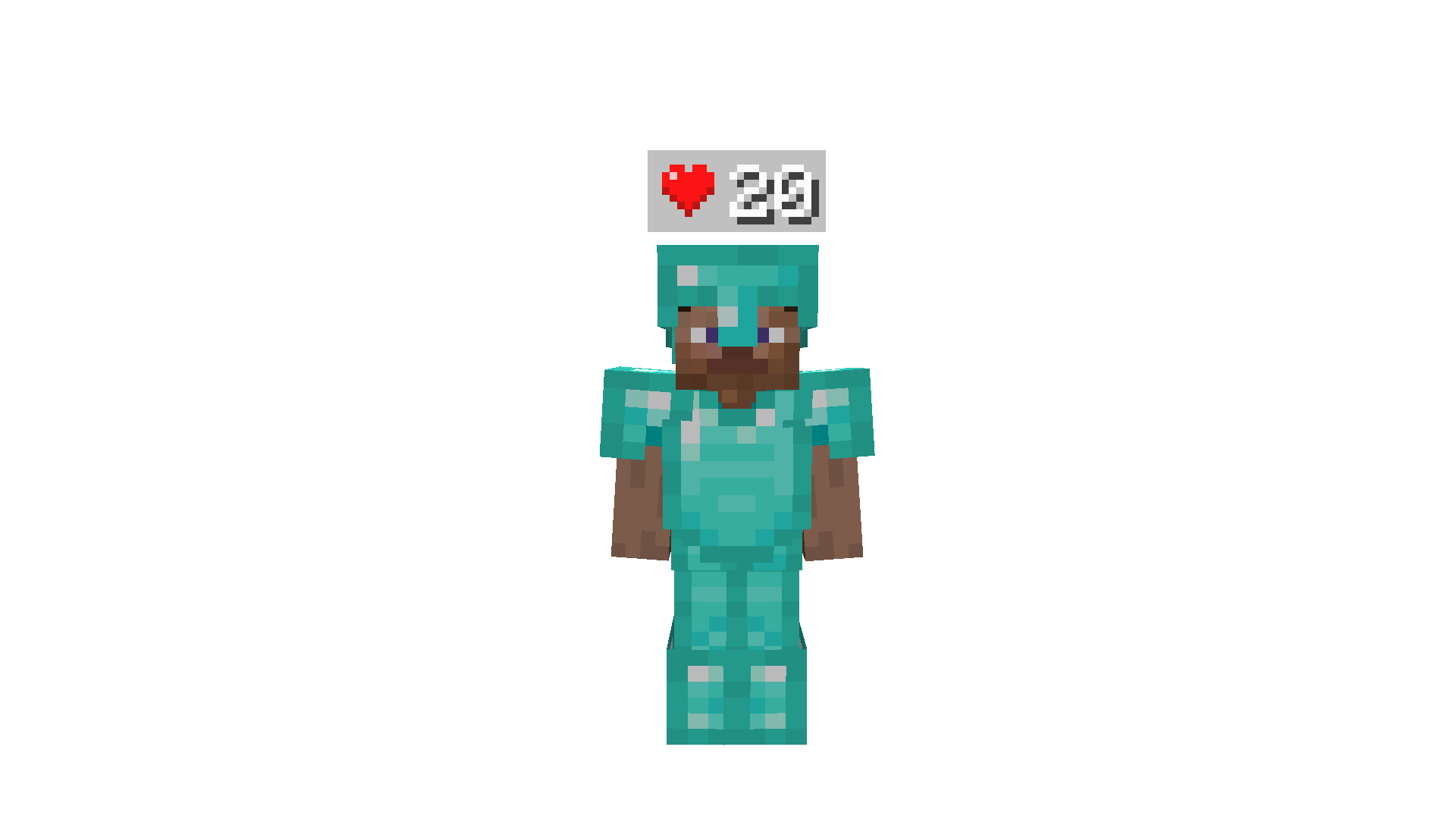
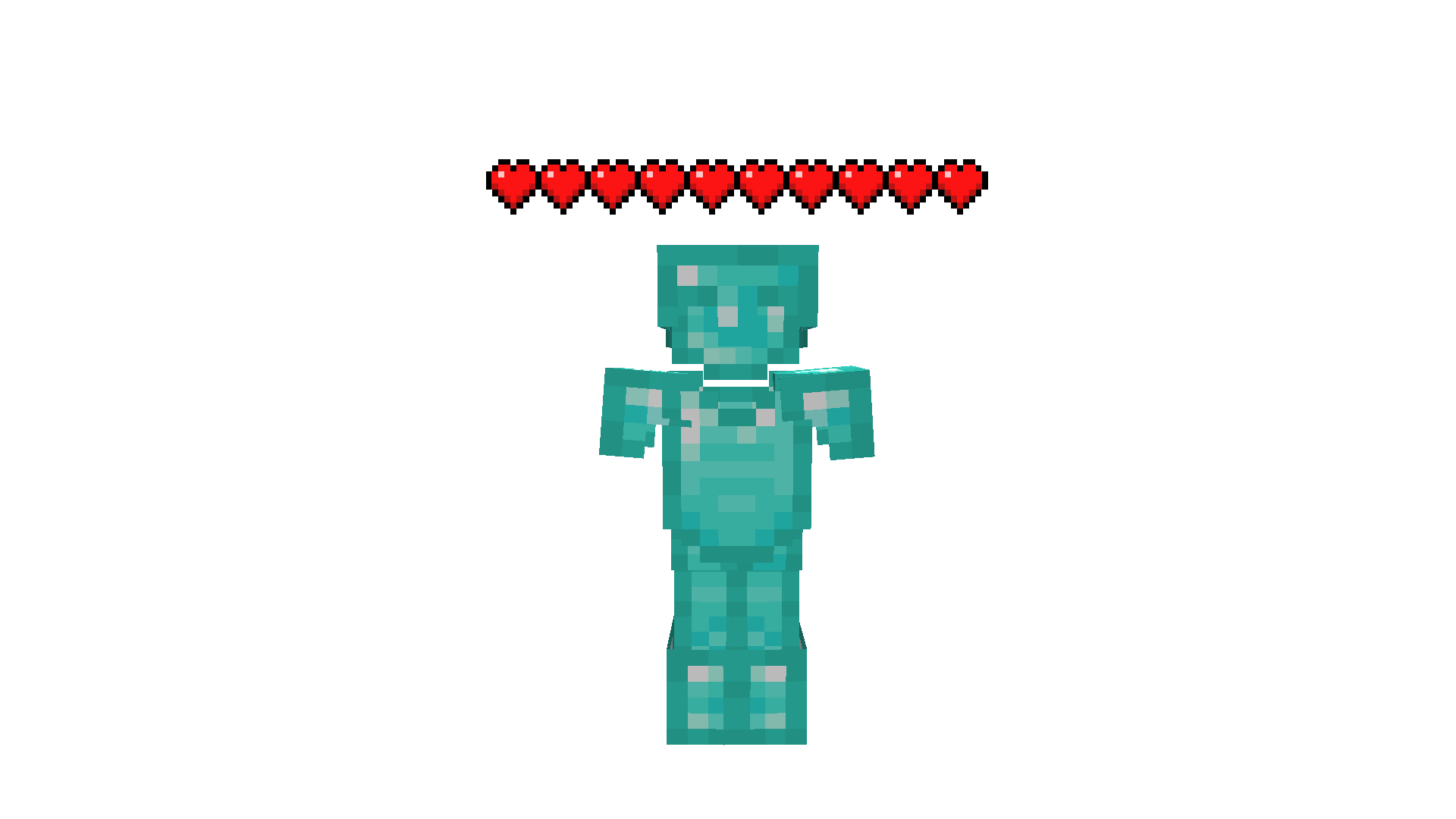
- Icons: Classic heart / armor icon rows
- Numeric: Clean numbers as a fraction (
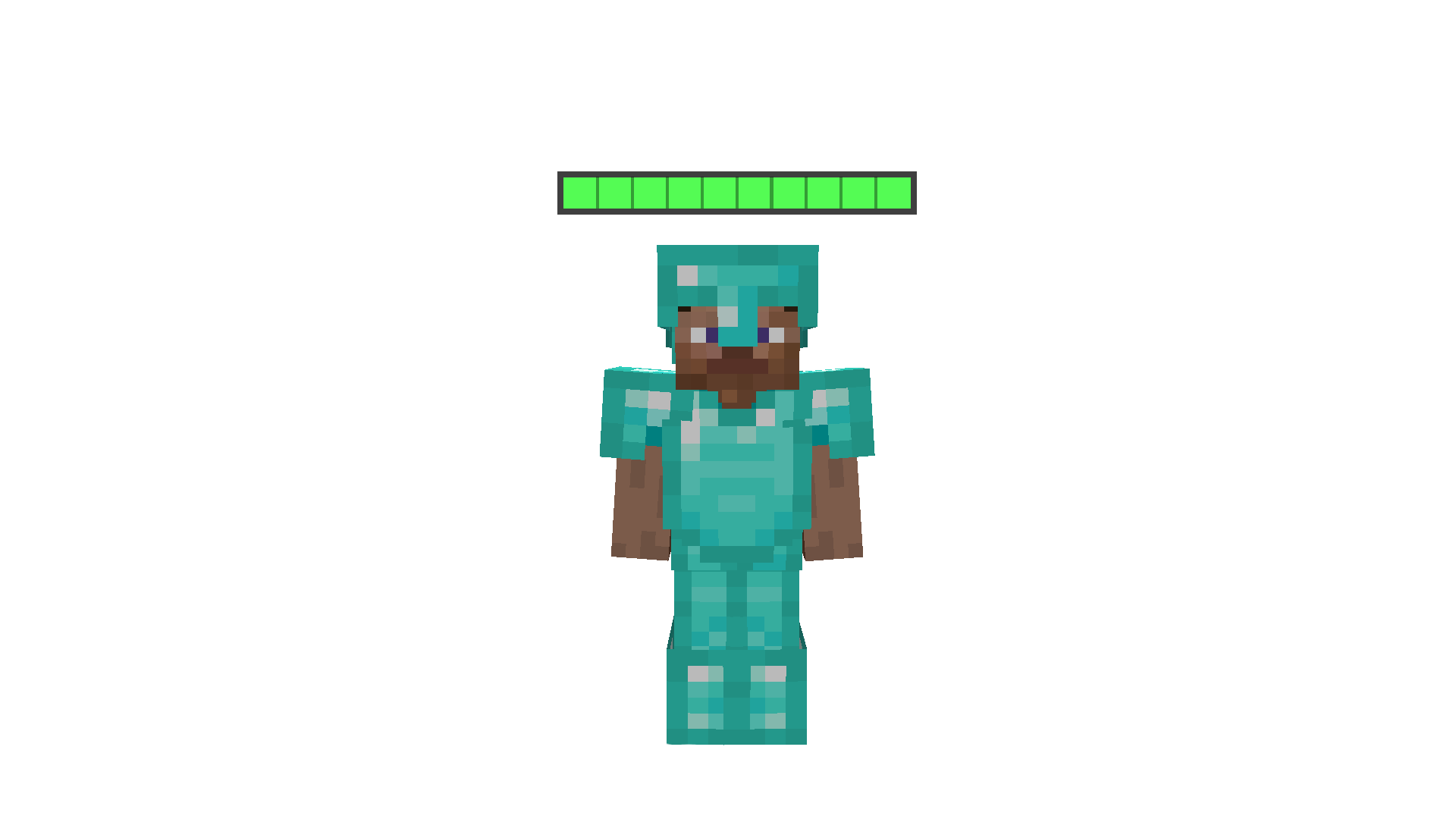
20/20) or as a HUD style icon + value, with optional float precision - Bar: Compact HP / armor bars with optional labels, segmentation, and background

Colors & Effects
- Custom colors for health text, armor text, bar fills, bar backgrounds, and numeric backgrounds
- Separate colors for poison, wither, freezing, absorption, and low HP flash
- Low HP flash threshold, critical shake threshold, blink speed, glow padding, and shake intensity
- Optional low HP effects on heart icons (bar and numeric always support their own low HP feedback)
Visual Customization
- Shared indicator size, vertical offset, and row spacing between health and armor
- Per mode tuning for icon scale/spacing, bar width/height/scale, and numeric scale/background scale
- Optional empty icons, HP/armor labels, segmented bars, and numeric backgrounds
- Cap visible hearts on high HP entities, with a
+Nlabel for hidden hearts - Choose numeric style: HUD style icons with a value, or a clean
current/maxfraction - Optional float values for more precise HP readouts
Features
- Health and armor indicators with a shared mode, size, and vertical layout
- Absorption support, including an optional separate absorption row
- Status aware visuals: poison, wither, freezing, regeneration bounce, and hardcore heart icons
- Low HP flash and shake when targets get critical
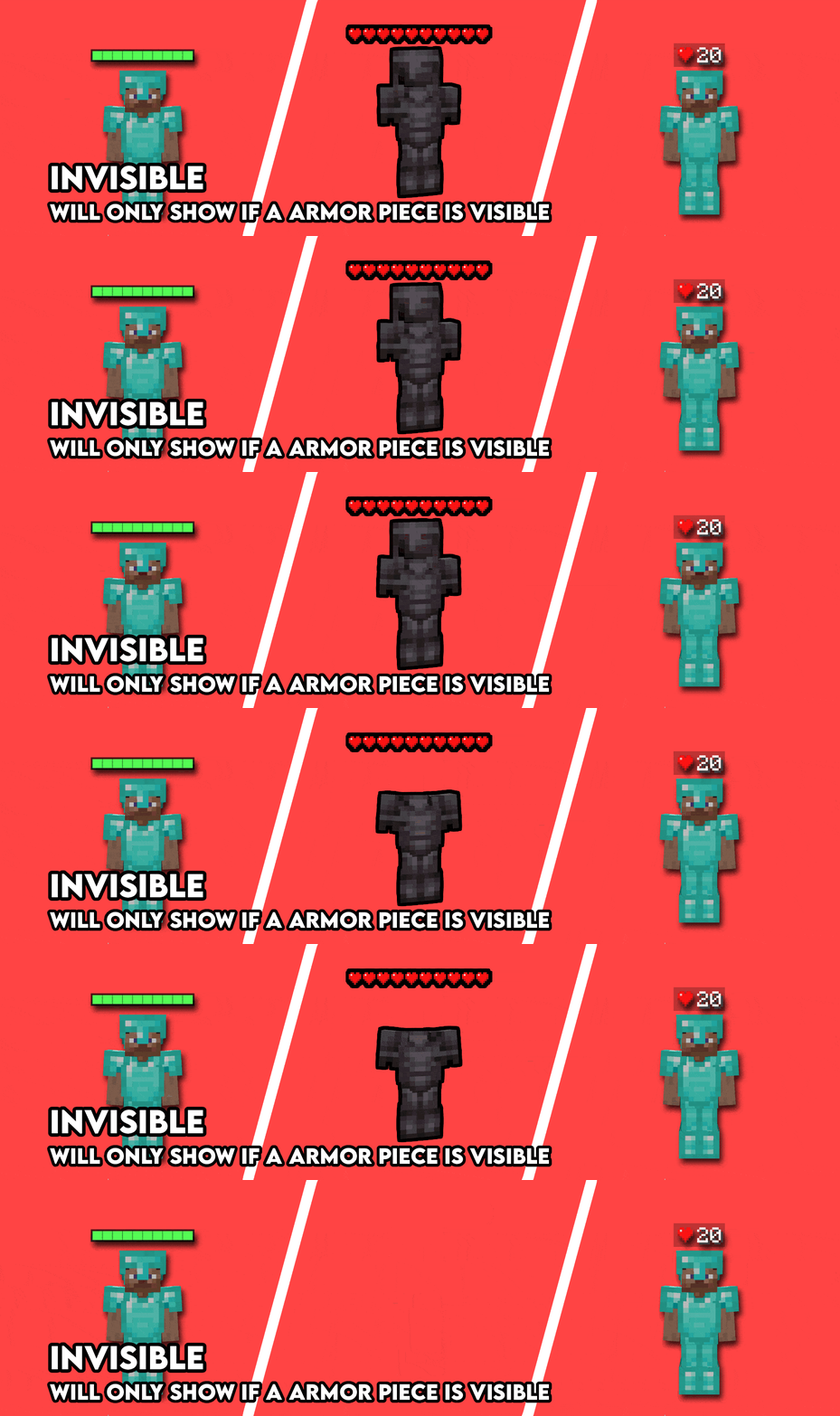
- Invisible entities stay hidden unless they are wearing armor
- Smart display filters: only when damaged, recently damaged, attacked by you, or when looking at an entity
- Per category toggles for yourself, other players, hostile mobs, and passive mobs
- Entity type and player name blacklists
- Max render distance, nametag hiding, and full in game Cloth Config UI
When Indicators Appear
- Show or hide health/armor for yourself, other players, hostile mobs, and passive mobs
- Only when damaged, recently damaged, attacked by you, or when looking at a target
- Invisible entities are skipped unless they have armor equipped
- Adjustable looking at grace and combat memory timers
- Max render distance, plus entity type and player name blacklists
Keybinds
- Toggle Health Indicator:
H - Toggle Armor Indicator:
J - Toggle Nametags: Unbound
- Move Indicators Up:
Page Up - Move Indicators Down:
Page Down - Cycle Indicator Mode: Unbound
- Open Mod Settings:
I
Note: These are all just the default keybinds. They can be modified by going into Options > Controls > Keybinds or by going to the Mod settings Key binds page.
Dependencies
The Health Indicator Next Team