Nope, definitely not. I should stop talking and start running.
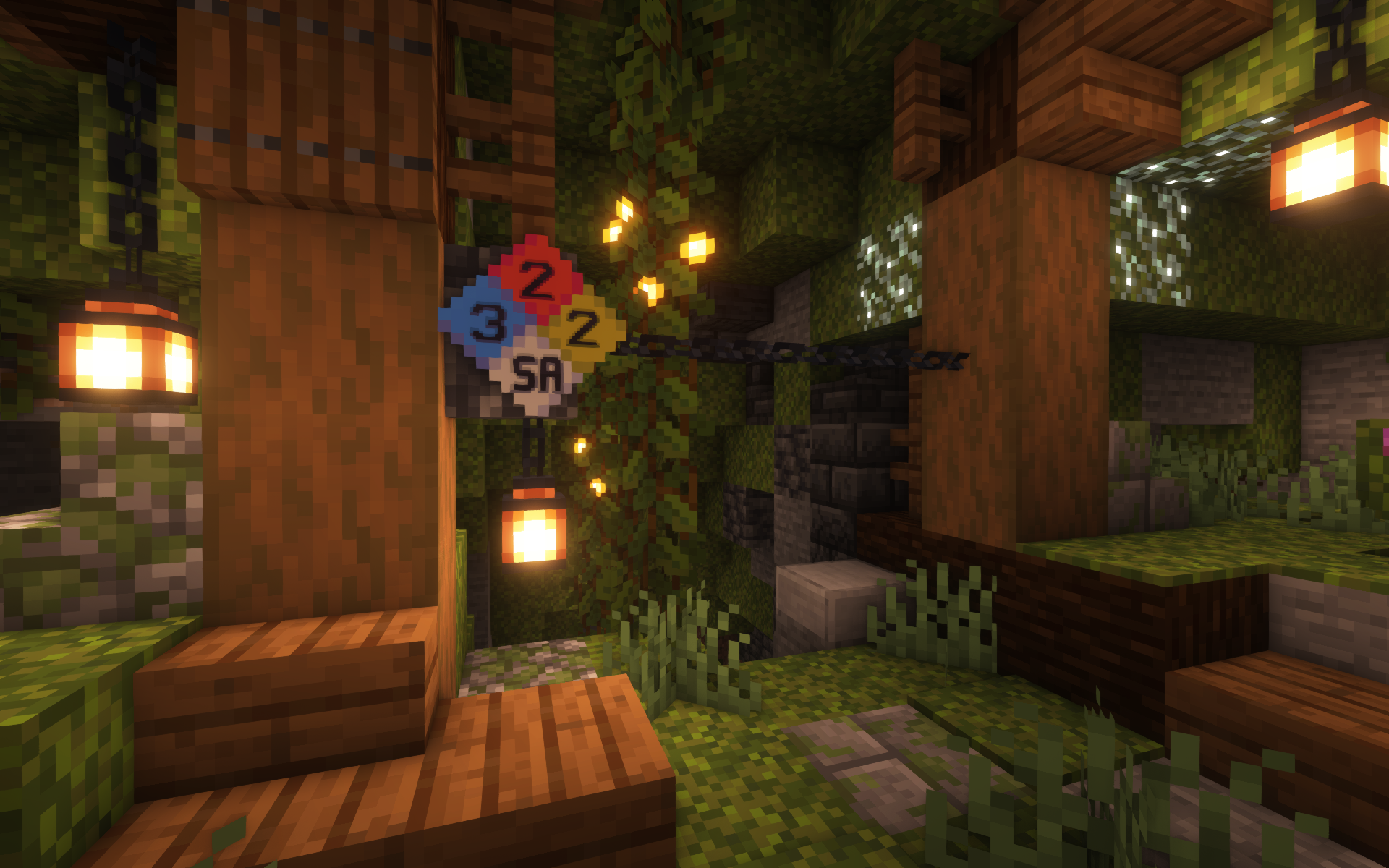
I didn't need to get close to figure out I shouldn't be here.
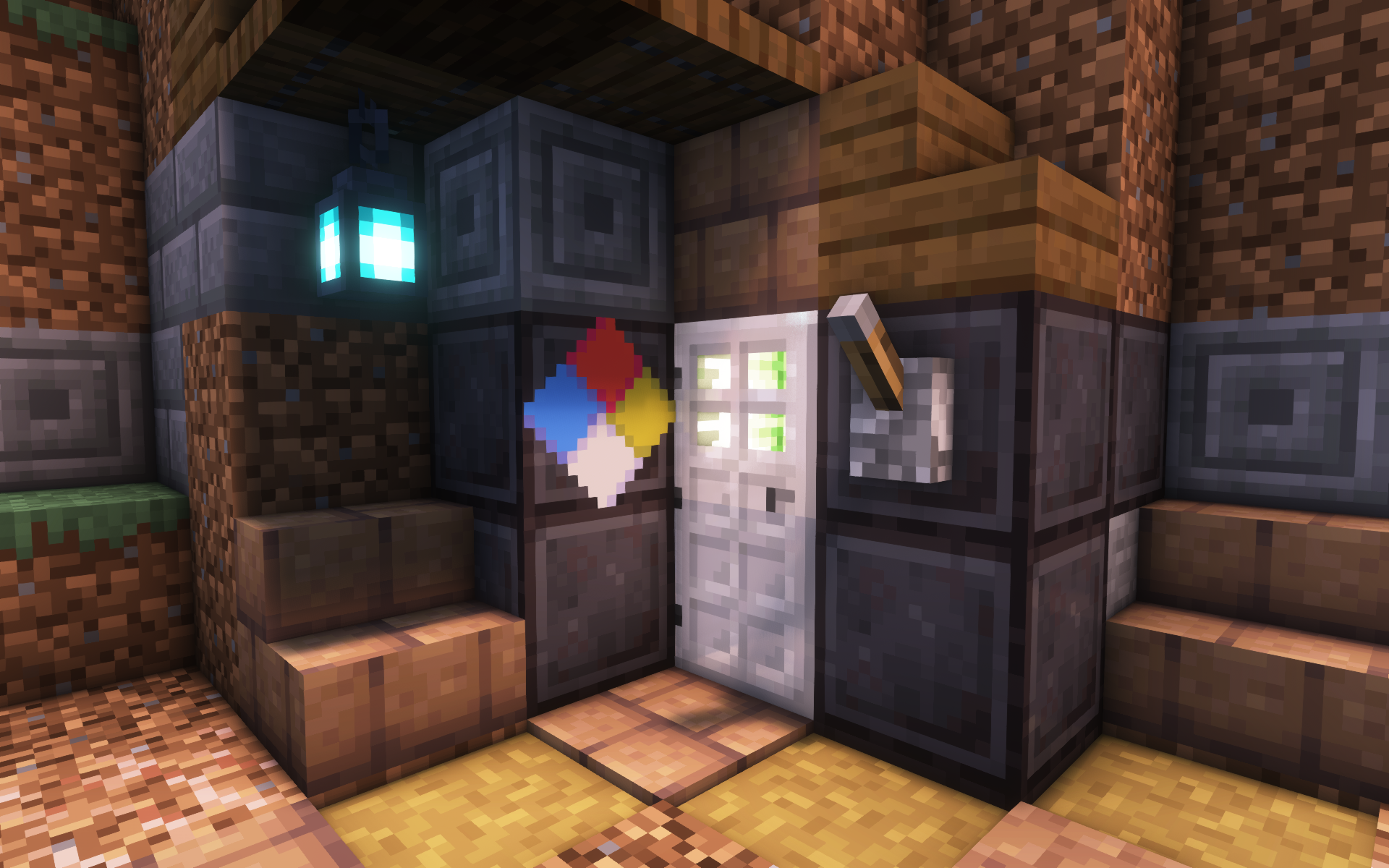
I've stumbled across an old storage bunker. I wonder if it's safe...
Description
The Minecraft Hazard Diamond
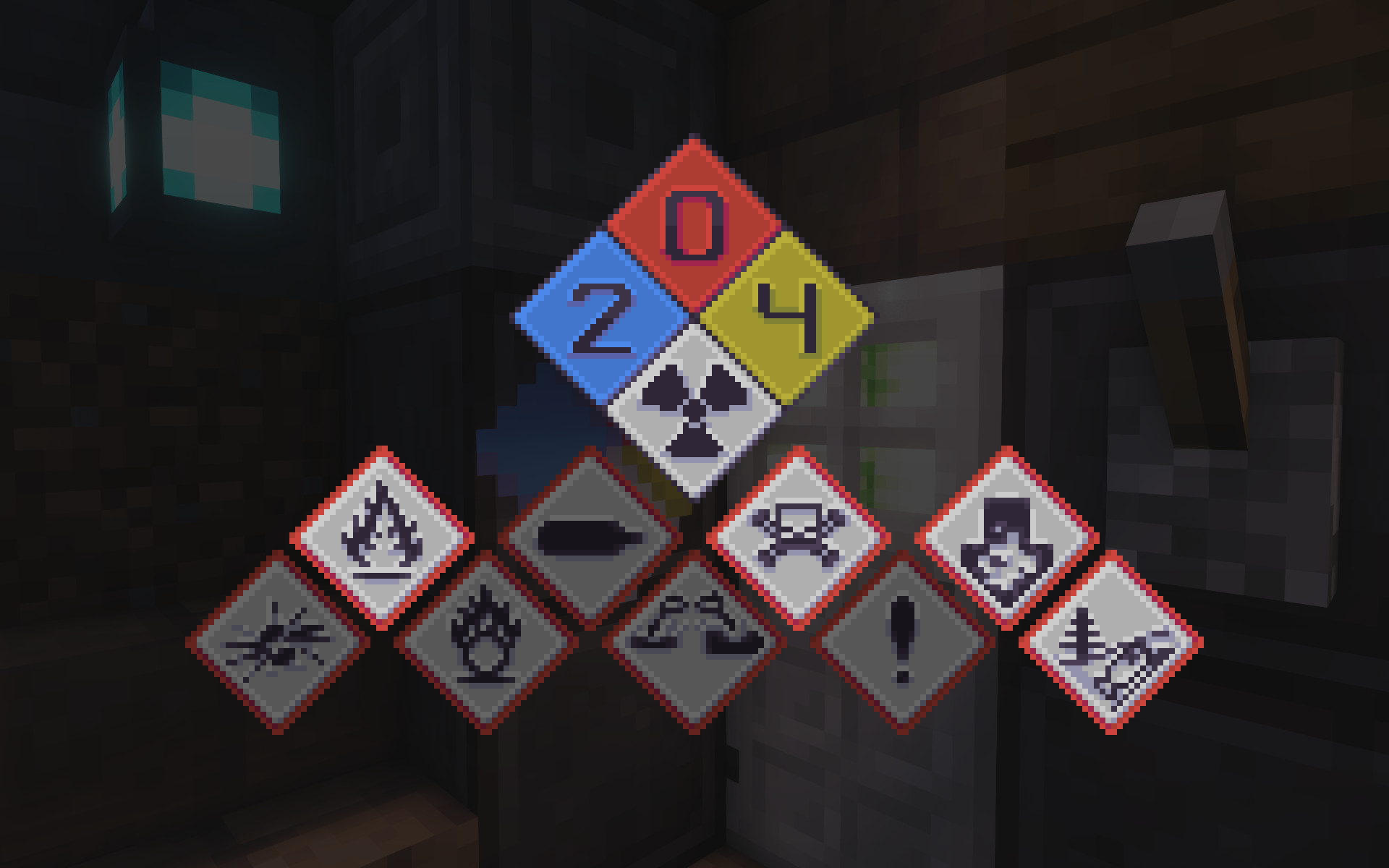
🔥 The NFPA 704 is a standard created by the National Fire Protection Association. Colloquially, an implementation of this standard is known as a Fire Diamond or a Hazard Diamond.
💠 The GHS identification system is a widely-used standard containing various easily recognizable pictograms to describe chemicals' hazards.
For examples on either standard, check out the GitHub homepage!
 Gameplay
- You can craft a Hazard Diamond item with a dye corresponding to each quadrant of the diamond and an iron ingot in the center.
- Place the Hazard Diamond item down in the world like normal.
Note: Similarly to item frames, Hazard Diamonds are entities. You can also place more than one in the same block-space.
- A placed Hazard Diamond is editable. Get close to the diamond and interact with it it to open the Edit screen.
- Click on any of the four main quadrants to scroll through its display options. The colored quadrants range from 0-4 while the white quadrant has a few special symbols to choose from.
- The GHS pictograms are displayed below the main diamond. Click on a pictogram to toggle it.
Note: You'll know if the diamond was edited successfully when the hammering sound effect plays.
- When you're done editing a Hazard Diamond, sneak-interact on the entity while holding a honeycomb to wax it.
- Interacting with the entity at this point will bring up the same screen in an immutable state.
- If you have WTHIT installed, you can also view the Hazard Data in the tooltip.
 Library
Hazard Diamond is primary a library mod. It allows users to create and display Hazard Data to players with or without code. Exclusively within the API, however, is the ability to open mutable screens on the client—much like the placeable entity—and listen to when edits are submitted.
Make sure to read the wiki for information on how to set up and use the various development features provided by the mod.
License
MIT © spadeteam
The Hazard Diamond Team


Owner