

Hardcore Death
- By
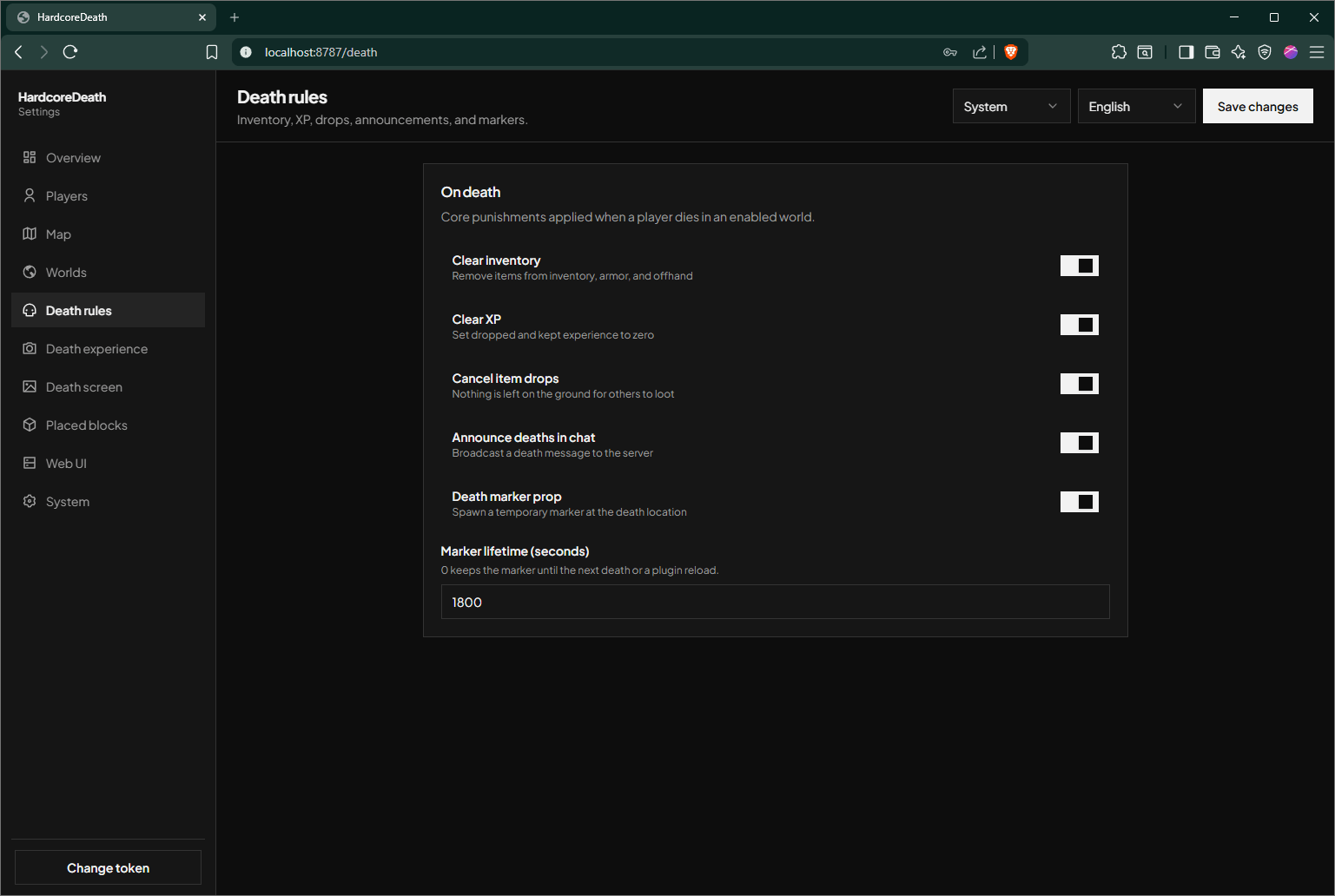
HardcoreDeath adds cinematic deaths to NeoForge servers: custom respawn/spectate choices, inventory and XP loss, death markers, optional placed-block rollback, and a web dashboard for server settings and player activity.
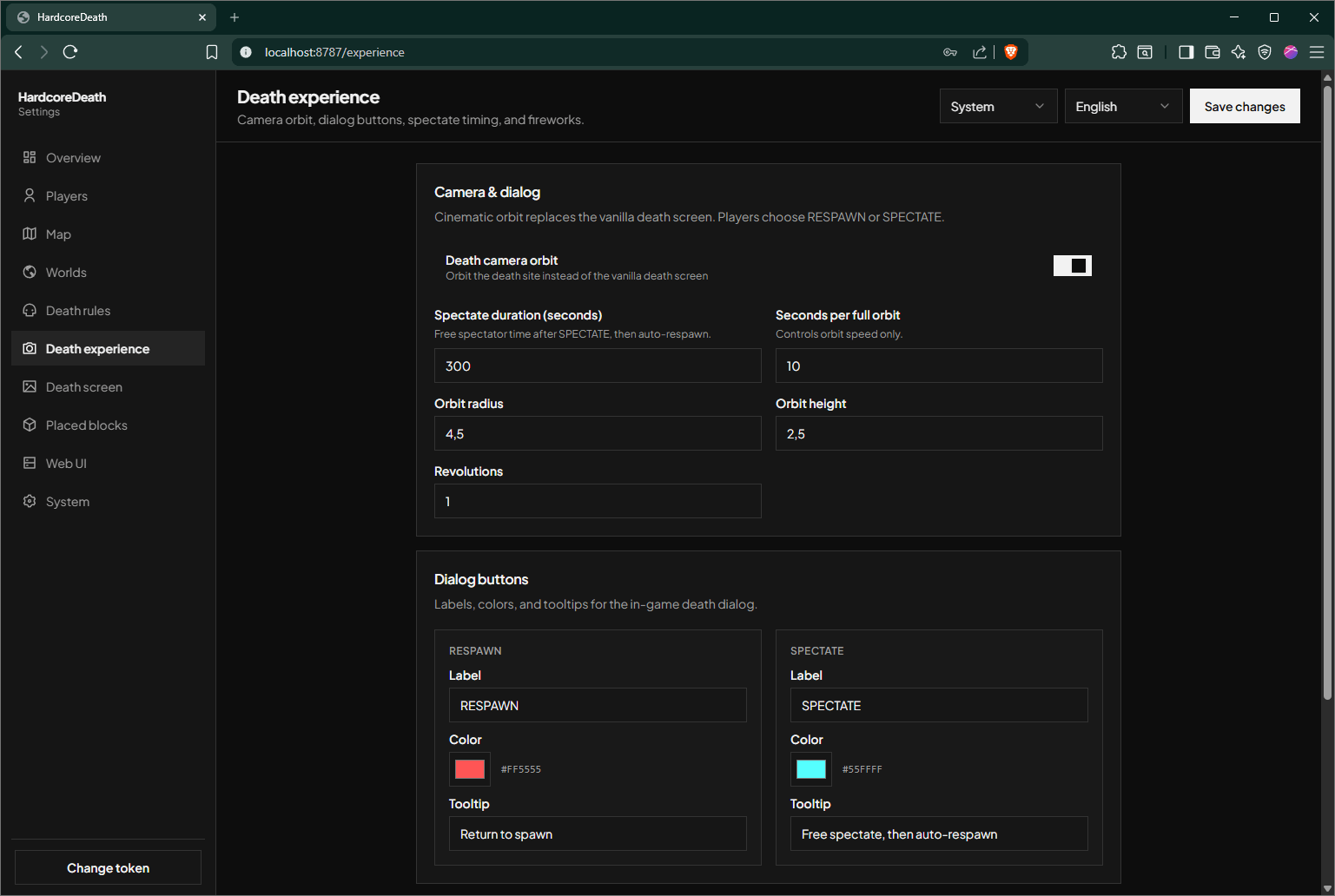
Screenshot 2026-07-17 124852.png
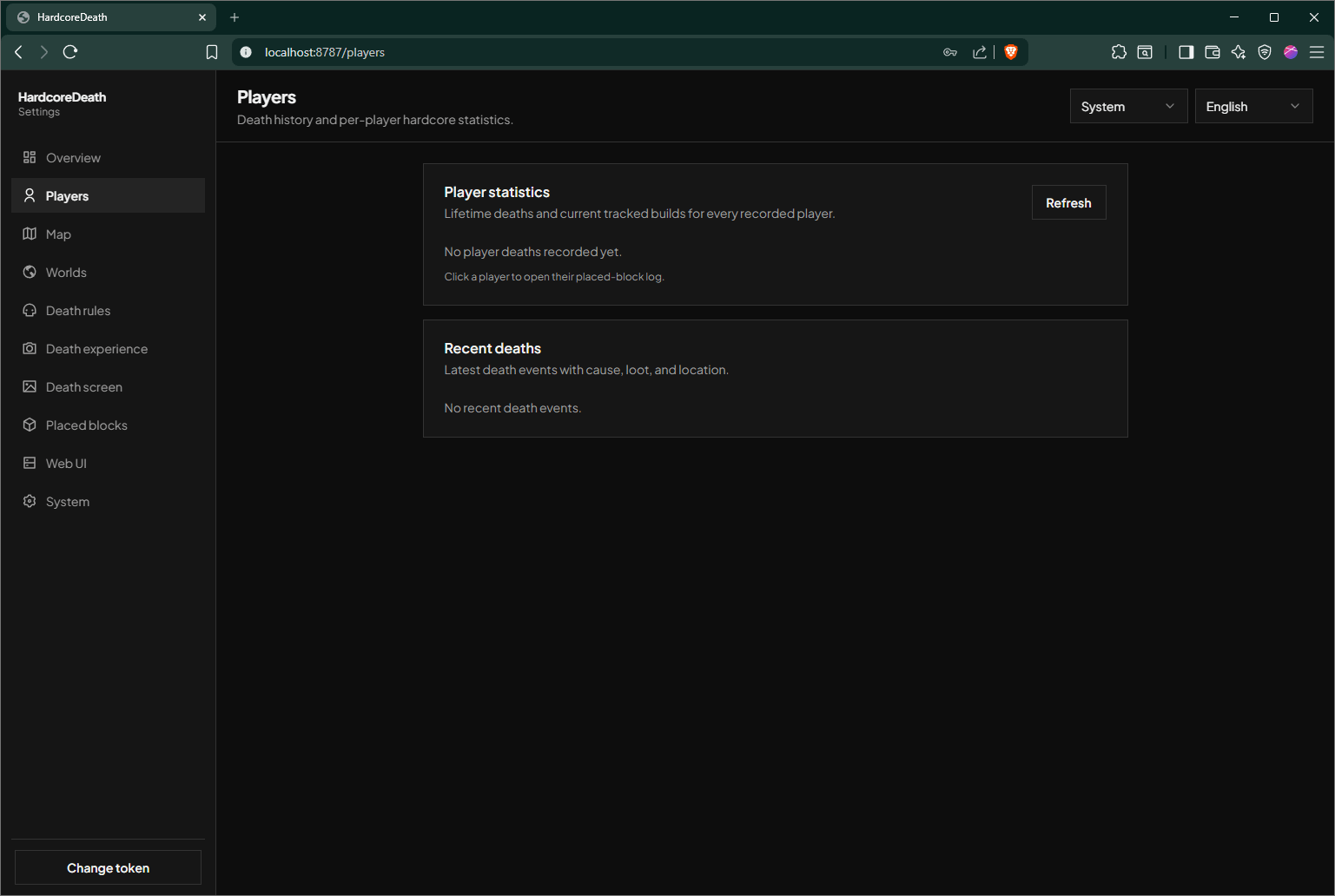
Screenshot 2026-07-17 124832.png
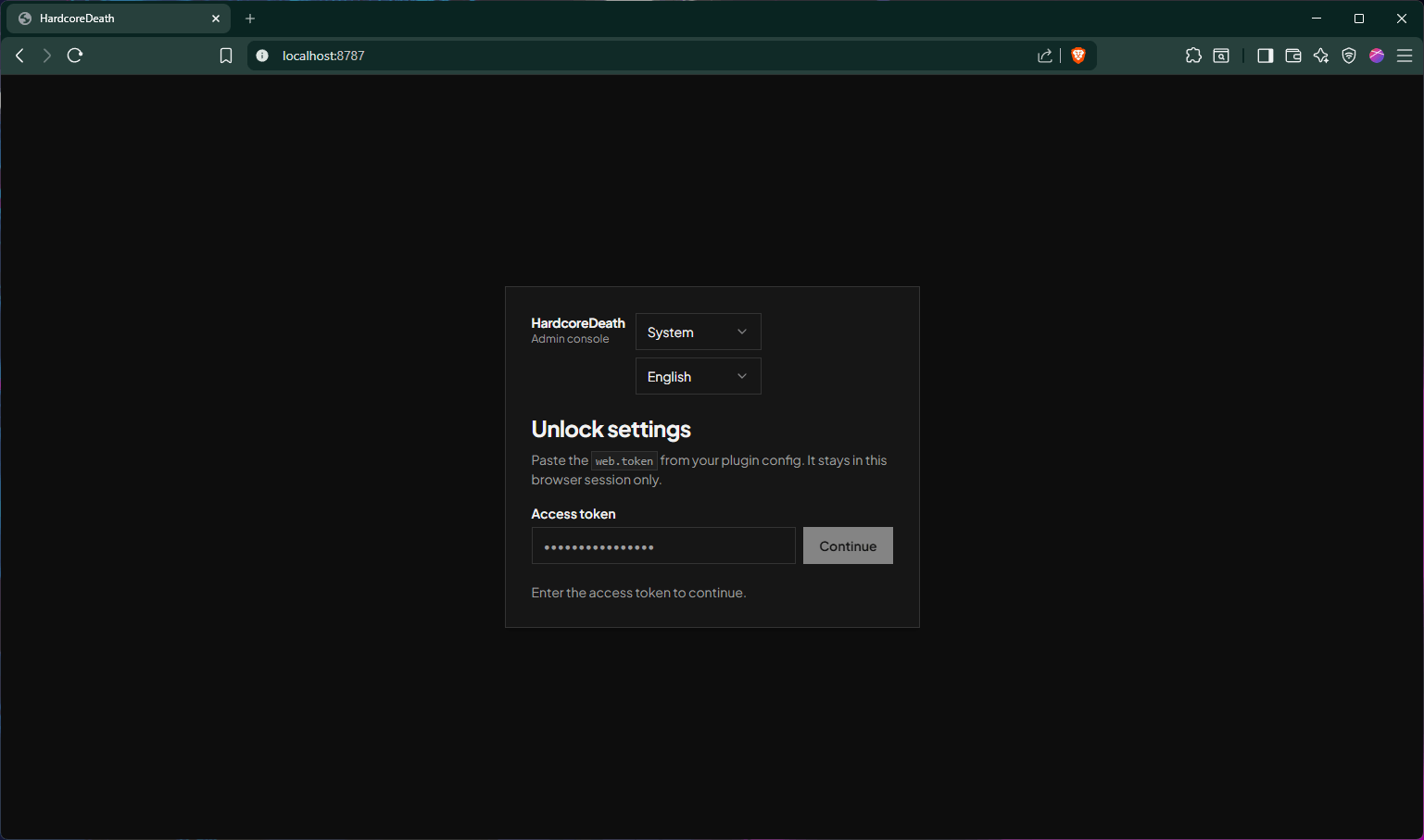
Screenshot 2026-07-17 124616.png
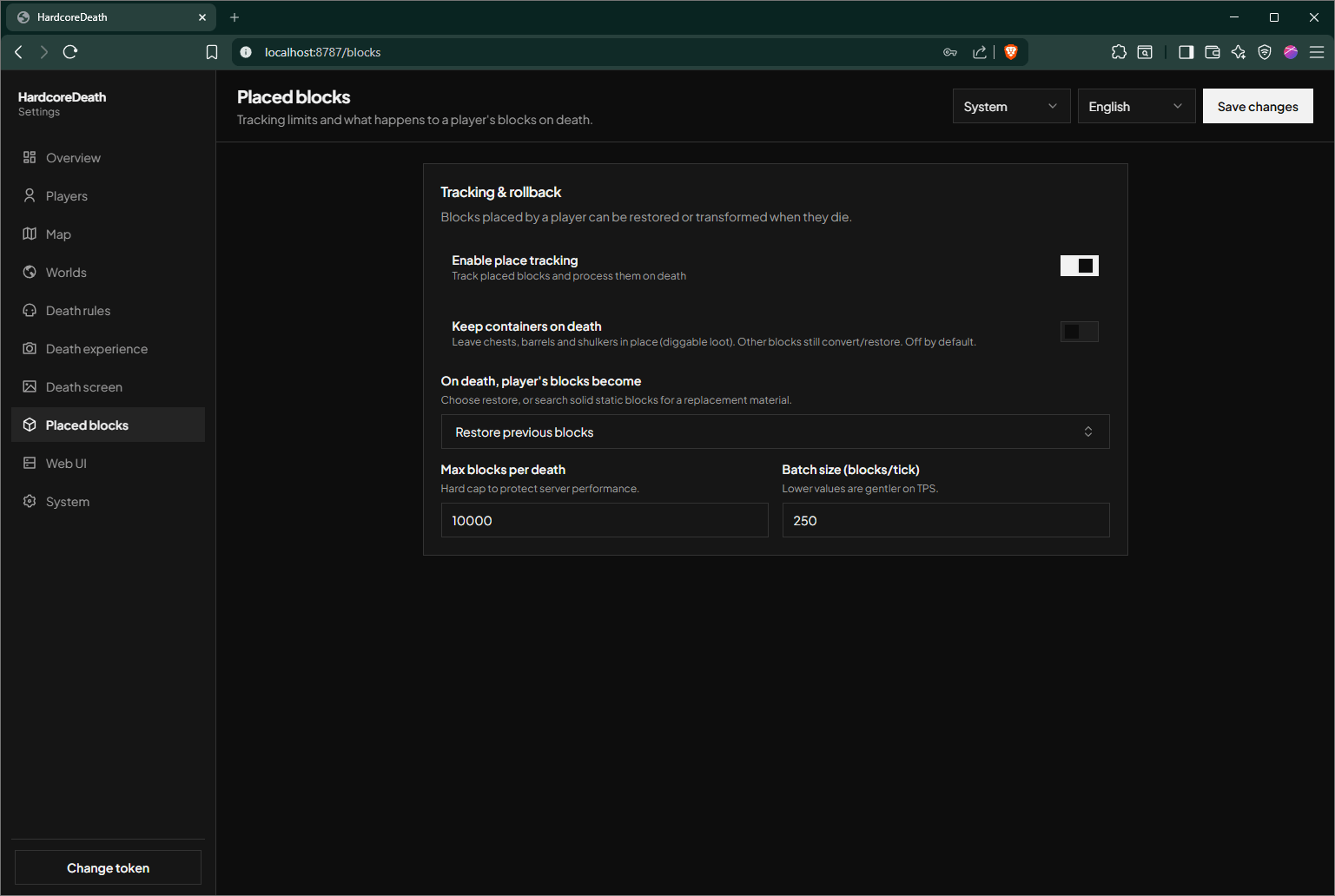
Screenshot 2026-07-17 124902.png
Screenshot 2026-07-17 124842.png
Description
HardcoreDeath turns every player death into a memorable, configurable event for NeoForge servers.
Instead of an instant respawn, players enter a cinematic death sequence and choose whether to respawn or spectate for a configured amount of time. The mod gives server owners control over the consequences of death while preserving a clear, polished player experience.
Features
- Cinematic death sequence with a custom respawn/spectate screen
- Optional inventory and XP clearing
- Optional cancelled item drops
- Configurable death announcements
- Death markers showing the player’s head, name, death location, time, and death count
- Optional rollback or removal of player-placed blocks after death
- Configurable marker lifetime and rollback limits
- Built-in web dashboard for settings, player activity, death history, and rollback information
- Token-protected web dashboard access
- Server-side configuration stored in
config/hardcoredeath.json
Installation
HardcoreDeath must be installed on both the server and every client.
- Install NeoForge for Minecraft 1.21.1.
- Place the HardcoreDeath JAR in the
modsfolder on the server and all clients. - Start the server once to generate
config/hardcoredeath.json. - Adjust the configuration as needed, then use
/hardcoredeath reloador restart the server.
Commands
/hardcoredeath reload— Reloads HardcoreDeath’s configuration and restarts its web interface./hardcoredeath status— Shows the current mod status./hardcoredeath webtoken— Shows the token for the web dashboard.
The Hardcore Death Team
