Groundworks
- By
Place whole lines of blocks in one drag, preview every placement before you click, rotate, raise and lower it, and take lines back up with one Dismantle, all in vanilla.
2026-09-29_16.45.17.png
2026-09-29_16.48.06.png
Description
Groundworks lets you lay whole lines of blocks in one drag, see every placement before you click, turn, raise and lower it, and take a line back up in one go, all in vanilla.
NeoForge, Minecraft 26.1.2 only. Groundworks is early work, so please report any issues you find on GitHub.
Features
- See it before you place it. Hold a block whose placement depends on how you place it, such as stairs, slabs, logs, doors or rails, and a translucent preview shows exactly what a click would put down, in blue where it replaces something and in red where it would be refused.
- Rotate before you place. Press
Rto turn the next placement a quarter from the way you look, andShift+Rto turn it back. With nothing in hand that places, aim at a block already standing and pressRto turn it in place. - Raise and Lower. Press
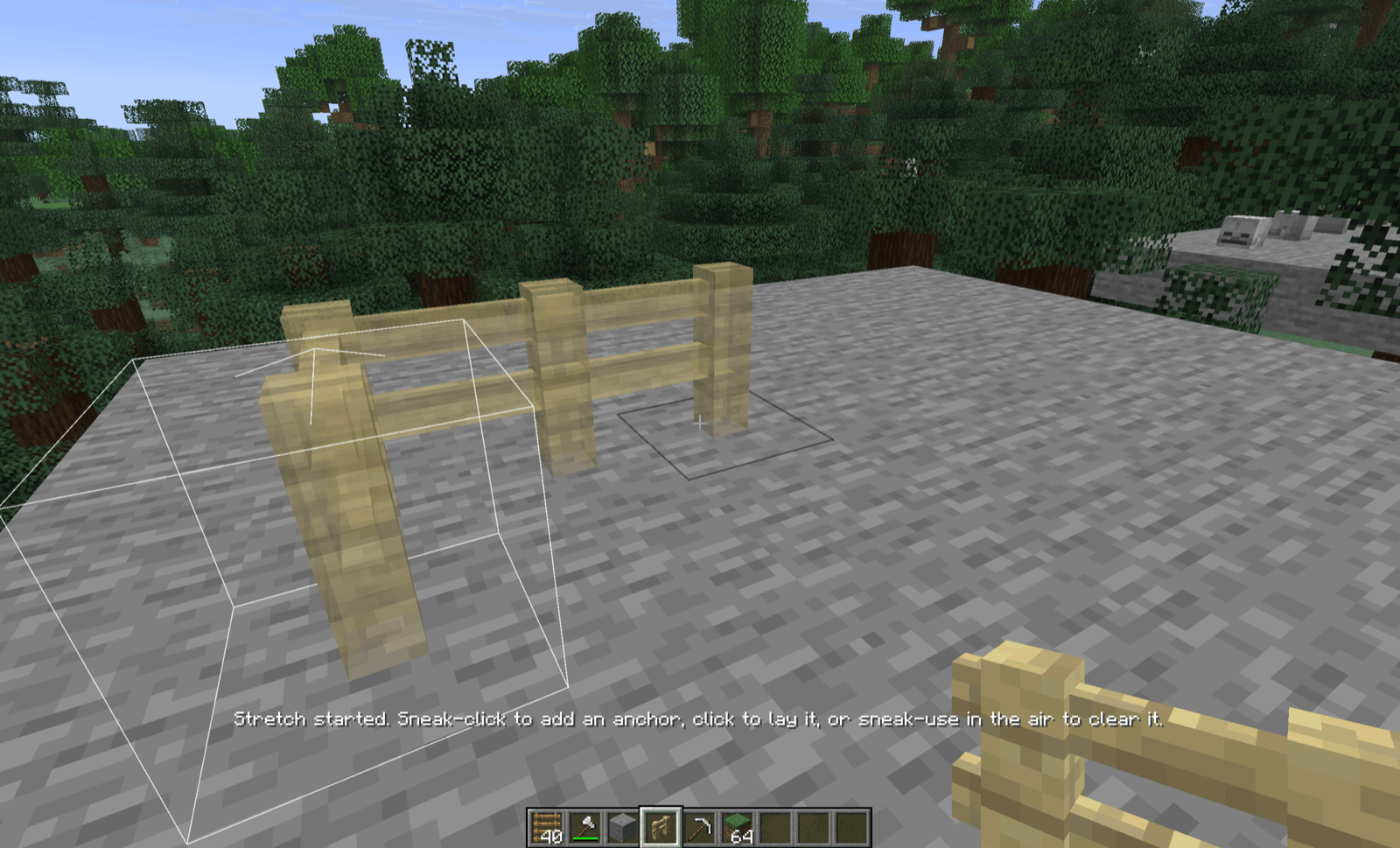
GorBto move the next placement one block up or down, so you can place in mid-air or at a height you can't aim at. - Stretch a whole line. Sneak-click with stairs, slabs, fences, walls, panes, logs or rails to start a stretch, sneak-click again to add a corner, then click where it ends. The line is laid, and paid for, in one go, goes round a block in its way, and joins up as vanilla joins it: stairs climb as a staircase, rails slope, fences connect.
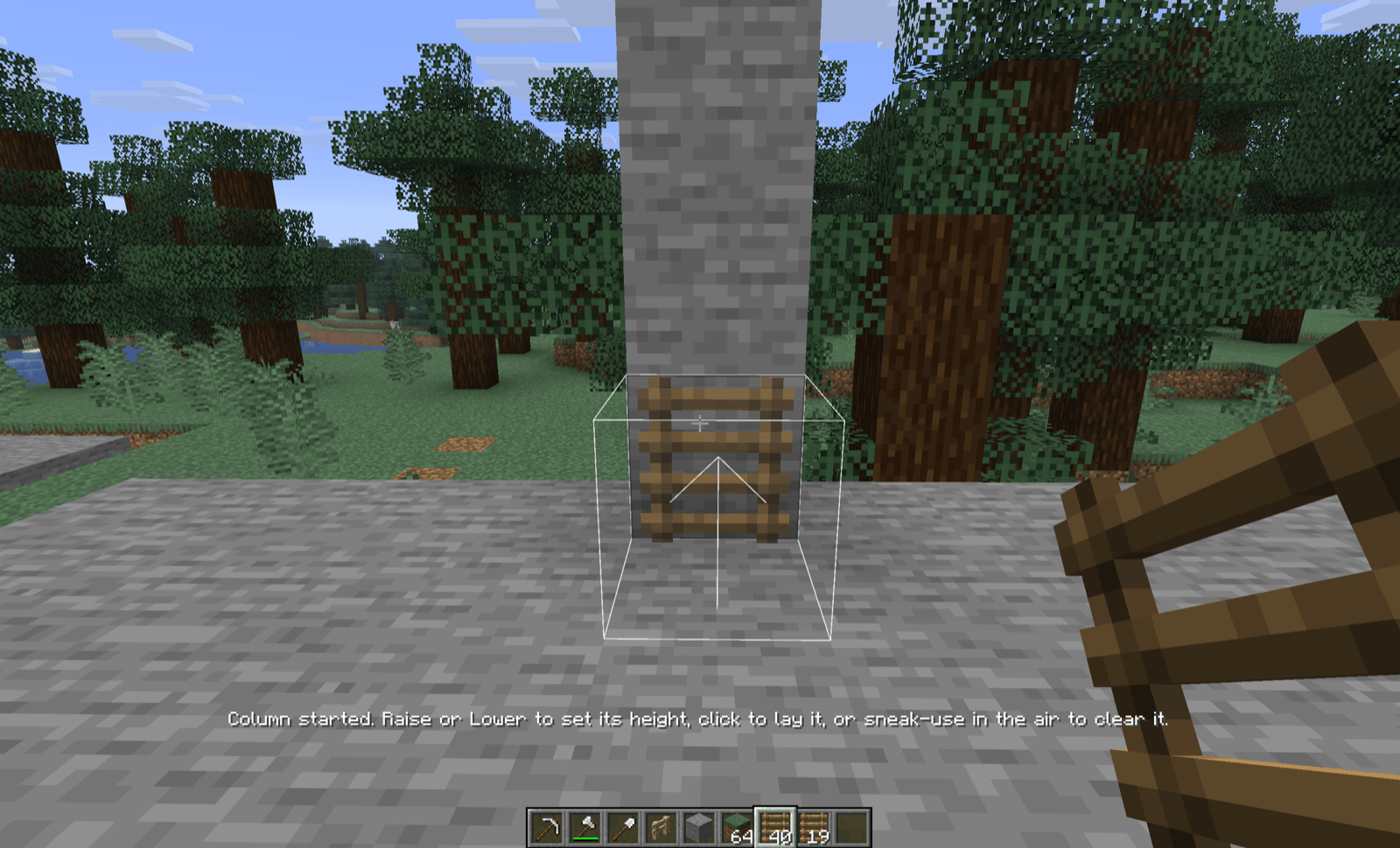
- Columns straight up or down. Ladders and chains stretch as a column: sneak-click to start, press
GorBto set its height, click to lay it. A tall ladder is one gesture, however far above you it climbs. - Dismantle a line. Sneak-click a fence, wall, iron bar or rail with the tool that breaks it, then click another of the same kind: everything joined between them comes up into your inventory.
For pack developers
Which blocks and items each feature reaches is data. Each feature has one tag, shipped with defaults, which a datapack changes with no code: groundworks:plan_opt_in, groundworks:rotates_in_place, groundworks:stretches, groundworks:stretches_vertically, and the families under groundworks:dismantle_family/. The server config's planOptInNamespaces gives every block of a mod a preview in one line.
For mod developers
Groundworks is also a library. A mod plans its own items' placements, stretches and dismantles through it, and draws its own additions through its hooks, so everything on one screen places, previews and dismantles one way. Beltworks is built this way, and bundles Groundworks inside its jar.
Dependencies
None beyond NeoForge. Groundworks is needed on both the client and the server.
License
MIT. The cover art uses Minecraft's block textures, which remain Mojang's. Source is on GitHub.
The Groundworks Team