Grave Deadline
- By
Grave Deadline adds a cemetery to Minecraft where players must build a gravestone for each death before a configurable deadline.
2026-11-10_15.53.29.jpg
Description
🪦 Grave Deadline
Build a cemetery with your friends and give every death in Minecraft a place to be remembered. With Grave Deadline, each death creates a new obligation to build a grave before the deadline. You can build your own gravestone or ask another player to build it for you.
🏰 Set up your cemetery
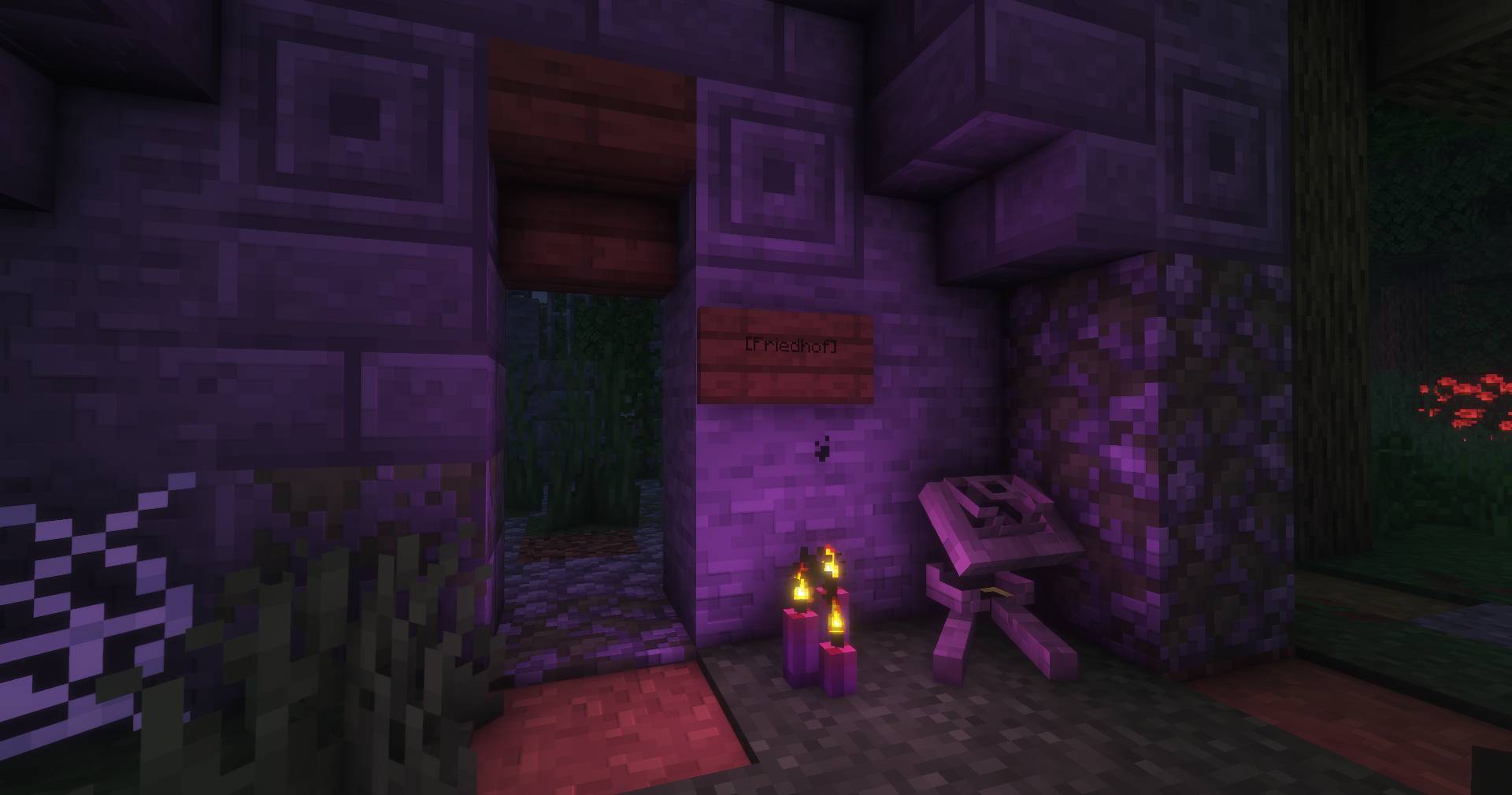
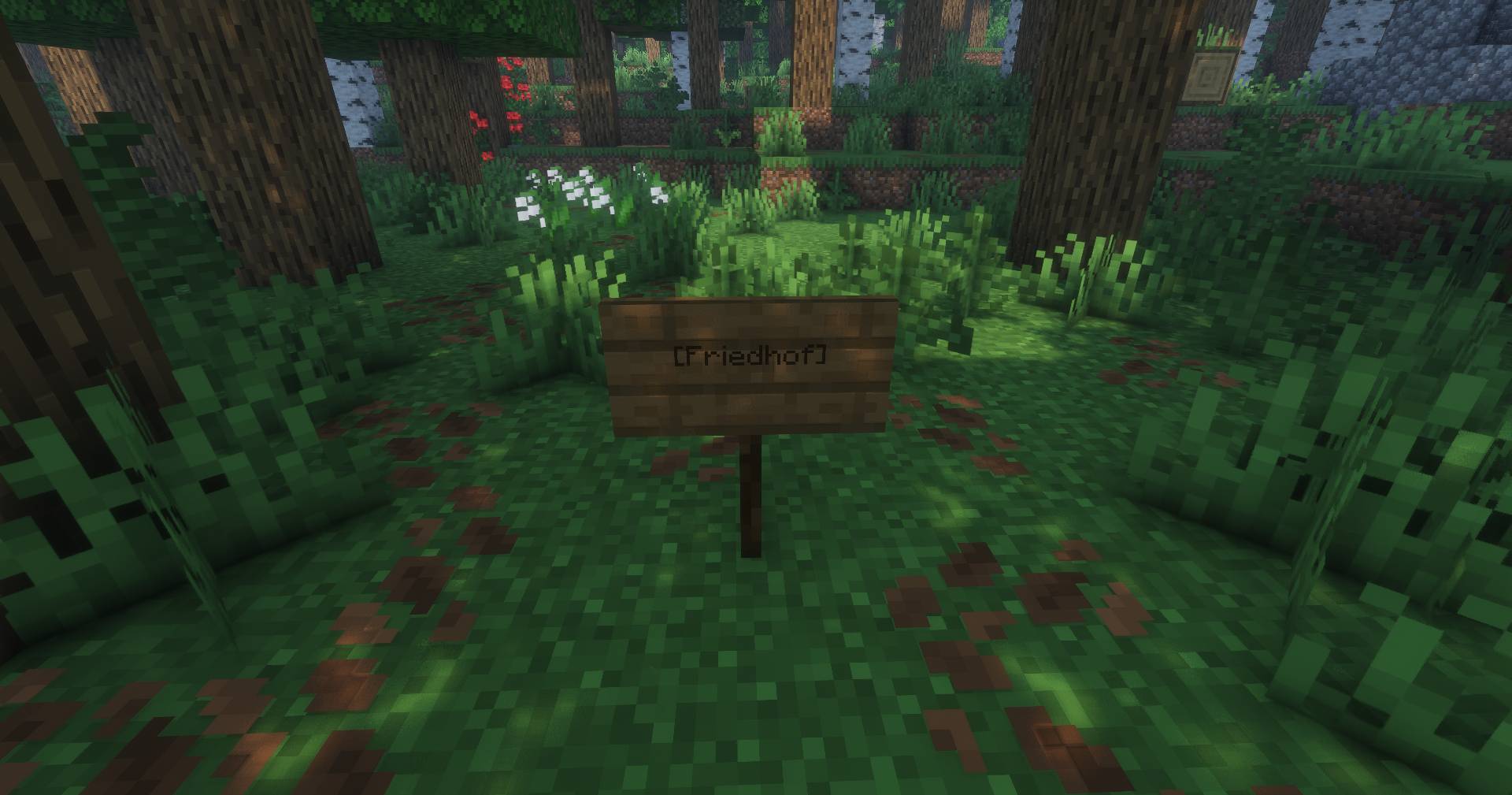
Place a sign with the exact text [Friedhof] to designate your world’s cemetery. By default, gravestones count within a 75-block horizontal radius of the sign, at any height. Each world can have one active cemetery.
🪧 Build one gravestone per death
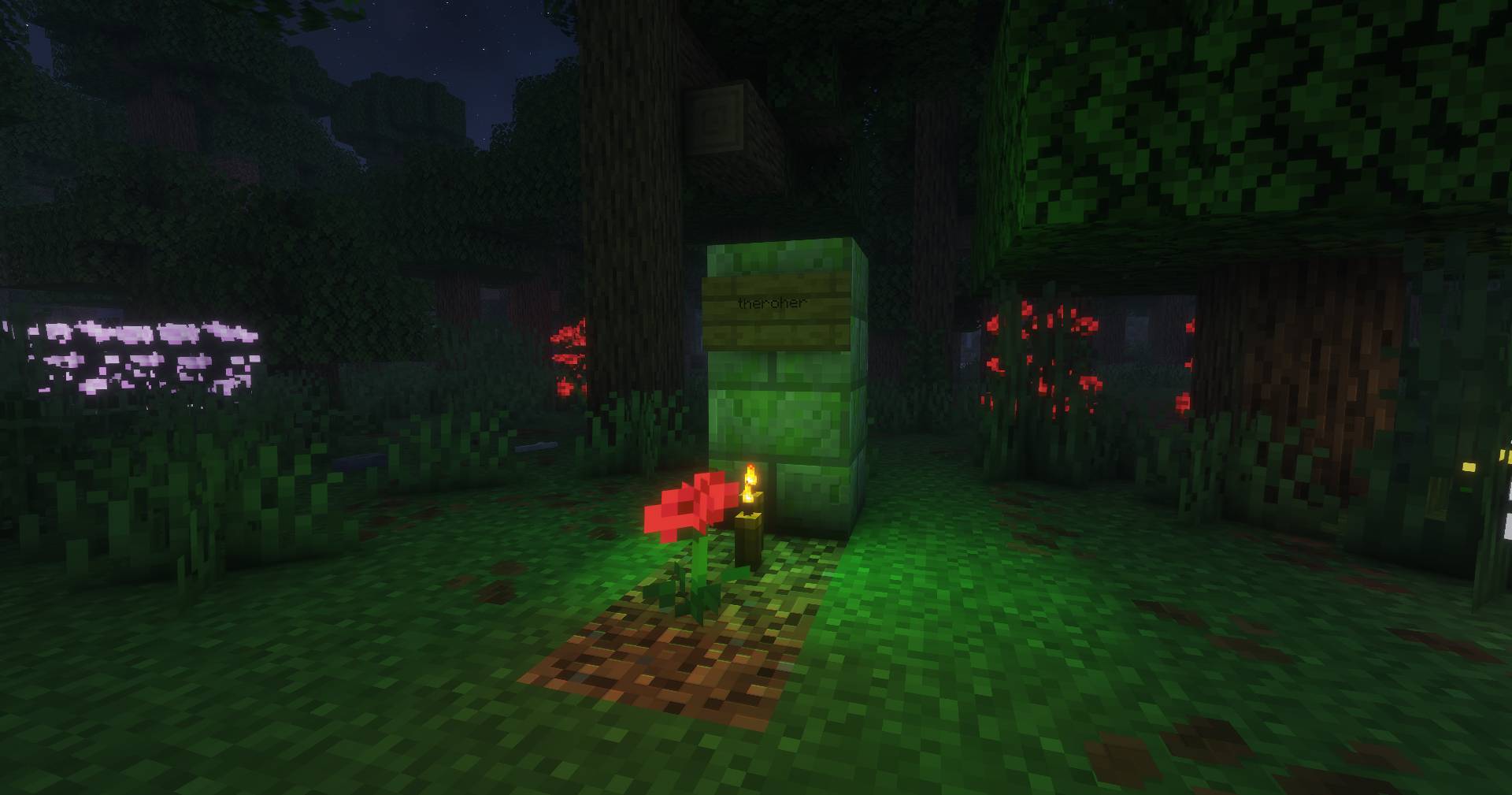
Place a suitable block inside the cemetery and attach a sign with the deceased player’s exact Minecraft username. Use stone, logs, planks, bricks, mud bricks, or copper blocks to give each grave its own look.
Each registered gravestone counts toward one death. When a friend builds your grave, both of you receive a confirmation. If you’re offline, you’ll see it the next time you join.
⏳ Beat the deadline
By default, you have 60 real-time minutes to build your gravestone. The deadline appears in chat, with reminders along the way and a final reminder one minute before time runs out. The timer keeps running while you’re offline.
If you miss the deadline, you’ll be kicked. You can rejoin and get 15 minutes to finish the grave. The reminders stop once your gravestone is registered.
🛡️ Protect and rebuild graves
Registered gravestones are protected while their signs display the correct player name. If that name is removed from the sign, the grave can be dismantled and its owner receives a new deadline to rebuild it. When several graves need rebuilding, chat shows progress such as 2/3 gravestones placed.
⚙️ Configure it for your world
-
Adjust the cemetery radius, deadlines, reminder intervals, and messages in
config/gravestone.properties. -
Use
/gravestone setdeaths <player> <count>as an admin to update an online player’s death count and recalculate how many graves they still owe. -
Play in single-player or on a dedicated server. Open grave obligations are saved across restarts.
Grave Deadline Team