GrassCleaner
Clean up grass, flowers, and vines in Minecraft with a feather. Right-click to select a region, preview target blocks with green wireframe outlines, then Shift + right-click to remove them all at once.
Screenshots
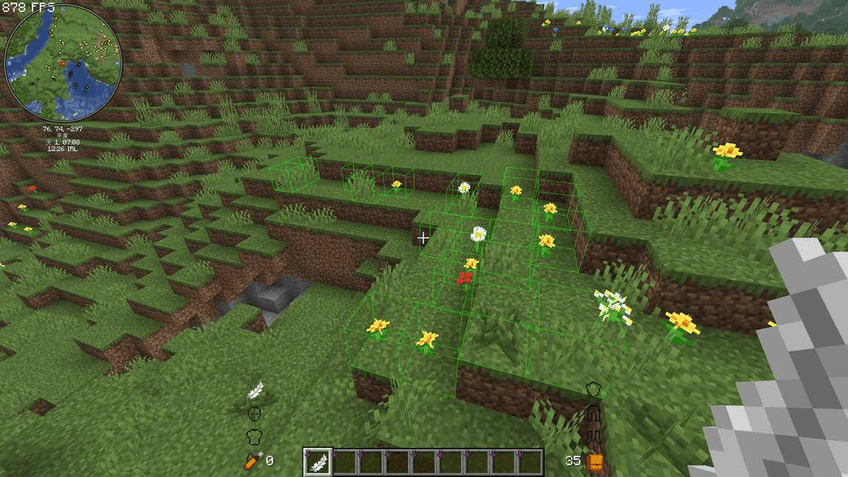
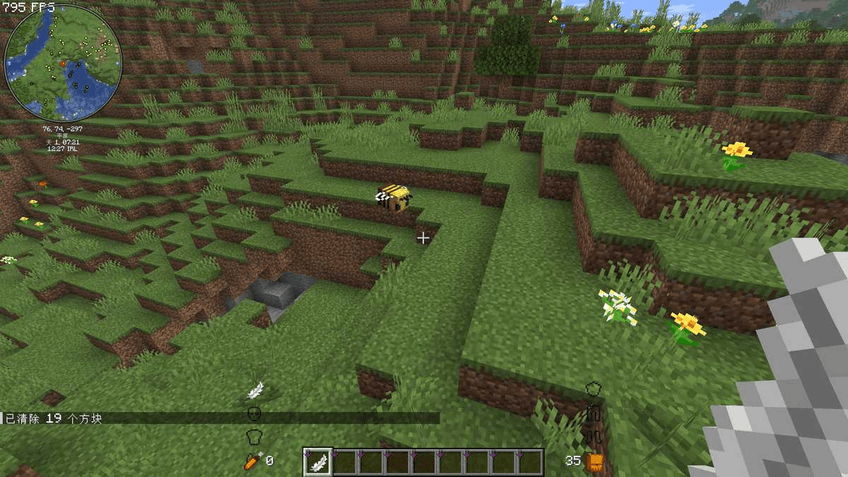
Requirements
- Minecraft 26.1.2
- Fabric Loader >= 0.19.2
- Fabric API 0.154.0+
Installation
- Download the latest
grasscleaner-*.jar - Place it in
.minecraft/mods/ - Launch the game
Usage
| Operation | Effect |
|---|---|
Right-click a block while holding a Feather |
Select the 1st corner (green outline on it) |
| Right-click a second block | Select the 2nd corner, all target blocks in the region are highlighted |
| 3rd right-click | Replace the 1st corner |
| 4th right-click | Replace the 2nd corner |
| Shift + Right-click | Clear all target blocks in the selected region |
| Shift + Left-click | Cancel current selection |
Default region limit is 128 x 32 x 128. Exceeding it will show a warning and reset the selection. The green wireframe is clamped to the limit to prevent rendering lag.
Configuration
On first launch, a config file is automatically generated at config/grasscleaner.json:
{
"max_x": 128,
"max_y": 32,
"max_z": 128,
"target_blocks": [
"minecraft:short_grass",
"minecraft:dandelion",
"minecraft:vine",
"…"
]
}
max_x / max_y / max_z— maximum region dimensions (in blocks)target_blocks— list of block IDs to target (format:minecraft:<name>, all lowercase)- Restart the game after editing.
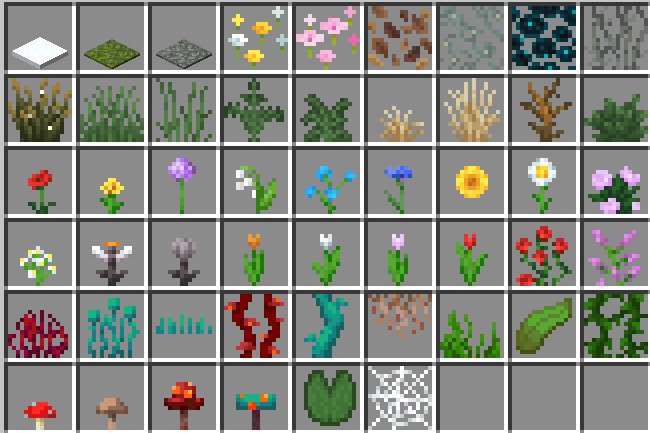
Default Target Blocks (55 total)
The GrassCleaner Team