


GorilloBuild
- By
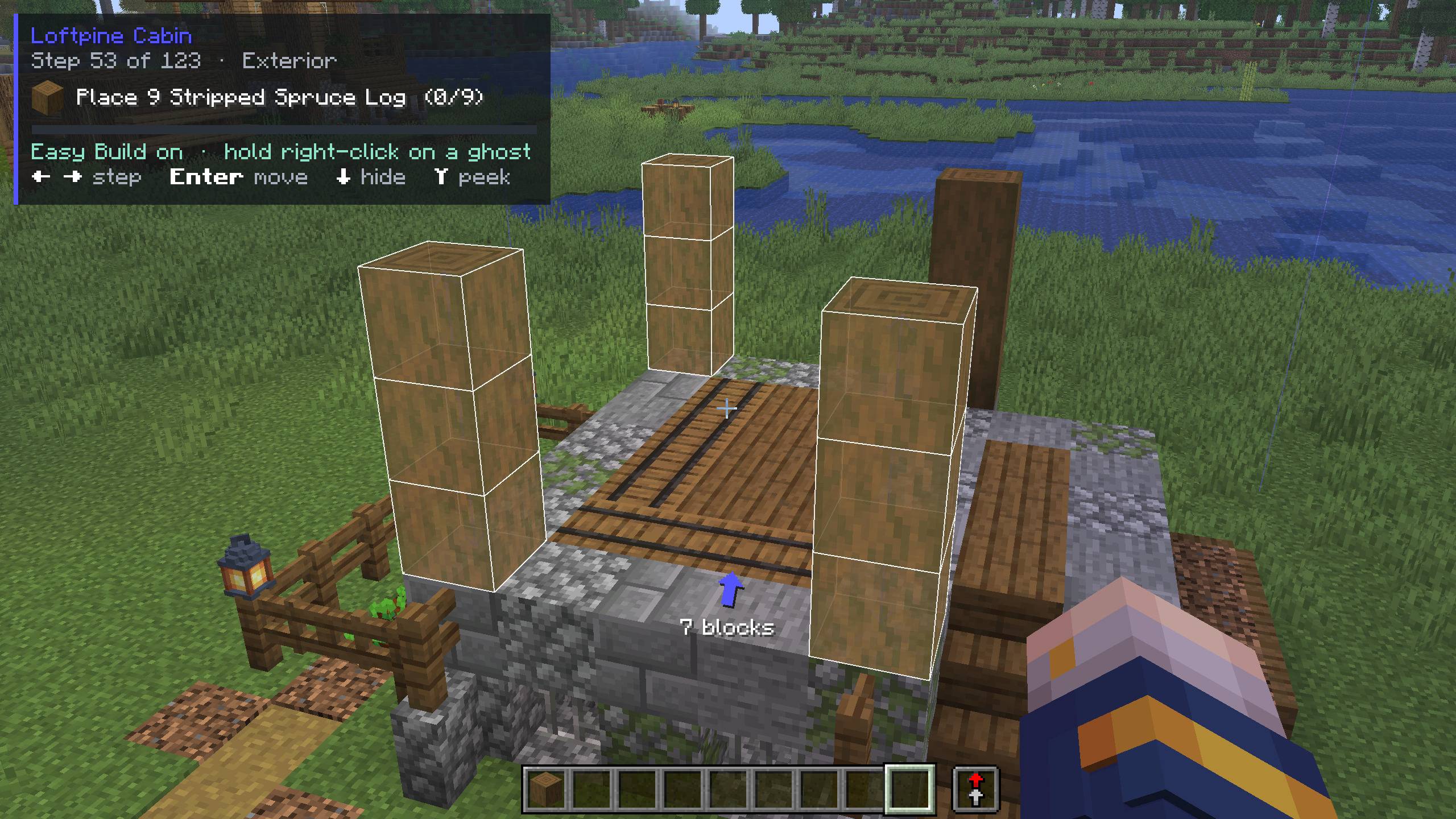
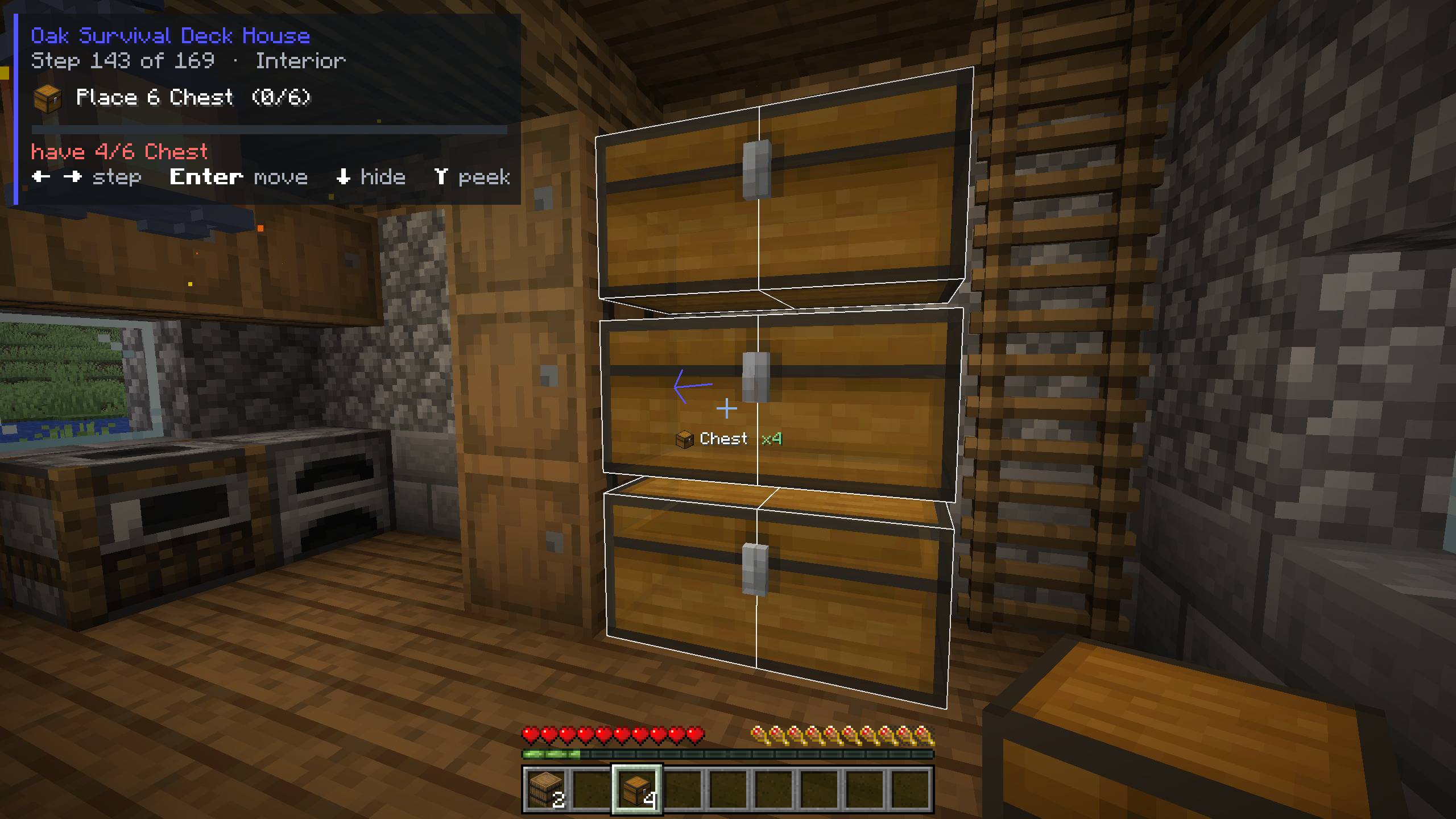
Step-by-step GorilloBuild guides in your own world. The next step shows as ghost blocks and moves on when you place them.
2.jpg
3.jpg
4.jpg
5.jpg
Description
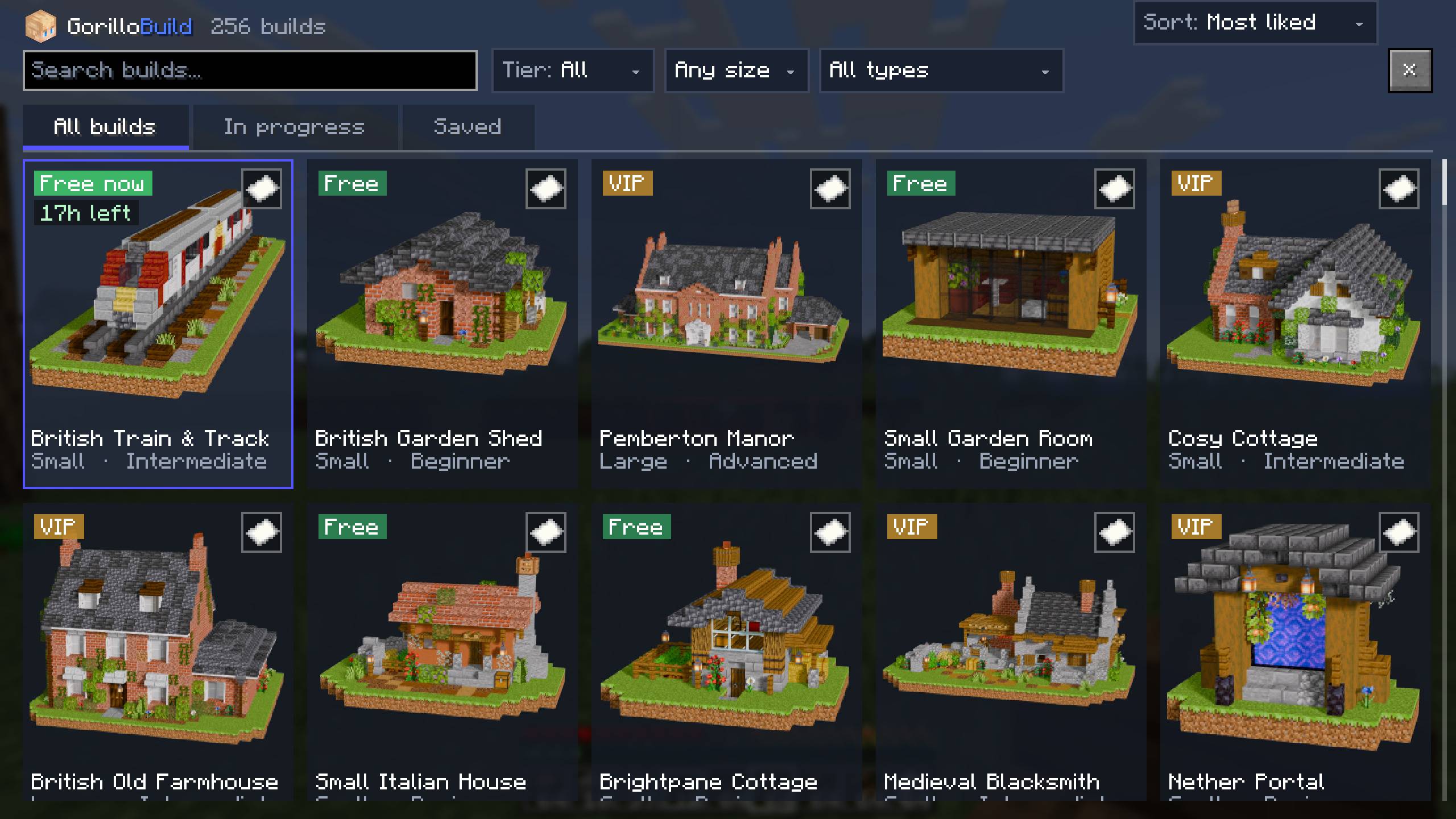
Step-by-step building guides in your own Minecraft world. Pick one of 250+ houses, castles and village builds, place it where you want it, and follow the ghost blocks. They show exactly which block goes where and which way it faces, and the guide moves on by itself as you build.

How it works
- Pick a build. Press G to browse every build, with pictures, sizes and material lists.
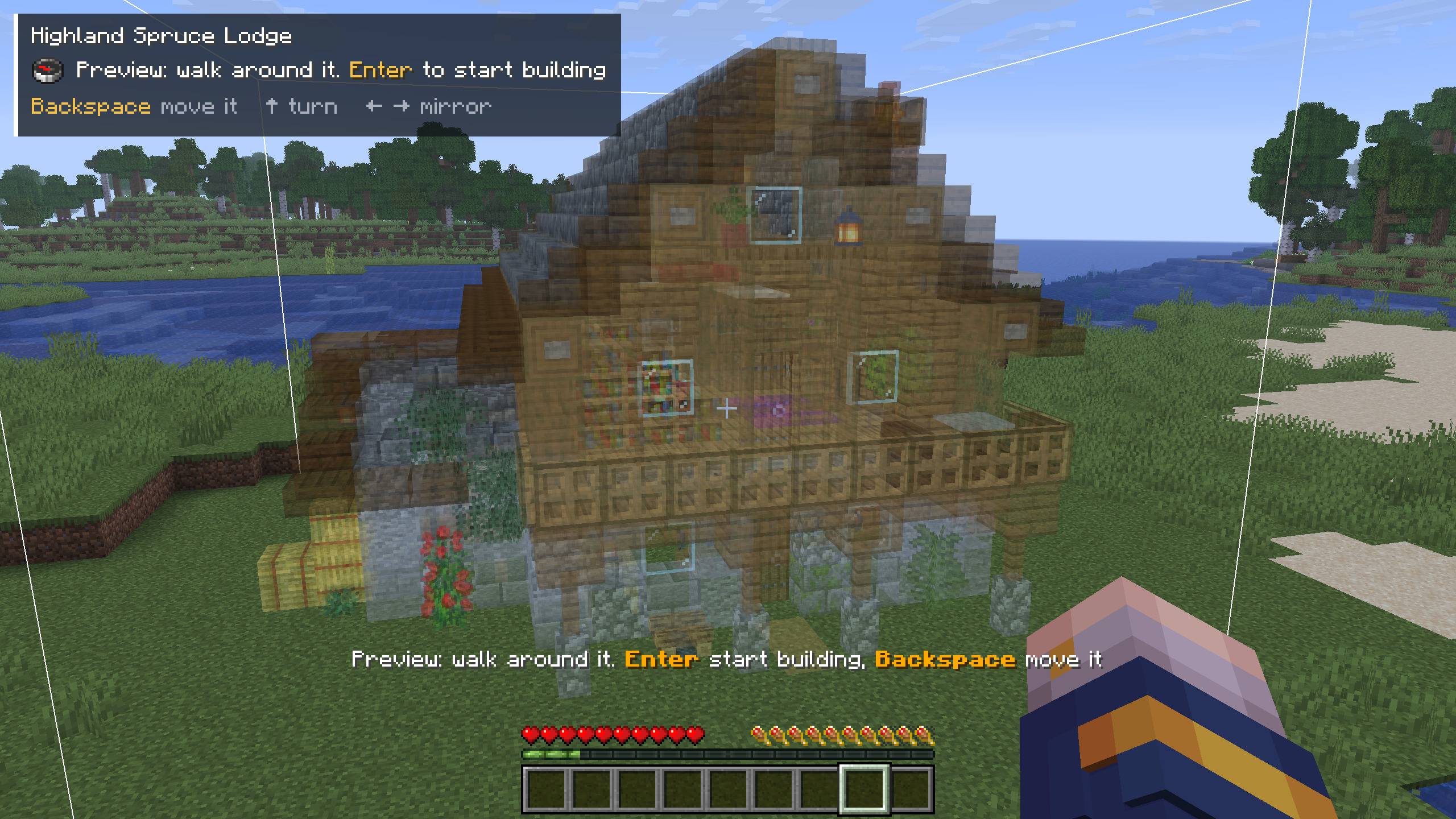
- Place it. A full-size preview follows your crosshair. Turn it, mirror it and walk around it before you start.
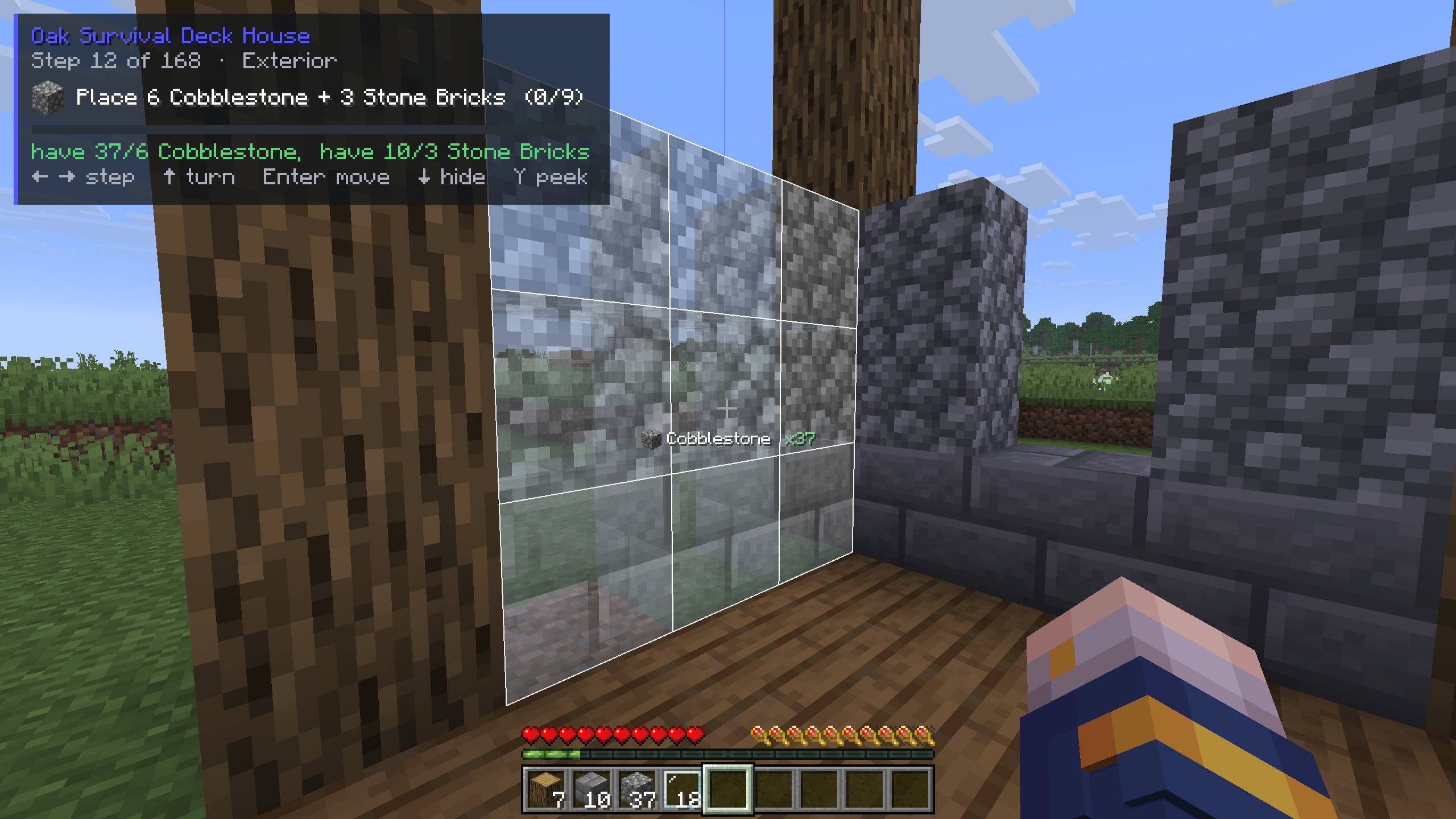
- Follow the steps. Each step shows its blocks as see-through ghosts, with what you need and what you have. Build them and the next step appears.
ㅤ

Made for survival
- Step by step: small, ordered steps, the outside first and then the inside, room by room.
- Easy Build: hold right-click on a ghost and the right block goes in from your inventory, the right way round.
- Material list: what the build needs and what you're carrying, in stacks, plus the raw materials to gather. Tick things off as you go.
- Mistakes flagged: a wrong block turns red straight away, so you never find it ten layers later.
- Build with friends: in multiplayer, start a co-op and everyone follows the same step. The host picks steps or layers for everyone.
- Steps or layers: follow it step by step, or a layer at a time.
- Come back later: put a build away and carry on from the same spot and step, with several builds on the go in one world.
- Special builds: treehouses go round a real tree, hillside builds dig into a real hill, and water builds float on water.
- Photo mode: take a clean shot of your build and share it to the GorilloBuild Community page.
- Paste it (VIP): in creative, paste a whole build in one go, with undo.

Before you download
- Runs on Fabric with Fabric API.
- The demo build works straight away, no account needed.
- Every other build needs a GorilloBuild account, linked once in the mod's settings (F9, Account tab):
- a free account gets every free build, plus a VIP build that's free for everyone every few days;
- VIP builds need a VIP or Ultimate membership.
- The mod connects to the GorilloBuild website to load builds and their steps, link your account, keep co-op players on the same step, save your progress and finished builds, check for updates, and upload a photo only when you choose to share one. The privacy policy is linked at the bottom of this page.
Keys
You can change them in Options, Controls.
| Key | Description |
|---|---|
| G | Build browser |
| Enter | Place the build. In the preview: start building. While building: press twice to move it |
| ← → | Previous / next step (mirror while placing) |
| ↑ | Turn it (while placing or previewing) |
| ↓ | Hide the guide |
| Y | Peek at the next step |
| I | Material list |
| N | Easy Build on / off |
| Backspace | In the preview: move it. While building: press twice to put it away for later |
| F8 | Photo mode |
| F9 | Settings |
Help and community
- Website: https://www.gorillobuild.com/mod
- Support: https://www.gorillobuild.com/support
- Discord: https://discord.gg/wcJdTgCKCf
- Privacy policy: https://www.gorillobuild.com/privacy
GorilloBuild Team
