


GifScreen
- By
Add custom PNG, JPG and GIF screens to your Minecraft world with adjustable size, offsets, rotation and multiplayer sync.
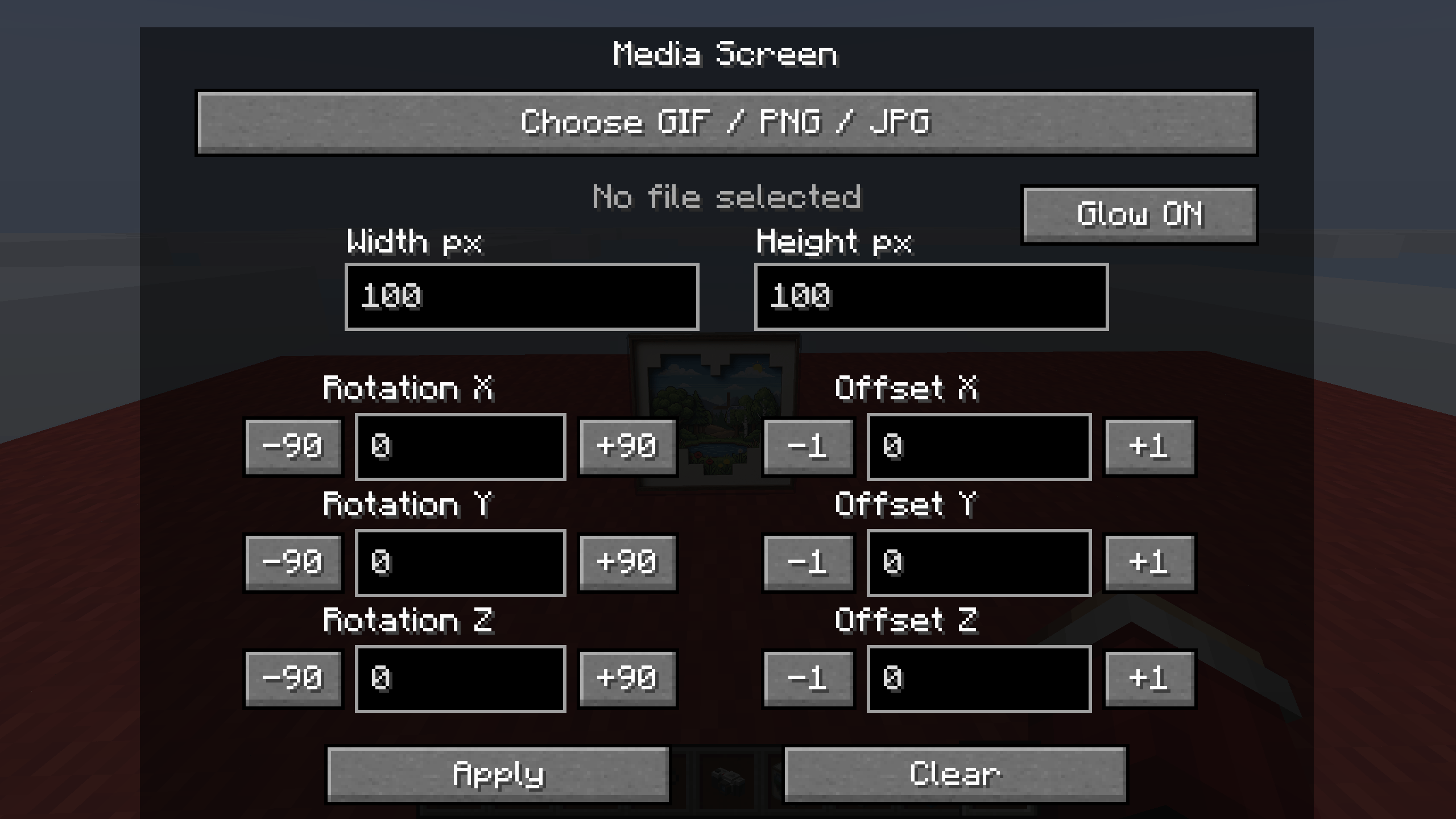
2026-04-22_18.28.36.png
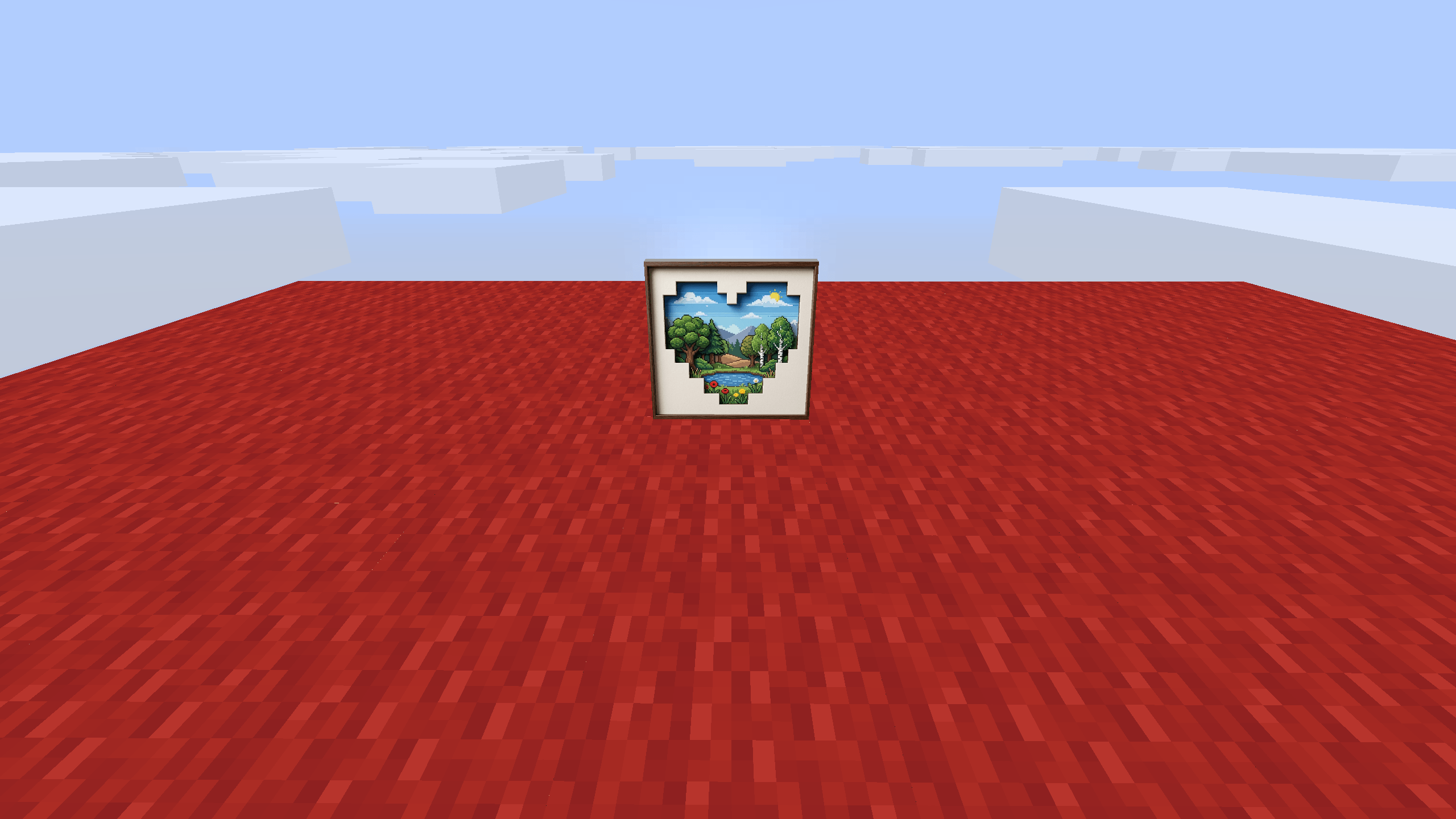
2026-04-22_18.28.33.png
Description
GifScreen adds custom media screens to Minecraft.
This mod lets you place PNG, JPG and GIF images directly in the world. You can change screen size, move it with offsets, rotate it on different axes and use a glow option for bright rendering.
Features:
- Place PNG, JPG and GIF screens
- Adjustable width and height
- X, Y and Z offset controls
- X, Y and Z rotation controls
- Glow option
- Multiplayer sync support
- Chunked upload for larger files
How to use:
1. Place the Media Screen block
2. Open the configuration screen
3. Choose a PNG, JPG or GIF file
4. Adjust size, offsets and rotation
5. Press Apply
Tested on Minecraft Forge 1.20.1.
The GifScreen Team
